
Screen Recorder - iRec PC
Banix Studio
گیم لوپ ایمولیٹر کے ساتھ PC پر Screen Recorder - iRec ڈاؤن لوڈ کریں۔
پی سی پر Screen Recorder - iRec
Screen Recorder - iRec، جو ڈویلپر Banix Studio سے آرہا ہے، ماضی میں اینڈرائیڈ سسٹم پر چل رہا ہے۔
اب، آپ پی سی پر Screen Recorder - iRec آسانی سے GameLoop کے ساتھ چلا سکتے ہیں۔
اسے GameLoop لائبریری یا تلاش کے نتائج میں ڈاؤن لوڈ کریں۔ مزید غلط وقت پر بیٹری یا مایوس کن کالوں پر نظر نہیں ڈالی جائے گی۔
بس بڑی سکرین پر Screen Recorder - iRec PC کا مفت میں لطف اٹھائیں!
Screen Recorder - iRec تعارف
📹 iRec Screen Recorder HD makes it faster and easier than ever to record your screen, record your apps, and record video game play. You can even turn on the camera and microphone and cast right from your phone.
👉 Join the many happy people who have already downloaded Screen Recorder HD. It really is the easiest way to screen record.
👉 Powerful screen recording:
- You can easily hide the recording window for the frameless video while recording or capturing the screen and change the aspect ratio to widescreen, vertical, or square.
- Custom floating window: replace the default floating button with any feature you like.
- Simple interface, easy to record games while playing, record video calls or live shows, capture screenshots, rec screen, and edit images.
- Auto orientation: provide both portrait and landscape recording. Also provide 1080p Resolution, 12.0Mbps Quality, 60 FPS, and HD mode.
iRec Screen Recorder is a stable recorder that provides HD video with clear sound. It’s also an all-in-one video editor and photo editor that enable you to trim video, and edit images.
🎙 Record internal audio:
- Record internal audio, this screen recorder supports recording internal sound.
- It's a stable screen video recorder for you to record video, record the tutorials, and capture the screen.
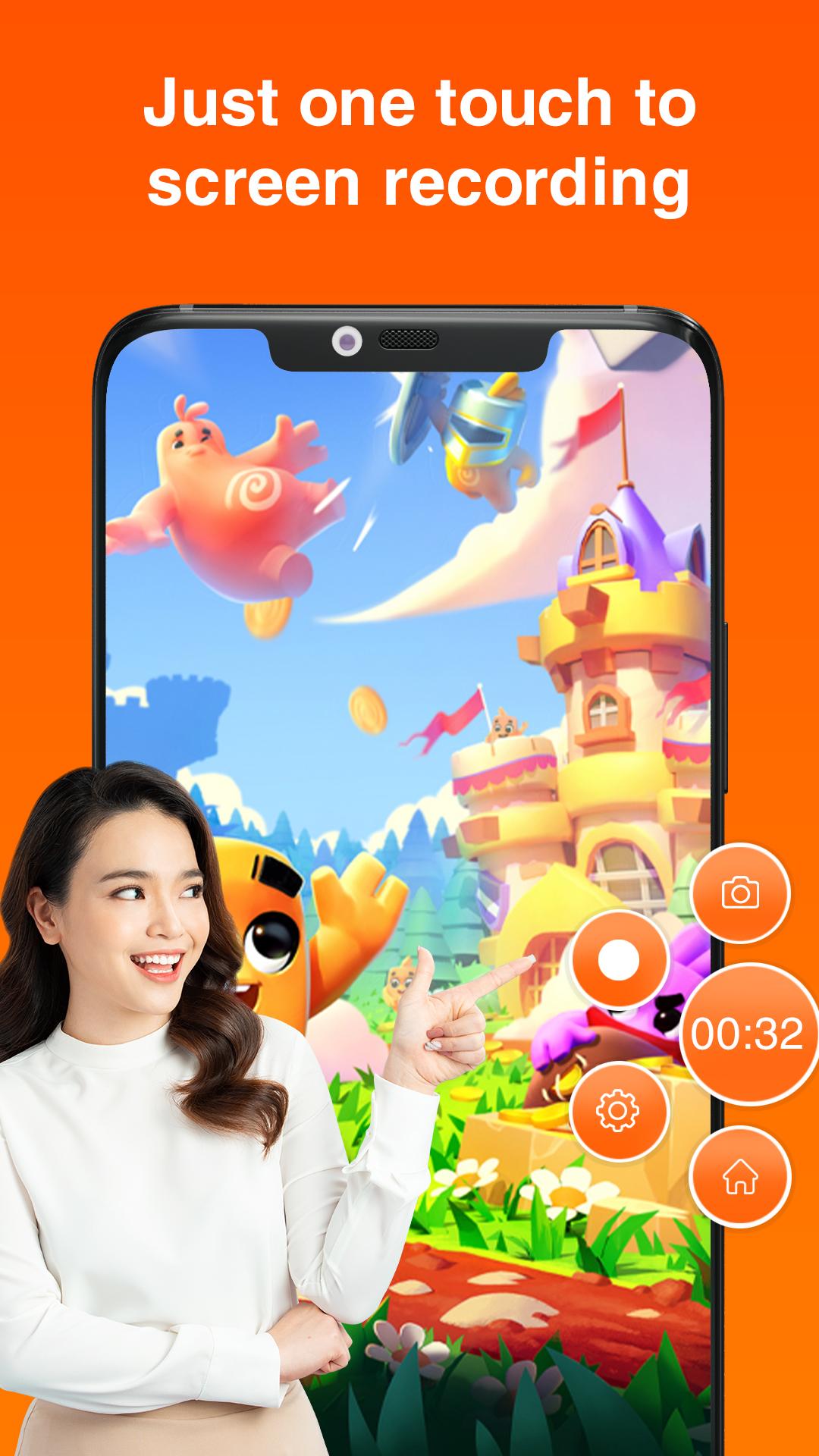
- It only takes one touch to start recording on your phone with sound, and one single tap to pause/resume at any time.
👉 Export HD videos
- This video capture provides high-quality and customized settings and supports HD video, both portrait, and landscape video orientation.
- With this screen recorder, you can change the video settings at will to meet your needs and record clear video.
- Powerful video editor: compress video without losing quality.
📼 Professional Video Editing:
- GIF Recorder: Tap to record gifs, and convert video to gifs. Easy-to-use gif editor, create and edit animated gifs.
- Cute stickers: with funny stickers and GIFs, you can make a popular video with simple steps.
- Fully licensed music: You can download music online or add local songs from your device. You can also use voice-over, record your own voice, and use sound effects such as cartoon characters/robots to make your video popular.
پیش نظارہ

ٹیگز
Video-Playersمعلومات
ڈویلپر
Banix Studio
تازہ ترین ورژن
1.7
آخری تازہ کاری
2023-10-11
قسم
Video-players-editors
پر دستیاب ہے۔
Google Play
مزید دکھائیں
پی سی پر گیم لوپ کے ساتھ Screen Recorder - iRec کیسے کھیلا جائے۔
1. آفیشل ویب سائٹ سے گیم لوپ ڈاؤن لوڈ کریں، پھر گیم لوپ انسٹال کرنے کے لیے exe فائل چلائیں۔
2. گیم لوپ کھولیں اور "Screen Recorder - iRec" تلاش کریں، تلاش کے نتائج میں Screen Recorder - iRec تلاش کریں اور "انسٹال کریں" پر کلک کریں۔
3. گیم لوپ پر Screen Recorder - iRec کھیلنے کا لطف اٹھائیں۔
Minimum requirements
OS
Windows 8.1 64-bit or Windows 10 64-bit
GPU
GTX 1050
CPU
i3-8300
Memory
8GB RAM
Storage
1GB available space
Recommended requirements
OS
Windows 8.1 64-bit or Windows 10 64-bit
GPU
GTX 1050
CPU
i3-9320
Memory
16GB RAM
Storage
1GB available space