Screen Mirroring for Miracast PC
360 technocity
گیم لوپ ایمولیٹر کے ساتھ PC پر Screen Mirroring for Miracast ڈاؤن لوڈ کریں۔
پی سی پر Screen Mirroring for Miracast
Screen Mirroring for Miracast، جو ڈویلپر 360 technocity سے آرہا ہے، ماضی میں اینڈرائیڈ سسٹم پر چل رہا ہے۔
اب، آپ پی سی پر Screen Mirroring for Miracast آسانی سے GameLoop کے ساتھ چلا سکتے ہیں۔
اسے GameLoop لائبریری یا تلاش کے نتائج میں ڈاؤن لوڈ کریں۔ مزید غلط وقت پر بیٹری یا مایوس کن کالوں پر نظر نہیں ڈالی جائے گی۔
بس بڑی سکرین پر Screen Mirroring for Miracast PC کا مفت میں لطف اٹھائیں!
Screen Mirroring for Miracast تعارف
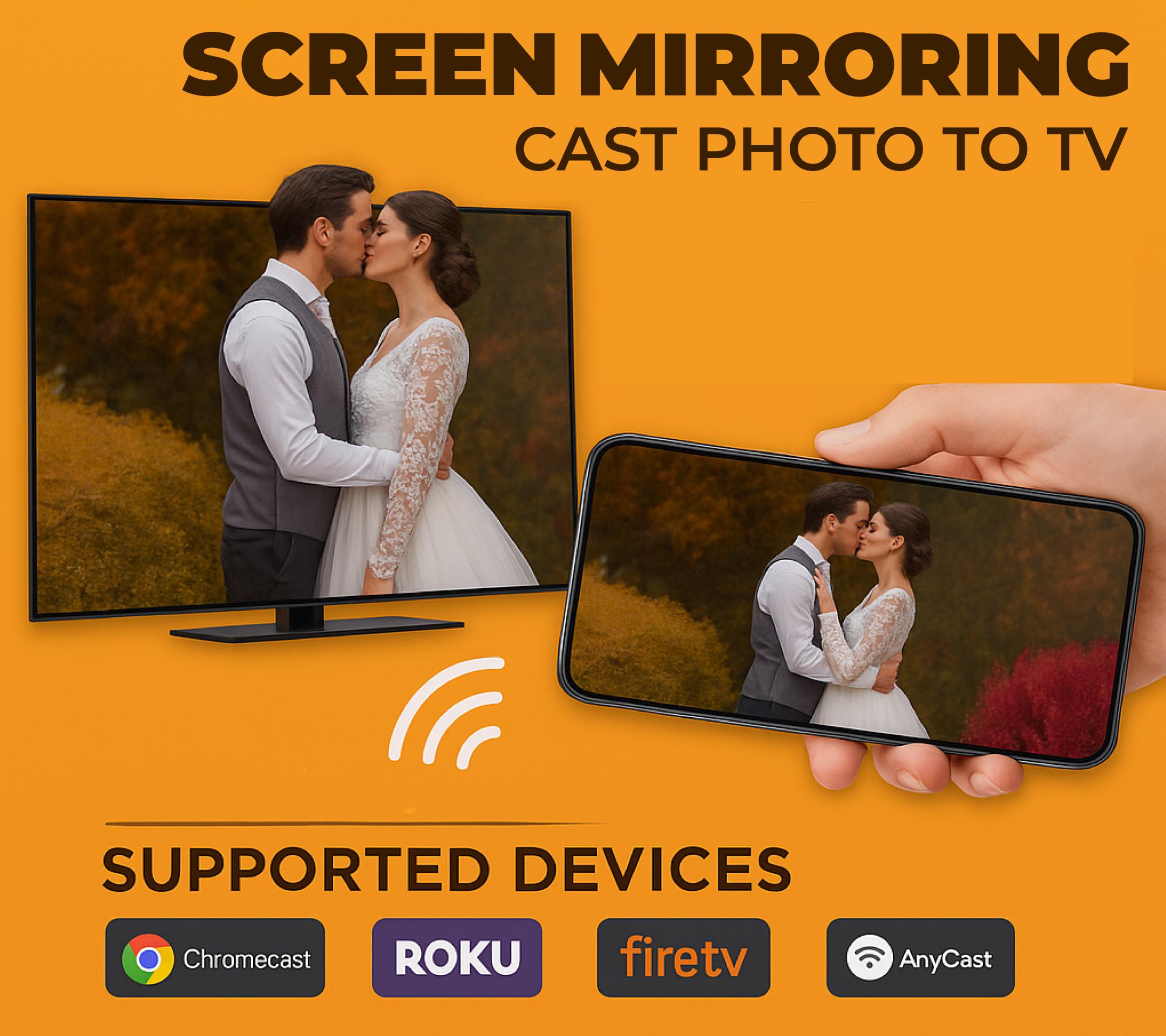
𝐒𝐜𝐫𝐞𝐞𝐧 𝐌𝐢𝐫𝐫𝐨𝐫𝐢𝐧𝐠 𝐟𝐨𝐫 𝐌𝐢𝐫𝐚𝐜𝐚𝐬𝐭 is a quick & reliable Cast to TV app that helps you cast your phone screen & enjoy real-time mirroring on your Smart TV devices that support Miracast like Samsung Smart View, anycast, Chromecast, Roku etc.
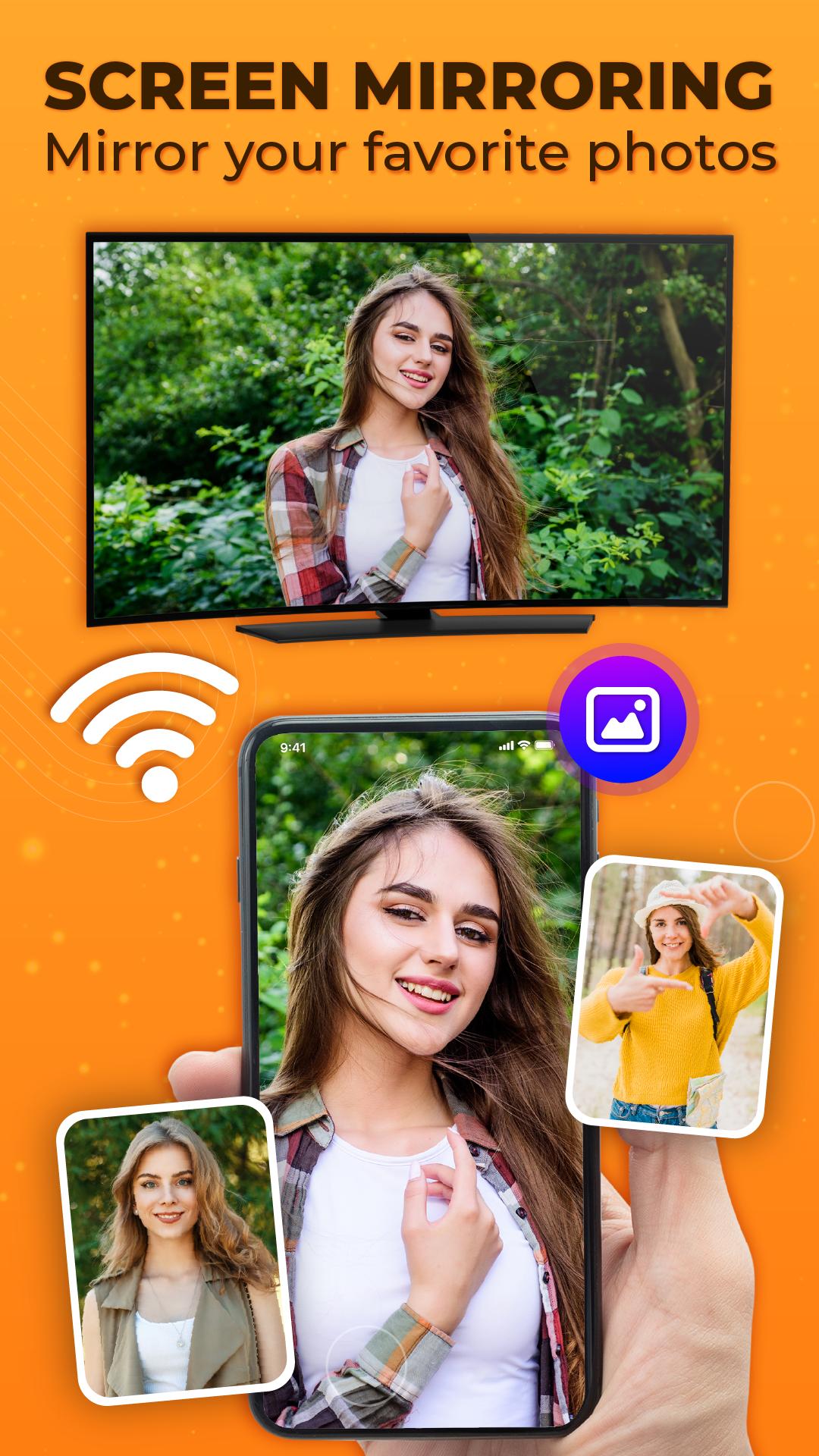
𝐒𝐜𝐫𝐞𝐞𝐧 𝐌𝐢𝐫𝐫𝐨𝐫𝐢𝐧𝐠 𝐟𝐨𝐫 𝐌𝐢𝐫𝐚𝐜𝐚𝐬𝐭 gives you an amazing screen share & mirroring experience from your small phone screen to big Smart TV. This screen share - mirroring app helps you to cast to TV, your media content such as photos, videos and audio files on Miracast-enabled TVs such as Samsung Smart View and other supported brands. This is the free cast to TV and screen mirroring app to enjoy your favorite games on your Smart TV. This mirroring app allows mirror of your favorite web series, movies, and TV shows from your phone screen to a bigger Smart TV screen.
📱 How to use Cast to TV & screen mirroring app:
● Make sure your phone and TV are connected to the same Wi-Fi network.
● The "Miracast Display" feature must be enabled on your Samsung Smart View or other Miracast-enabled TV.
● Enable "Wireless Display" from phone settings.
● Select your Smart View TV device from the available devices.
● Connect and enjoy your media content with the Cast to TV & Screen Mirroring app.
𝐃𝐢𝐬𝐜𝐥𝐚𝐢𝐦𝐞𝐫:
This app works only with Miracast-enabled devices. Compatibility may vary depending on your phone and TV model. Some devices may not support screen mirroring due to hardware or manufacturer limitations.
This app is an independent third-party tool. It is not affiliated with, endorsed, or sponsored by Samsung, Google (Chromecast), Roku, LG, or any other brand mentioned. All trademarks and brand names belong to their respective owners.
پیش نظارہ
ٹیگز
Video-Playersمعلومات
ڈویلپر
360 technocity
تازہ ترین ورژن
1.2.8
آخری تازہ کاری
2025-10-23
قسم
Video-players-editors
پر دستیاب ہے۔
Google Play
مزید دکھائیں
پی سی پر گیم لوپ کے ساتھ Screen Mirroring for Miracast کیسے کھیلا جائے۔
1. آفیشل ویب سائٹ سے گیم لوپ ڈاؤن لوڈ کریں، پھر گیم لوپ انسٹال کرنے کے لیے exe فائل چلائیں۔
2. گیم لوپ کھولیں اور "Screen Mirroring for Miracast" تلاش کریں، تلاش کے نتائج میں Screen Mirroring for Miracast تلاش کریں اور "انسٹال کریں" پر کلک کریں۔
3. گیم لوپ پر Screen Mirroring for Miracast کھیلنے کا لطف اٹھائیں۔
Minimum requirements
OS
Windows 8.1 64-bit or Windows 10 64-bit
GPU
GTX 1050
CPU
i3-8300
Memory
8GB RAM
Storage
1GB available space
Recommended requirements
OS
Windows 8.1 64-bit or Windows 10 64-bit
GPU
GTX 1050
CPU
i3-9320
Memory
16GB RAM
Storage
1GB available space