
OTGViewer PC
Android in Spain
گیم لوپ ایمولیٹر کے ساتھ PC پر OTGViewer ڈاؤن لوڈ کریں۔
پی سی پر OTGViewer
OTGViewer، جو ڈویلپر Android in Spain سے آرہا ہے، ماضی میں اینڈرائیڈ سسٹم پر چل رہا ہے۔
اب، آپ پی سی پر OTGViewer آسانی سے GameLoop کے ساتھ چلا سکتے ہیں۔
اسے GameLoop لائبریری یا تلاش کے نتائج میں ڈاؤن لوڈ کریں۔ مزید غلط وقت پر بیٹری یا مایوس کن کالوں پر نظر نہیں ڈالی جائے گی۔
بس بڑی سکرین پر OTGViewer PC کا مفت میں لطف اٹھائیں!
OTGViewer تعارف
With OTGViewer you can:
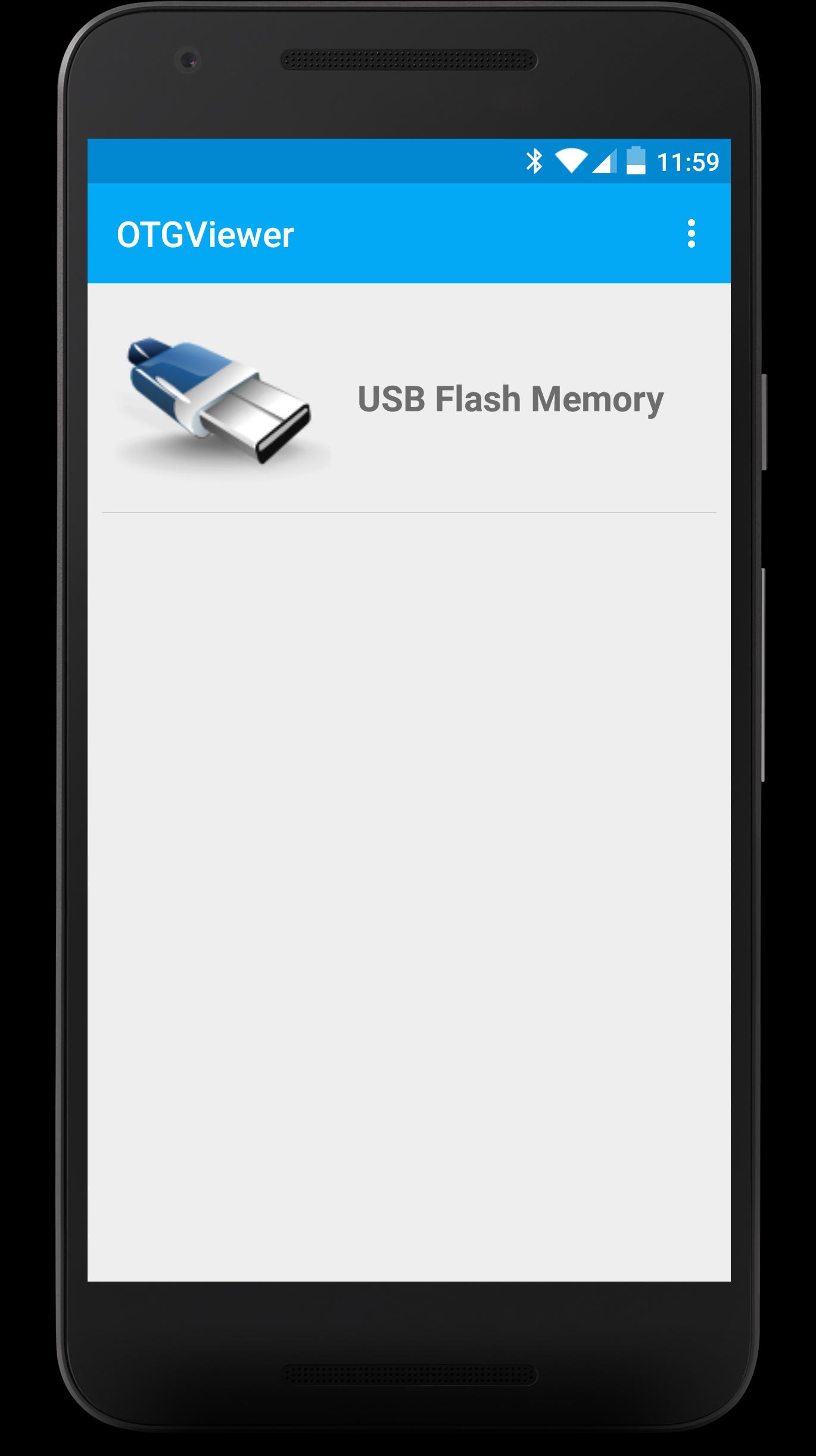
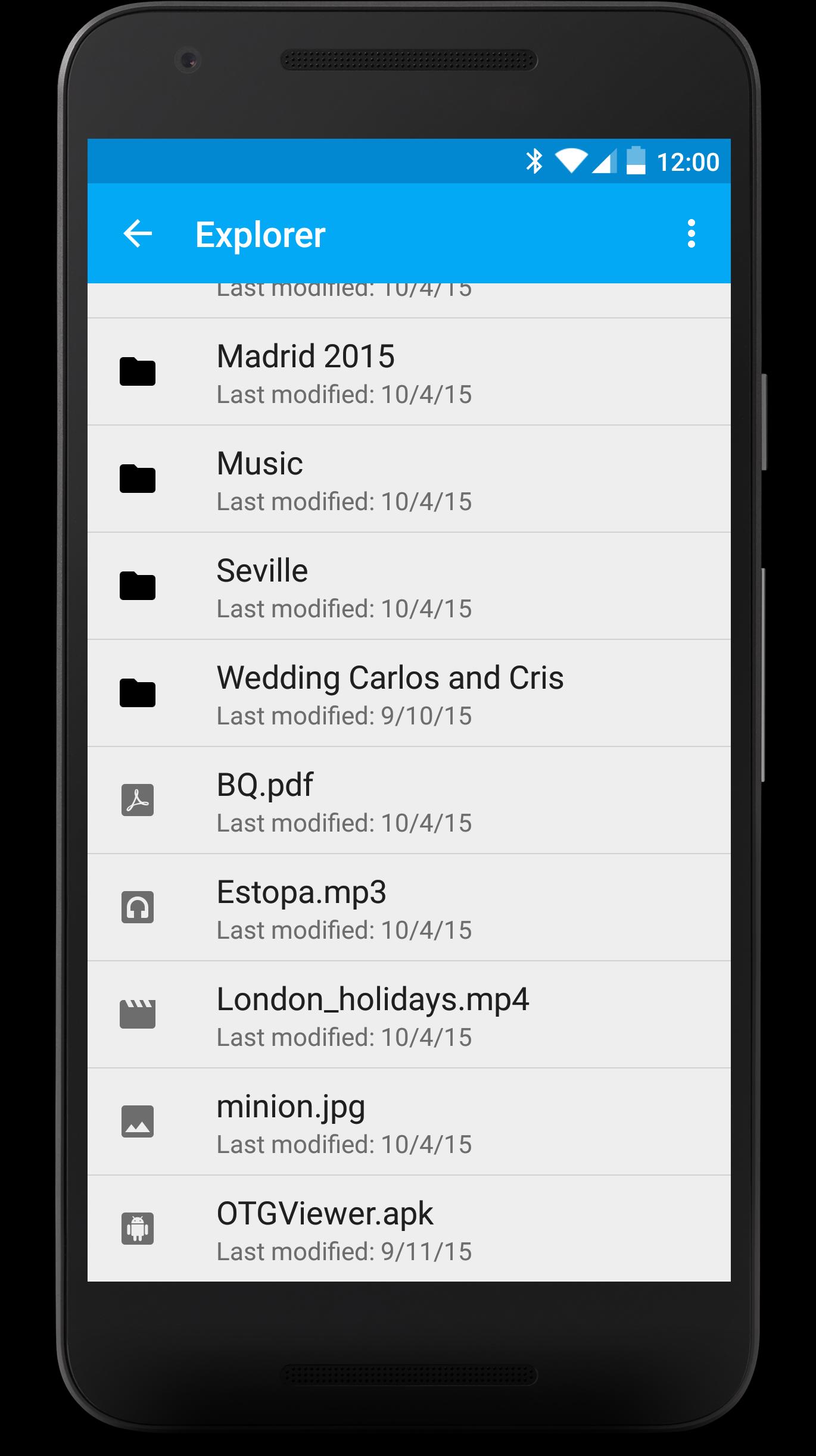
- Browse all the contents from your USB (FAT32). You won't have to worry about anything, each file will be opened with the best app for it.
- Enjoy watching your photos with the embedded photo viewer included in OTGViewer. Thanks to the used algorithms, you won't have to wait for the next photo.
- Slides mode: enjoy the best experience watching photos with your family or friends. You won't have to pass them manually; they will do automatically and the transition speed can be easily regulated with swipe gestures (up or down, respectively).
- Android TV support + remote controllers (Nexus Player, for example). Make the most from your Android TV!
Please, note: we use our own libraries. Therefore, your device doesn't need root nor modified kernels. Only USB OTG support is required.
We really hope you like OTGViewer. We look forward your comments/suggestions in order to improve it. Thank you!
پیش نظارہ
ٹیگز
Video-Playersمعلومات
ڈویلپر
Android in Spain
تازہ ترین ورژن
1.1
آخری تازہ کاری
2018-01-04
قسم
Video-players-editors
پر دستیاب ہے۔
Google Play
مزید دکھائیں
پی سی پر گیم لوپ کے ساتھ OTGViewer کیسے کھیلا جائے۔
1. آفیشل ویب سائٹ سے گیم لوپ ڈاؤن لوڈ کریں، پھر گیم لوپ انسٹال کرنے کے لیے exe فائل چلائیں۔
2. گیم لوپ کھولیں اور "OTGViewer" تلاش کریں، تلاش کے نتائج میں OTGViewer تلاش کریں اور "انسٹال کریں" پر کلک کریں۔
3. گیم لوپ پر OTGViewer کھیلنے کا لطف اٹھائیں۔
Minimum requirements
OS
Windows 8.1 64-bit or Windows 10 64-bit
GPU
GTX 1050
CPU
i3-8300
Memory
8GB RAM
Storage
1GB available space
Recommended requirements
OS
Windows 8.1 64-bit or Windows 10 64-bit
GPU
GTX 1050
CPU
i3-9320
Memory
16GB RAM
Storage
1GB available space