
Kameram PC
Eagle Eye Networks B.V.
گیم لوپ ایمولیٹر کے ساتھ PC پر Kameram ڈاؤن لوڈ کریں۔
پی سی پر Kameram
Kameram، جو ڈویلپر Eagle Eye Networks B.V. سے آرہا ہے، ماضی میں اینڈرائیڈ سسٹم پر چل رہا ہے۔
اب، آپ پی سی پر Kameram آسانی سے GameLoop کے ساتھ چلا سکتے ہیں۔
اسے GameLoop لائبریری یا تلاش کے نتائج میں ڈاؤن لوڈ کریں۔ مزید غلط وقت پر بیٹری یا مایوس کن کالوں پر نظر نہیں ڈالی جائے گی۔
بس بڑی سکرین پر Kameram PC کا مفت میں لطف اٹھائیں!
Kameram تعارف
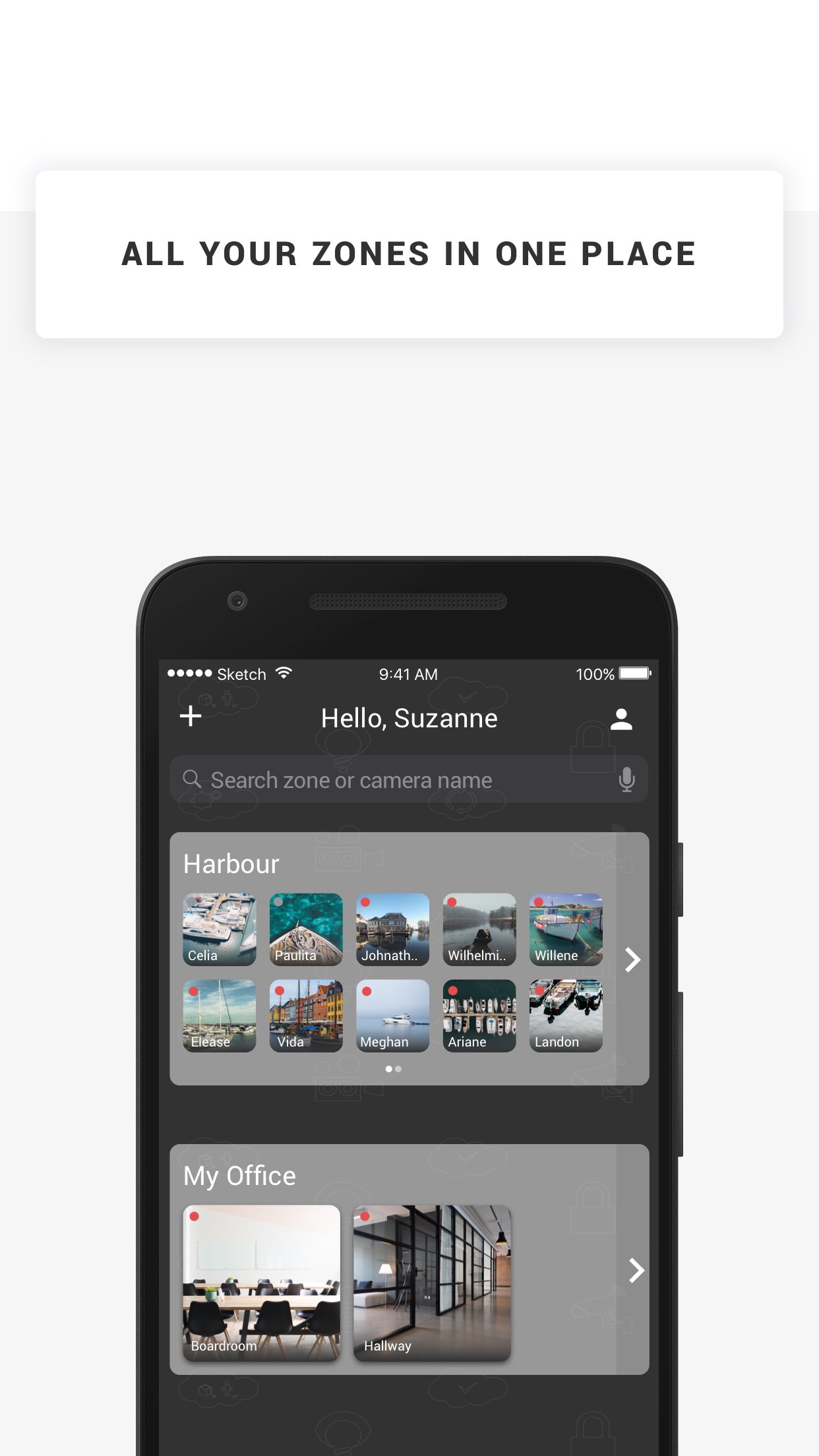
Kameram is the nr. 1 mobile IP camera application for Axis and Panasonic IP cameras. You can easily watch your house, office, shop or whatever you want to see! You just need an Axis, Hikvision or Panasonic IP camera and... Kameram.
Kameram contains a list of public cams so even when you don't have your own IP camera you can watch some of the cams we made public for you!
How does it work?
1. Login with your existing Kameram account. No account yet? Register for you trial.
2. After you've registered you can login with your Kameram username and password.
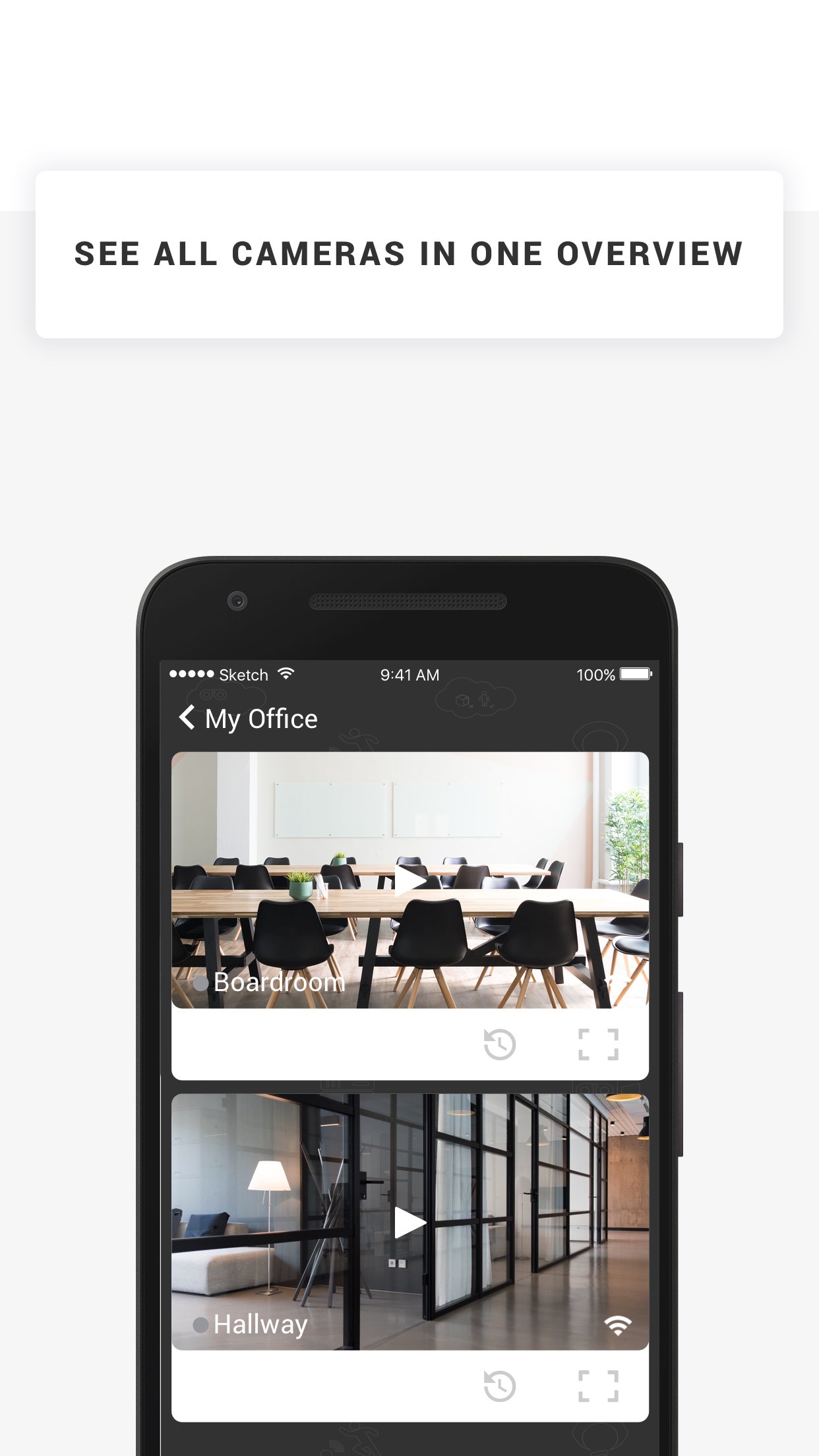
3. Click on the camera in the camera list to start live viewing. In the live viewing screen you can change PTZ of your camera, take a snapshot, go to fullscreen mode or start a recording.
4. For public demo cameras click the 'Take a tour' button
5. If your account supports online recording, click the 'Footage' button to playback your recordings
Supported features
* Live viewing
* Playback recordings MJPEG, MPEG-4, H.264 (old version MJPEG only)
* Pan-tilt-zoom
* I/O triggering
* Snapshots
* Recording trigger button
* Demo camera list
* Add, edit and delete cameras
* Fullscreen option
* IP camera status
* Support for Axis, Hikvision and Panasonic
* Delete Recordings
(supported features might differ per camera brand / model and for some features a subscription is needed, like online recording)
IMPORTANT NOTES
- Kameram mobile app supports MJPEG, MPEG-4 and H.264 streams.
پیش نظارہ
ٹیگز
Video-Playersمعلومات
ڈویلپر
Eagle Eye Networks B.V.
تازہ ترین ورژن
26.1.0
آخری تازہ کاری
2026-03-18
قسم
Video-players-editors
پر دستیاب ہے۔
Google Play
مزید دکھائیں
پی سی پر گیم لوپ کے ساتھ Kameram کیسے کھیلا جائے۔
1. آفیشل ویب سائٹ سے گیم لوپ ڈاؤن لوڈ کریں، پھر گیم لوپ انسٹال کرنے کے لیے exe فائل چلائیں۔
2. گیم لوپ کھولیں اور "Kameram" تلاش کریں، تلاش کے نتائج میں Kameram تلاش کریں اور "انسٹال کریں" پر کلک کریں۔
3. گیم لوپ پر Kameram کھیلنے کا لطف اٹھائیں۔
Minimum requirements
OS
Windows 8.1 64-bit or Windows 10 64-bit
GPU
GTX 1050
CPU
i3-8300
Memory
8GB RAM
Storage
1GB available space
Recommended requirements
OS
Windows 8.1 64-bit or Windows 10 64-bit
GPU
GTX 1050
CPU
i3-9320
Memory
16GB RAM
Storage
1GB available space