Cast to TV, Chromecast, Roku PC
AZ Screen Recorder
گیم لوپ ایمولیٹر کے ساتھ PC پر Cast to TV, Chromecast, Roku ڈاؤن لوڈ کریں۔
پی سی پر Cast to TV, Chromecast, Roku
Cast to TV, Chromecast, Roku، جو ڈویلپر AZ Screen Recorder سے آرہا ہے، ماضی میں اینڈرائیڈ سسٹم پر چل رہا ہے۔
اب، آپ پی سی پر Cast to TV, Chromecast, Roku آسانی سے GameLoop کے ساتھ چلا سکتے ہیں۔
اسے GameLoop لائبریری یا تلاش کے نتائج میں ڈاؤن لوڈ کریں۔ مزید غلط وقت پر بیٹری یا مایوس کن کالوں پر نظر نہیں ڈالی جائے گی۔
بس بڑی سکرین پر Cast to TV, Chromecast, Roku PC کا مفت میں لطف اٹھائیں!
Cast to TV, Chromecast, Roku تعارف
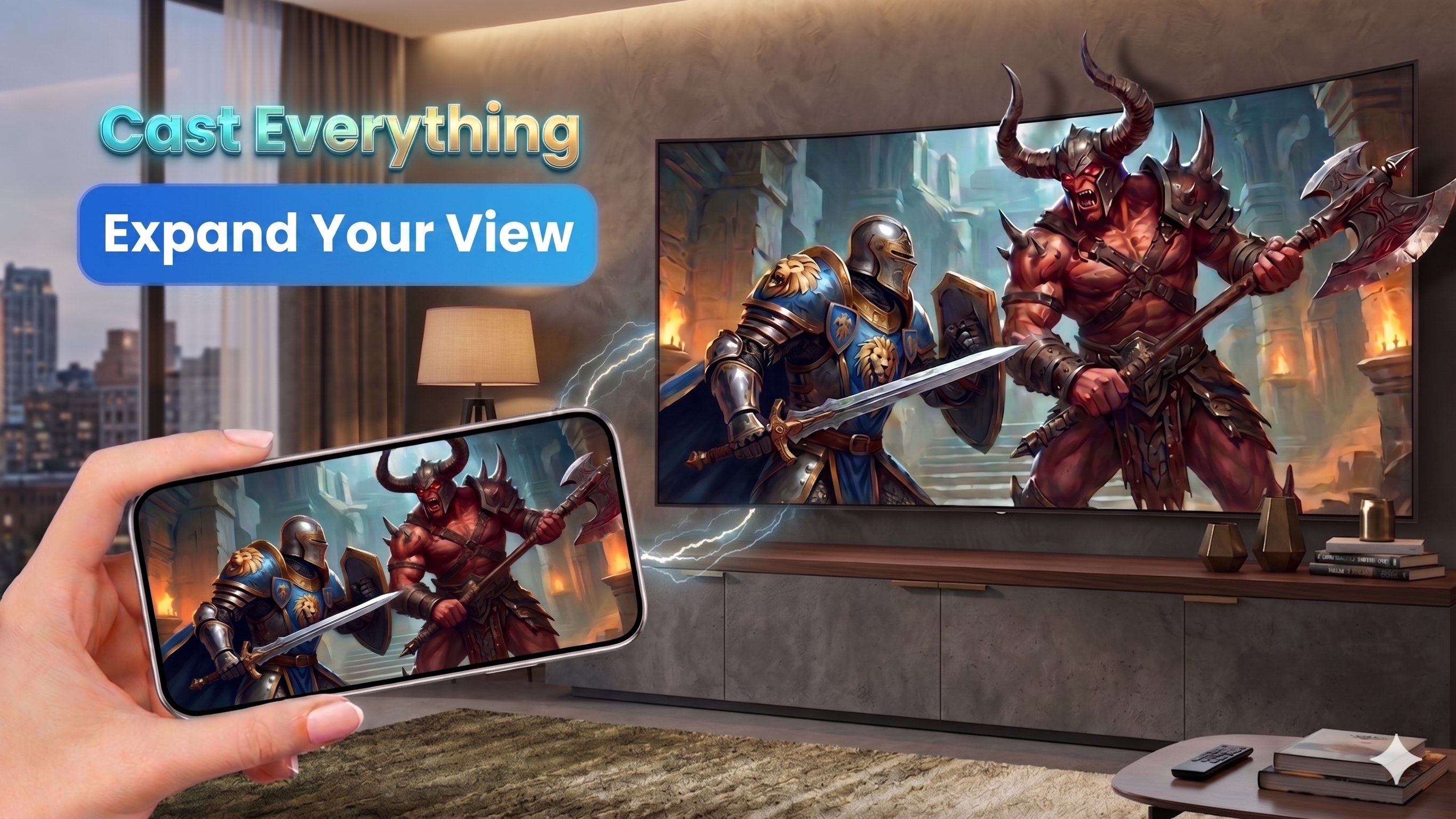
Welcome to AZ Cast! Upgrade your home entertainment experience by easily streaming your favorite web videos, movies, and local media directly from your phone to your biggest screen.
Whether you want to Cast to TV from your favorite website, show off vacation photos, or play music through your home speakers, AZ Cast makes it incredibly simple and fast.
🌐 Advanced Web Video Caster
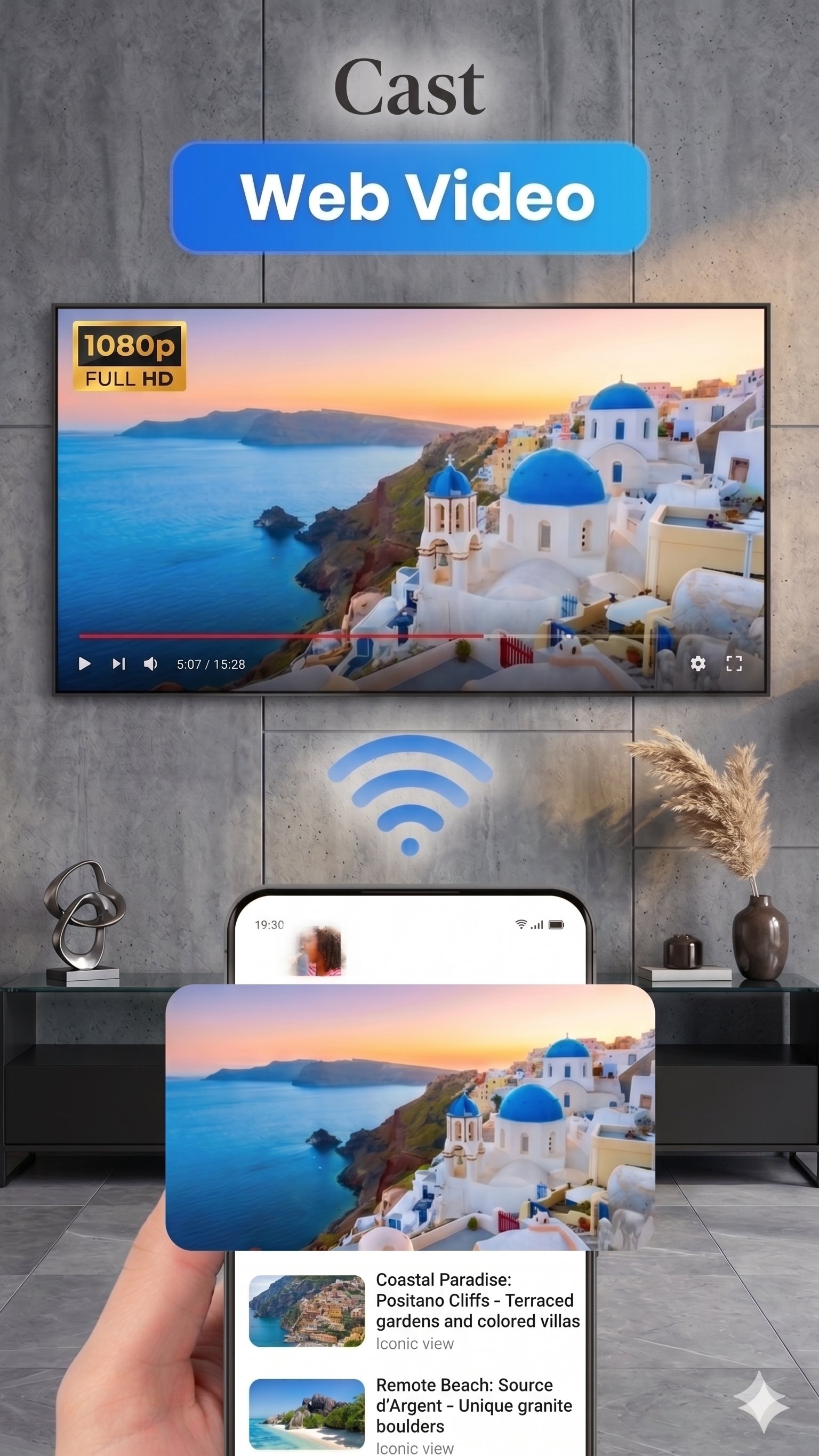
Found a great video, movie, or live stream on the web? Our built-in browser automatically detects video links on websites. With just a single tap, you can cast the video directly to your screen. No more squinting at a tiny phone screen—enjoy your web content in full HD!
📁 Cast Local Media Easily
AZ Cast isn’t just for the web. You can easily share your personal moments with friends and family. Cast media directly from your phone's local storage:
Videos: Stream your downloaded movies or home videos smoothly.
Photos: Cast your image gallery for the perfect slideshow presentation.
Audio: Play your favorite local music tracks and podcasts on your sound system.
📺 Broad Device Compatibility
AZ Cast supports a wide range of streaming devices and smart TVs, ensuring you can connect to almost any screen in your home:
Cast to Chromecast: Seamlessly connect to all generations of Google Chromecast devices.
Cast to Roku: Enjoy smooth casting to your Roku Stick, Roku Express, and Roku TVs.
Smart TVs: Cast to Samsung, LG, Sony, Vizio, Hisense, Android TV, and more.
Other Devices: Supports DLNA receivers and various other streaming dongles.
⚙️ Key Features:
Auto-Detection: Automatically finds castable devices on your Wi-Fi network.
Web Video Sniffer: Easily detects and grabs video streams from web pages.
Built-in Remote: Control playback directly from your phone (Play, Pause, Volume).
High Quality: Stream your media in high definition with zero interruptions.
Clean Interface: Simple, user-friendly design makes casting effortless.
How to get started:
Connect your phone and your TV/streaming device to the same Wi-Fi network.
Open AZ Cast and let it find your device.
Select your screen to connect.
Browse the web for a video or choose a local file from your gallery and tap to cast!
Note: For the best experience, ensure your streaming device and phone are on a stable Wi-Fi connection.
Disclaimer:
Chromecast is a trademark of Google LLC. Roku is a trademark of Roku, Inc. This application is an independent product and is not affiliated with, endorsed by, sponsored by, or associated with Google LLC, Roku, Inc., or any other trademark owners mentioned herein.
پیش نظارہ
ٹیگز
Video-Playersمعلومات
ڈویلپر
AZ Screen Recorder
تازہ ترین ورژن
1.2.6
آخری تازہ کاری
2026-09-10
قسم
Video-players-editors
پر دستیاب ہے۔
Google Play
مزید دکھائیں
پی سی پر گیم لوپ کے ساتھ Cast to TV, Chromecast, Roku کیسے کھیلا جائے۔
1. آفیشل ویب سائٹ سے گیم لوپ ڈاؤن لوڈ کریں، پھر گیم لوپ انسٹال کرنے کے لیے exe فائل چلائیں۔
2. گیم لوپ کھولیں اور "Cast to TV, Chromecast, Roku" تلاش کریں، تلاش کے نتائج میں Cast to TV, Chromecast, Roku تلاش کریں اور "انسٹال کریں" پر کلک کریں۔
3. گیم لوپ پر Cast to TV, Chromecast, Roku کھیلنے کا لطف اٹھائیں۔
Minimum requirements
OS
Windows 8.1 64-bit or Windows 10 64-bit
GPU
GTX 1050
CPU
i3-8300
Memory
8GB RAM
Storage
1GB available space
Recommended requirements
OS
Windows 8.1 64-bit or Windows 10 64-bit
GPU
GTX 1050
CPU
i3-9320
Memory
16GB RAM
Storage
1GB available space