
Screen Recorder-Video Recorder PC
AB APPLICATIONS
گیم لوپ ایمولیٹر کے ساتھ PC پر Screen Recorder-Video Recorder ڈاؤن لوڈ کریں۔
پی سی پر Screen Recorder-Video Recorder
Screen Recorder-Video Recorder، جو ڈویلپر AB APPLICATIONS سے آرہا ہے، ماضی میں اینڈرائیڈ سسٹم پر چل رہا ہے۔
اب، آپ پی سی پر Screen Recorder-Video Recorder آسانی سے GameLoop کے ساتھ چلا سکتے ہیں۔
اسے GameLoop لائبریری یا تلاش کے نتائج میں ڈاؤن لوڈ کریں۔ مزید غلط وقت پر بیٹری یا مایوس کن کالوں پر نظر نہیں ڈالی جائے گی۔
بس بڑی سکرین پر Screen Recorder-Video Recorder PC کا مفت میں لطف اٹھائیں!
Screen Recorder-Video Recorder تعارف
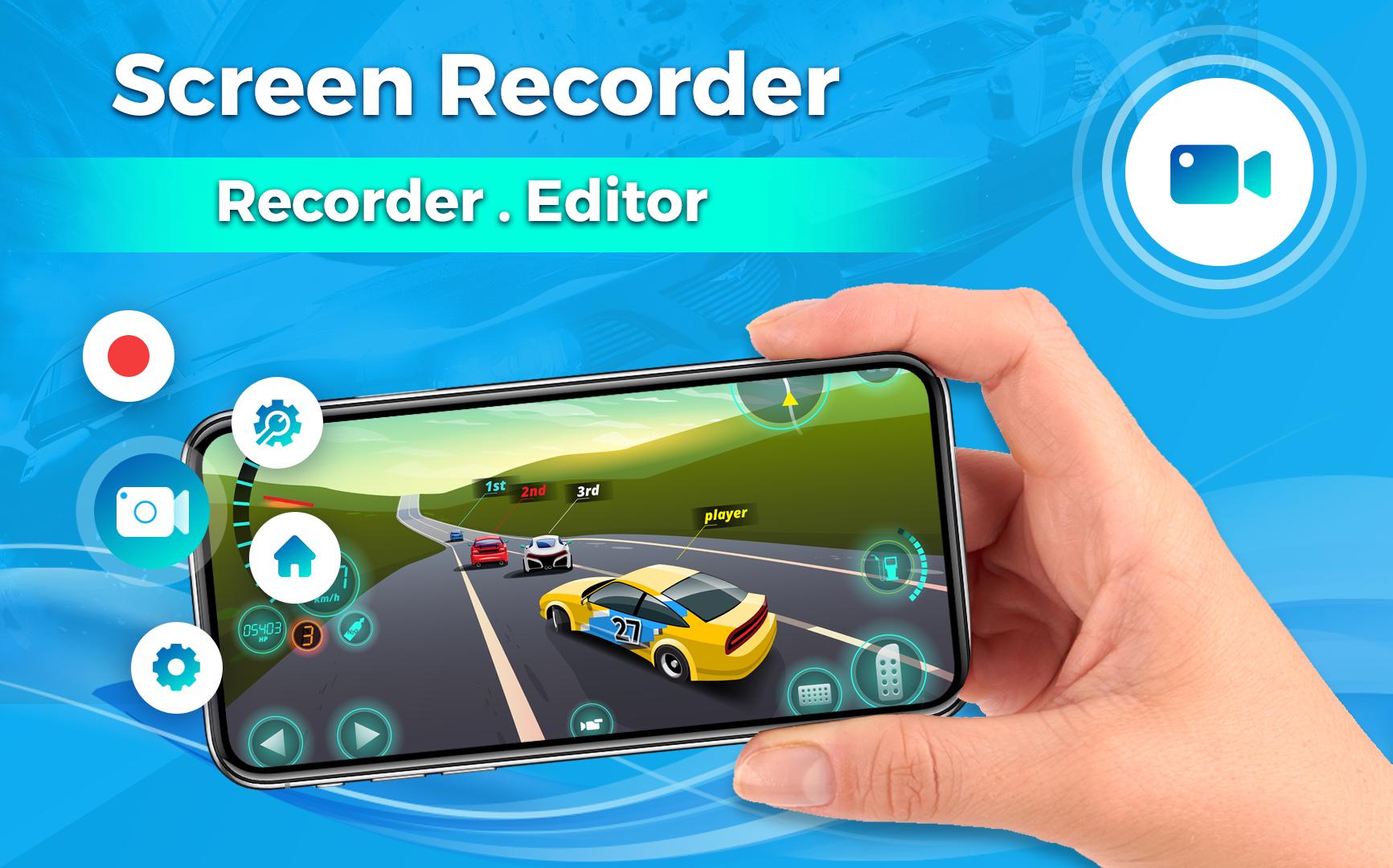
Looking for an easy screen record tool or a Screen Video Recorder to record quick videos and video recorder app? Screen recorder with audio to take live videos & Screenshot in high quality! Screen Recorder and Quick Video Recorder app with background video recorder is one of the best professional screen recording & video editor apps 2022. screen recorder with audio makes it faster and easier than ever to record your screen, record your apps, and video games.
Screen Recorder & Screen Video Recorder is a screen recording and screen capture tool that helps you record screen and record videos in an easy way. Quick Video recorder with Screen Recorder app is also used for scene record and secret video records. Screen recorder is a quick video recorder app. Popular screen recorder & video editor, no recording time limit! no watermark!
Just with a tap, You can easily record screen, record videos, and record games with a screen recorder.
➤Main Features
✓ Capture screen to take a clear Screenshot
✓ Screen recorder with audio
✓ Video recorder without watermarks (No Watermark)
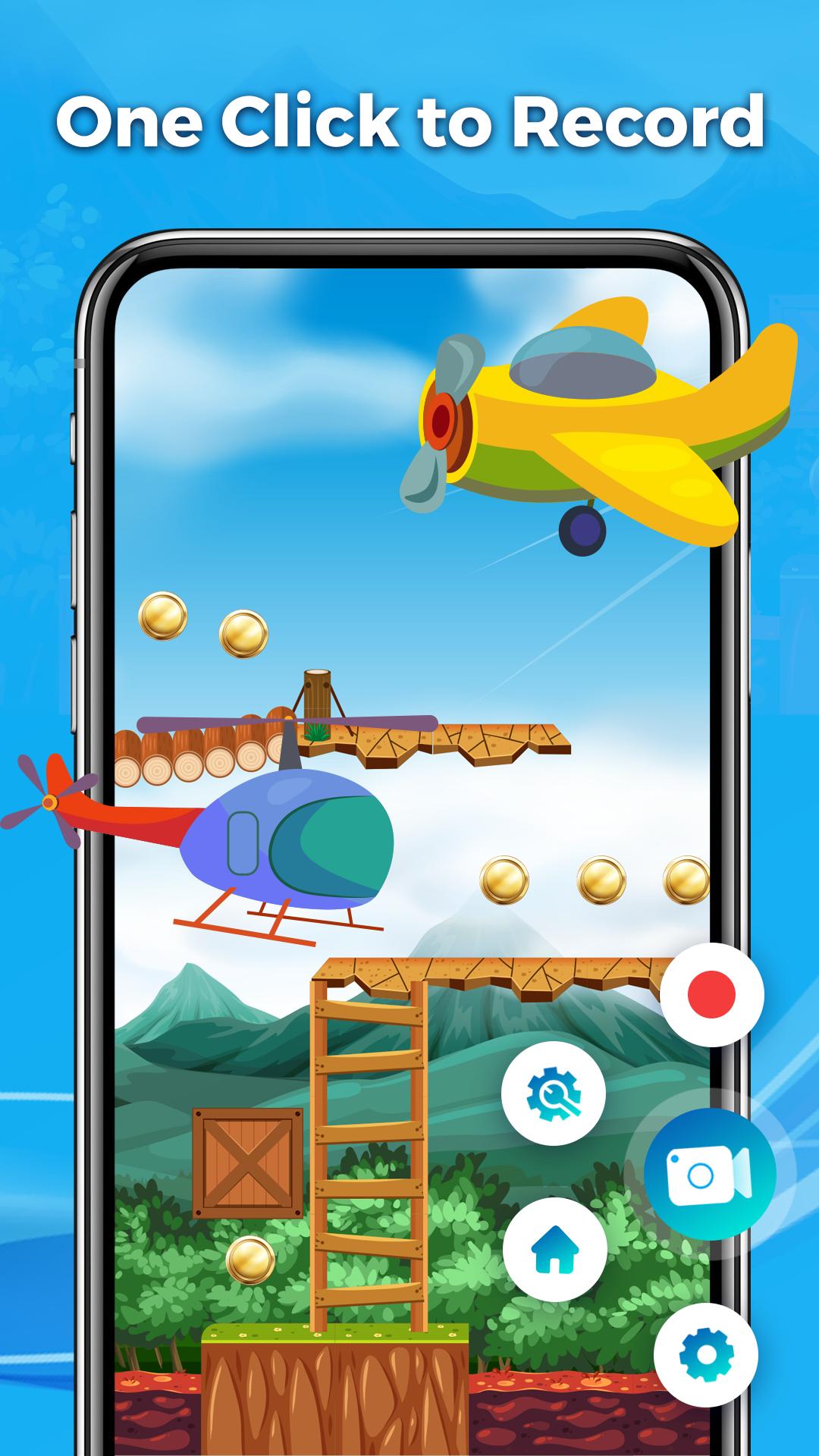
✓ It only takes one touch to start recording on your phone with sound, one single tap to pause/resume at any time.
✓ Trim video after finish recording or any video has format MP4 available on devices
✓ Screen recorder without lag
✓ Simple and easy to use.
✓ Pause/resume screen recording, rotate screen
✓ No internet needed
✓ Floating Control Panel: One touch to control and snap the exact moment easily.
✓ Game Recorder with no Time Limit (Record Gameplay on your phone)
✓ You can easily share your recorded videos.
✓ Shake the device to start/stop recording the screen.
✓ And much more!...
➤Screen Recorder in full HD Video
Screen Video Recorder supports recording game screen in the highest quality.
➤ Game Recorder with no Time Limit
This screen recorder is also a convenient game recorder & screen capture tool. It helps you capture screen, record screen & record gameplay video without recording time limit.
➤ Screen Video Recorder with NO Watermark
Still find a screen capture tool without a watermark? Download this video recorder to capture screen in a cleaner way. If you want to capture screen, record screen or take a screenshot efficiently.
➤ Screen Recorder with Sound (Audio Recorder)
Want to record gameplay, video tutorial with sound or audio? This powerful screen recorder with audio is your best choice. It will record your voice clearly.
This Screen Recorder application does not use data/internet because we do not download any recordings on a network or cloud server. All videos and screenshots are save locally to a phone / SD card memory.
Thanks for downloading Screen Recorder, if you have any feedback, please feel free to contact us.
پیش نظارہ
ٹیگز
Video-Playersمعلومات
ڈویلپر
AB APPLICATIONS
تازہ ترین ورژن
1.3.0
آخری تازہ کاری
2023-11-03
قسم
Video-players-editors
پر دستیاب ہے۔
Google Play
مزید دکھائیں
پی سی پر گیم لوپ کے ساتھ Screen Recorder-Video Recorder کیسے کھیلا جائے۔
1. آفیشل ویب سائٹ سے گیم لوپ ڈاؤن لوڈ کریں، پھر گیم لوپ انسٹال کرنے کے لیے exe فائل چلائیں۔
2. گیم لوپ کھولیں اور "Screen Recorder-Video Recorder" تلاش کریں، تلاش کے نتائج میں Screen Recorder-Video Recorder تلاش کریں اور "انسٹال کریں" پر کلک کریں۔
3. گیم لوپ پر Screen Recorder-Video Recorder کھیلنے کا لطف اٹھائیں۔
Minimum requirements
OS
Windows 8.1 64-bit or Windows 10 64-bit
GPU
GTX 1050
CPU
i3-8300
Memory
8GB RAM
Storage
1GB available space
Recommended requirements
OS
Windows 8.1 64-bit or Windows 10 64-bit
GPU
GTX 1050
CPU
i3-9320
Memory
16GB RAM
Storage
1GB available space