
Video Downloader PC
lock screen passcode
گیم لوپ ایمولیٹر کے ساتھ PC پر Video Downloader ڈاؤن لوڈ کریں۔
پی سی پر Video Downloader
Video Downloader، جو ڈویلپر lock screen passcode سے آرہا ہے، ماضی میں اینڈرائیڈ سسٹم پر چل رہا ہے۔
اب، آپ پی سی پر Video Downloader آسانی سے GameLoop کے ساتھ چلا سکتے ہیں۔
اسے GameLoop لائبریری یا تلاش کے نتائج میں ڈاؤن لوڈ کریں۔ مزید غلط وقت پر بیٹری یا مایوس کن کالوں پر نظر نہیں ڈالی جائے گی۔
بس بڑی سکرین پر Video Downloader PC کا مفت میں لطف اٹھائیں!
Video Downloader تعارف
The video downloader is the best free application to download your favorite videos.
Download fast and easy one-click, save and protect your videos with a private password that only you know.
* Salient features video downloader:
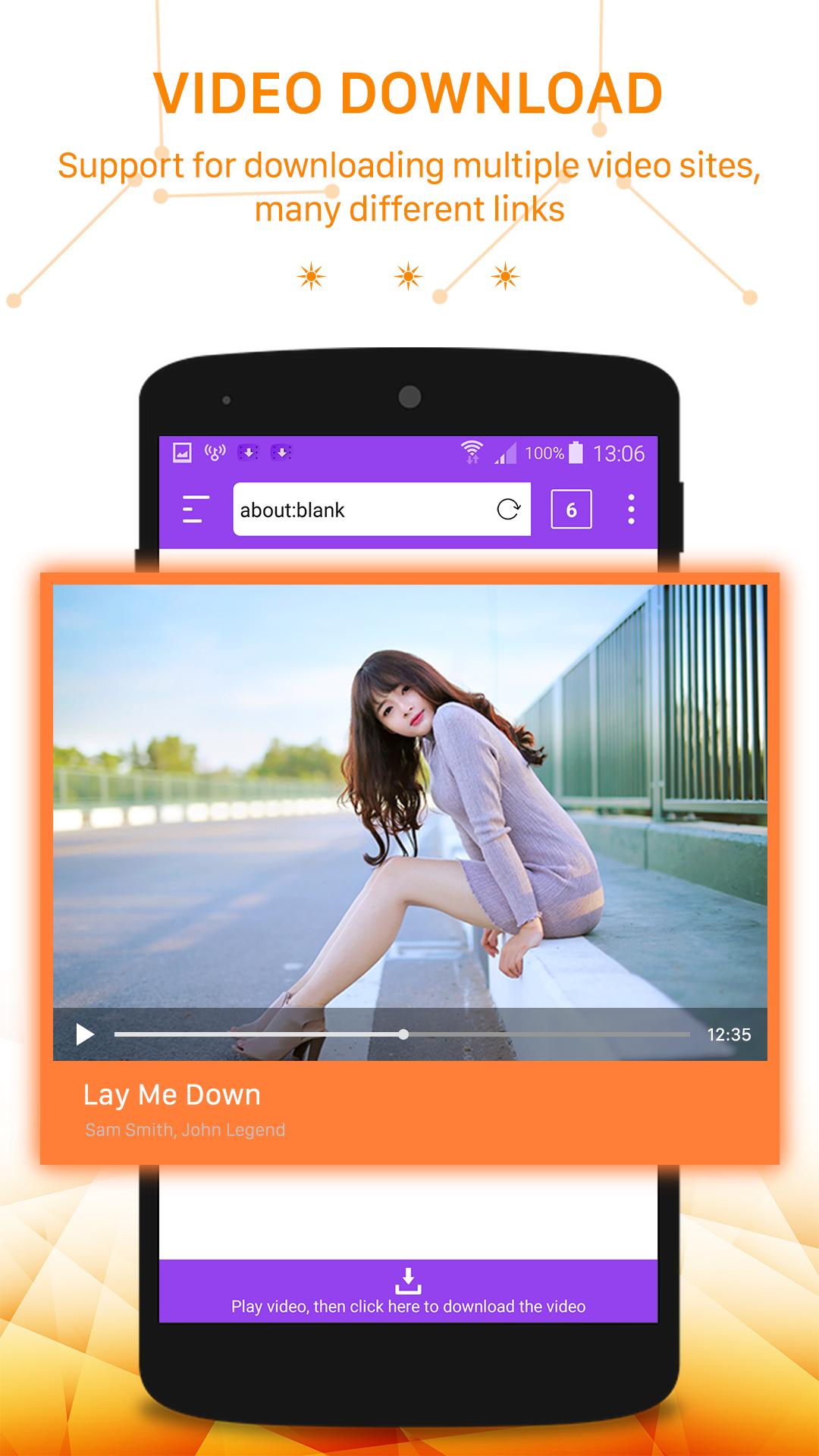
- Video playback with integrated browser
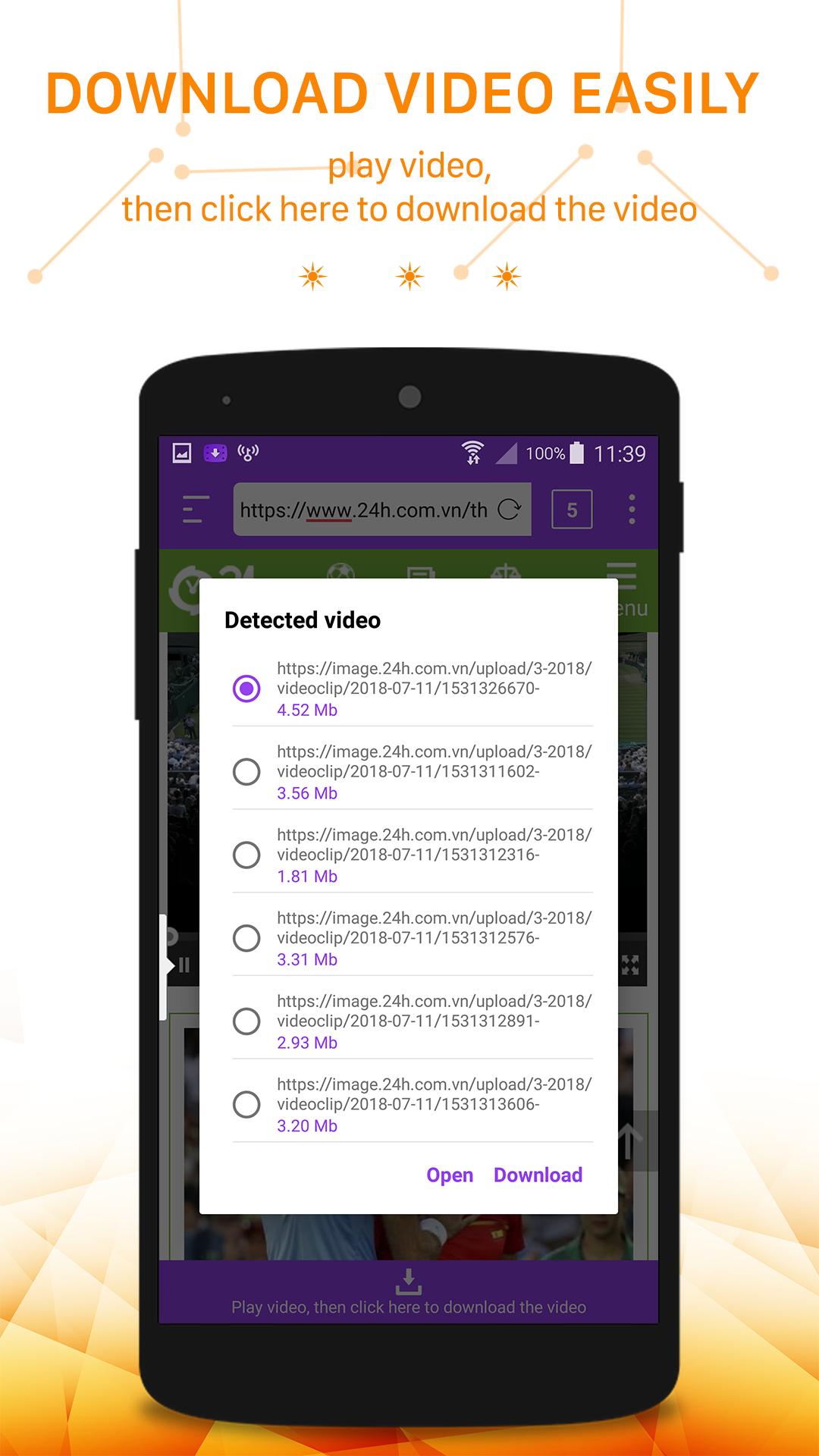
- Fast download with one click
- Support to view and download many popular video formats: Mp4, Flv, Avi, Webm, 3um8...
- Full Feature Download Manager for pausing, resuming and deleting content, renaming ...
- Download multiple files at once with the highest speed
- Save bookmarks for quick access to your site
- Play the video under "Anonymous" without saving history extremely safely
- Save the downloaded file in the password-protected "Private" folder.
- Share videos easily with your friends and colleagues via social networks: Facebook, Skyper, Instagram, Whatapp, Gmail ...
- Supports video storage for cloud applications such as Driver, Dropbox ...
User manual video downloader:
- Use the built-in browser to play your favorite videos
- Click "Download video" and wait
- Open the downloaded video from the left menu
- Protect downloaded videos with password
Attention!
- Change to computer interface so that the app supports downloading more videos.
- Due to copyright reasons, there are videos that can not be downloaded. Also, we do not encourage users to download copyright-infringing videos.
- VIDEO from YOUTUBE can not be downloaded due to GOOGLE policy. We're sorry, we always want to have a great experience for our users.
There are also many special features that we would like you to experience by downloading and using.
We made this app completely free, and the great experience and good evaluation of the user was a big profit for us.
Also, share your feedback on the Google Play Store if you like Video Downloader
If you would like to comment, provide feedback or suggest our application, please send a message to: nqhuy14071995@gmail.com
پیش نظارہ
ٹیگز
Video-Playersمعلومات
ڈویلپر
lock screen passcode
تازہ ترین ورژن
5.1
آخری تازہ کاری
2022-10-27
قسم
Video-players-editors
پر دستیاب ہے۔
Google Play
مزید دکھائیں
پی سی پر گیم لوپ کے ساتھ Video Downloader کیسے کھیلا جائے۔
1. آفیشل ویب سائٹ سے گیم لوپ ڈاؤن لوڈ کریں، پھر گیم لوپ انسٹال کرنے کے لیے exe فائل چلائیں۔
2. گیم لوپ کھولیں اور "Video Downloader" تلاش کریں، تلاش کے نتائج میں Video Downloader تلاش کریں اور "انسٹال کریں" پر کلک کریں۔
3. گیم لوپ پر Video Downloader کھیلنے کا لطف اٹھائیں۔
Minimum requirements
OS
Windows 8.1 64-bit or Windows 10 64-bit
GPU
GTX 1050
CPU
i3-8300
Memory
8GB RAM
Storage
1GB available space
Recommended requirements
OS
Windows 8.1 64-bit or Windows 10 64-bit
GPU
GTX 1050
CPU
i3-9320
Memory
16GB RAM
Storage
1GB available space