
Screen recorder - record video PC
TVApp
گیم لوپ ایمولیٹر کے ساتھ PC پر Screen recorder - record video ڈاؤن لوڈ کریں۔
پی سی پر Screen recorder - record video
Screen recorder - record video، جو ڈویلپر TVApp سے آرہا ہے، ماضی میں اینڈرائیڈ سسٹم پر چل رہا ہے۔
اب، آپ پی سی پر Screen recorder - record video آسانی سے GameLoop کے ساتھ چلا سکتے ہیں۔
اسے GameLoop لائبریری یا تلاش کے نتائج میں ڈاؤن لوڈ کریں۔ مزید غلط وقت پر بیٹری یا مایوس کن کالوں پر نظر نہیں ڈالی جائے گی۔
بس بڑی سکرین پر Screen recorder - record video PC کا مفت میں لطف اٹھائیں!
Screen recorder - record video تعارف
You found a very funny video but you can't download it to your device?
You made a highlight in your videos, games and actions and you want to share it with your friends?
You are looking forward to a recorder app that is easy to use?
Screen recorder - du screen recorder is a perfect fit tool for you to do it!
Here is the reason why Screen recorder - du screen recorder is the best match for you:
This application is made with minimalism and is perfectly fine-tuned so that you can record your screen in the highest resolution while ensuring that it does not consume too much of your device's performance. This is also an editing app, you can easily edit your screen video right after stopping record.
Screen recorder - du screen recorder provide a professional tool for recording and editing your screen video.
Screen recorder - du screen recorder allow you to record the videos, games and actions while it's being played, grab the screen with a single touch, and edit the video with filters, effects, and music. It is our responsibility to provide users with a high-quality video and clear screenshots that do not require rooting and do not have a recording time limit. You can write on the screen while recording, and you can effortlessly record the phone screen with both internal and external sound.
Screen recorder - du screen recorder is a powerful recording tool that will make your life simpler.
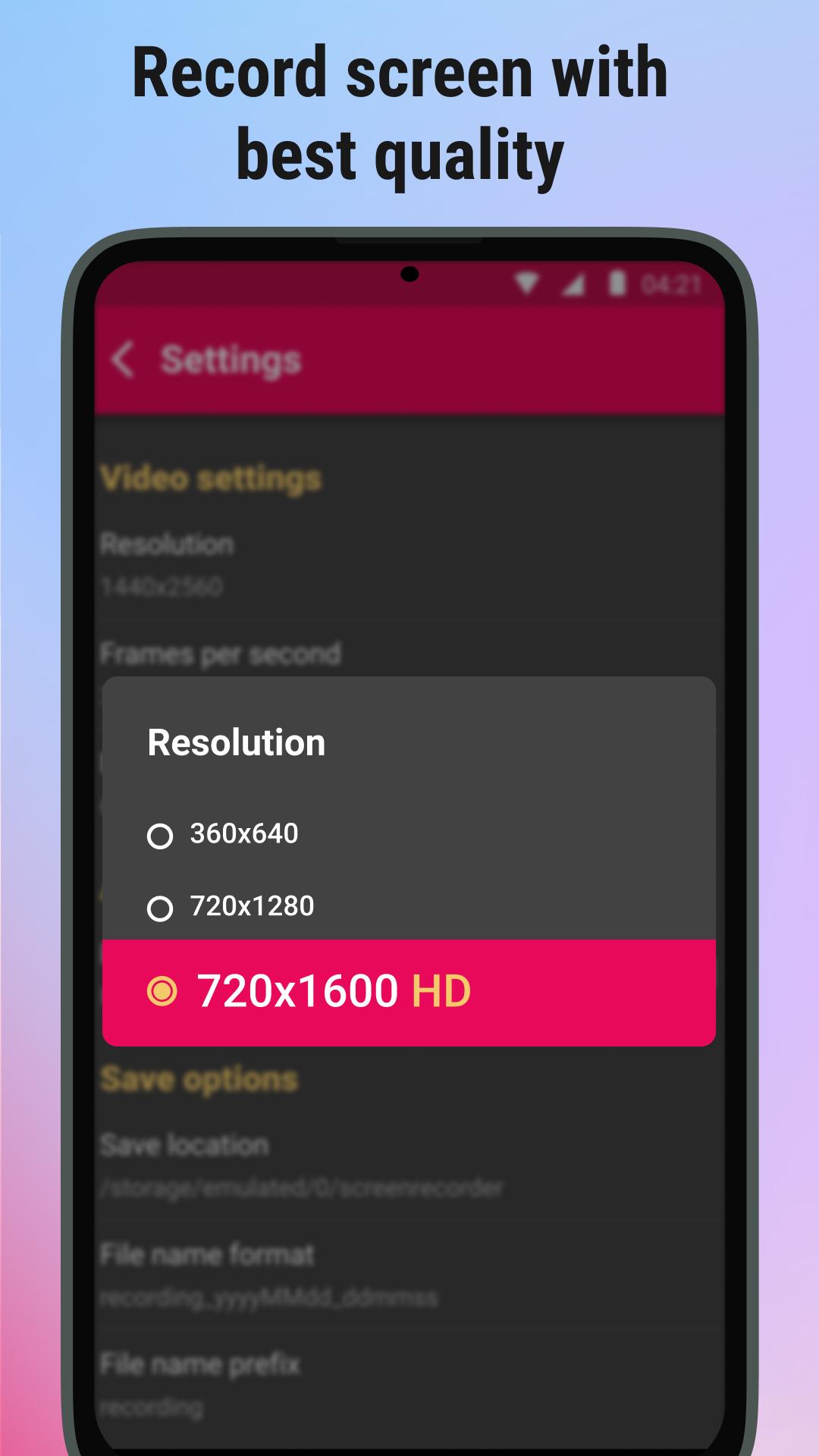
This screen recorder is a useful design program that gives you a platform to record not only your screen. You can choose the resolution, frame per second, bitrate, and record audio from the mic along with screen video, these features will allow you to record your emotions while the moment you recorded happened. The recorded video will be auto-saved in app storage, so you can easily find the video in order of the date that you made it.
Want to make create a highlight video? Screen recorder - du screen recorder can meet all needs for you to create any captured video you want from your device!
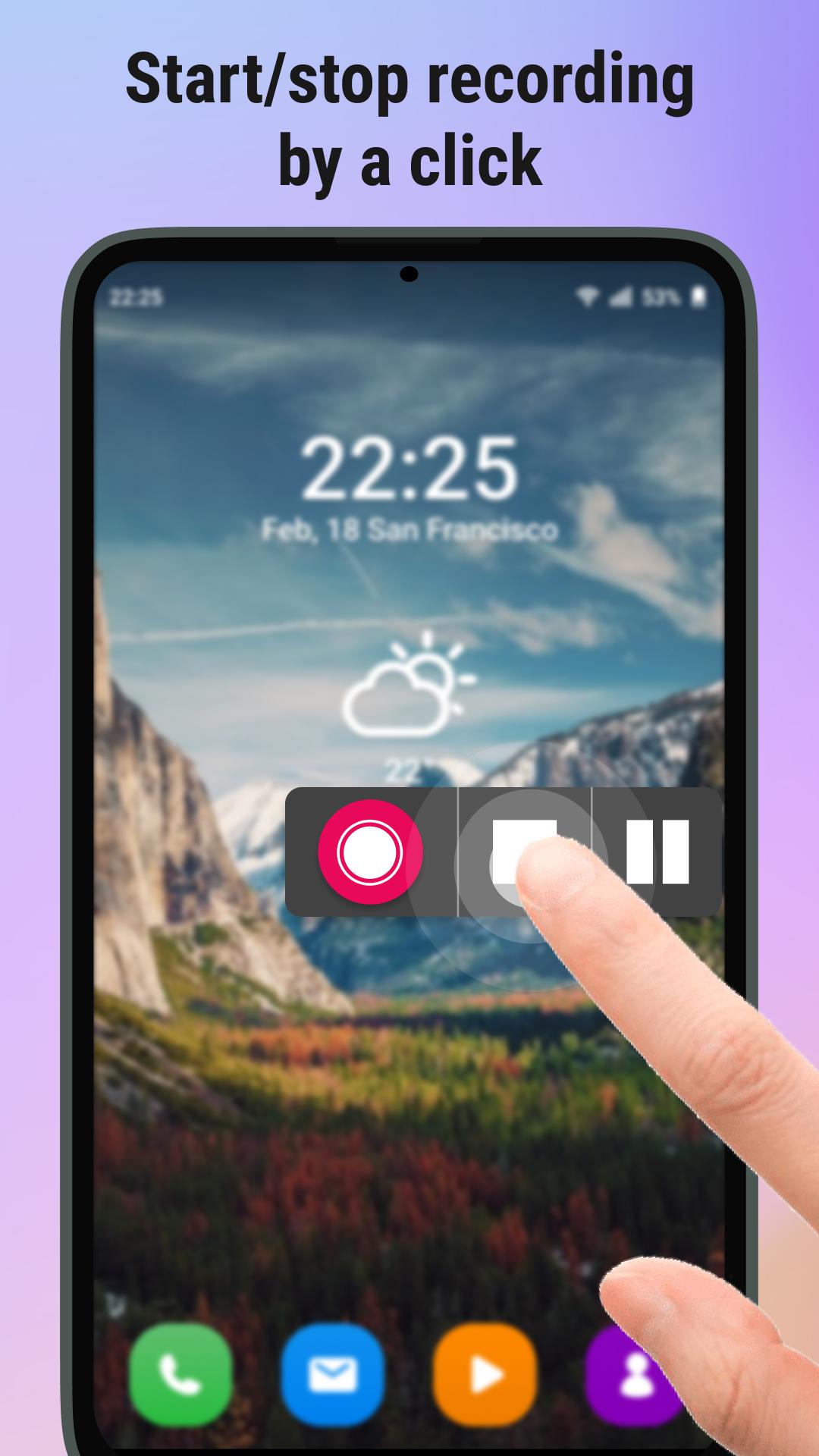
The way to create a video is super easy, we've built floating controls for you to start or stop recording and it is very helpful for you when playing videos, games and actions. Simply open Screen recorder - du screen recorder and the button will display on your screen. If the floating control confuses you because of its dimensions, our design team created a custom option to change the size of the overlay.
The show touches feature is also added, this tool will be especially helpful when you are making a tutorial video, viewers can see your operation much easier.
Free for everyone, everywhere⭐️
Simply install Screen recorder - du screen recorder and the user will be able to fully utilize the service without incurring any further expenses. Furthermore, the management tool enables the organizer to operate without access to the internet and to use the Screen recorder - du screen recorder app from any location at any time.
🔥Highlight features🔥
☑️Various resolutions from SD to FHD
☑️Screen recorder with audio
☑️Unlimited recording length
☑️Single tap start
☑️Professional Video Editing
☑️Smart floating controls
☑️Share with friends
In summary, the Screen recorder - du screen recorder app is the greatest tool for Record screen, videos, games and actions. Try out this recorder app and be surprised with what it brings to you
Please email your request to Gmail anhnt.vtd@gmail.com if you have any questions or recommendations concerning the Screen recorder - du screen recorder app. We're always here to answer your inquiries and provide the most practical solutions.
Thank you for taking the time to use the Screen recorder - du screen recorder app. If you're happy with our application, don't forget to leave a good rate.
پیش نظارہ
ٹیگز
Video-Playersمعلومات
ڈویلپر
TVApp
تازہ ترین ورژن
1.0.8
آخری تازہ کاری
2022-09-21
قسم
Video-players-editors
پر دستیاب ہے۔
Google Play
مزید دکھائیں
پی سی پر گیم لوپ کے ساتھ Screen recorder - record video کیسے کھیلا جائے۔
1. آفیشل ویب سائٹ سے گیم لوپ ڈاؤن لوڈ کریں، پھر گیم لوپ انسٹال کرنے کے لیے exe فائل چلائیں۔
2. گیم لوپ کھولیں اور "Screen recorder - record video" تلاش کریں، تلاش کے نتائج میں Screen recorder - record video تلاش کریں اور "انسٹال کریں" پر کلک کریں۔
3. گیم لوپ پر Screen recorder - record video کھیلنے کا لطف اٹھائیں۔
Minimum requirements
OS
Windows 8.1 64-bit or Windows 10 64-bit
GPU
GTX 1050
CPU
i3-8300
Memory
8GB RAM
Storage
1GB available space
Recommended requirements
OS
Windows 8.1 64-bit or Windows 10 64-bit
GPU
GTX 1050
CPU
i3-9320
Memory
16GB RAM
Storage
1GB available space