
Video Player - HD, Subtitles PC
duongame
گیم لوپ ایمولیٹر کے ساتھ PC پر Video Player - HD, Subtitles ڈاؤن لوڈ کریں۔
پی سی پر Video Player - HD, Subtitles
Video Player - HD, Subtitles، جو ڈویلپر duongame سے آرہا ہے، ماضی میں اینڈرائیڈ سسٹم پر چل رہا ہے۔
اب، آپ پی سی پر Video Player - HD, Subtitles آسانی سے GameLoop کے ساتھ چلا سکتے ہیں۔
اسے GameLoop لائبریری یا تلاش کے نتائج میں ڈاؤن لوڈ کریں۔ مزید غلط وقت پر بیٹری یا مایوس کن کالوں پر نظر نہیں ڈالی جائے گی۔
بس بڑی سکرین پر Video Player - HD, Subtitles PC کا مفت میں لطف اٹھائیں!
Video Player - HD, Subtitles تعارف
Video Player
- Supports All Video Formats
- Supports Subtitles include non Unicode Text
- Supports Force Video Rotation(Recent file's rotation information will be saved)
'Force Video Rotation' is the reason why we made Video Player.
User recorded videos often save wrong rotation information.
With Video Player, you don't worry about that.
If you have any suggestion or question, please send us an email.
Thank you.
--
Some of the screens are from the Big Buck Bunny licensed under the Creative Commons Attribution 3.0 Unported.
(c) copyright 2008, Blender Foundation / www.bigbuckbunny.org
پیش نظارہ
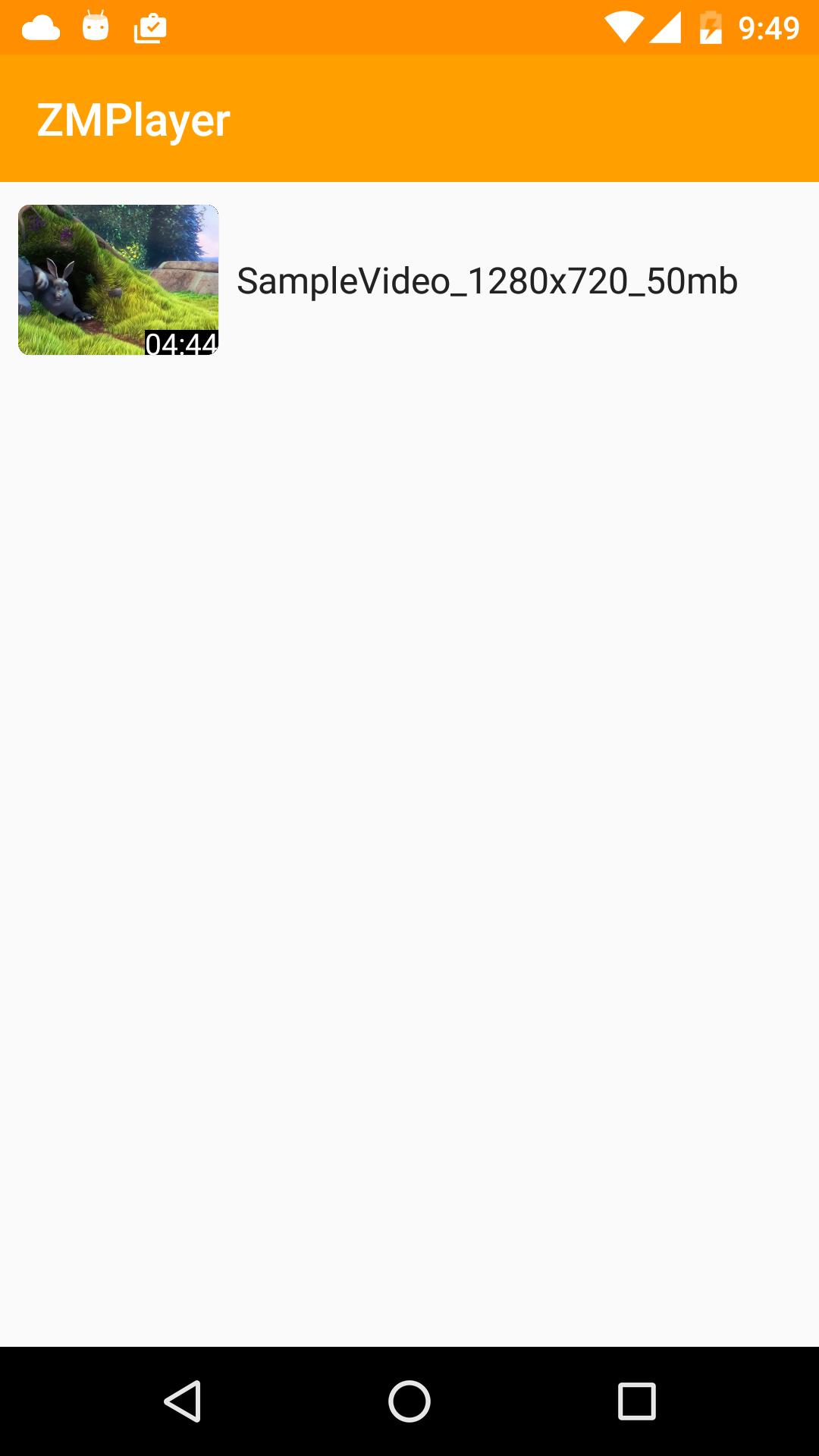
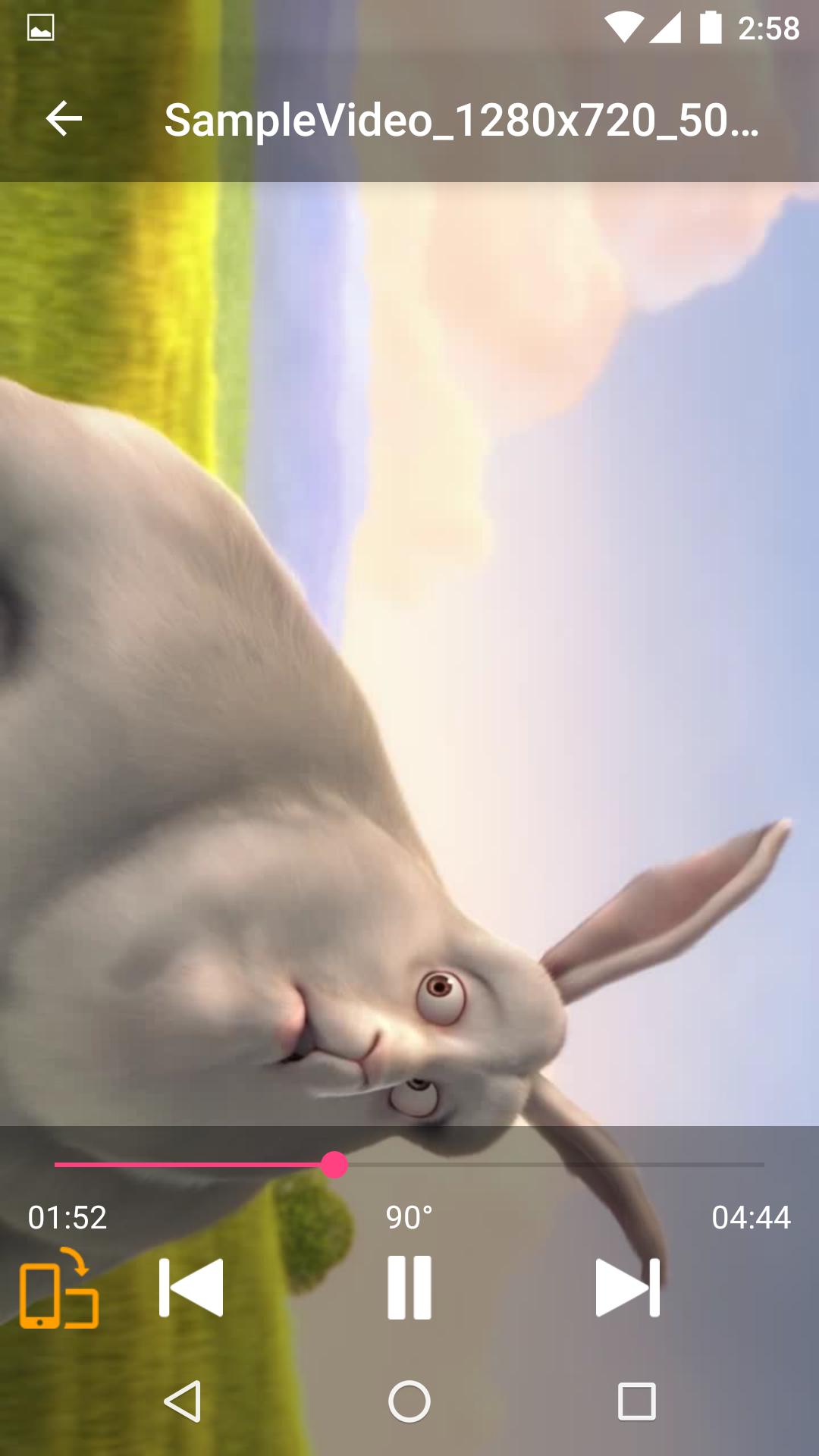
ٹیگز
Video-Playersمعلومات
ڈویلپر
duongame
تازہ ترین ورژن
1.1.3
آخری تازہ کاری
2021-12-21
قسم
Video-players-editors
پر دستیاب ہے۔
Google Play
مزید دکھائیں
پی سی پر گیم لوپ کے ساتھ Video Player - HD, Subtitles کیسے کھیلا جائے۔
1. آفیشل ویب سائٹ سے گیم لوپ ڈاؤن لوڈ کریں، پھر گیم لوپ انسٹال کرنے کے لیے exe فائل چلائیں۔
2. گیم لوپ کھولیں اور "Video Player - HD, Subtitles" تلاش کریں، تلاش کے نتائج میں Video Player - HD, Subtitles تلاش کریں اور "انسٹال کریں" پر کلک کریں۔
3. گیم لوپ پر Video Player - HD, Subtitles کھیلنے کا لطف اٹھائیں۔
Minimum requirements
OS
Windows 8.1 64-bit or Windows 10 64-bit
GPU
GTX 1050
CPU
i3-8300
Memory
8GB RAM
Storage
1GB available space
Recommended requirements
OS
Windows 8.1 64-bit or Windows 10 64-bit
GPU
GTX 1050
CPU
i3-9320
Memory
16GB RAM
Storage
1GB available space