
LiLy Live - Live Streaming PC
All Star - Live Stream Studio
گیم لوپ ایمولیٹر کے ساتھ PC پر LiLy Live - Live Streaming ڈاؤن لوڈ کریں۔
پی سی پر LiLy Live - Live Streaming
LiLy Live - Live Streaming، جو ڈویلپر All Star - Live Stream Studio سے آرہا ہے، ماضی میں اینڈرائیڈ سسٹم پر چل رہا ہے۔
اب، آپ پی سی پر LiLy Live - Live Streaming آسانی سے GameLoop کے ساتھ چلا سکتے ہیں۔
اسے GameLoop لائبریری یا تلاش کے نتائج میں ڈاؤن لوڈ کریں۔ مزید غلط وقت پر بیٹری یا مایوس کن کالوں پر نظر نہیں ڈالی جائے گی۔
بس بڑی سکرین پر LiLy Live - Live Streaming PC کا مفت میں لطف اٹھائیں!
LiLy Live - Live Streaming تعارف
LiLy Live is the ultimate live streaming app, perfect for for gamers, streamers, vloggers, musicians, and creators who want to share their passions with the world. Stream your favorite games like Free Fire, PUBG Mobile, or Fortnite on Twitch, broadcast vlogs, music performances on YouTube, or hosting live events on Facebook. With LiLy Live, you can elevate your live streams to a professional level and connect with your audience effortlessly.
Key Features:
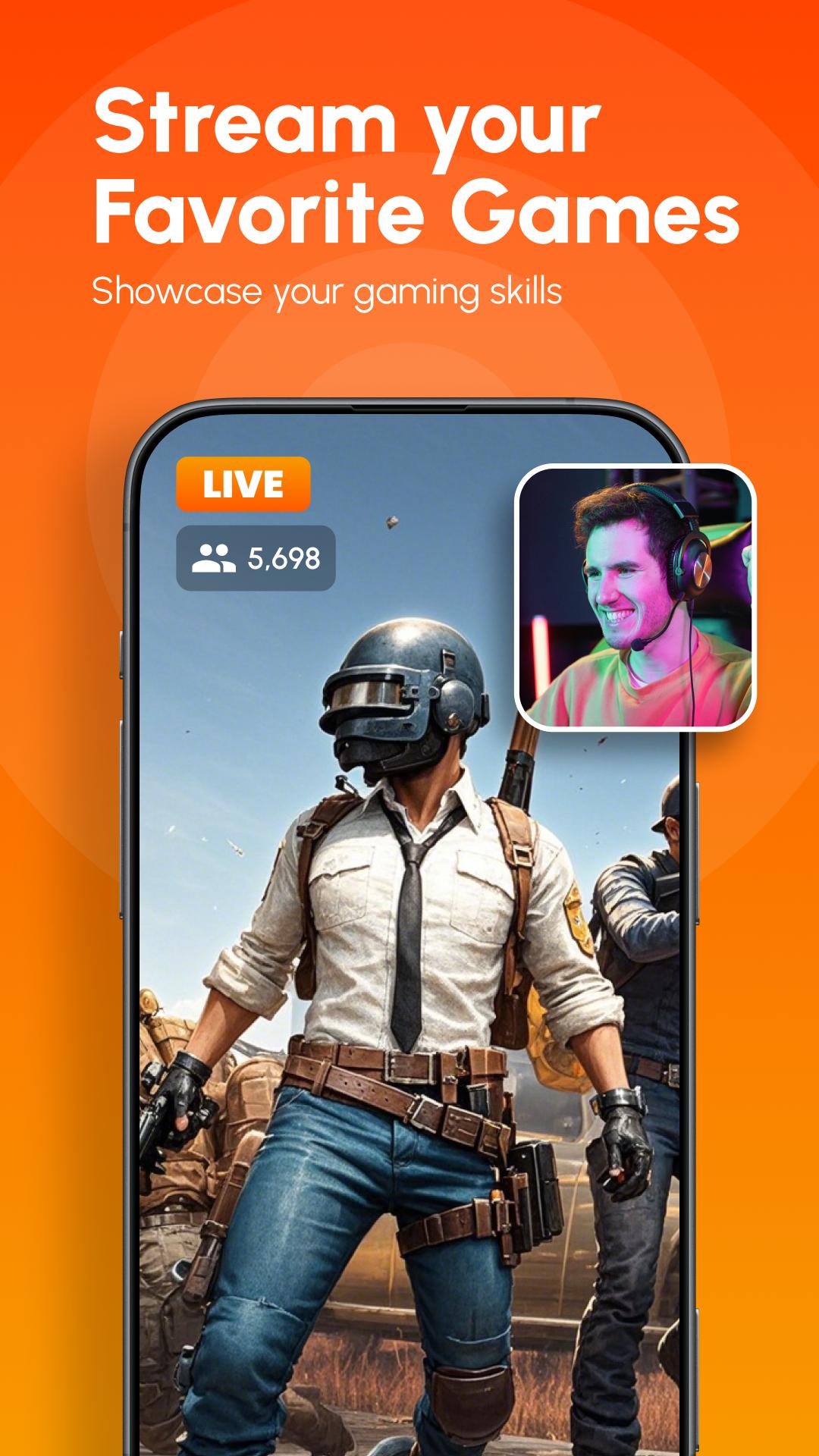
🎮 Game Live Mode – Stream Your Games in HD
• Live stream gameplay in stunning HD with microphone, internal audio for the ultimate streaming experience.
• Facecam for reactions – Engage your audience by adding your live reactions during gameplay.
• Showcase your gaming skills, perfect for streaming popular games like Free Fire, PUBG Mobile, Fortnite, Mobile Legends and more.
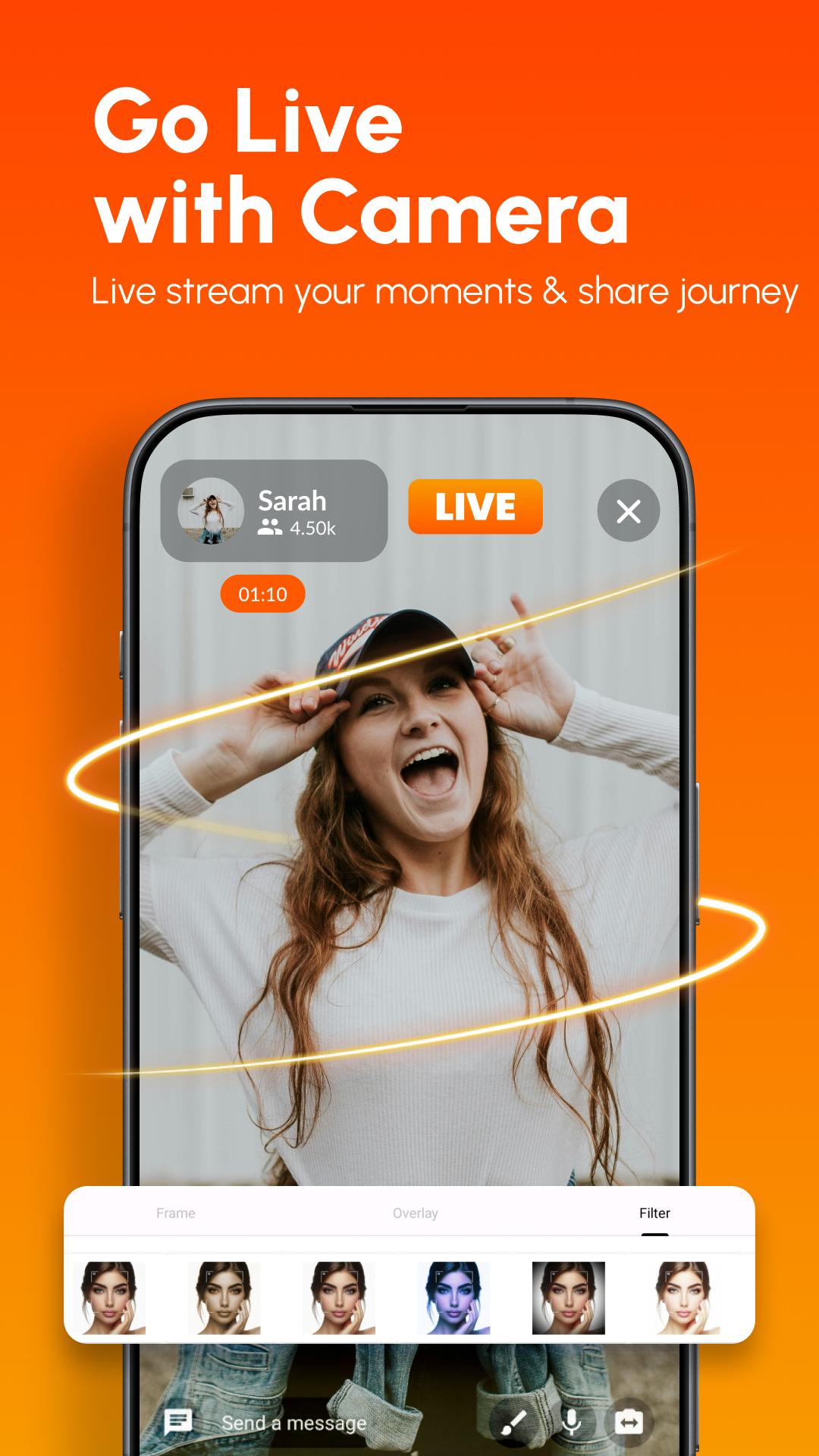
📹 Camera Live Mode – Stream Like a Pro
• Turn your smartphone into a professional live studio – seamlessly switch between front and rear cameras for dynamic streams.
• Add custom overlays, logos, and text to build your unique brand and captivate your audience.
• Enhance your stream with various 30+ powerful video filters like contrast, gamma, mono, and vibrance to make your broadcast stand out.
🌐📡 Multiplatform Livestream
• Live stream YouTube, Facebook, Twitch simultaneously, maximizing your reach with our powerful Multi-Stream feature.
• Save time and effort by managing all your live streams in one place, without needing to set up each platform individually.
💬 Real-Time Live Chat
• Engage instantly with your viewers via live chat and build a loyal community.
• Moderate your chat by deleting messages and banning disruptive users to maintain a positive environment.
🅁📡 Multi-Stream to 30+ Platforms with Restream
• Expand your audience by streaming to over 30 platforms at once, including Facebook, YouTube, Twitch, and others. With the help of Restream, you can reach a global audience effortlessly.
📡 RTMP Streaming Support
• Stream effortlessly to any custom platform of your choice using RTMP
• Broadcast to popular platforms like Instagram, LinkedIn, X (formerly Twitter), and more
• Ideal for advanced users who demand flexibility in connecting to personal servers or niche streaming platforms.
📱 Flexible Streaming Options
• Stream in portrait or landscape mode, add title and description, and choose between public or private streams.
• Select your preferred resolution from 240p to 1080p (HD) for optimal streaming quality based on your internet speed.
🎤 Bluetooth Microphone Support
• Connect external Bluetooth microphones for high-quality audio, perfect for professional streams.
🎯 Adaptive Bitrate Streaming
• Enjoy smooth and stable streaming with automatic bitrate adjustments based on your internet connection.
🔗 Share Stream Before Going Live
• Share your stream link with your audience before going live, allowing them to set reminders and prepare for your broadcast.
💾 Save Your Streams
• Save your live streams to your device for later use – perfect for creating highlight reels or sharing memorable moments with your audience.
📅 Schedule Events
• Plan streams in advance and notify your audience before going live.
🎉 100% Free, No Time Limits, No Watermark
• Enjoy all features of LiLy Live without any restrictions – no time limits on your streams and no watermark on your live broadcasts. Experience seamless live streaming with complete freedom.
• To live stream YouTube:
User need to enable your channel and live stream
Activate your live stream via the link below:
https://www.youtube.com/live_streaming_signup
Your account and channel will need to be verified by YouTube before you can start live streaming. The verification process takes about 24 hours.
Download LiLy Live now and join a community of creators who are passionate about sharing their content with the world
• If you have any questions about the app, please contact us via email:
- Email: admin@lilylive.app
پیش نظارہ
ٹیگز
Video-Playersمعلومات
ڈویلپر
All Star - Live Stream Studio
تازہ ترین ورژن
8.3.78
آخری تازہ کاری
2024-12-15
قسم
Video-players-editors
پر دستیاب ہے۔
Google Play
مزید دکھائیں
پی سی پر گیم لوپ کے ساتھ LiLy Live - Live Streaming کیسے کھیلا جائے۔
1. آفیشل ویب سائٹ سے گیم لوپ ڈاؤن لوڈ کریں، پھر گیم لوپ انسٹال کرنے کے لیے exe فائل چلائیں۔
2. گیم لوپ کھولیں اور "LiLy Live - Live Streaming" تلاش کریں، تلاش کے نتائج میں LiLy Live - Live Streaming تلاش کریں اور "انسٹال کریں" پر کلک کریں۔
3. گیم لوپ پر LiLy Live - Live Streaming کھیلنے کا لطف اٹھائیں۔
Minimum requirements
OS
Windows 8.1 64-bit or Windows 10 64-bit
GPU
GTX 1050
CPU
i3-8300
Memory
8GB RAM
Storage
1GB available space
Recommended requirements
OS
Windows 8.1 64-bit or Windows 10 64-bit
GPU
GTX 1050
CPU
i3-9320
Memory
16GB RAM
Storage
1GB available space