
CGN_Live PC
CGNTV
گیم لوپ ایمولیٹر کے ساتھ PC پر CGN_Live ڈاؤن لوڈ کریں۔
پی سی پر CGN_Live
CGN_Live، جو ڈویلپر CGNTV سے آرہا ہے، ماضی میں اینڈرائیڈ سسٹم پر چل رہا ہے۔
اب، آپ پی سی پر CGN_Live آسانی سے GameLoop کے ساتھ چلا سکتے ہیں۔
اسے GameLoop لائبریری یا تلاش کے نتائج میں ڈاؤن لوڈ کریں۔ مزید غلط وقت پر بیٹری یا مایوس کن کالوں پر نظر نہیں ڈالی جائے گی۔
بس بڑی سکرین پر CGN_Live PC کا مفت میں لطف اٹھائیں!
CGN_Live تعارف
CGN Live App
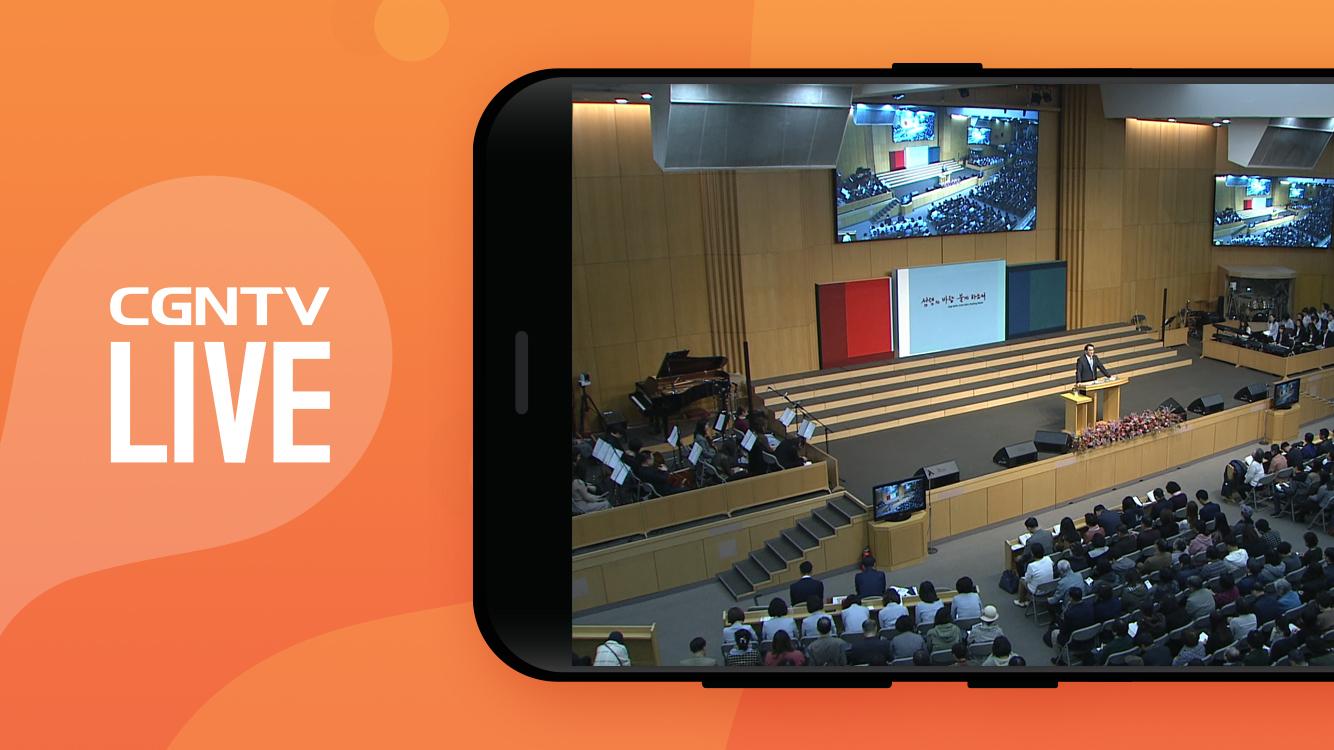
You can watch Korean, Japanese, and Chinese broadcasts 24 hours a day, 365 days a year, anywhere in the world.
We provide various contents such as worship, QT, Words, and seminars.
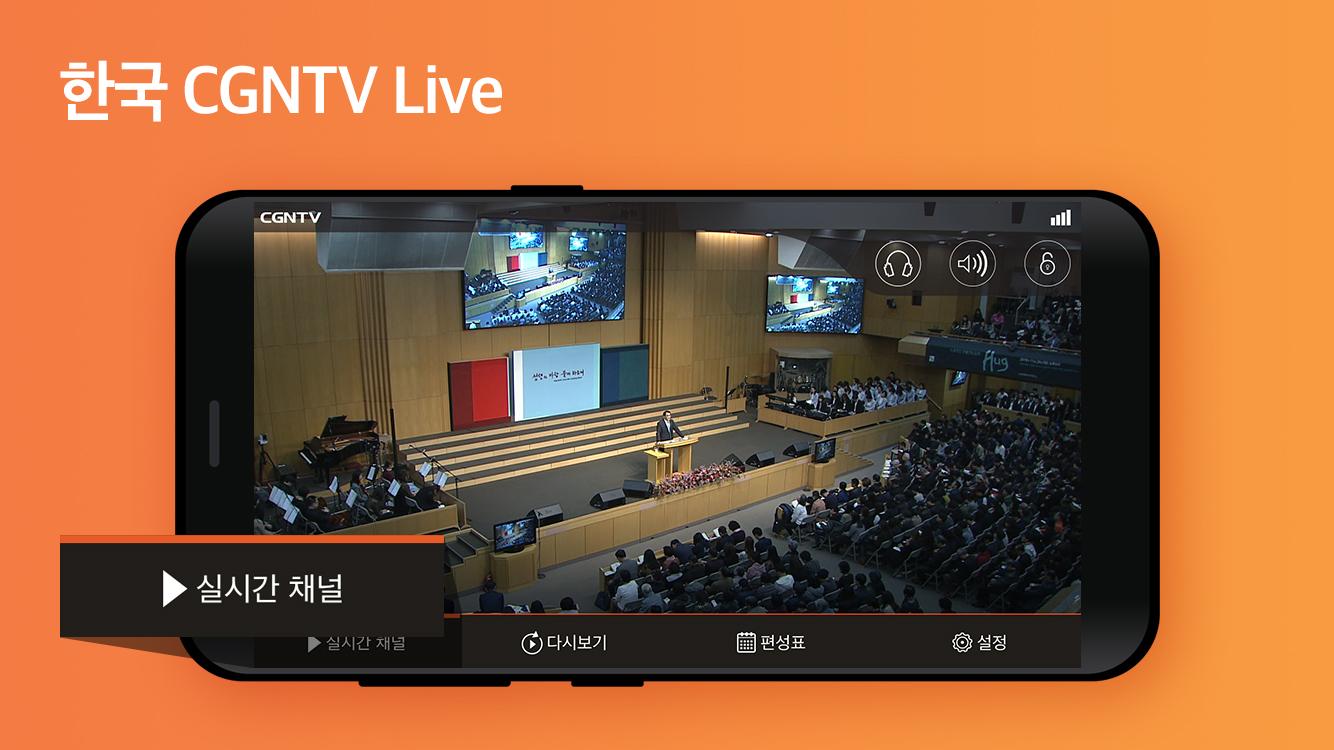
▶ Real-time broadcasting: You can watch real-time broadcasting of 4 channels in Korea, Japan, Chinese, and the Americas.
▶ Audio Mode support: You can listen to live broadcasting in audio mode.
(If set to audio mode, you can listen to the broadcast even when the screen is locked)
▶ Replay: Go to the CGN mobile website or Youtube channel.
▶ Schedule: If you click the replay icon in the schedule, you can view the previous video.
If you set an alarm, even if you turn off the live app, the notification screen will appear according to the organizing time.
▶Settings: Guides you through 3G/LTE settings, SNS services, contact information, and version information.
▶The Android version that can be used with the CGN LIVE APP is 4.0 or higher.
* After June 26, 2020, when updating or downloading the latest version of the CGN live app, the VOD icon (shortcut to the CGN website) that was created together can no longer be supported according to Google's policy.
The VOD icon was designed to be created for the convenience of users when downloading the LIVE app, and since it is not an app, it does not appear separately when searching for an app. With this in mind, we recommend that you watch through m.cgntv.net in your internet browser or watch it on the home screen.
▶ How to add a shortcut to the CGN website on the home screen
http://event1.cgntv.net/notice/2020/cgntv_web_redirect.html
* You can use it regardless of 3G/4G and wi-fi, and be careful of data charges when watching on 3G/4G.
* If you encounter any problems or errors while using the app, please leave an inquiry at CGN Viewer Center webteam@cgnmail.net. If you leave comments only on reviews, it is difficult to accurately identify and answer the problem.
پیش نظارہ
ٹیگز
Video-Playersمعلومات
ڈویلپر
CGNTV
تازہ ترین ورژن
1.4.02
آخری تازہ کاری
2023-08-25
قسم
Video-players-editors
پر دستیاب ہے۔
Google Play
مزید دکھائیں
پی سی پر گیم لوپ کے ساتھ CGN_Live کیسے کھیلا جائے۔
1. آفیشل ویب سائٹ سے گیم لوپ ڈاؤن لوڈ کریں، پھر گیم لوپ انسٹال کرنے کے لیے exe فائل چلائیں۔
2. گیم لوپ کھولیں اور "CGN_Live" تلاش کریں، تلاش کے نتائج میں CGN_Live تلاش کریں اور "انسٹال کریں" پر کلک کریں۔
3. گیم لوپ پر CGN_Live کھیلنے کا لطف اٹھائیں۔
Minimum requirements
OS
Windows 8.1 64-bit or Windows 10 64-bit
GPU
GTX 1050
CPU
i3-8300
Memory
8GB RAM
Storage
1GB available space
Recommended requirements
OS
Windows 8.1 64-bit or Windows 10 64-bit
GPU
GTX 1050
CPU
i3-9320
Memory
16GB RAM
Storage
1GB available space