
BeatSync - Quick & Easy Videos PC
KineMaster Corporation
گیم لوپ ایمولیٹر کے ساتھ PC پر BeatSync - Quick & Easy Videos ڈاؤن لوڈ کریں۔
پی سی پر BeatSync - Quick & Easy Videos
BeatSync - Quick & Easy Videos، جو ڈویلپر KineMaster Corporation سے آرہا ہے، ماضی میں اینڈرائیڈ سسٹم پر چل رہا ہے۔
اب، آپ پی سی پر BeatSync - Quick & Easy Videos آسانی سے GameLoop کے ساتھ چلا سکتے ہیں۔
اسے GameLoop لائبریری یا تلاش کے نتائج میں ڈاؤن لوڈ کریں۔ مزید غلط وقت پر بیٹری یا مایوس کن کالوں پر نظر نہیں ڈالی جائے گی۔
بس بڑی سکرین پر BeatSync - Quick & Easy Videos PC کا مفت میں لطف اٹھائیں!
BeatSync - Quick & Easy Videos تعارف
Finally, you can use your own video files! (Select 1 video file only)
No Watermark!
The Easiest way to make your own Hot Trendy Videos
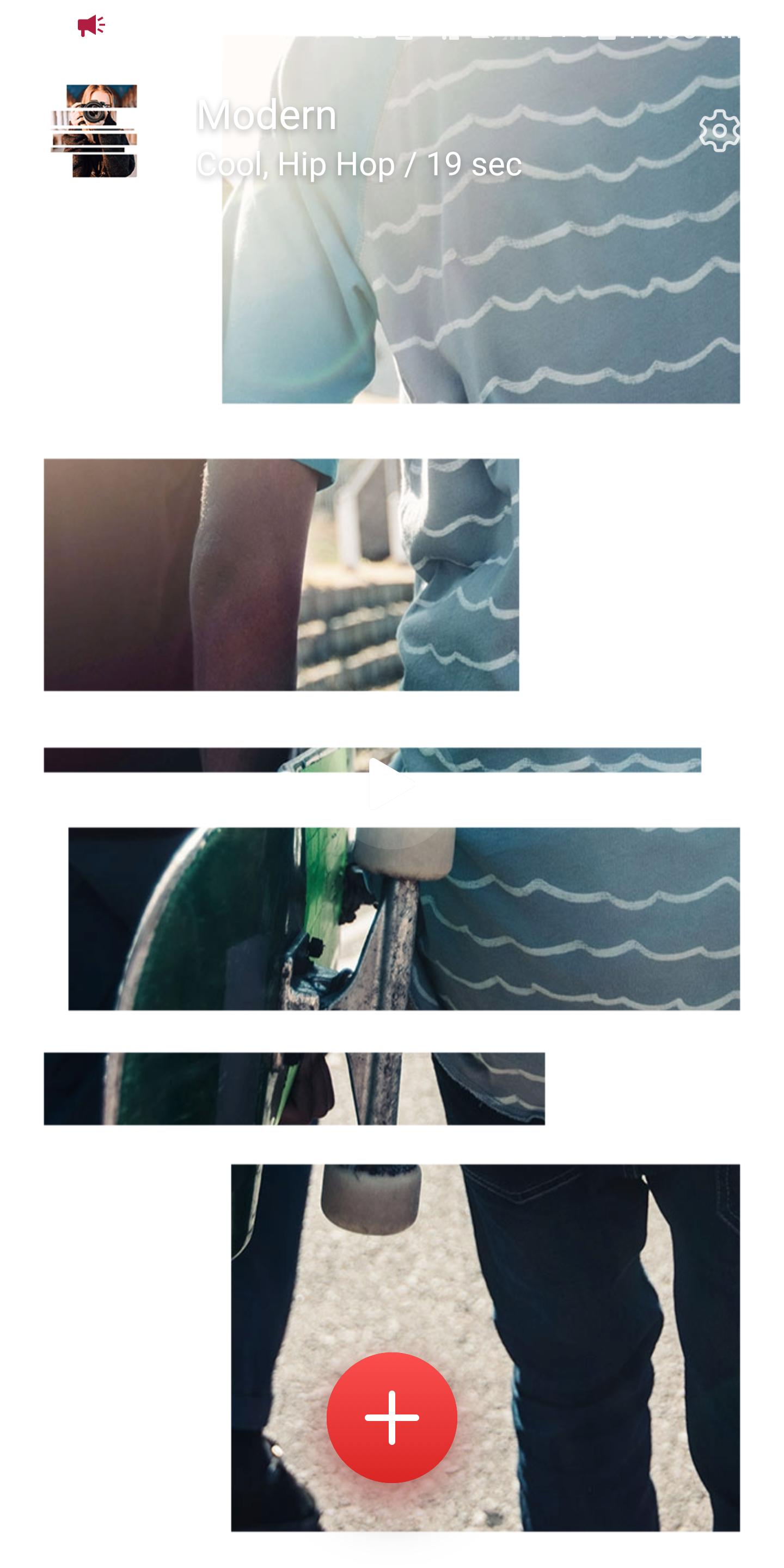
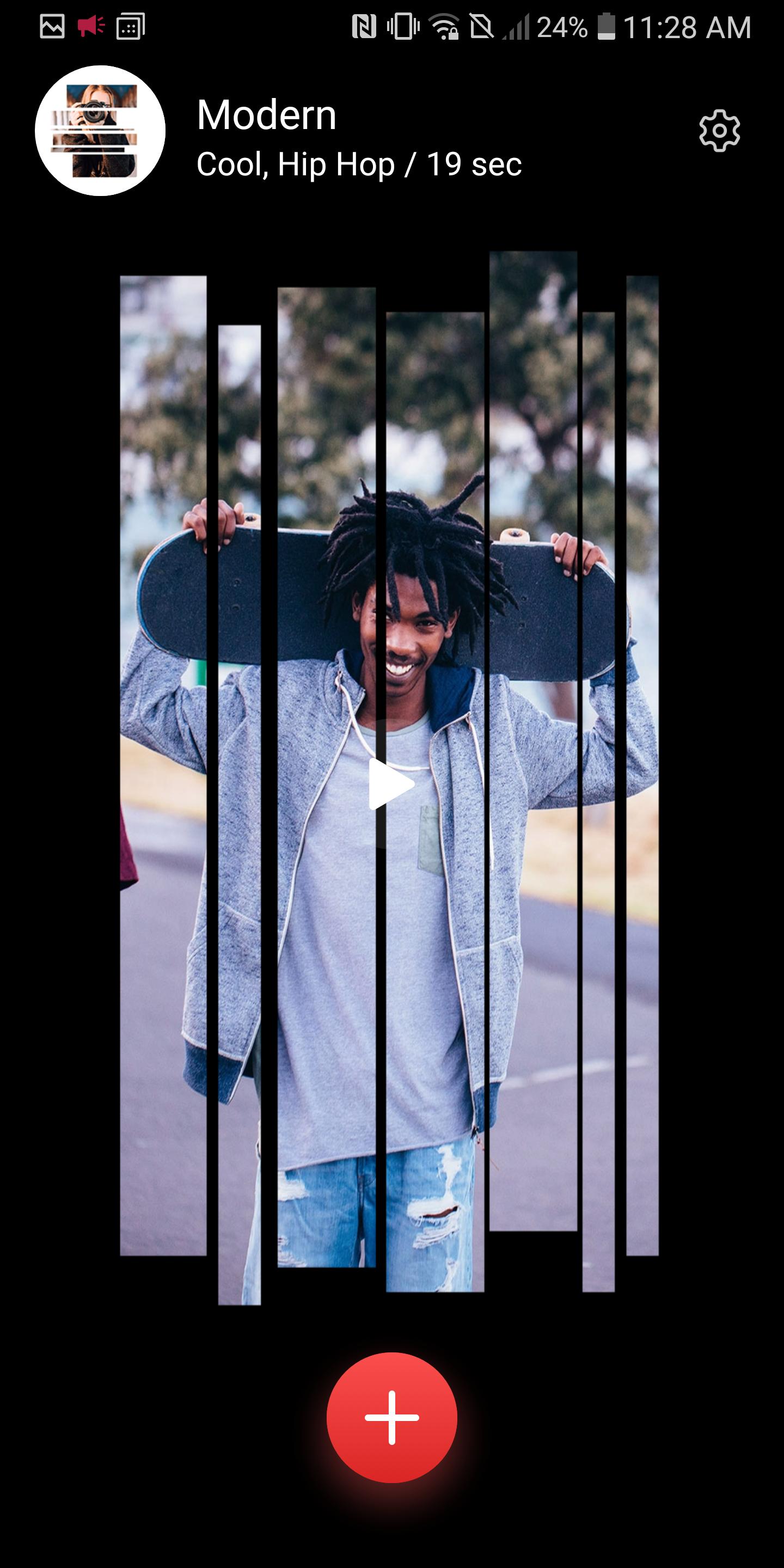
All you have to do is just pick a bunch of photos or a video on your phone and select a BeatSync template.
Voila! Your amazing video is ready to be shared with your friends and to the world.
Moreover, you can send your video as a project file to the KineMaster, the World's Most Powerful video editor, for more editing.
BeatSync Effects on the Music that You selected
Select any music that you like, BeatSync will automatically provide you with the hot video effects on the perfect timing.
Want to use your favorite music in your video and the effects are still in sync with the music?
No problem! Our Beat Detection Algorithm will detect the perfect beat positions of your selected music, so the video effects could precisely match the beats.
* "18 languages supported (English, Arabic, Chinese Simplified, Chinese Traditional, French, German, Hindi, Indonesian, Italian, Japanese, Korean, Malay, Portuguese, Russian, Spanish, Thai, Turkish, and Vietnamese)"
* Project sharing to KineMaster will be available only for KineMaster v.4.12.3 or later.
* The previews might be unstable on low-tier devices, but the exported videos will look fine.
The Fastest and Easiest way to set up a KineMaster project
Project share from BeatSync app to KineMaster app means that you are able to create a sophisticated video editing project in less than a minute. All the selected photos in BeatSync will be there in the primary timeline of the KineMaster as well as the transitions and the clip effects will be displayed in the KineMaster editing screen as a project, which means that everything is ready to be edited in the KineMaster automatically. You can change any transitions or clip graphics that have been created in BeatSync and enjoy the full editing strength of KineMaster. This means that you can add multiple video layers and use reverse mode, blending modes, voiceovers, chroma key, speed control, transitions, subtitles, special effects, and so much more into your video in KineMaster!
Key Features
. Select your photos or a video to make your own Hot Trendy Music Videos.
. No need to edit anything, just select photos or a video and a template
. You can add 1 video only or up to 30 photos.
. You can make an order of the selected photos.
. You can cancel the selected photos at once.
. Various video effects and transitions (All included in KineMaster)
. Hot and trendy music tracks (All included in KineMaster)
. You can select any music that you like on your phone and the video effects will precisely match the beats automatically.
. Send your video as a project file to the KineMaster video editing app
. Seek bar is ready for a comfortable preview
. Save your video in your local storage
. Share your video to your favorite SNS such as TikTok, YouTube, and Instagram
Download BeatSync now, and become a world coolest video maker!
Are you a KineMaster user? Do not miss this chance to utilize the way to set up a sophisticated KineMaster project, easy and quick.
For more details, questions and feature requests, please contact us.
email : support.bs@beatsyncapp.com
پیش نظارہ
ٹیگز
Video-Playersمعلومات
ڈویلپر
KineMaster Corporation
تازہ ترین ورژن
5.1.12232
آخری تازہ کاری
2025-01-22
قسم
Video-players-editors
پر دستیاب ہے۔
Google Play
مزید دکھائیں
پی سی پر گیم لوپ کے ساتھ BeatSync - Quick & Easy Videos کیسے کھیلا جائے۔
1. آفیشل ویب سائٹ سے گیم لوپ ڈاؤن لوڈ کریں، پھر گیم لوپ انسٹال کرنے کے لیے exe فائل چلائیں۔
2. گیم لوپ کھولیں اور "BeatSync - Quick & Easy Videos" تلاش کریں، تلاش کے نتائج میں BeatSync - Quick & Easy Videos تلاش کریں اور "انسٹال کریں" پر کلک کریں۔
3. گیم لوپ پر BeatSync - Quick & Easy Videos کھیلنے کا لطف اٹھائیں۔
Minimum requirements
OS
Windows 8.1 64-bit or Windows 10 64-bit
GPU
GTX 1050
CPU
i3-8300
Memory
8GB RAM
Storage
1GB available space
Recommended requirements
OS
Windows 8.1 64-bit or Windows 10 64-bit
GPU
GTX 1050
CPU
i3-9320
Memory
16GB RAM
Storage
1GB available space