
Audio Video Converter PC
GreatStuffApps
گیم لوپ ایمولیٹر کے ساتھ PC پر Audio Video Converter ڈاؤن لوڈ کریں۔
پی سی پر Audio Video Converter
Audio Video Converter، جو ڈویلپر GreatStuffApps سے آرہا ہے، ماضی میں اینڈرائیڈ سسٹم پر چل رہا ہے۔
اب، آپ پی سی پر Audio Video Converter آسانی سے GameLoop کے ساتھ چلا سکتے ہیں۔
اسے GameLoop لائبریری یا تلاش کے نتائج میں ڈاؤن لوڈ کریں۔ مزید غلط وقت پر بیٹری یا مایوس کن کالوں پر نظر نہیں ڈالی جائے گی۔
بس بڑی سکرین پر Audio Video Converter PC کا مفت میں لطف اٹھائیں!
Audio Video Converter تعارف
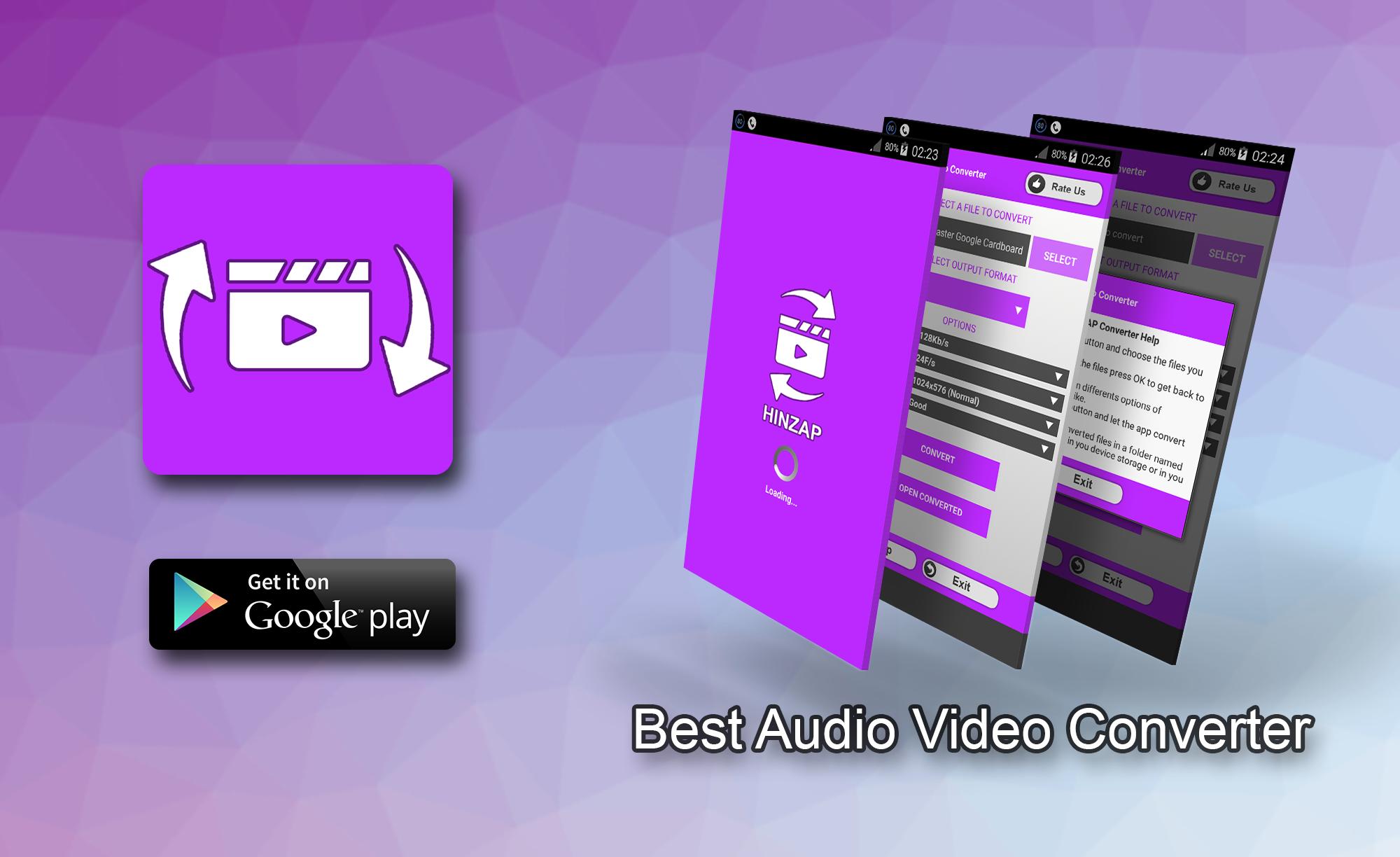
A free audio and video converter tool, that will help you to do conversion between most known multimedia file types.
Nowadays, there exist a lot of video and audio formats. And your phone may not play them all. as a result , if you have downloaded any other formats they will be shown as unsupported on your phone. To help you solve this problem, we have introduced this converter tool witch support a large list of multimedia files types. You can reformat videos and audio as you like. And do a lot of operations including the following:
- Video to MP3
- Audio to MP3
- Video to Video
- Audio to Audio
- Extract music from video.
You can also choose between different conversion options such as: Audio Bitrate, Frame Rate, Video Resolution (Video Size), Video Quality. By using with those options you can shrink the size of the result file and make it smaller.
HOW TO USE:
Just launch the app, press SELECT button a new window will appear where you can select the files. You can select multiple files at a time. When done selecting file press OK button to get back to the app. Now you can choose options as you like. Some options will only affect video. Finally you can press convert button to start the encoding process. A progress bar will appear showing the current progress of the operation.
You can cancel at any time by pressing ABORT button.
Note that for some formats the conversion may take a long time depending on the device and encoders.
You can also browse out of the app and it will continue the work. But it is recommended to stay within it until it is done.
FEATURES:
-Convert multiple files at the same time.
-Encode to HD sizes.
-Supports a lot of conversion options.
-Supports a lot of video and audio formats: MP4 , MP3 , WAV , AVI , WMA , FLV , ASF , DIVX , MKV , MOV , MPG , WMV , AAC , AC3 , AIFF , OGG , WMA .
-User friendly: Simple and easy to use interface (GUI).
پیش نظارہ
ٹیگز
Video-Playersمعلومات
ڈویلپر
GreatStuffApps
تازہ ترین ورژن
1.8
آخری تازہ کاری
2018-09-29
قسم
Video-players-editors
پر دستیاب ہے۔
Google Play
مزید دکھائیں
پی سی پر گیم لوپ کے ساتھ Audio Video Converter کیسے کھیلا جائے۔
1. آفیشل ویب سائٹ سے گیم لوپ ڈاؤن لوڈ کریں، پھر گیم لوپ انسٹال کرنے کے لیے exe فائل چلائیں۔
2. گیم لوپ کھولیں اور "Audio Video Converter" تلاش کریں، تلاش کے نتائج میں Audio Video Converter تلاش کریں اور "انسٹال کریں" پر کلک کریں۔
3. گیم لوپ پر Audio Video Converter کھیلنے کا لطف اٹھائیں۔
Minimum requirements
OS
Windows 8.1 64-bit or Windows 10 64-bit
GPU
GTX 1050
CPU
i3-8300
Memory
8GB RAM
Storage
1GB available space
Recommended requirements
OS
Windows 8.1 64-bit or Windows 10 64-bit
GPU
GTX 1050
CPU
i3-9320
Memory
16GB RAM
Storage
1GB available space