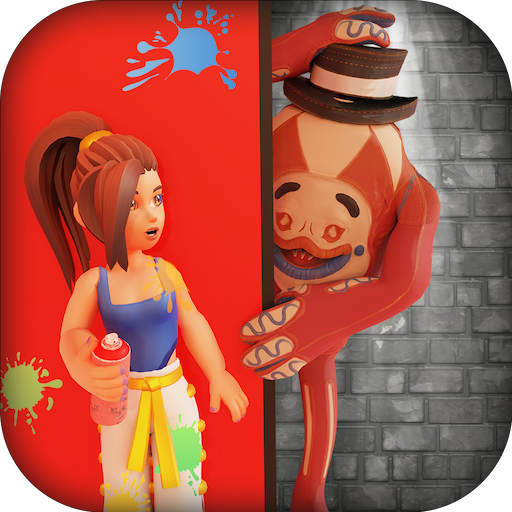
Obby Colors: Paint Or Die PC
SfantasticGames
گیم لوپ ایمولیٹر کے ساتھ PC پر Obby Colors: Paint Or Die ڈاؤن لوڈ کریں۔
پی سی پر Obby Colors: Paint Or Die
Obby Colors: Paint Or Die، جو ڈویلپر SfantasticGames سے آرہا ہے، ماضی میں اینڈرائیڈ سسٹم پر چل رہا ہے۔
اب، آپ پی سی پر Obby Colors: Paint Or Die آسانی سے GameLoop کے ساتھ چلا سکتے ہیں۔
اسے GameLoop لائبریری یا تلاش کے نتائج میں ڈاؤن لوڈ کریں۔ مزید غلط وقت پر بیٹری یا مایوس کن کالوں پر نظر نہیں ڈالی جائے گی۔
بس بڑی سکرین پر Obby Colors: Paint Or Die PC کا مفت میں لطف اٹھائیں!
Obby Colors: Paint Or Die تعارف
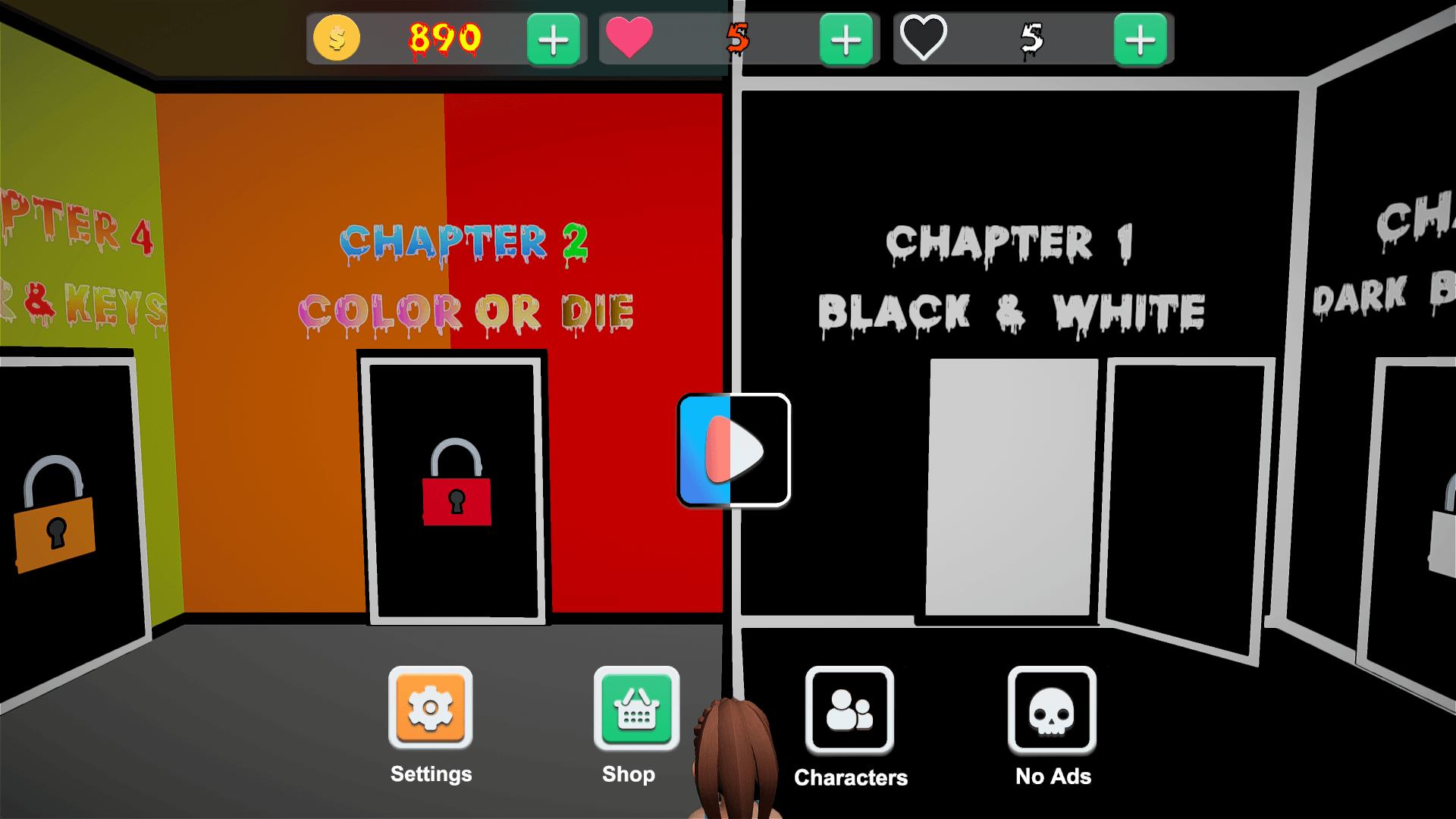
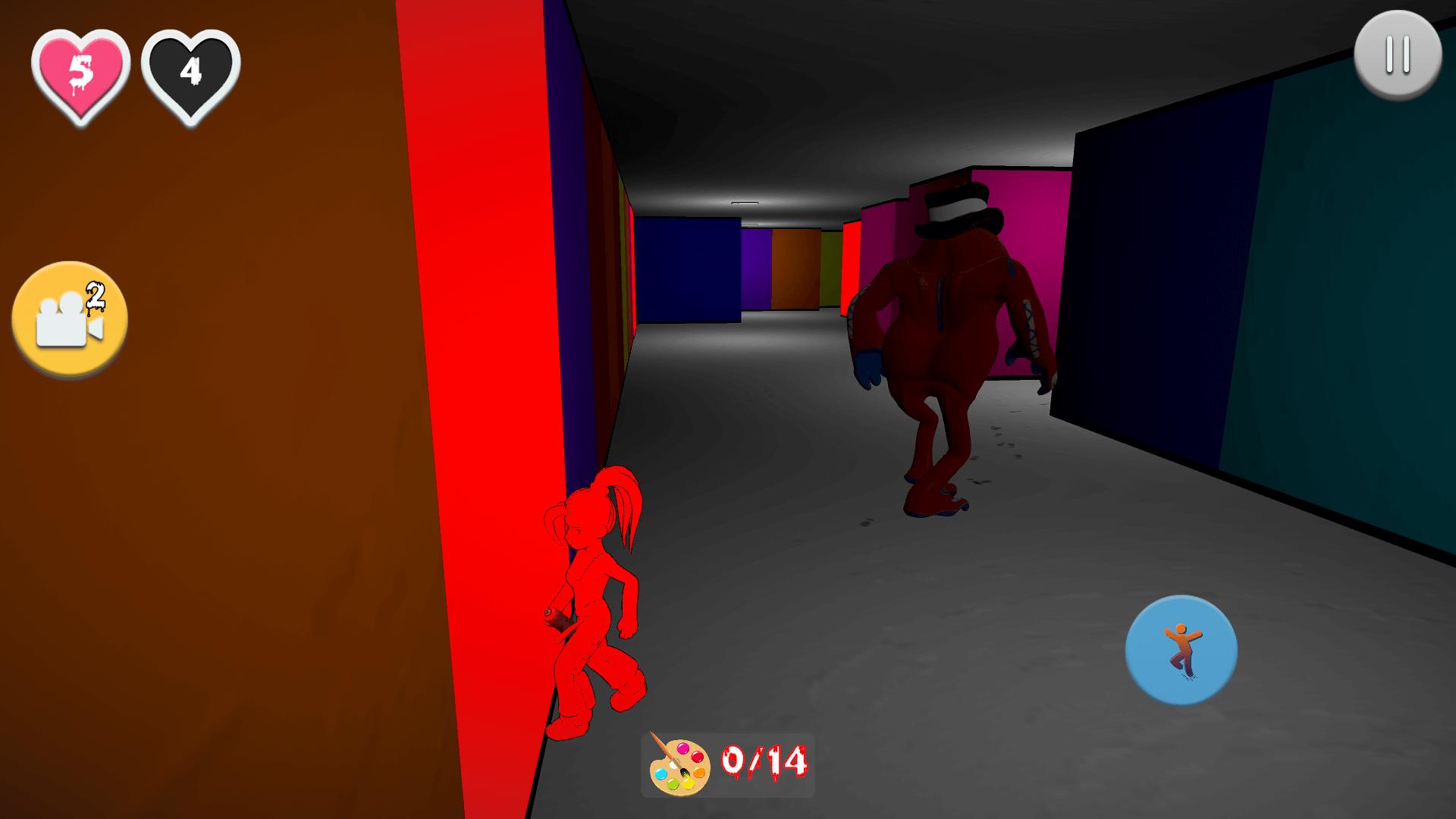
in Obby Colors: Paint or Die players need to collect all the colors by solving puzzles in the middle of a large maze and, simultaneously, hide from the creature that runs after gamers on the map. The main feature here is that users can hide by standing against the walls of the color they are. But sometimes, players have no color and need to complete quests without the ability to hide.
How To Play:
-Stand by the wall that is your color to not die!
-Find all of the colors to win!
-Escape the monster and make your way through the maze!
پیش نظارہ
ٹیگز
ٹریویامعلومات
ڈویلپر
SfantasticGames
تازہ ترین ورژن
1.0.7
آخری تازہ کاری
2023-08-06
قسم
ٹریویا
پر دستیاب ہے۔
Google Play
مزید دکھائیں
پی سی پر گیم لوپ کے ساتھ Obby Colors: Paint Or Die کیسے کھیلا جائے۔
1. آفیشل ویب سائٹ سے گیم لوپ ڈاؤن لوڈ کریں، پھر گیم لوپ انسٹال کرنے کے لیے exe فائل چلائیں۔
2. گیم لوپ کھولیں اور "Obby Colors: Paint Or Die" تلاش کریں، تلاش کے نتائج میں Obby Colors: Paint Or Die تلاش کریں اور "انسٹال کریں" پر کلک کریں۔
3. گیم لوپ پر Obby Colors: Paint Or Die کھیلنے کا لطف اٹھائیں۔
Minimum requirements
OS
Windows 8.1 64-bit or Windows 10 64-bit
GPU
GTX 1050
CPU
i3-8300
Memory
8GB RAM
Storage
1GB available space
Recommended requirements
OS
Windows 8.1 64-bit or Windows 10 64-bit
GPU
GTX 1050
CPU
i3-9320
Memory
16GB RAM
Storage
1GB available space