
Airblue PC
Savings
گیم لوپ ایمولیٹر کے ساتھ PC پر Airblue ڈاؤن لوڈ کریں۔
پی سی پر Airblue
Airblue، جو ڈویلپر Savings سے آرہا ہے، ماضی میں اینڈرائیڈ سسٹم پر چل رہا ہے۔
اب، آپ پی سی پر Airblue آسانی سے GameLoop کے ساتھ چلا سکتے ہیں۔
اسے GameLoop لائبریری یا تلاش کے نتائج میں ڈاؤن لوڈ کریں۔ مزید غلط وقت پر بیٹری یا مایوس کن کالوں پر نظر نہیں ڈالی جائے گی۔
بس بڑی سکرین پر Airblue PC کا مفت میں لطف اٹھائیں!
Airblue تعارف
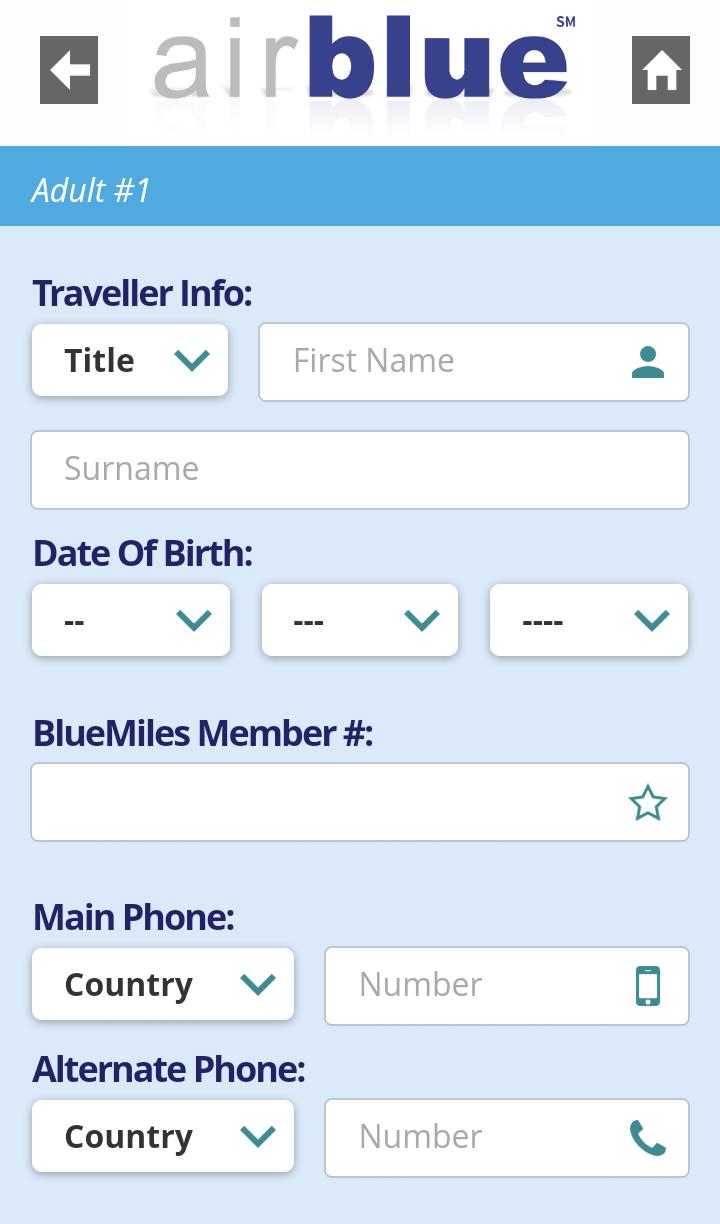
Airblue Limited is a private airline with its head office on the 12th floor of the Islamabad Stock Exchange (ISE) Towers in Islamabad, Pakistan. It is Pakistan's second largest airline with a growing share of the domestic market.
Airblue's fleet consists of next-generation Airbus A320 and A321 aircrafts.
Led by a team with decades of experience in the industry, airblue embodies a new era in passenger air travel. The company's shareholding structure includes a group of investors including Mr. Tariq Chaudhary with majority stake. Mr. Chaudhary also serves as CEO and Chairman of the Board.
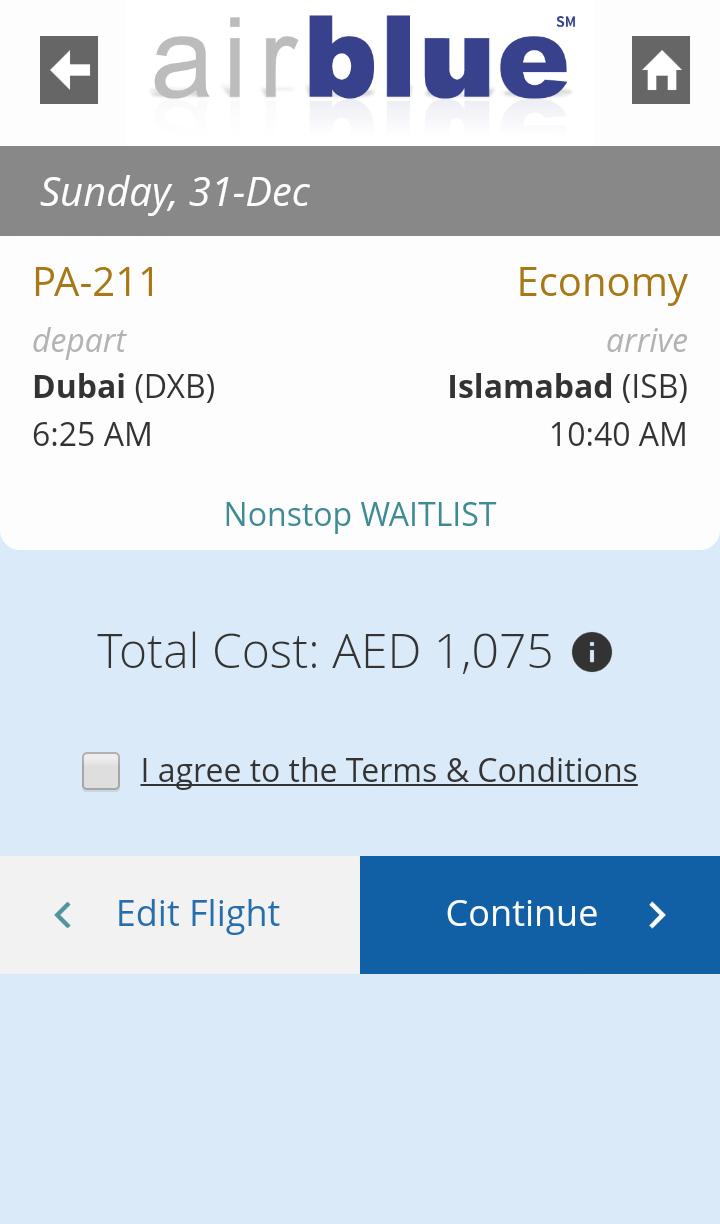
Airblue operates scheduled flights linking six domestic destinations Islamabad, Lahore, Karachi, Rahim Yar Khan, Sialkot and Multan with international destinations of UAE airports Dubai, Sharjah and Abu Dhabi, as well as Muscat, Oman, Jeddah, Riyadh and most recently Dammam.
Airblue has integrated unique innovations to ensure security and affordability. Among these are complete online reservation systems, online reservation hold/in person payment at various locations, and electronic document handling. Airblue was the first airline in Pakistan to introduce many modern technologies, including e-ticketing and self check-in kiosk facilities.
پیش نظارہ
ٹیگز
Travel-&معلومات
ڈویلپر
Savings
تازہ ترین ورژن
1
آخری تازہ کاری
2022-07-15
قسم
Travel-local
پر دستیاب ہے۔
Google Play
مزید دکھائیں
پی سی پر گیم لوپ کے ساتھ Airblue کیسے کھیلا جائے۔
1. آفیشل ویب سائٹ سے گیم لوپ ڈاؤن لوڈ کریں، پھر گیم لوپ انسٹال کرنے کے لیے exe فائل چلائیں۔
2. گیم لوپ کھولیں اور "Airblue" تلاش کریں، تلاش کے نتائج میں Airblue تلاش کریں اور "انسٹال کریں" پر کلک کریں۔
3. گیم لوپ پر Airblue کھیلنے کا لطف اٹھائیں۔
Minimum requirements
OS
Windows 8.1 64-bit or Windows 10 64-bit
GPU
GTX 1050
CPU
i3-8300
Memory
8GB RAM
Storage
1GB available space
Recommended requirements
OS
Windows 8.1 64-bit or Windows 10 64-bit
GPU
GTX 1050
CPU
i3-9320
Memory
16GB RAM
Storage
1GB available space