Ace Scanner (OCR) & Translator PC
Impress Medium
گیم لوپ ایمولیٹر کے ساتھ PC پر Ace Scanner (OCR) & Translator ڈاؤن لوڈ کریں۔
پی سی پر Ace Scanner (OCR) & Translator
Ace Scanner (OCR) & Translator، جو ڈویلپر Impress Medium سے آرہا ہے، ماضی میں اینڈرائیڈ سسٹم پر چل رہا ہے۔
اب، آپ پی سی پر Ace Scanner (OCR) & Translator آسانی سے GameLoop کے ساتھ چلا سکتے ہیں۔
اسے GameLoop لائبریری یا تلاش کے نتائج میں ڈاؤن لوڈ کریں۔ مزید غلط وقت پر بیٹری یا مایوس کن کالوں پر نظر نہیں ڈالی جائے گی۔
بس بڑی سکرین پر Ace Scanner (OCR) & Translator PC کا مفت میں لطف اٹھائیں!
Ace Scanner (OCR) & Translator تعارف
This app has shut down. Please do not purchase new subscriptions. Subscriptions will remain active for existing customers till expiry.
------
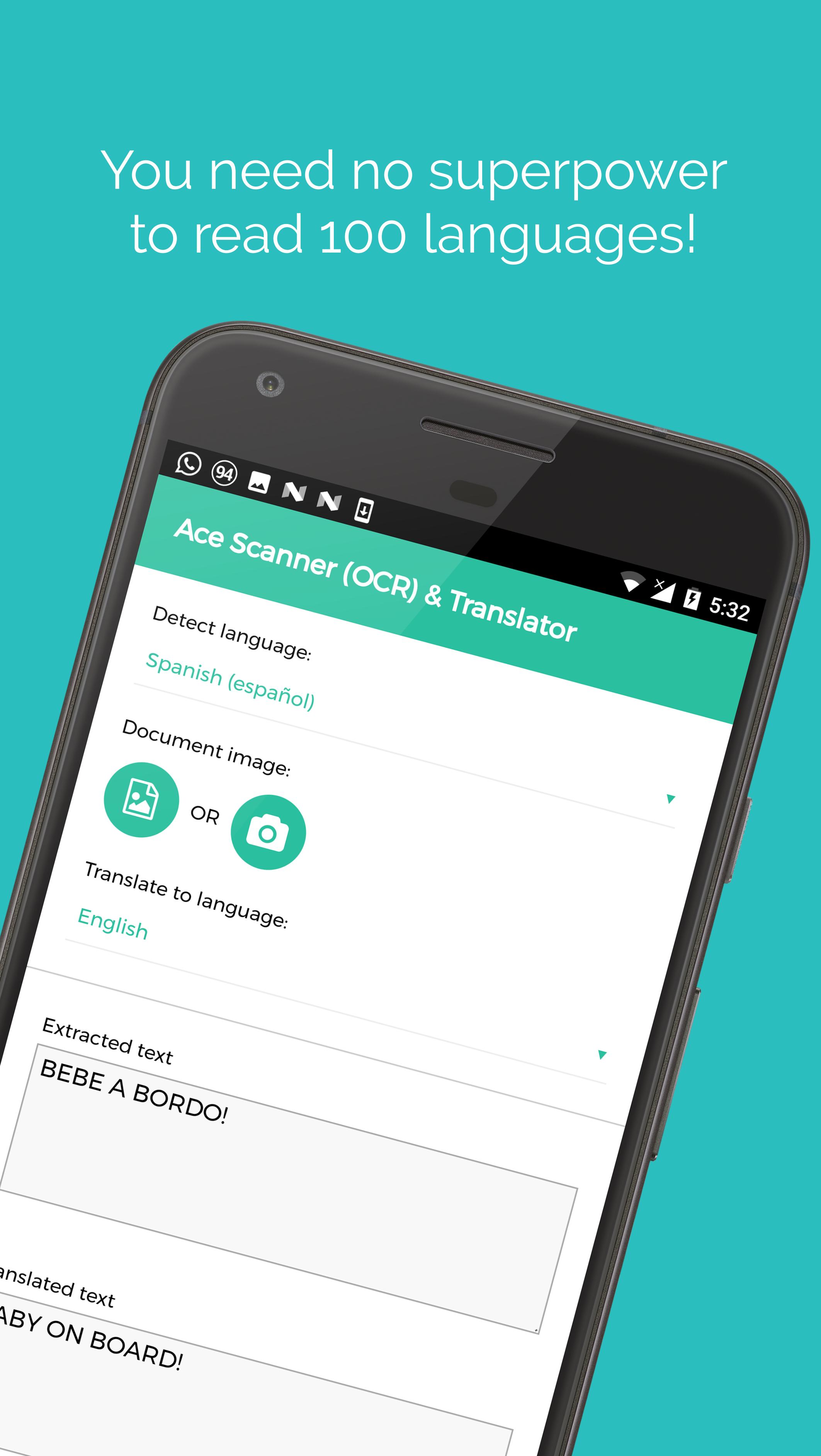
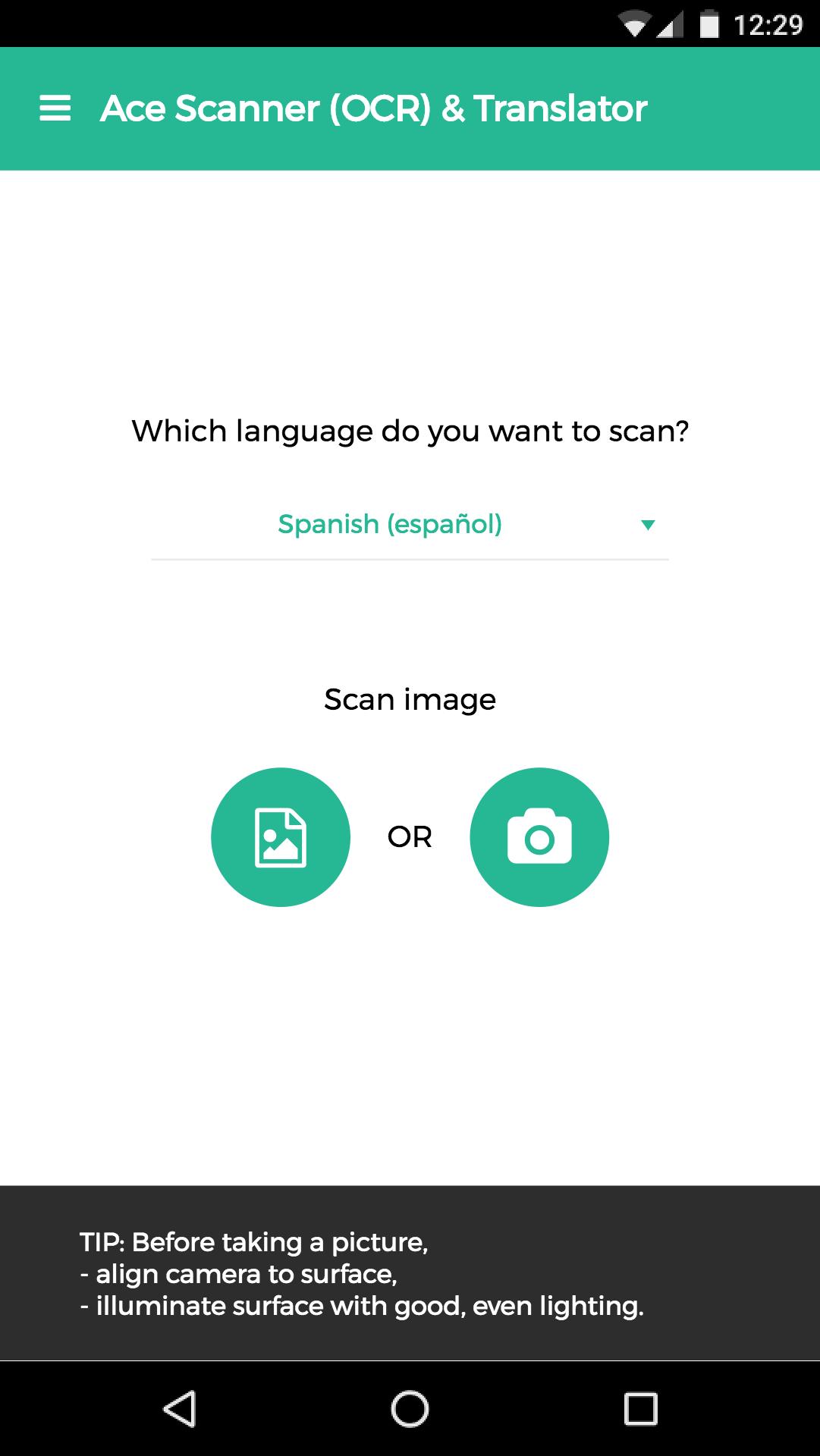
Take a photo of printed text, and this app extracts the text and translates it for you.
More than 100 languages supported.
*Free trail of 6 images and/or 12 translations.*
[Uses]
1. Travel: Translate sign boards, menus while traveling.
2. Work: Convert office/government documents to text and then share over email, or translate it to a language you understand.
3. Study: Convert documents to shareable text.
4. Learn: Image to text translation helps in learning languages.
Usage of deep learning OCR technology, makes this app more accurate than competitors - try it yourself ;)
Note: App needs internet connection. Handwriting recognition isn't supported.
Standard Google Play refund policies apply (that is, currently, refunds are accepted within 48 hours of purchase*).
* could be changed by Google in the future
پیش نظارہ
ٹیگز
Travel-&معلومات
ڈویلپر
Impress Medium
تازہ ترین ورژن
2.13.0
آخری تازہ کاری
2018-08-12
قسم
Travel-local
پر دستیاب ہے۔
Google Play
مزید دکھائیں
پی سی پر گیم لوپ کے ساتھ Ace Scanner (OCR) & Translator کیسے کھیلا جائے۔
1. آفیشل ویب سائٹ سے گیم لوپ ڈاؤن لوڈ کریں، پھر گیم لوپ انسٹال کرنے کے لیے exe فائل چلائیں۔
2. گیم لوپ کھولیں اور "Ace Scanner (OCR) & Translator" تلاش کریں، تلاش کے نتائج میں Ace Scanner (OCR) & Translator تلاش کریں اور "انسٹال کریں" پر کلک کریں۔
3. گیم لوپ پر Ace Scanner (OCR) & Translator کھیلنے کا لطف اٹھائیں۔
Minimum requirements
OS
Windows 8.1 64-bit or Windows 10 64-bit
GPU
GTX 1050
CPU
i3-8300
Memory
8GB RAM
Storage
1GB available space
Recommended requirements
OS
Windows 8.1 64-bit or Windows 10 64-bit
GPU
GTX 1050
CPU
i3-9320
Memory
16GB RAM
Storage
1GB available space