ZQ2 ZLabel Designer PC
Zebra Technologies
گیم لوپ ایمولیٹر کے ساتھ PC پر ZQ2 ZLabel Designer ڈاؤن لوڈ کریں۔
پی سی پر ZQ2 ZLabel Designer
ZQ2 ZLabel Designer، جو ڈویلپر Zebra Technologies سے آرہا ہے، ماضی میں اینڈرائیڈ سسٹم پر چل رہا ہے۔
اب، آپ پی سی پر ZQ2 ZLabel Designer آسانی سے GameLoop کے ساتھ چلا سکتے ہیں۔
اسے GameLoop لائبریری یا تلاش کے نتائج میں ڈاؤن لوڈ کریں۔ مزید غلط وقت پر بیٹری یا مایوس کن کالوں پر نظر نہیں ڈالی جائے گی۔
بس بڑی سکرین پر ZQ2 ZLabel Designer PC کا مفت میں لطف اٹھائیں!
ZQ2 ZLabel Designer تعارف
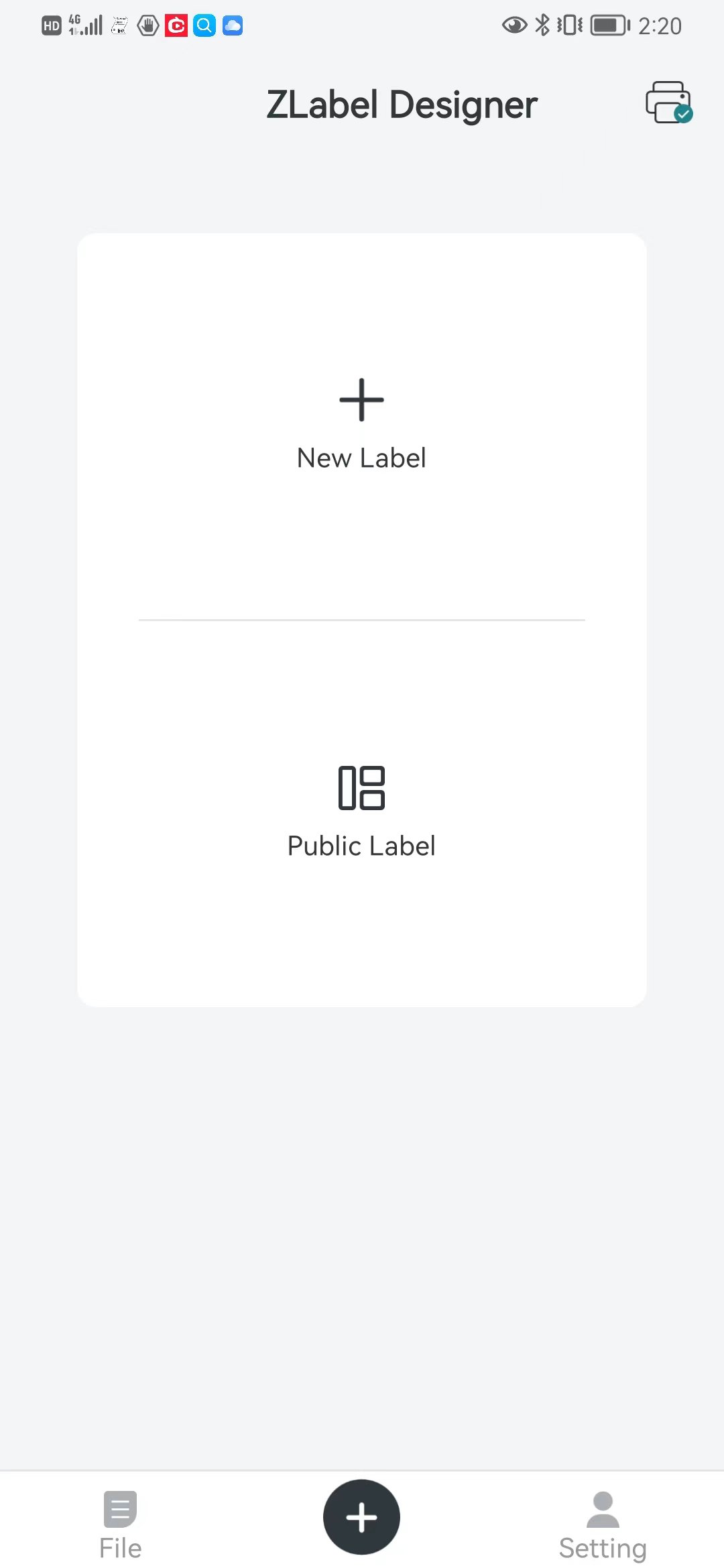
1. ZQ2 ZLabel Design App - free mobile app for Android™ makes label printing easy for on-the-go workers.
2. No service fee, pop-up advertising or personal data collection – your privacy is respected by Zebra.
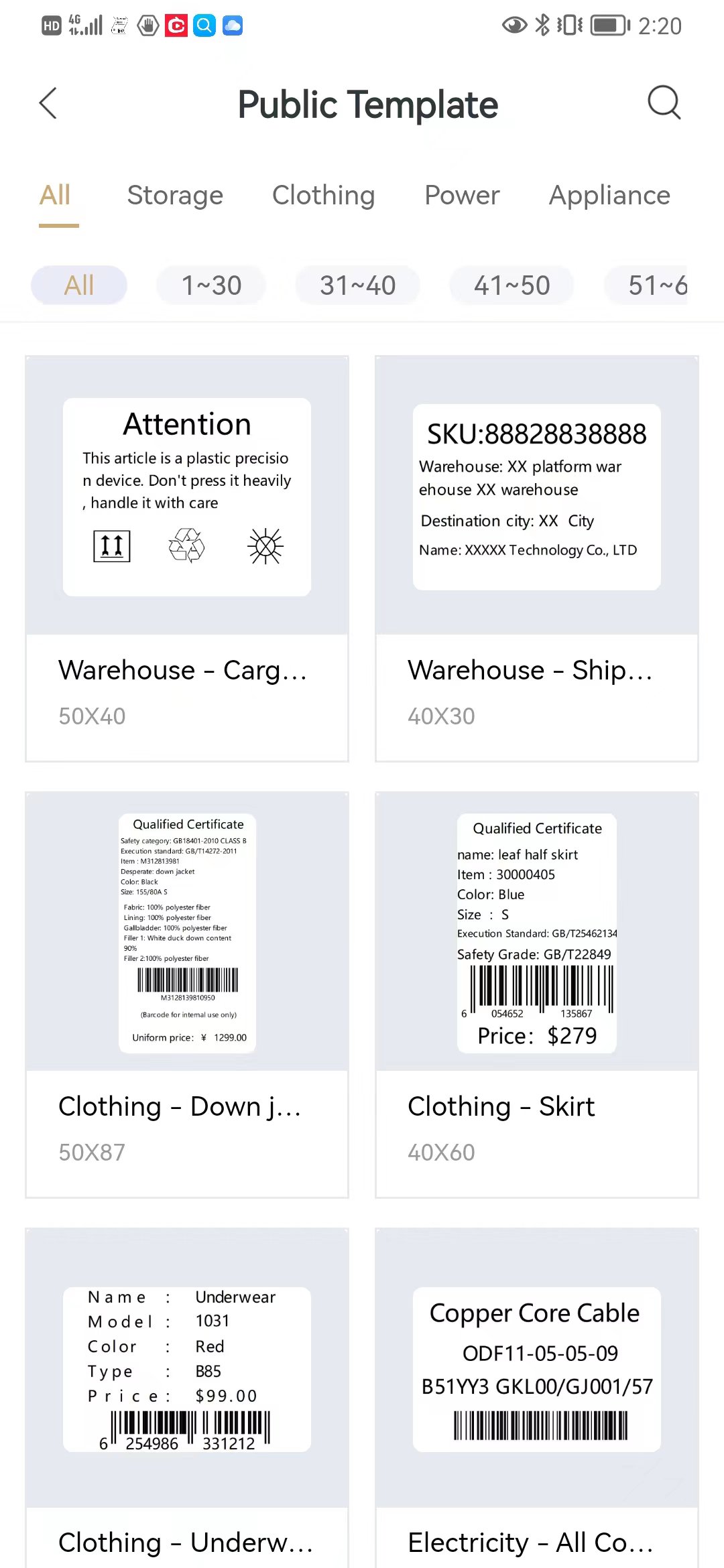
3. Create labels from numerous pre-designed templates or add your own custom design.
4. Start design with intuitive user interface, and Print-on-the-go over Bluetooth connectivity makes work more efficiency.
5. Use a phone camera to capture text, numbers and letters, then paste on a label editing screen–convenient and saves time.
6. Supports multiple printer settings, printer status, and includes firmware upgrade support
7. Support Printer List: ZQ220/ZQ220Plus/ZQ210/ZQ120Plus
8. Supported Android Versions: V8.0 and later.
پیش نظارہ
ٹیگز
اوزارمعلومات
ڈویلپر
Zebra Technologies
تازہ ترین ورژن
1.1.7
آخری تازہ کاری
2025-05-06
قسم
اوزار
پر دستیاب ہے۔
Google Play
مزید دکھائیں
پی سی پر گیم لوپ کے ساتھ ZQ2 ZLabel Designer کیسے کھیلا جائے۔
1. آفیشل ویب سائٹ سے گیم لوپ ڈاؤن لوڈ کریں، پھر گیم لوپ انسٹال کرنے کے لیے exe فائل چلائیں۔
2. گیم لوپ کھولیں اور "ZQ2 ZLabel Designer" تلاش کریں، تلاش کے نتائج میں ZQ2 ZLabel Designer تلاش کریں اور "انسٹال کریں" پر کلک کریں۔
3. گیم لوپ پر ZQ2 ZLabel Designer کھیلنے کا لطف اٹھائیں۔
Minimum requirements
OS
Windows 8.1 64-bit or Windows 10 64-bit
GPU
GTX 1050
CPU
i3-8300
Memory
8GB RAM
Storage
1GB available space
Recommended requirements
OS
Windows 8.1 64-bit or Windows 10 64-bit
GPU
GTX 1050
CPU
i3-9320
Memory
16GB RAM
Storage
1GB available space