
Battery Percentage Indicator PC
Zanoj Mobi Apps
گیم لوپ ایمولیٹر کے ساتھ PC پر Battery Percentage Indicator ڈاؤن لوڈ کریں۔
پی سی پر Battery Percentage Indicator
Battery Percentage Indicator، جو ڈویلپر Zanoj Mobi Apps سے آرہا ہے، ماضی میں اینڈرائیڈ سسٹم پر چل رہا ہے۔
اب، آپ پی سی پر Battery Percentage Indicator آسانی سے GameLoop کے ساتھ چلا سکتے ہیں۔
اسے GameLoop لائبریری یا تلاش کے نتائج میں ڈاؤن لوڈ کریں۔ مزید غلط وقت پر بیٹری یا مایوس کن کالوں پر نظر نہیں ڈالی جائے گی۔
بس بڑی سکرین پر Battery Percentage Indicator PC کا مفت میں لطف اٹھائیں!
Battery Percentage Indicator تعارف
🔋 Battery Percentage Meter – Simple & Accurate
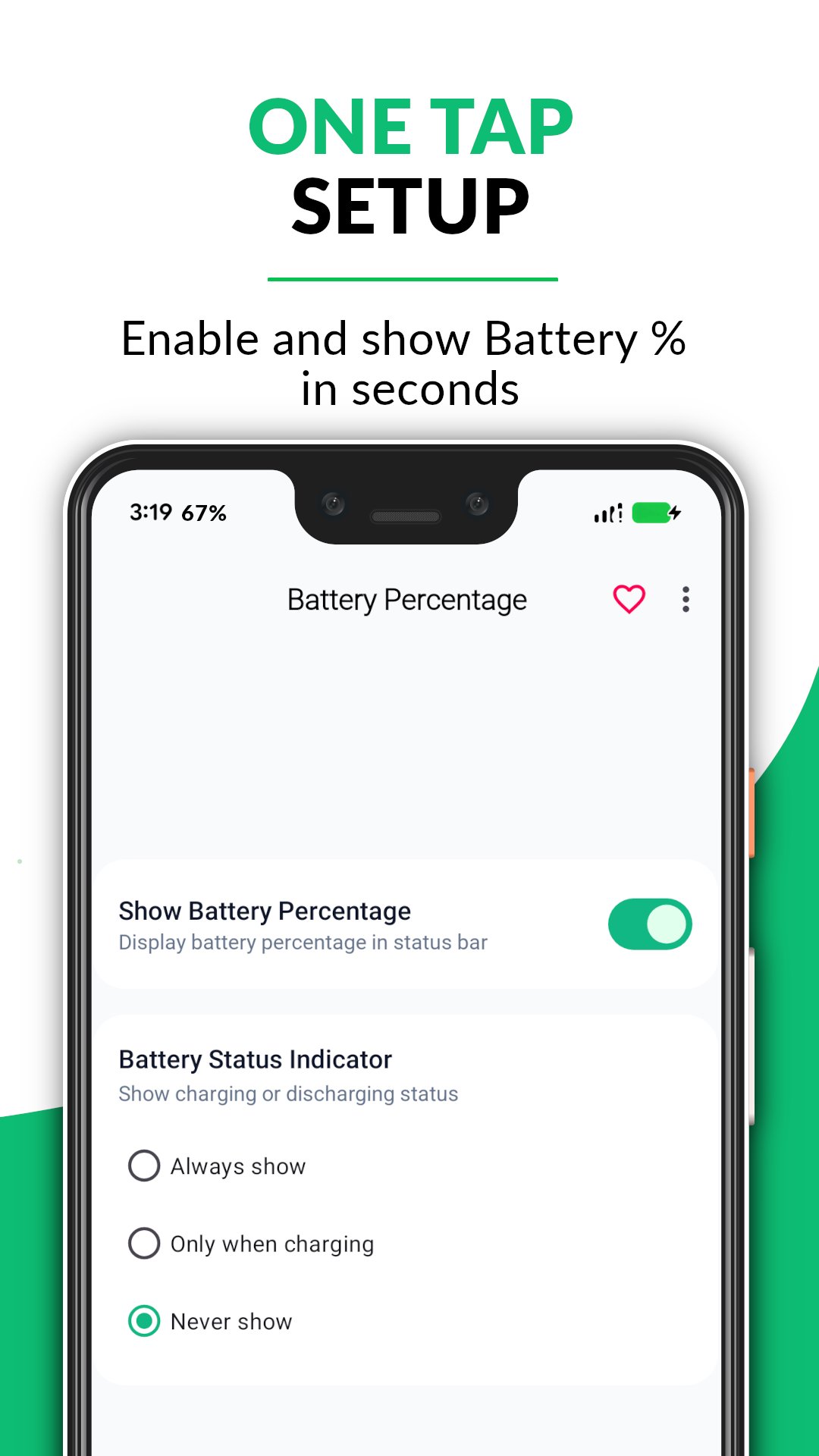
Easily monitor your battery percentage in the status bar.
Stay updated with your battery level in real-time with a clean and lightweight app.
📊 Key Features
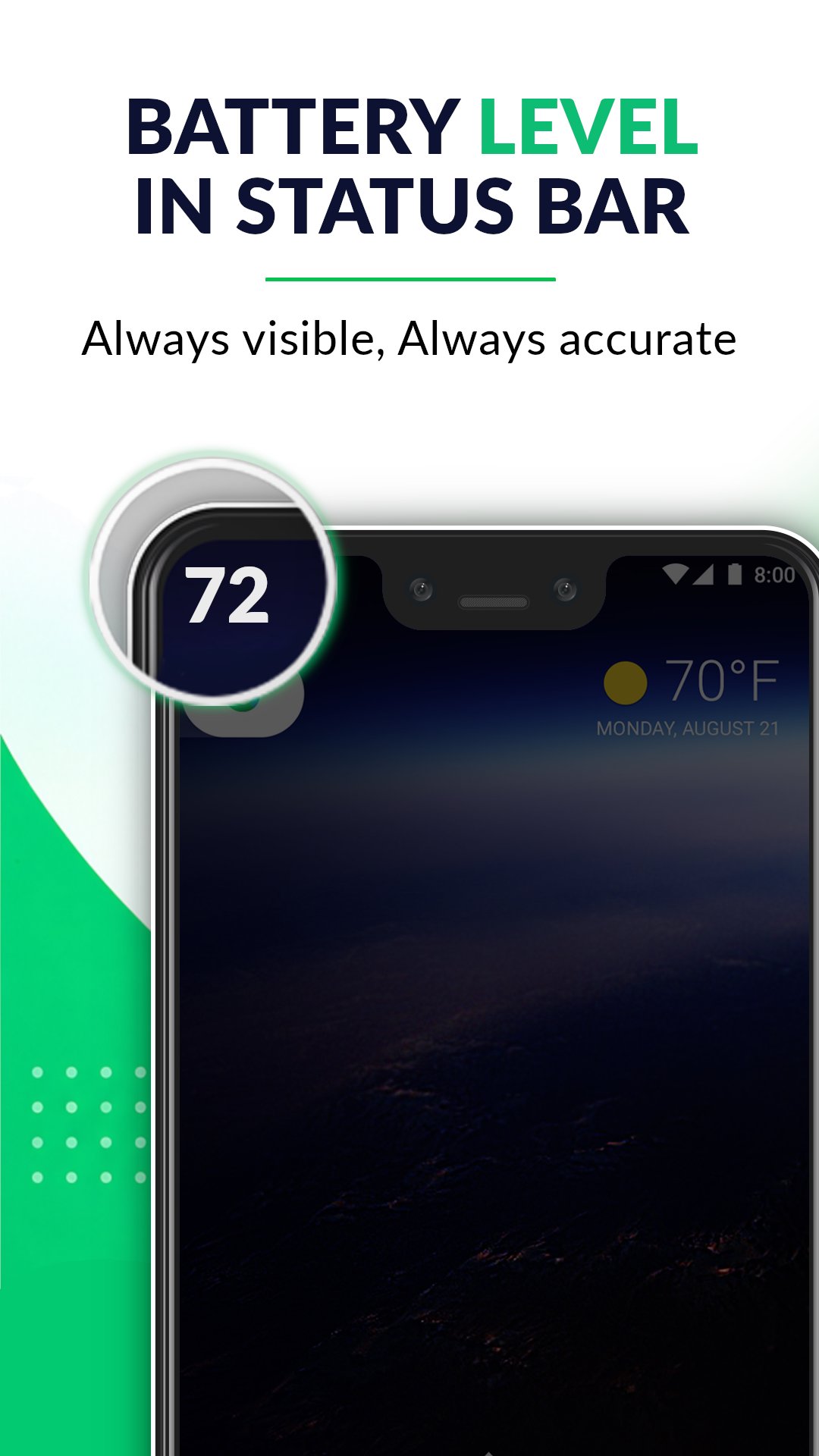
✔ Live Battery Percentage in Status Bar
Display accurate battery percentage indicator at all times
✔ Real-Time Battery Monitor
Track your battery level changes instantly (1% accuracy)
✔ Detailed Notification Panel
View battery status:
- Charging / Discharging
- Battery progress bar
✔ Lightweight & Battery Friendly
Minimal resource usage with smooth performance
✔ Simple & Clean UI
Easy-to-read text with no clutter
✔ Supports All Devices
Works across multiple screen sizes and Android versions
📱 Why Choose This App?
- No unnecessary features
- Clean and minimal design
- Accurate battery tracking
- Easy to use for everyone
پیش نظارہ
ٹیگز
اوزارمعلومات
ڈویلپر
Zanoj Mobi Apps
تازہ ترین ورژن
1.4.4
آخری تازہ کاری
2026-08-31
قسم
اوزار
پر دستیاب ہے۔
Google Play
مزید دکھائیں
پی سی پر گیم لوپ کے ساتھ Battery Percentage Indicator کیسے کھیلا جائے۔
1. آفیشل ویب سائٹ سے گیم لوپ ڈاؤن لوڈ کریں، پھر گیم لوپ انسٹال کرنے کے لیے exe فائل چلائیں۔
2. گیم لوپ کھولیں اور "Battery Percentage Indicator" تلاش کریں، تلاش کے نتائج میں Battery Percentage Indicator تلاش کریں اور "انسٹال کریں" پر کلک کریں۔
3. گیم لوپ پر Battery Percentage Indicator کھیلنے کا لطف اٹھائیں۔
Minimum requirements
OS
Windows 8.1 64-bit or Windows 10 64-bit
GPU
GTX 1050
CPU
i3-8300
Memory
8GB RAM
Storage
1GB available space
Recommended requirements
OS
Windows 8.1 64-bit or Windows 10 64-bit
GPU
GTX 1050
CPU
i3-9320
Memory
16GB RAM
Storage
1GB available space