Xiaomi TV Remote Control PC
AYYAN
گیم لوپ ایمولیٹر کے ساتھ PC پر Xiaomi TV Remote Control ڈاؤن لوڈ کریں۔
پی سی پر Xiaomi TV Remote Control
Xiaomi TV Remote Control، جو ڈویلپر AYYAN سے آرہا ہے، ماضی میں اینڈرائیڈ سسٹم پر چل رہا ہے۔
اب، آپ پی سی پر Xiaomi TV Remote Control آسانی سے GameLoop کے ساتھ چلا سکتے ہیں۔
اسے GameLoop لائبریری یا تلاش کے نتائج میں ڈاؤن لوڈ کریں۔ مزید غلط وقت پر بیٹری یا مایوس کن کالوں پر نظر نہیں ڈالی جائے گی۔
بس بڑی سکرین پر Xiaomi TV Remote Control PC کا مفت میں لطف اٹھائیں!
Xiaomi TV Remote Control تعارف
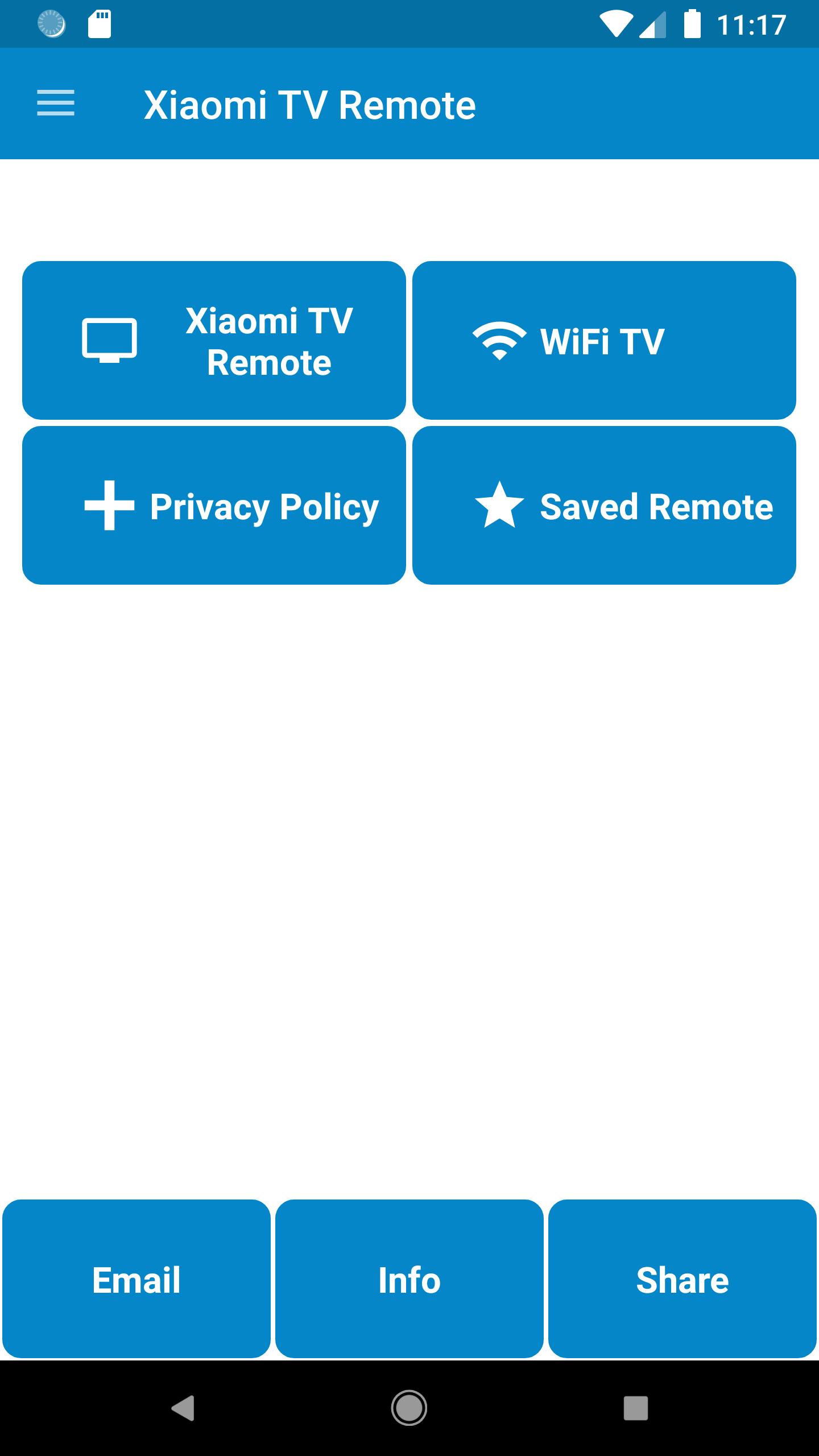
Xiaomi TV Remote Control build by AYYAN is used to control Xiaomi TV's LED's and Smart TV's
----Disclaimer----
This App does not belong to Offical Xiaomi Company, we have just gathered the data and presented in a better form for user convenience.
----Features----
-> Plug and Play Install
-> All Funtionalities in Plastic Remote is available in this Xiaomi TV Remote
-> WiFi Functionality is available for Android Smart TV Casting
-> Any Last Used Xiaomi Remote is easily reached via Saved Option
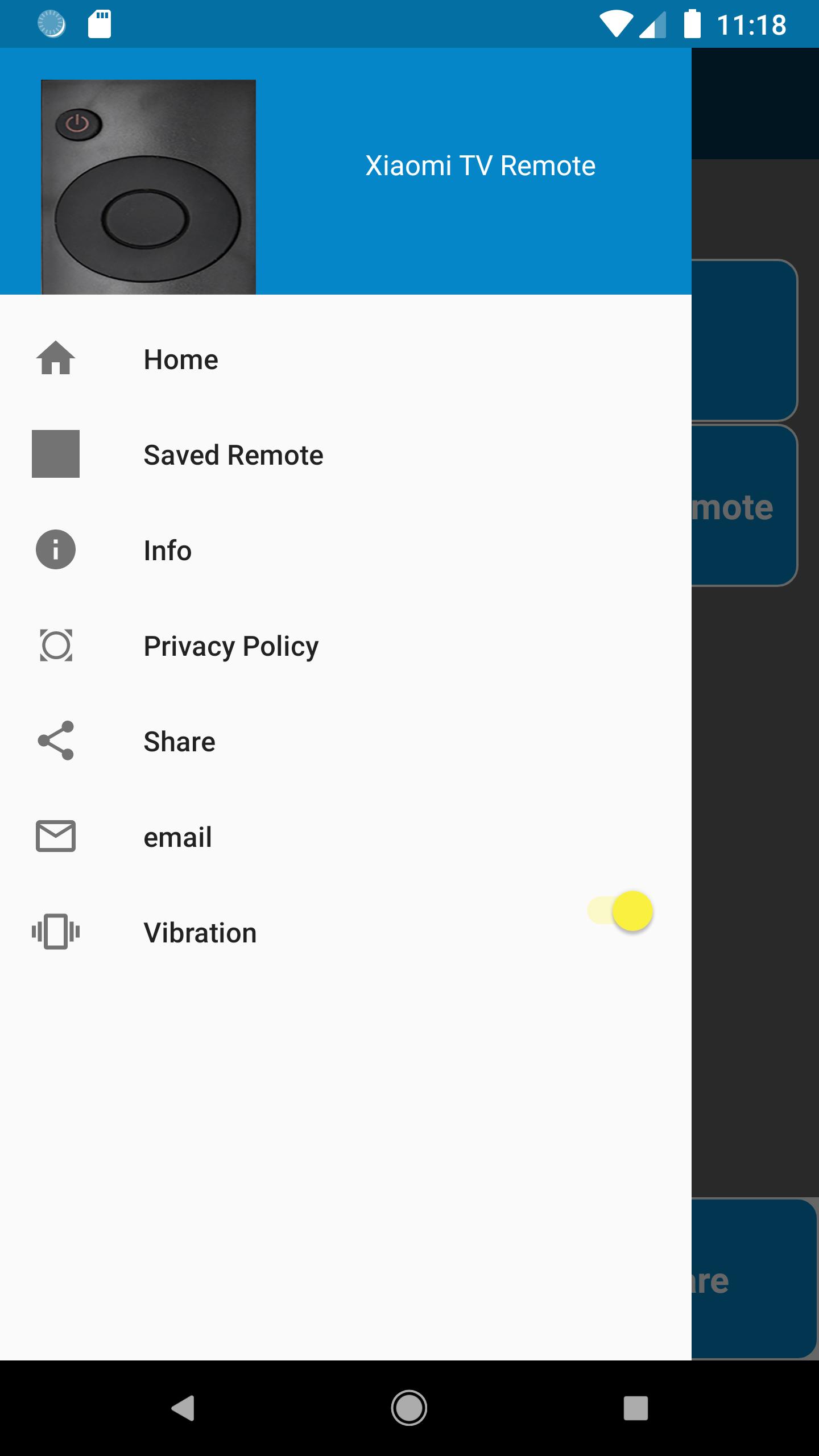
-> Vibration ON/OFF Options are available in Drawer Menu
----Usage----
-> IR Blaster is required to control your Xiaomi TV via this Xiaomi Remote, if you do not have knowledge of IR Blaster then
Install the App to check remotes in this Xiaomi TV App and let us know via email we will help you
-> For WiFi Connectivity with your Android TV your Smart Phone and Android TV must be on the same network
----How to Use----
-> For WiFi Connectivity simply connect your phone with the same WiFi Device with which your Smart TV is connected
-> For Normal connectivity Press the Power Button and select YES or NO upon the response, try same process your Xiaomi TV responds
----Query----
-> If you have any query we will be happy to assist, reach us at airmk2000@gmail.com
پیش نظارہ
معلومات
ڈویلپر
AYYAN
تازہ ترین ورژن
1.1.10
آخری تازہ کاری
2025-09-09
قسم
اوزار
پر دستیاب ہے۔
Google Play
مزید دکھائیں
پی سی پر گیم لوپ کے ساتھ Xiaomi TV Remote Control کیسے کھیلا جائے۔
1. آفیشل ویب سائٹ سے گیم لوپ ڈاؤن لوڈ کریں، پھر گیم لوپ انسٹال کرنے کے لیے exe فائل چلائیں۔
2. گیم لوپ کھولیں اور "Xiaomi TV Remote Control" تلاش کریں، تلاش کے نتائج میں Xiaomi TV Remote Control تلاش کریں اور "انسٹال کریں" پر کلک کریں۔
3. گیم لوپ پر Xiaomi TV Remote Control کھیلنے کا لطف اٹھائیں۔
Minimum requirements
OS
Windows 8.1 64-bit or Windows 10 64-bit
GPU
GTX 1050
CPU
i3-8300
Memory
8GB RAM
Storage
1GB available space
Recommended requirements
OS
Windows 8.1 64-bit or Windows 10 64-bit
GPU
GTX 1050
CPU
i3-9320
Memory
16GB RAM
Storage
1GB available space