WiFi WPS Connect, Tester PC
WiFi Password Show
گیم لوپ ایمولیٹر کے ساتھ PC پر WiFi WPS Connect, Tester ڈاؤن لوڈ کریں۔
پی سی پر WiFi WPS Connect, Tester
WiFi WPS Connect, Tester، جو ڈویلپر WiFi Password Show سے آرہا ہے، ماضی میں اینڈرائیڈ سسٹم پر چل رہا ہے۔
اب، آپ پی سی پر WiFi WPS Connect, Tester آسانی سے GameLoop کے ساتھ چلا سکتے ہیں۔
اسے GameLoop لائبریری یا تلاش کے نتائج میں ڈاؤن لوڈ کریں۔ مزید غلط وقت پر بیٹری یا مایوس کن کالوں پر نظر نہیں ڈالی جائے گی۔
بس بڑی سکرین پر WiFi WPS Connect, Tester PC کا مفت میں لطف اٹھائیں!
WiFi WPS Connect, Tester تعارف
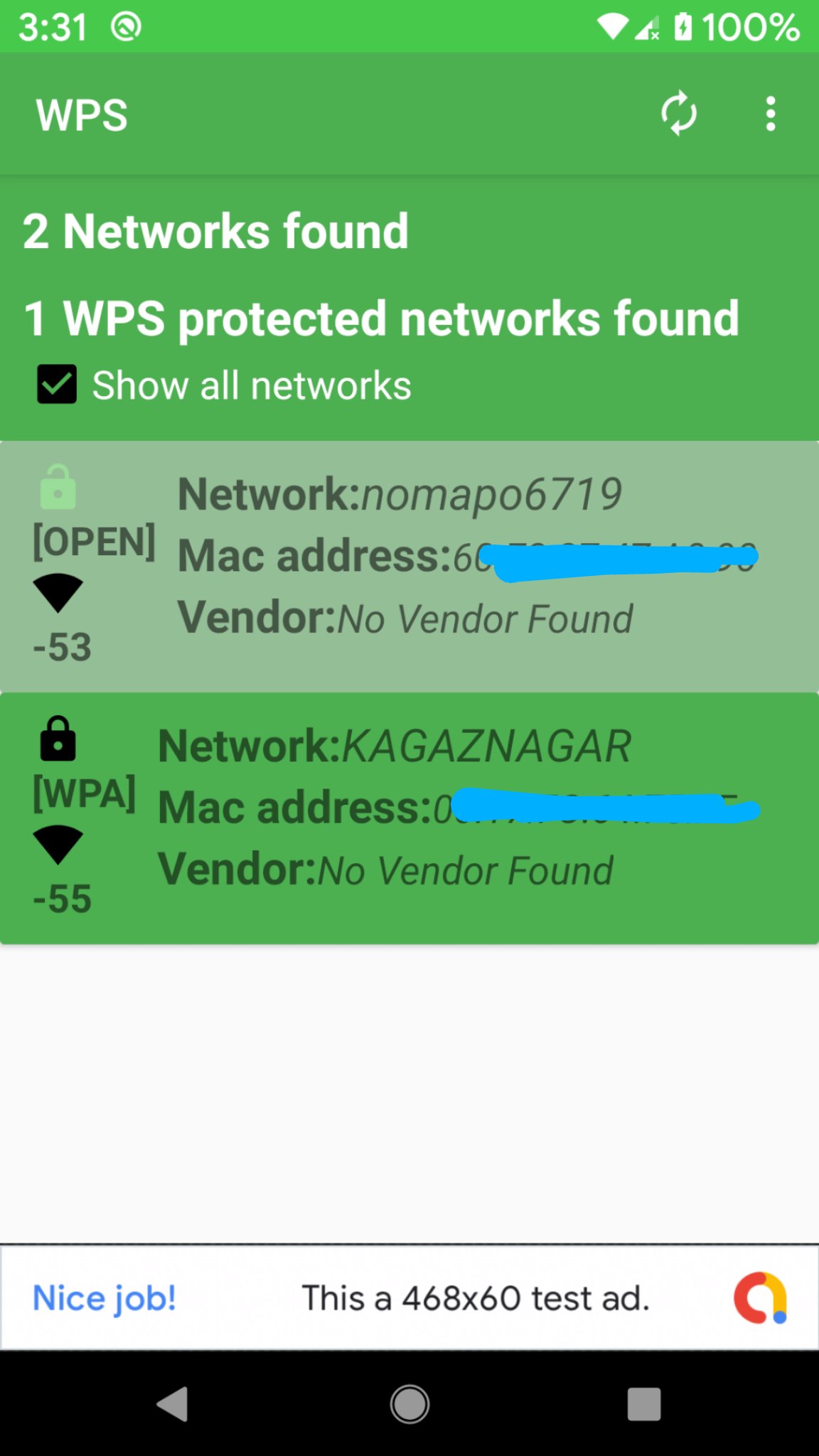
WiFi WPS Connect is a secure method to connect to Wi-Fi networks. The WPS protocol utilizes a secure PIN to authenticate devices, ensuring your data remains safe. Most new routers feature WPS (Wi-Fi Protected Setup), allowing you to connect without needing a password. Scan Wi-Fi networks and test WPS vulnerability within a range of 24-25 meters for optimal connectivity. If it has any vulnerability, you can disable wps button on your router.For enhanced security, consider using a password instead of WPS. Overall, WiFi WPS Connect offers a convenient method to connect to Wi-Fi networks. However, be aware of the associated security risks with WPS before using it.
Features:
-Scan for available Wi-Fi networks
-Test WPS vulnerability
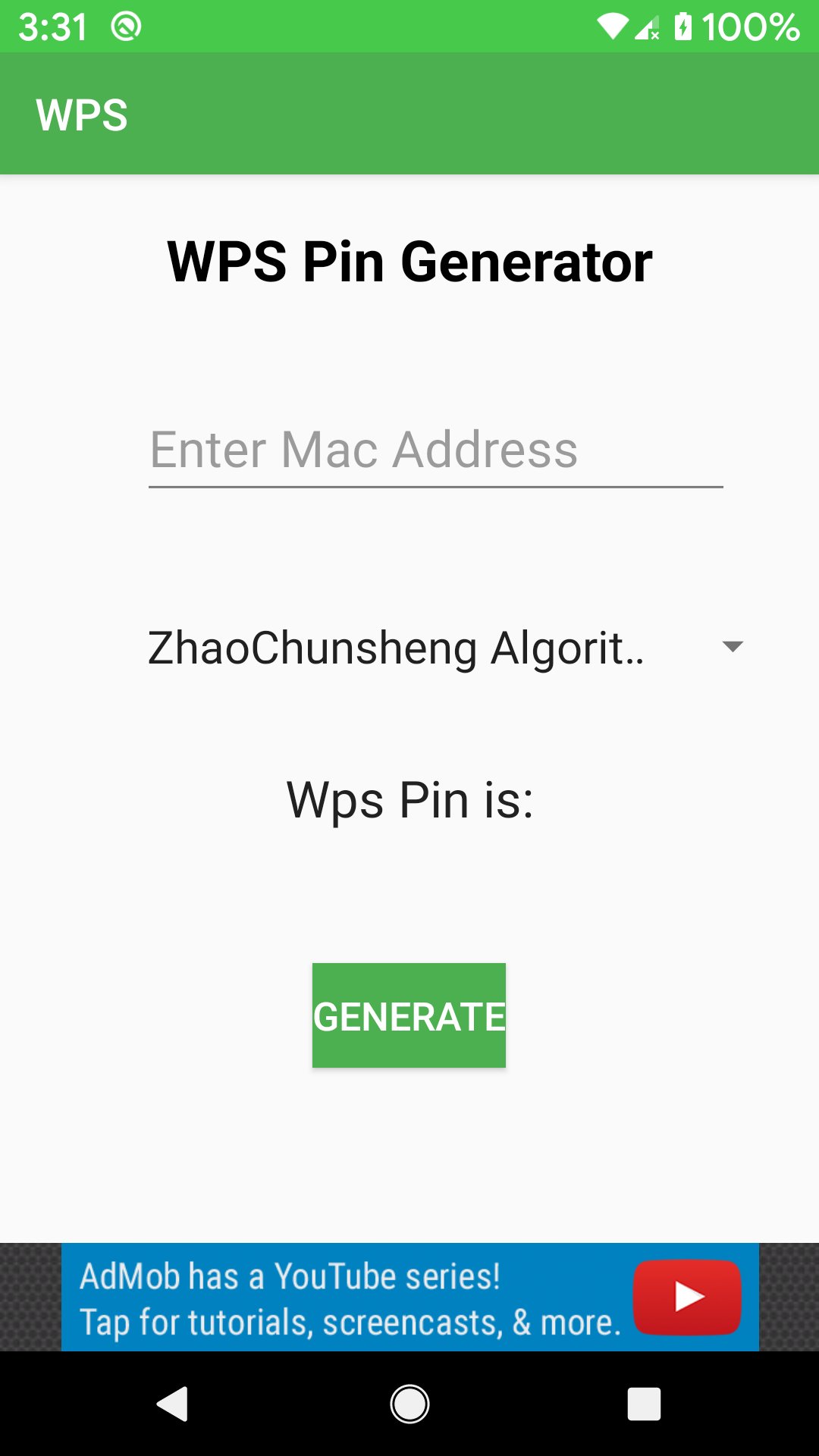
-Connect to WPS networks using a PIN
-Display Wi-Fi passwords (root/superuser permission required)
- Access default router PINs.
Why Choose WiFi WPS Connect?
If you need a straightforward and secure way to connect to Wi-Fi networks, WiFi WPS Connect is the perfect solution.
Important Considerations: WPS is less secure than using a password.Some routers have security flaws that make WPS vulnerable to attacks.
How to Use WiFi WPS Connect:
- Open the app and select your desired Wi-Fi network.
-Press the WPS button on your router.
-The app will automatically connect you to the network.
Disclaimer:
WiFi WPS Connect is not a Wi-Fi hacking tool. Do not misuse this app on routers or networks you do not own.
website:
https://www.wifipasswordshow.app
contact us: contact@wifipasswordshow.app
پیش نظارہ
ٹیگز
اوزارمعلومات
ڈویلپر
WiFi Password Show
تازہ ترین ورژن
1.9
آخری تازہ کاری
2026-02-22
قسم
اوزار
پر دستیاب ہے۔
Google Play
مزید دکھائیں
پی سی پر گیم لوپ کے ساتھ WiFi WPS Connect, Tester کیسے کھیلا جائے۔
1. آفیشل ویب سائٹ سے گیم لوپ ڈاؤن لوڈ کریں، پھر گیم لوپ انسٹال کرنے کے لیے exe فائل چلائیں۔
2. گیم لوپ کھولیں اور "WiFi WPS Connect, Tester" تلاش کریں، تلاش کے نتائج میں WiFi WPS Connect, Tester تلاش کریں اور "انسٹال کریں" پر کلک کریں۔
3. گیم لوپ پر WiFi WPS Connect, Tester کھیلنے کا لطف اٹھائیں۔
Minimum requirements
OS
Windows 8.1 64-bit or Windows 10 64-bit
GPU
GTX 1050
CPU
i3-8300
Memory
8GB RAM
Storage
1GB available space
Recommended requirements
OS
Windows 8.1 64-bit or Windows 10 64-bit
GPU
GTX 1050
CPU
i3-9320
Memory
16GB RAM
Storage
1GB available space