
WiFi Analyzer & Launcher Tools PC
Quantam Leaps
گیم لوپ ایمولیٹر کے ساتھ PC پر WiFi Analyzer & Launcher Tools ڈاؤن لوڈ کریں۔
پی سی پر WiFi Analyzer & Launcher Tools
WiFi Analyzer & Launcher Tools، جو ڈویلپر Quantam Leaps سے آرہا ہے، ماضی میں اینڈرائیڈ سسٹم پر چل رہا ہے۔
اب، آپ پی سی پر WiFi Analyzer & Launcher Tools آسانی سے GameLoop کے ساتھ چلا سکتے ہیں۔
اسے GameLoop لائبریری یا تلاش کے نتائج میں ڈاؤن لوڈ کریں۔ مزید غلط وقت پر بیٹری یا مایوس کن کالوں پر نظر نہیں ڈالی جائے گی۔
بس بڑی سکرین پر WiFi Analyzer & Launcher Tools PC کا مفت میں لطف اٹھائیں!
WiFi Analyzer & Launcher Tools تعارف
Introducing a new way to analyze your WiFi and manage your apps!
Turn your Android device into a full-featured WiFi Analyzer and App Launcher with powerful network tools.
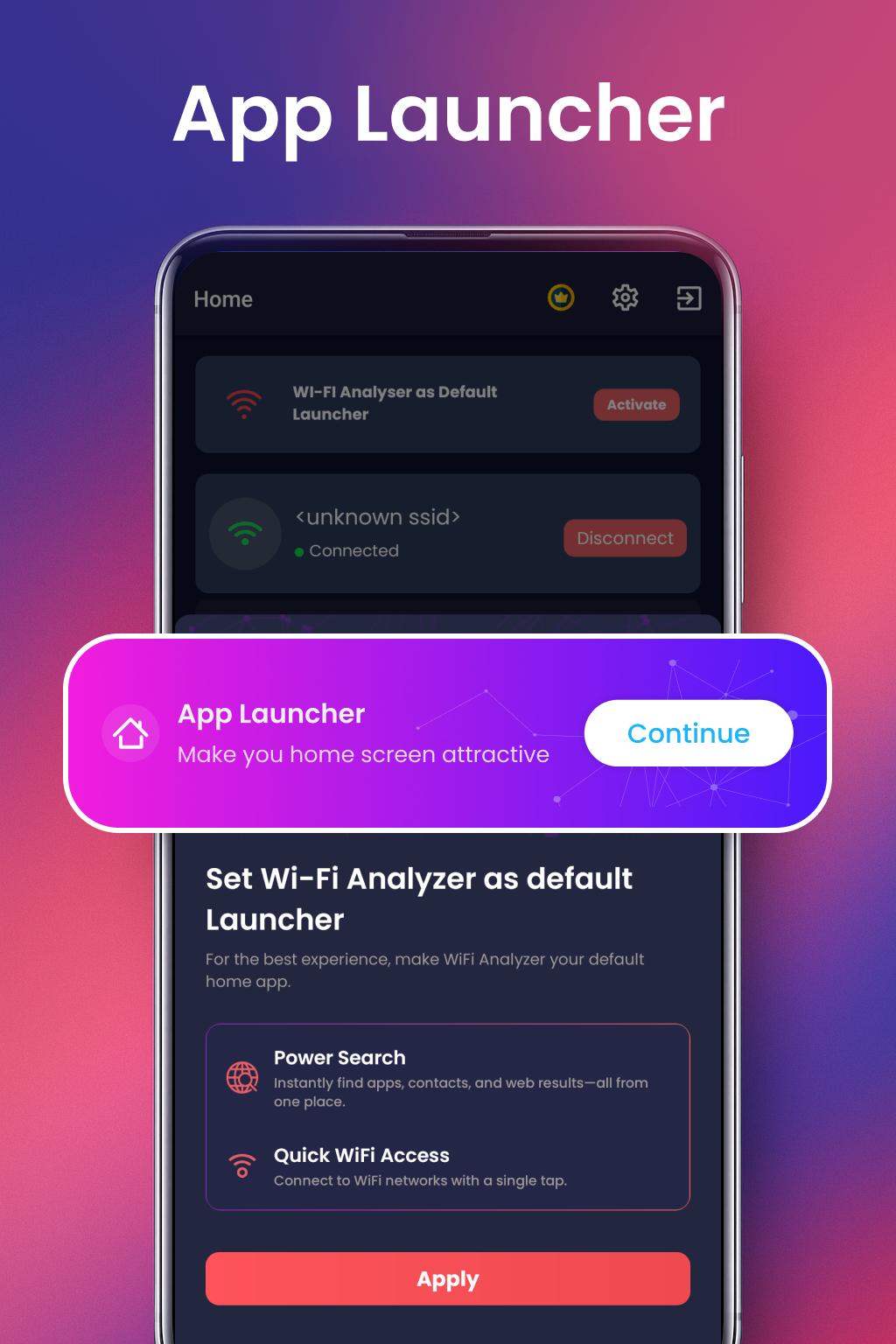
New Feature: Built-in App Launcher
WiFi Analyzer now includes a smart App Launcher. Easily access and launch your installed apps directly from within the app. Boost your productivity with quick access to essential apps, settings, and tools without leaving the WiFi Analyzer interface.
Key Features of WiFi Analyzer & Launcher Tools
• Elevate Your WiFi with powerful analysis tools
• Test your internet speed accurately
• Check WiFi signal strength in real time
• View detailed WiFi connections on the map
• Protect your WiFi with a security scan
• Measure network latency with Ping Test
• Launch your apps instantly with built-in Launcher
• View app usage statistics
• Monitor mobile data usage
• Detect devices connected to your WiFi
• Real-time signal and distance metrics
• Supports 2.4GHz / 5GHz / 6GHz bands
• Connect to free WiFi networks near you
WiFi Analyzer: Your Wireless Network Optimizer
Monitor signal strength, identify channel interference, and improve WiFi performance. Our tools help detect slow networks, optimize speed, and ensure better wireless coverage.
WiFi Password Viewer
View passwords of WiFi networks previously connected to. This app does NOT hack passwords but helps recall saved WiFi details.
Internet Speed Test
Run reliable speed tests to check download and upload speeds, helping you troubleshoot slow connections.
WiFi Maps
Find nearby WiFi hotspots with passwords and signal info using our interactive map.
Security Test
Scan your network for potential risks and take steps to secure your WiFi.
Who is using my WiFi
Identify all devices connected to your network including strangers, known and unknown devices.
Data Usage Tracker
Monitor mobile data usage to avoid overages and control your data spending.
App Usage Detail
Understand your digital habits with detailed app usage statistics.
Ping Test: Measure Network Latency
Test network response times to detect delays or issues with your internet connection.
Download WiFi Analyzer & Launcher Tools now for smarter WiFi management and faster access to your favorite apps!
Disclaimer:
This app does NOT hack WiFi networks or crack passwords. It only shows passwords saved previously on your device. This app may request file access for Launcher features only. All data stays on your device and is not shared. Unauthorized use is strictly prohibited.
WiFi Analyzer & Launcher Tools uses the Accessibility Service API to enable the App Launcher feature and to provide accurate App Usage statistics. This permission is used only for these specific functionalities. The app does not change device settings, perform unauthorized actions, or collect/share any personal data. Granting this permission is optional, but required to access the Launcher and Usage features.
Need help? Contact us at: quantamleaps2022@gmail.com
پیش نظارہ

ٹیگز
اوزارمعلومات
ڈویلپر
Quantam Leaps
تازہ ترین ورژن
3.9.0
آخری تازہ کاری
2025-10-24
قسم
اوزار
پر دستیاب ہے۔
Google Play
مزید دکھائیں
پی سی پر گیم لوپ کے ساتھ WiFi Analyzer & Launcher Tools کیسے کھیلا جائے۔
1. آفیشل ویب سائٹ سے گیم لوپ ڈاؤن لوڈ کریں، پھر گیم لوپ انسٹال کرنے کے لیے exe فائل چلائیں۔
2. گیم لوپ کھولیں اور "WiFi Analyzer & Launcher Tools" تلاش کریں، تلاش کے نتائج میں WiFi Analyzer & Launcher Tools تلاش کریں اور "انسٹال کریں" پر کلک کریں۔
3. گیم لوپ پر WiFi Analyzer & Launcher Tools کھیلنے کا لطف اٹھائیں۔
Minimum requirements
OS
Windows 8.1 64-bit or Windows 10 64-bit
GPU
GTX 1050
CPU
i3-8300
Memory
8GB RAM
Storage
1GB available space
Recommended requirements
OS
Windows 8.1 64-bit or Windows 10 64-bit
GPU
GTX 1050
CPU
i3-9320
Memory
16GB RAM
Storage
1GB available space