
VIVOTEK iViewer PC
VIVOTEK Inc.
گیم لوپ ایمولیٹر کے ساتھ PC پر VIVOTEK iViewer ڈاؤن لوڈ کریں۔
پی سی پر VIVOTEK iViewer
VIVOTEK iViewer، جو ڈویلپر VIVOTEK Inc. سے آرہا ہے، ماضی میں اینڈرائیڈ سسٹم پر چل رہا ہے۔
اب، آپ پی سی پر VIVOTEK iViewer آسانی سے GameLoop کے ساتھ چلا سکتے ہیں۔
اسے GameLoop لائبریری یا تلاش کے نتائج میں ڈاؤن لوڈ کریں۔ مزید غلط وقت پر بیٹری یا مایوس کن کالوں پر نظر نہیں ڈالی جائے گی۔
بس بڑی سکرین پر VIVOTEK iViewer PC کا مفت میں لطف اٹھائیں!
VIVOTEK iViewer تعارف
Description
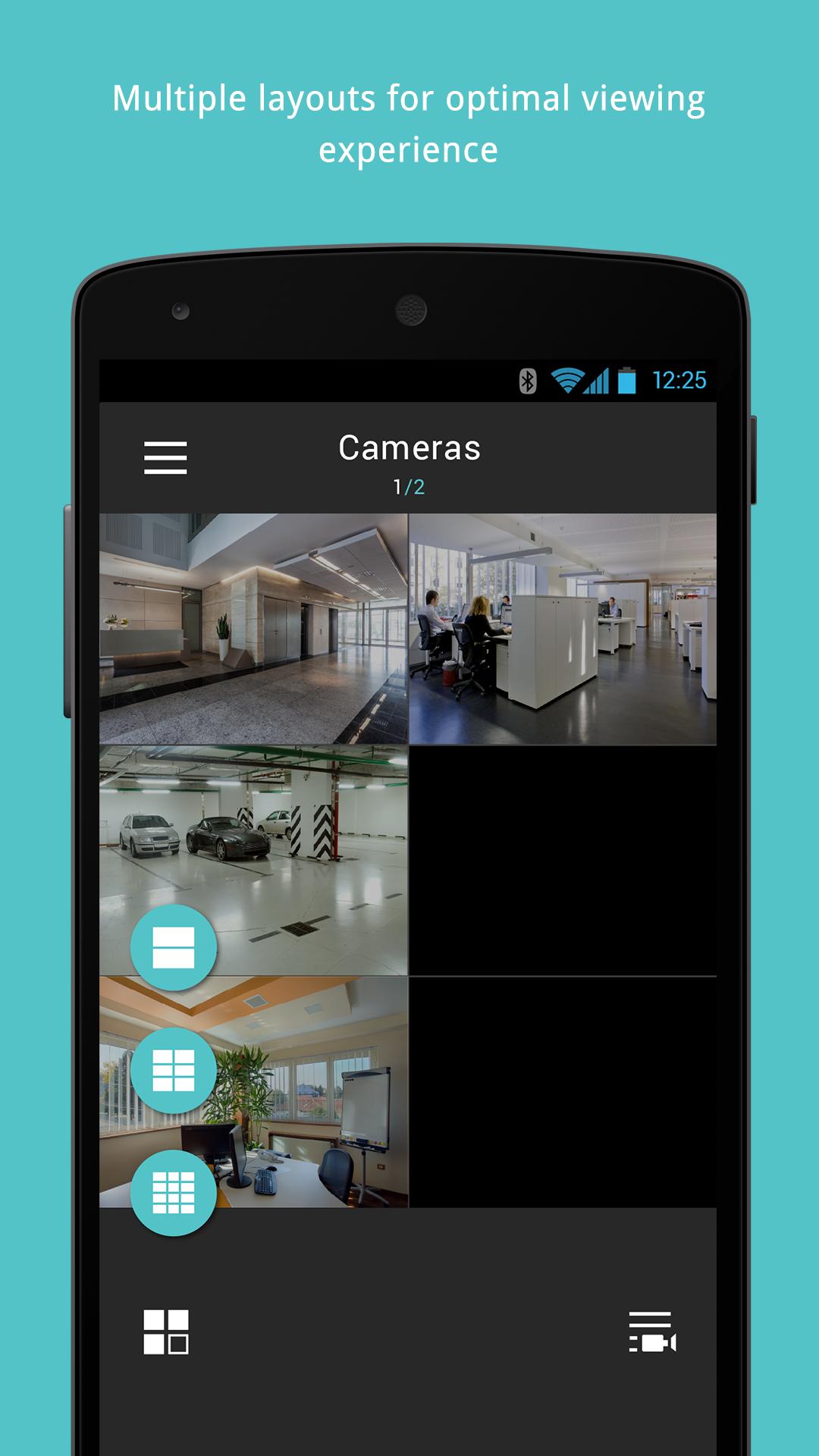
iViewer is developed to allow users to monitor locations remotely by providing access to surveillance camera video directly from handheld device.
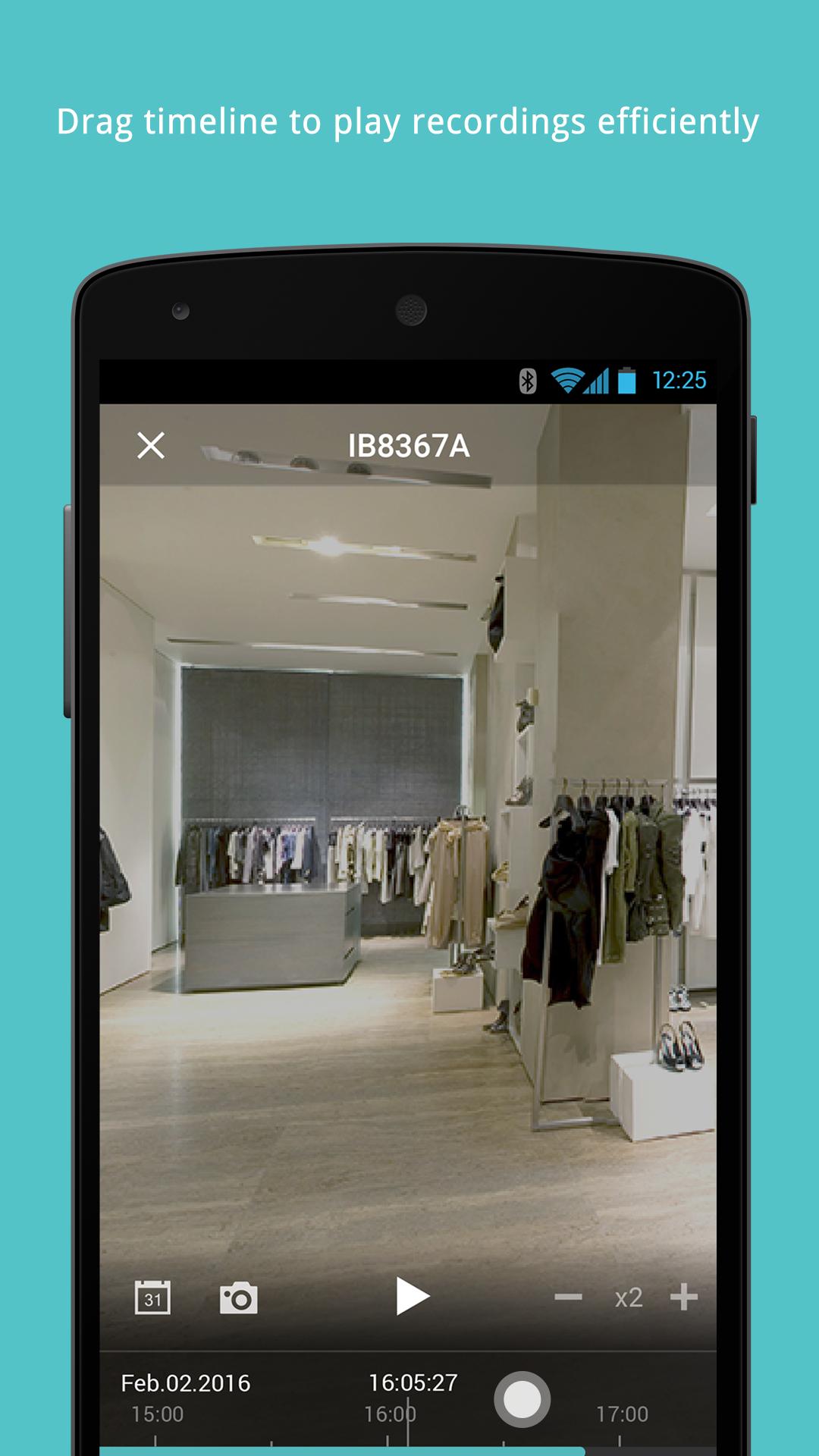
The re-designed and easy-to-use interface allows users to monitor live video from hundreds of cameras within their fingers. The user may access cameras managed by VAST (central & video management software), VIVOTEK NVR, or make direct connections to individual cameras via IP address or LAN search. The iViewer also allows access to two way audio for camera, PTZ and PiP screen control, fisheye dewarp, snapshot and the capability to playback recorded video from VIVOTEK VAST, NVR or to play from camera's SD card with supported models.
Features
• H.265 Support
• Support Multi-Sensor Camera Panoramic View
• Virtual Joystick for Speed Dome Camera
• Support Speed Dome Pan, Patrol, Preset, Tracking Function
• PTZ Control
• Fisheye Camera Dewarp (1O,1P,1R Mode)
• Fisheye Camera Local Dewarp (Depending on Streaming Camera)
• Two-Way Audio (For Camera Only)
• Timeline Playback
• DO Control for Camera
• Hardware Decode
• Integration of VAST Windows AD Log-in (VAST v1.12 or above)
• Support VAST Sub-station
• VIVOTEK Camera SD card Playback
• The HTTPS Encrypted Connection between iViewer and Camera/NVR/VAST (v1.12 or above)
Support List
• VIVOTEK Network Cameras (7000 & 8000 & 9000 Series) (Function limited in 7000 Series camera)
• VIVOTEK NVR (ND & NR Series)
• VIVOTEK VAST
پیش نظارہ
ٹیگز
اوزارمعلومات
ڈویلپر
VIVOTEK Inc.
تازہ ترین ورژن
3.15.100
آخری تازہ کاری
2023-06-12
قسم
اوزار
پر دستیاب ہے۔
Google Play
مزید دکھائیں
پی سی پر گیم لوپ کے ساتھ VIVOTEK iViewer کیسے کھیلا جائے۔
1. آفیشل ویب سائٹ سے گیم لوپ ڈاؤن لوڈ کریں، پھر گیم لوپ انسٹال کرنے کے لیے exe فائل چلائیں۔
2. گیم لوپ کھولیں اور "VIVOTEK iViewer" تلاش کریں، تلاش کے نتائج میں VIVOTEK iViewer تلاش کریں اور "انسٹال کریں" پر کلک کریں۔
3. گیم لوپ پر VIVOTEK iViewer کھیلنے کا لطف اٹھائیں۔
Minimum requirements
OS
Windows 8.1 64-bit or Windows 10 64-bit
GPU
GTX 1050
CPU
i3-8300
Memory
8GB RAM
Storage
1GB available space
Recommended requirements
OS
Windows 8.1 64-bit or Windows 10 64-bit
GPU
GTX 1050
CPU
i3-9320
Memory
16GB RAM
Storage
1GB available space