
Vivo Smart Wi-Fi PC
VIVO S.A.
گیم لوپ ایمولیٹر کے ساتھ PC پر Vivo Smart Wi-Fi ڈاؤن لوڈ کریں۔
پی سی پر Vivo Smart Wi-Fi
Vivo Smart Wi-Fi، جو ڈویلپر VIVO S.A. سے آرہا ہے، ماضی میں اینڈرائیڈ سسٹم پر چل رہا ہے۔
اب، آپ پی سی پر Vivo Smart Wi-Fi آسانی سے GameLoop کے ساتھ چلا سکتے ہیں۔
اسے GameLoop لائبریری یا تلاش کے نتائج میں ڈاؤن لوڈ کریں۔ مزید غلط وقت پر بیٹری یا مایوس کن کالوں پر نظر نہیں ڈالی جائے گی۔
بس بڑی سکرین پر Vivo Smart Wi-Fi PC کا مفت میں لطف اٹھائیں!
Vivo Smart Wi-Fi تعارف
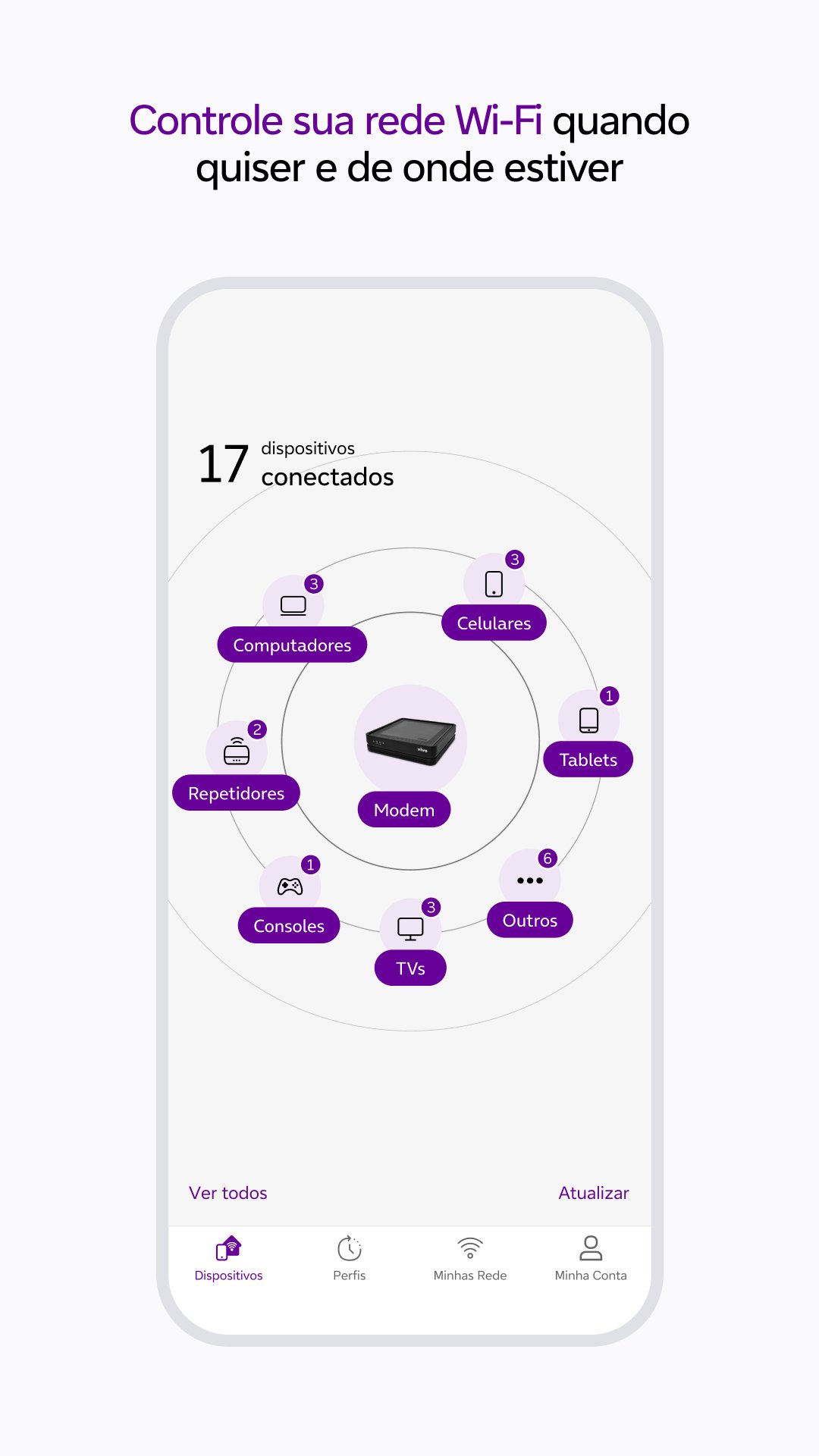
With Vivo Smart Wi-Fi, you can manage your Vivo Fibra Wi-Fi network with practicality and security. Monitor the connection, optimize performance and control connected devices, all through the App.
Main features:
- Manage your Wi-Fi network from anywhere.
- Monitor and control connected devices.
- Find out which environment has the best Wi-Fi coverage.
- Optimize your connection for more stable performance.
- Test your internet speed.
- Lock or unlock devices as needed.
- Schedule connection and disconnection times for each device.
- Organize devices by categories.
- Create a guest-only Wi-Fi network.
- Change your network name and password easily.
HOW TO ACCESS THE APPLICATION
For residential customers:
Access with the CPF or email of the Vivo Fibra holder and use the Vivo app password.
For companies:
Enter the CPF registered with Vivo Fibra and the password for the Meu Vivo Empresas app.
REQUIRED PERMISSIONS:
To offer the best experience, Vivo Smart Wi-Fi requests:
- Access to SMS: for sharing guest network information.
- Location: for Wi-Fi quality analysis and performance testing.
TECHNICAL REQUIREMENTS:
- Available to Vivo Fibra customers.
- Compatible with Vivo Wi-Fi 5 and Wi-Fi 6 routers.
- Residential: CPF or email of the holder + Vivo app password.
- Companies: Registered CPF + password for the Meu Vivo Empresas app.
- On iOS, location permission is required from version 12.0.
For more information, visit: https://app.vivo/smart_wifi.
پیش نظارہ

ٹیگز
اوزارمعلومات
ڈویلپر
VIVO S.A.
تازہ ترین ورژن
25.10.0.1(1)
آخری تازہ کاری
2025-11-03
قسم
اوزار
پر دستیاب ہے۔
Google Play
مزید دکھائیں
پی سی پر گیم لوپ کے ساتھ Vivo Smart Wi-Fi کیسے کھیلا جائے۔
1. آفیشل ویب سائٹ سے گیم لوپ ڈاؤن لوڈ کریں، پھر گیم لوپ انسٹال کرنے کے لیے exe فائل چلائیں۔
2. گیم لوپ کھولیں اور "Vivo Smart Wi-Fi" تلاش کریں، تلاش کے نتائج میں Vivo Smart Wi-Fi تلاش کریں اور "انسٹال کریں" پر کلک کریں۔
3. گیم لوپ پر Vivo Smart Wi-Fi کھیلنے کا لطف اٹھائیں۔
Minimum requirements
OS
Windows 8.1 64-bit or Windows 10 64-bit
GPU
GTX 1050
CPU
i3-8300
Memory
8GB RAM
Storage
1GB available space
Recommended requirements
OS
Windows 8.1 64-bit or Windows 10 64-bit
GPU
GTX 1050
CPU
i3-9320
Memory
16GB RAM
Storage
1GB available space