
VELUX KLG Installer App PC
VELUX A/S
گیم لوپ ایمولیٹر کے ساتھ PC پر VELUX KLG Installer App ڈاؤن لوڈ کریں۔
پی سی پر VELUX KLG Installer App
VELUX KLG Installer App، جو ڈویلپر VELUX A/S سے آرہا ہے، ماضی میں اینڈرائیڈ سسٹم پر چل رہا ہے۔
اب، آپ پی سی پر VELUX KLG Installer App آسانی سے GameLoop کے ساتھ چلا سکتے ہیں۔
اسے GameLoop لائبریری یا تلاش کے نتائج میں ڈاؤن لوڈ کریں۔ مزید غلط وقت پر بیٹری یا مایوس کن کالوں پر نظر نہیں ڈالی جائے گی۔
بس بڑی سکرین پر VELUX KLG Installer App PC کا مفت میں لطف اٹھائیں!
VELUX KLG Installer App تعارف
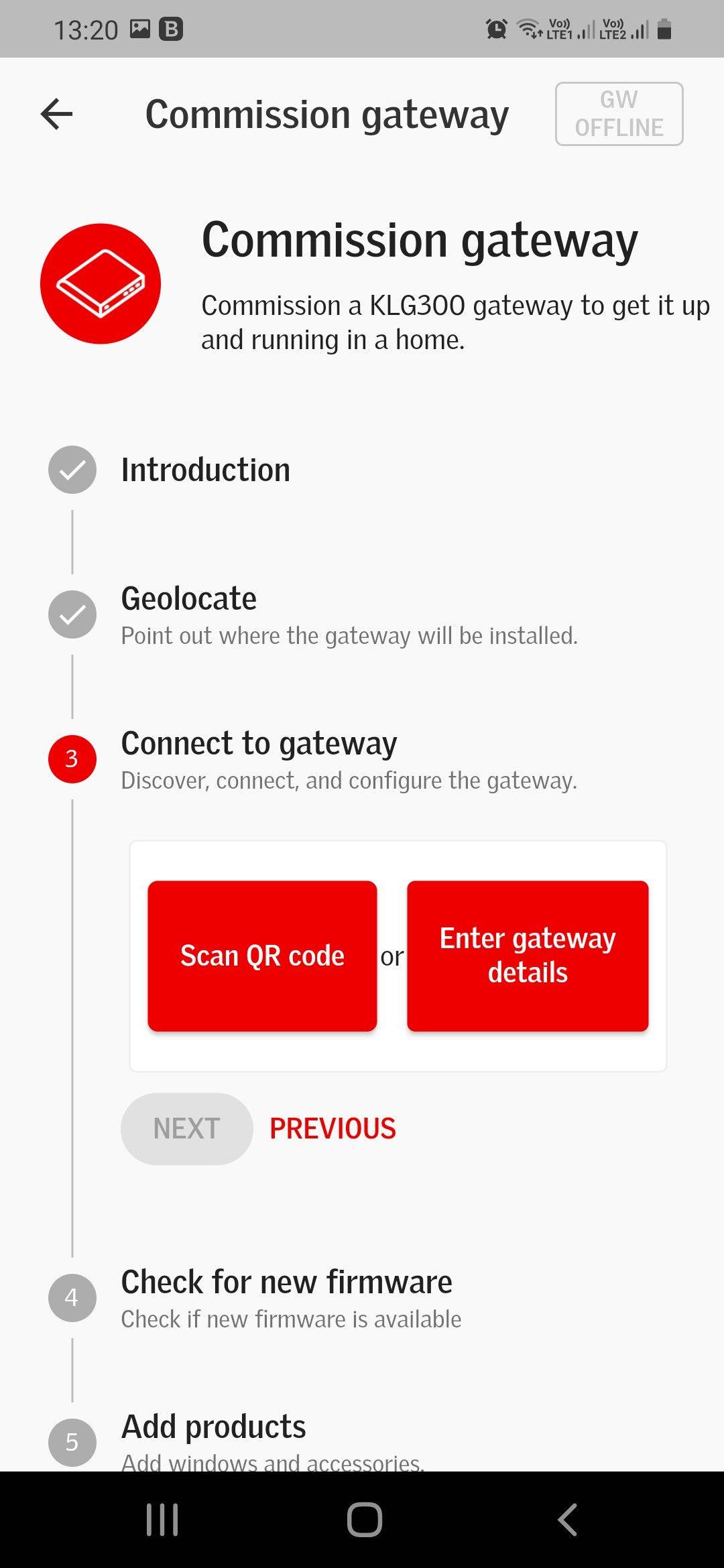
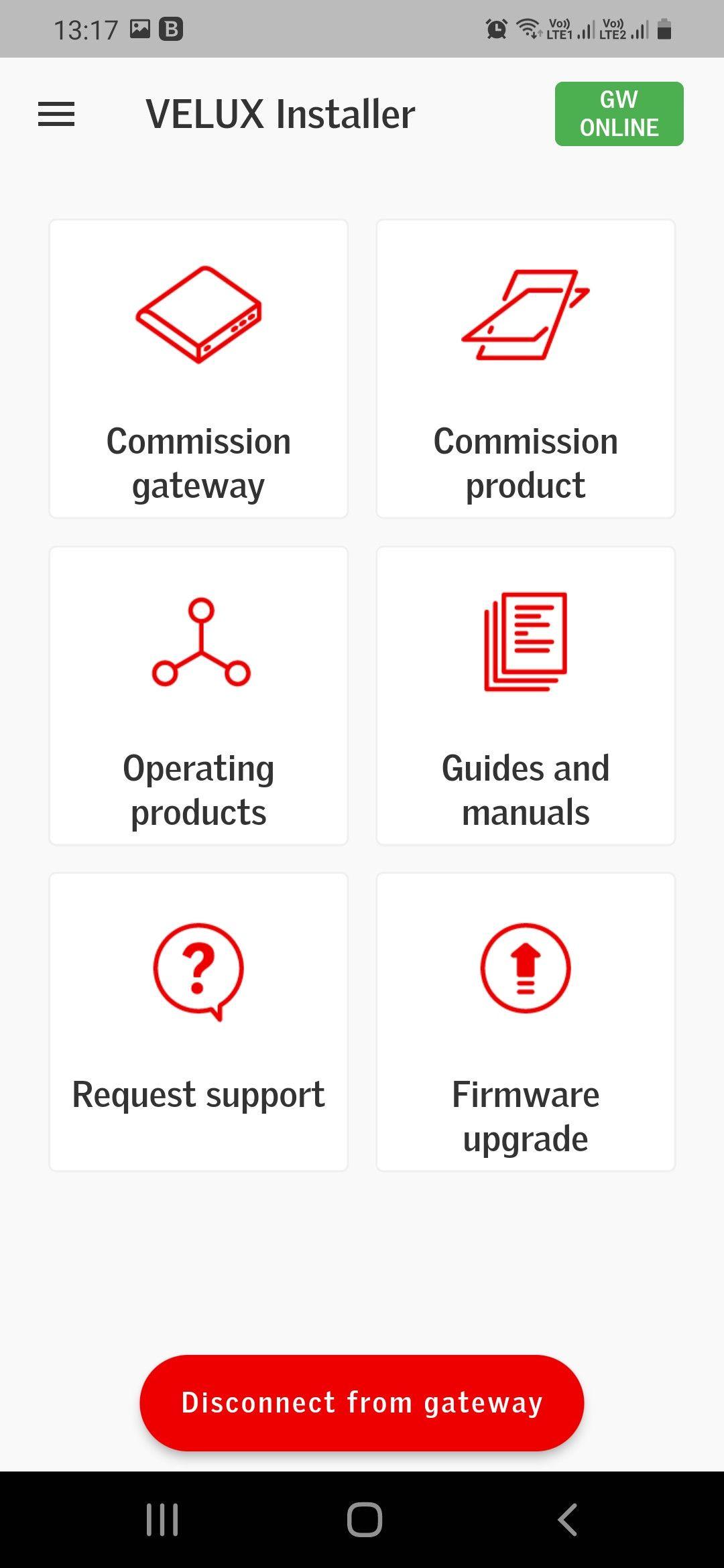
VELUX Smart Home Installer App supports Installers when commissioning the VELUX Smart Home Gateway (KLG 300) and VELUX Integra windows and accessories in private homes.
The VELUX Smart Home Gateway (KLG 300) is part of an eco-system and will need to be paired with a system provider system in order to work for the private homeowner.
COMMISSIONING VELUX SMART HOME GATEWAY (KLG 300)
Step-by-step the VELUX Smart Home Installer App guides you through the commissioning process in 1 flow, with illustrations and guides to support the commissioning process. This flow also allows you to add products right away, so you in less than 5 min. have the whole VELUX system commissioned, and ready to be paired with the System provider system.
COMMISSIONING VELUX INTEGRA PRODUCTS
Step-by-step the VELUX Smart Home Installer App allows you to commission VELUX Integra products, even when you have finished the gateway commissioning process.
EASY INTEGRATION WITH SYSTEM PROVIDER SYSTEM
The smart home ecosystem has already been preconfigured. Accordingly, when the VELUX Smart Home Gateway (KLG 300) and VELUX Integra products have been commissioned through the VELUX Smart Home Installer App, the VELUX products can be controlled, through the connected System Provider home-user app right away.
EASY FIRMWARE UPDATE AND TROUBLESHOOTING
The VELUX Smart Home Installer App allows you to do firmware updates and troubleshooting on VELUX Smart Home Gateways (KLG 300), which you have physical access to, even if you have not done the commissioning process.
پیش نظارہ
ٹیگز
اوزارمعلومات
ڈویلپر
VELUX A/S
تازہ ترین ورژن
1.0.1
آخری تازہ کاری
2022-07-08
قسم
اوزار
پر دستیاب ہے۔
Google Play
مزید دکھائیں
پی سی پر گیم لوپ کے ساتھ VELUX KLG Installer App کیسے کھیلا جائے۔
1. آفیشل ویب سائٹ سے گیم لوپ ڈاؤن لوڈ کریں، پھر گیم لوپ انسٹال کرنے کے لیے exe فائل چلائیں۔
2. گیم لوپ کھولیں اور "VELUX KLG Installer App" تلاش کریں، تلاش کے نتائج میں VELUX KLG Installer App تلاش کریں اور "انسٹال کریں" پر کلک کریں۔
3. گیم لوپ پر VELUX KLG Installer App کھیلنے کا لطف اٹھائیں۔
Minimum requirements
OS
Windows 8.1 64-bit or Windows 10 64-bit
GPU
GTX 1050
CPU
i3-8300
Memory
8GB RAM
Storage
1GB available space
Recommended requirements
OS
Windows 8.1 64-bit or Windows 10 64-bit
GPU
GTX 1050
CPU
i3-9320
Memory
16GB RAM
Storage
1GB available space