
Upper VPN - Secure VPN PC
Orb app
گیم لوپ ایمولیٹر کے ساتھ PC پر Upper VPN - Secure VPN ڈاؤن لوڈ کریں۔
پی سی پر Upper VPN - Secure VPN
Upper VPN - Secure VPN، جو ڈویلپر Orb app سے آرہا ہے، ماضی میں اینڈرائیڈ سسٹم پر چل رہا ہے۔
اب، آپ پی سی پر Upper VPN - Secure VPN آسانی سے GameLoop کے ساتھ چلا سکتے ہیں۔
اسے GameLoop لائبریری یا تلاش کے نتائج میں ڈاؤن لوڈ کریں۔ مزید غلط وقت پر بیٹری یا مایوس کن کالوں پر نظر نہیں ڈالی جائے گی۔
بس بڑی سکرین پر Upper VPN - Secure VPN PC کا مفت میں لطف اٹھائیں!
Upper VPN - Secure VPN تعارف
Introducing our cutting-edge Upper VPN app, designed to provide you with the ultimate online privacy and security. With our app, you can enjoy a seamless and encrypted internet connection, ensuring your sensitive data remains protected from prying eyes. Whether you're browsing the web, accessing public Wi-Fi networks, or conducting confidential transactions, our VPN app is your trusted companion.
Our app offers a wide range of features and benefits that guarantee a secure online experience. First and foremost, we employ state-of-the-art encryption protocols, to safeguard your data and ensure that your online activities remain anonymous. By routing your internet traffic through our secure servers, we effectively shield your IP address and protect your identity.
Privacy is a core value of our Upper VPN app, which is why we have a strict zero-logging policy. We don't collect or store any of your personal information, ensuring that your online activities are kept completely private. You can browse the web, stream content, and download files without worrying about anyone monitoring or tracking your online behavior.
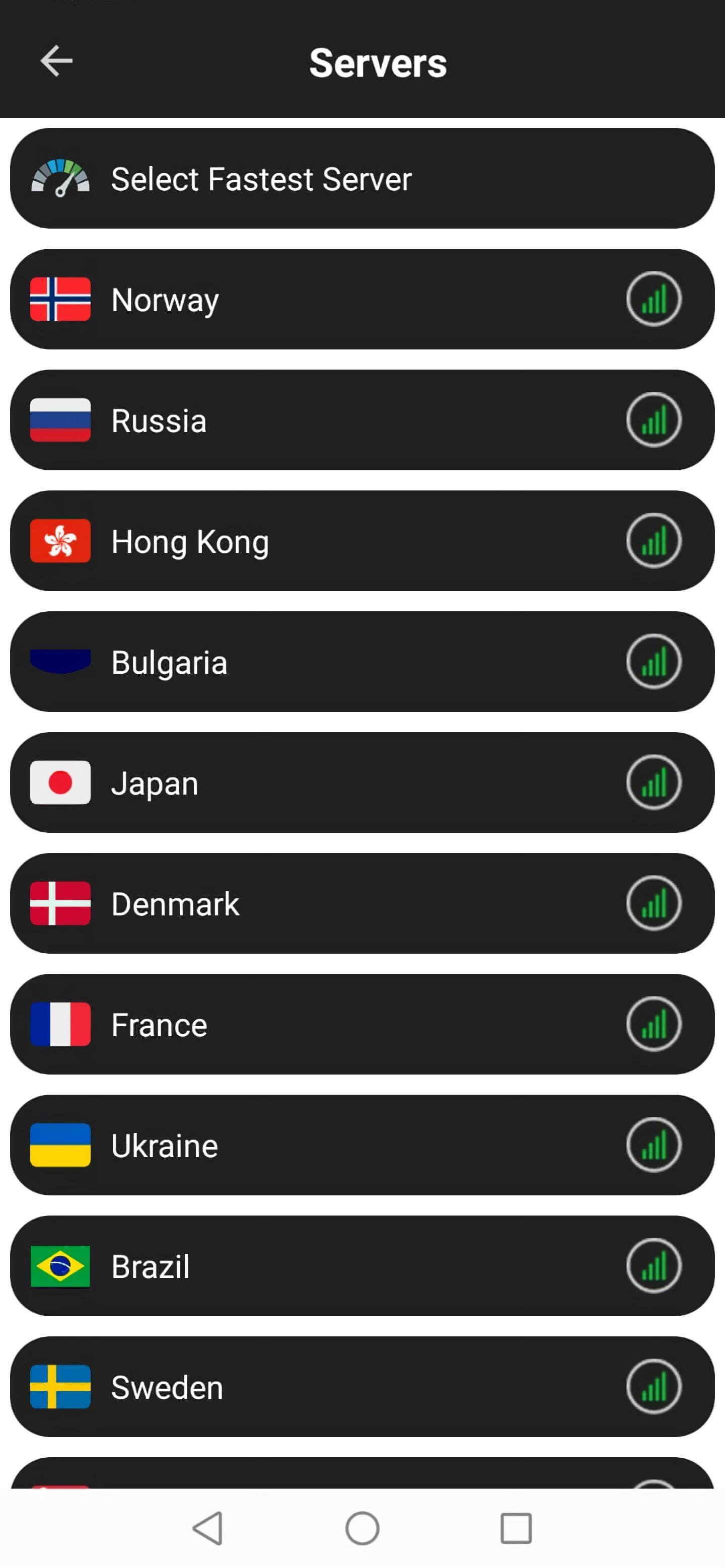
Our app also offers a vast network of global servers strategically located in various countries. This allows you to bypass geographical restrictions and access region-locked content effortlessly. Whether you want to stream your favorite shows, access social media platforms, or utilize online services, our VPN app ensures that you can do so without limitations.
In addition to enhanced privacy and access, our VPN app delivers lightning-fast connection speeds. We understand the importance of a seamless online experience, which is why our app optimizes server performance to ensure smooth browsing, streaming, and downloading. You won't have to sacrifice speed for security with our app.
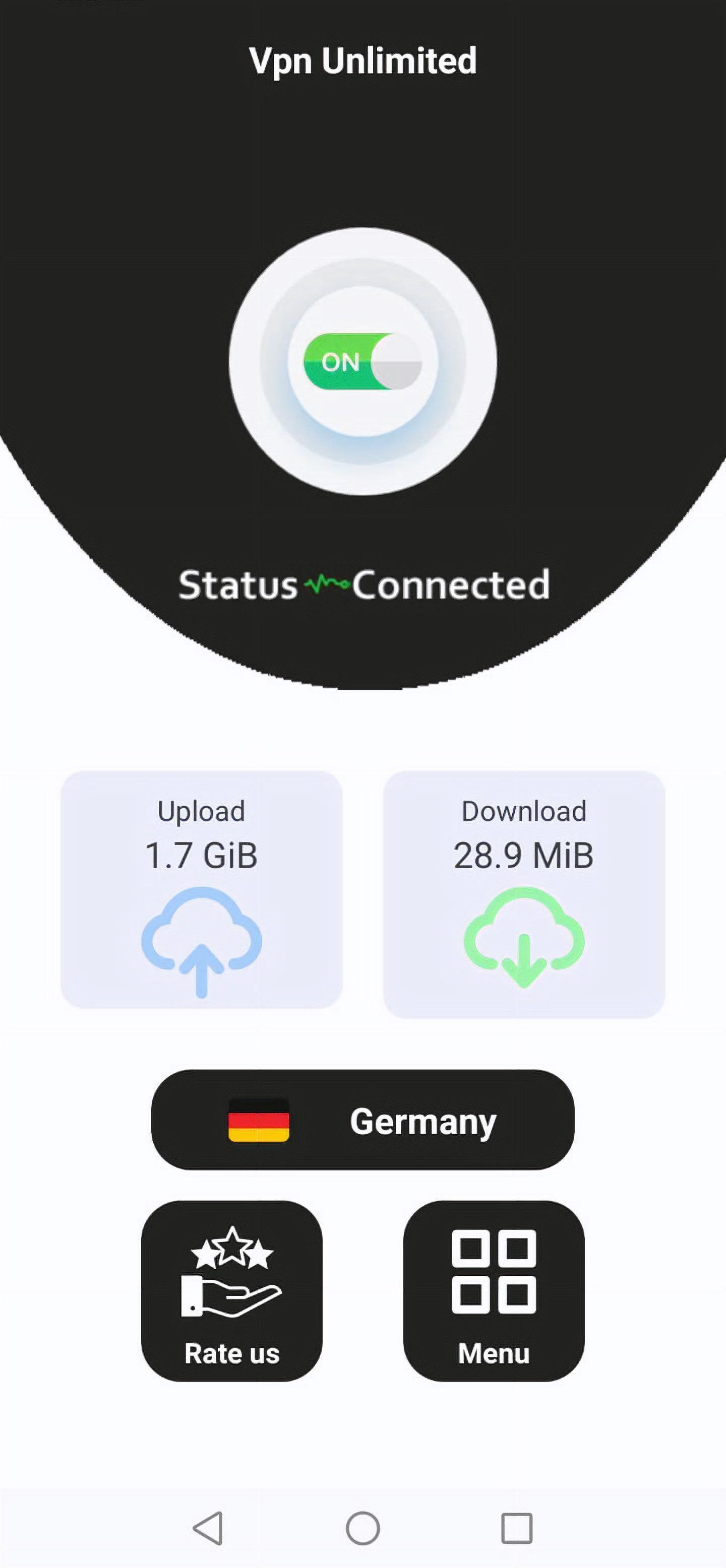
We've designed our VPN app with user-friendliness in mind. With a sleek and intuitive interface, you can connect to the VPN with just a single tap. You can also choose from various server locations, switch between protocols, and customize your settings to suit your specific needs. Our app is compatible with Android, allowing you to secure all your devices effortlessly.
Rest assured, our VPN app is built on a robust infrastructure that prioritizes reliability and stability. Our dedicated technical support team is available 24/7 to assist you with any issues or questions you may have. We strive to provide a seamless and uninterrupted experience, ensuring that your connection is always protected.
With our VPN app, you can enjoy the following key benefits:
Online privacy and security
Strong encryption
Zero-logging policy
Global server network
Bypass geographical restrictions
High-speed connections
User-friendly interface
Multi-platform compatibility
Reliable and stable infrastructure
24/7 customer support
Experience the ultimate peace of mind while browsing the internet by downloading our VPN app today. Protect your data, secure your connection, and reclaim your online freedom with our top-of-the-line VPN solution.
پیش نظارہ
ٹیگز
اوزارمعلومات
ڈویلپر
Orb app
تازہ ترین ورژن
1.0.90
آخری تازہ کاری
2023-09-09
قسم
اوزار
پر دستیاب ہے۔
Google Play
مزید دکھائیں
پی سی پر گیم لوپ کے ساتھ Upper VPN - Secure VPN کیسے کھیلا جائے۔
1. آفیشل ویب سائٹ سے گیم لوپ ڈاؤن لوڈ کریں، پھر گیم لوپ انسٹال کرنے کے لیے exe فائل چلائیں۔
2. گیم لوپ کھولیں اور "Upper VPN - Secure VPN" تلاش کریں، تلاش کے نتائج میں Upper VPN - Secure VPN تلاش کریں اور "انسٹال کریں" پر کلک کریں۔
3. گیم لوپ پر Upper VPN - Secure VPN کھیلنے کا لطف اٹھائیں۔
Minimum requirements
OS
Windows 8.1 64-bit or Windows 10 64-bit
GPU
GTX 1050
CPU
i3-8300
Memory
8GB RAM
Storage
1GB available space
Recommended requirements
OS
Windows 8.1 64-bit or Windows 10 64-bit
GPU
GTX 1050
CPU
i3-9320
Memory
16GB RAM
Storage
1GB available space