TV Cast for Chromecast PC
Vulcan Labs
گیم لوپ ایمولیٹر کے ساتھ PC پر TV Cast for Chromecast ڈاؤن لوڈ کریں۔
پی سی پر TV Cast for Chromecast
TV Cast for Chromecast، جو ڈویلپر Vulcan Labs سے آرہا ہے، ماضی میں اینڈرائیڈ سسٹم پر چل رہا ہے۔
اب، آپ پی سی پر TV Cast for Chromecast آسانی سے GameLoop کے ساتھ چلا سکتے ہیں۔
اسے GameLoop لائبریری یا تلاش کے نتائج میں ڈاؤن لوڈ کریں۔ مزید غلط وقت پر بیٹری یا مایوس کن کالوں پر نظر نہیں ڈالی جائے گی۔
بس بڑی سکرین پر TV Cast for Chromecast PC کا مفت میں لطف اٹھائیں!
TV Cast for Chromecast تعارف
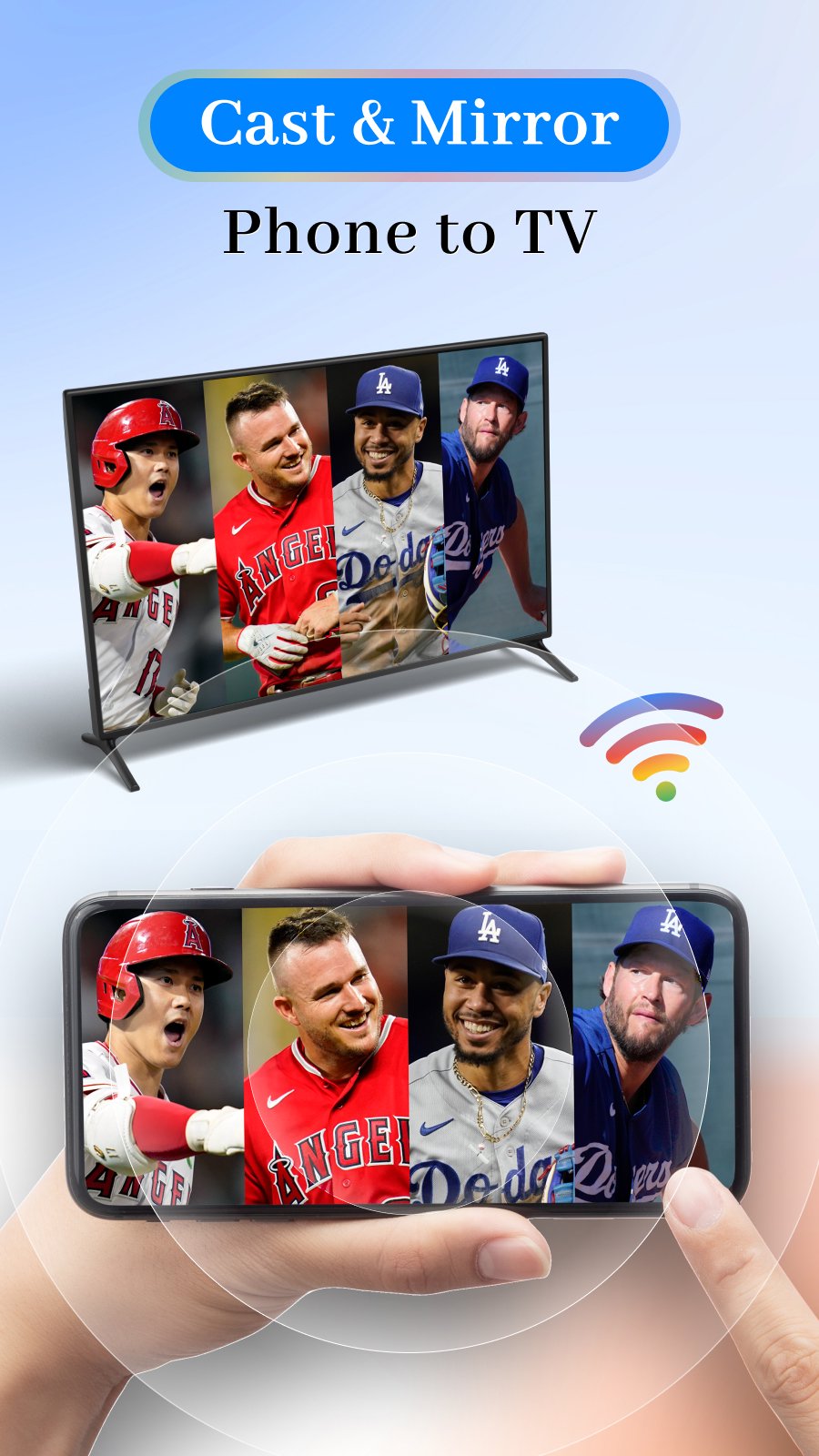
TV Cast for Chromecast is a powerful chrome casting app that helps you easily cast to TV, mirror your screen, and stream media using Chromecast and Google Cast technology. This all-in-one TV Cast app allows you to enjoy videos, photos, music, and full screen mirroring TV cast on a larger screen.
With this reliable TV mirror for Chromecast, you can cast web videos, local media, and mirror your entire phone screen to your TV. Whether you are watching movies, playing games, or giving presentations, casting TV becomes smooth and effortless.
TV Cast for Chromecast works perfectly with all Google Cast–enabled devices, including Chromecast, Chromecast Audio, and Smart TVs with built-in Chromecast.
Perfect for:
- Presenting slides and content using screen mirroring TV cast
- Streaming workout videos by casting TV at home
- Mirroring games and mobile apps with TV mirror for Chromecast
- Watching online videos using a stable chrome casting app
- Enjoying movies, live channels, and TV shows on a big screen
- Sharing family photos and travel memories with TV Cast
- Playing music from your phone via Google Cast
Key Features:
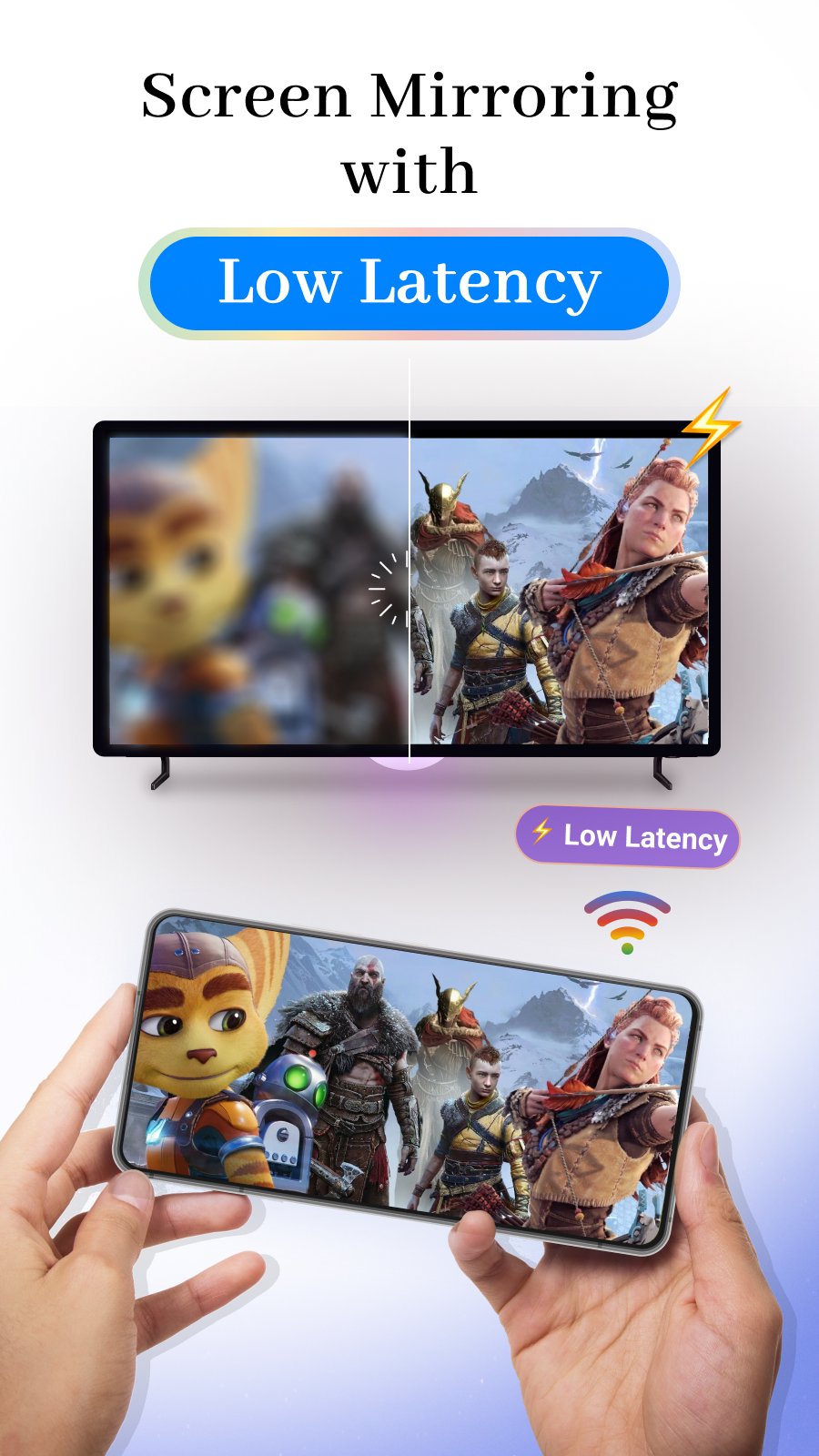
- Screen Mirroring TV Cast – Low-latency phone screen mirroring to TV
- TV Cast Video – Cast local videos from your phone to Chromecast
- TV Cast Photo – Display photo slideshows on your TV
- Casting TV Web Videos – Stream online videos using Google Cast
- TV Cast Music – Play local music stored on your phone
- Google Drive TV Cast – Cast photos and videos from Google Drive
- Dropbox TV Cast – Stream media files from Dropbox
- Google Photos TV Cast – Cast Google Photos to TV
- YouTube TV Cast for Chromecast – Cast YouTube videos easily
Use TV Cast for Chromecast to mirror your phone screen while working, gaming, or browsing social networks. Turn your living room into a home theater with smooth casting TV and reliable Google Cast performance. This TV mirror for Chromecast app is continuously improved to provide the best user experience.
Enjoy photos, videos, and music together on your Smart TV with just a few taps. Sharing moments with family through TV Cast has never been easier.
How to start screen mirroring:
1. Connect your phone and TV to the same Wi-Fi network
2. Open TV Cast for Chromecast and connect to your TV
3. Tap “Screen Mirroring” and select “Start Mirroring”
Compatible Devices:
- Chromecast & Chromecast Audio
- Android TV with built-in Chromecast
- Smart TVs supporting Google Cast
- More devices coming soon
Disclaimer:
This TV Cast for Chromecast app is not affiliated with or endorsed by Google LLC.
Privacy Policy: https://metaverselabs.ai/privacy-policy/
Terms of Use: https://metaverselabs.ai/terms-of-use/
پیش نظارہ
ٹیگز
اوزارمعلومات
ڈویلپر
Vulcan Labs
تازہ ترین ورژن
6.6
آخری تازہ کاری
2026-02-10
قسم
اوزار
پر دستیاب ہے۔
Google Play
مزید دکھائیں
پی سی پر گیم لوپ کے ساتھ TV Cast for Chromecast کیسے کھیلا جائے۔
1. آفیشل ویب سائٹ سے گیم لوپ ڈاؤن لوڈ کریں، پھر گیم لوپ انسٹال کرنے کے لیے exe فائل چلائیں۔
2. گیم لوپ کھولیں اور "TV Cast for Chromecast" تلاش کریں، تلاش کے نتائج میں TV Cast for Chromecast تلاش کریں اور "انسٹال کریں" پر کلک کریں۔
3. گیم لوپ پر TV Cast for Chromecast کھیلنے کا لطف اٹھائیں۔
Minimum requirements
OS
Windows 8.1 64-bit or Windows 10 64-bit
GPU
GTX 1050
CPU
i3-8300
Memory
8GB RAM
Storage
1GB available space
Recommended requirements
OS
Windows 8.1 64-bit or Windows 10 64-bit
GPU
GTX 1050
CPU
i3-9320
Memory
16GB RAM
Storage
1GB available space