
Tunnel Socks Pro PC
Leeroy Makubaro
گیم لوپ ایمولیٹر کے ساتھ PC پر Tunnel Socks Pro ڈاؤن لوڈ کریں۔
پی سی پر Tunnel Socks Pro
Tunnel Socks Pro، جو ڈویلپر Leeroy Makubaro سے آرہا ہے، ماضی میں اینڈرائیڈ سسٹم پر چل رہا ہے۔
اب، آپ پی سی پر Tunnel Socks Pro آسانی سے GameLoop کے ساتھ چلا سکتے ہیں۔
اسے GameLoop لائبریری یا تلاش کے نتائج میں ڈاؤن لوڈ کریں۔ مزید غلط وقت پر بیٹری یا مایوس کن کالوں پر نظر نہیں ڈالی جائے گی۔
بس بڑی سکرین پر Tunnel Socks Pro PC کا مفت میں لطف اٹھائیں!
Tunnel Socks Pro تعارف
Tunnel Socks Pro protects your privacy between two computers over an untrusted network.
Responsibility
SSH protects the privacy and integrity of the transferred identities, data, and files.
It runs in most computers and in practically every server and it ships standard machines in over 90% of all data centers in the world.
Service Warranty
We use SSH and TLS protocol to cover the entire connection between client and server.
We do not guarantee full access to the server but we will do everything to make you connected.
Features
- Built in Hardware ID
- Radio Network
- Ping Utility
- Data Compression
- Auto Night Mode
- Debug Mode
- Primary DNS
- UDP Connection
- Websocket Layer
Tunnel Types
- SSH/SSL
- SlowDNS
- SSH Direct
- HTTP Proxy
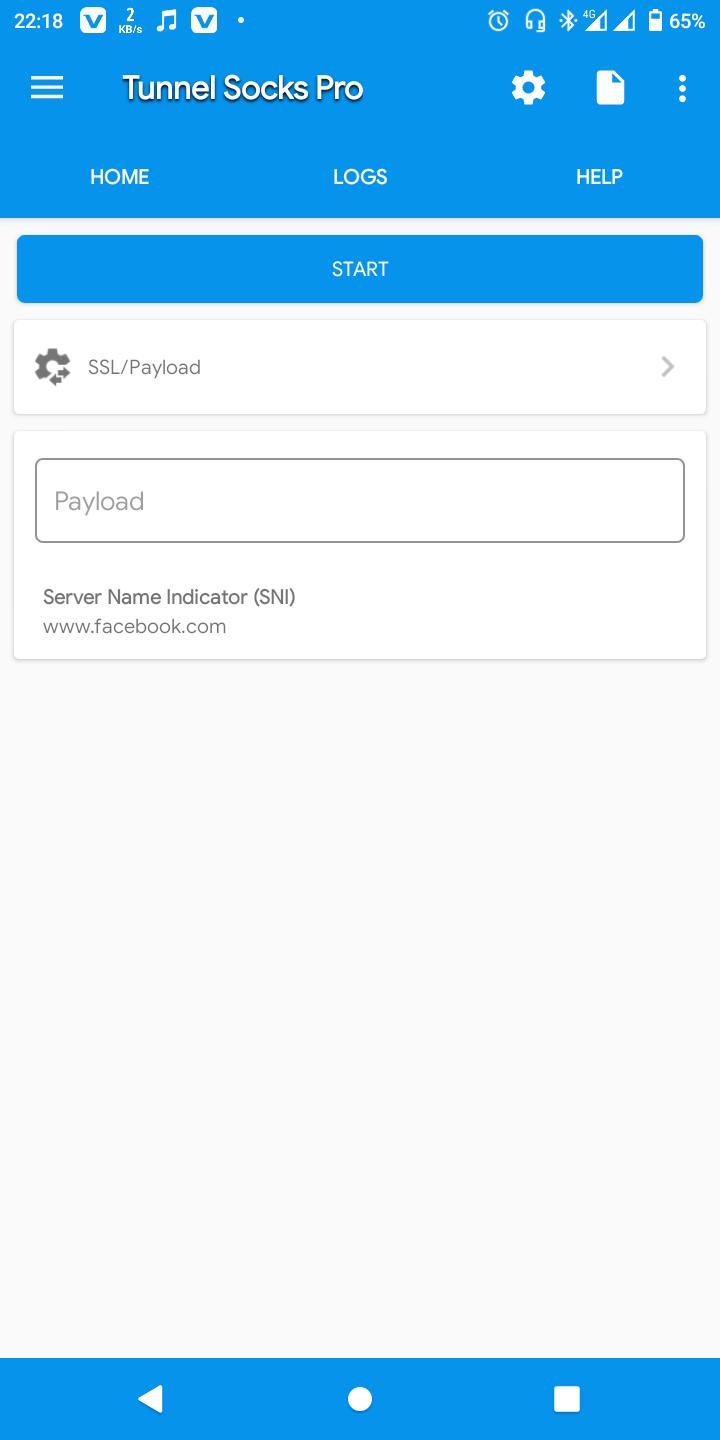
- SSL/PAYLOAD
پیش نظارہ

ٹیگز
اوزارمعلومات
ڈویلپر
Leeroy Makubaro
تازہ ترین ورژن
2.0.5
آخری تازہ کاری
2022-06-20
قسم
اوزار
پر دستیاب ہے۔
Google Play
مزید دکھائیں
پی سی پر گیم لوپ کے ساتھ Tunnel Socks Pro کیسے کھیلا جائے۔
1. آفیشل ویب سائٹ سے گیم لوپ ڈاؤن لوڈ کریں، پھر گیم لوپ انسٹال کرنے کے لیے exe فائل چلائیں۔
2. گیم لوپ کھولیں اور "Tunnel Socks Pro" تلاش کریں، تلاش کے نتائج میں Tunnel Socks Pro تلاش کریں اور "انسٹال کریں" پر کلک کریں۔
3. گیم لوپ پر Tunnel Socks Pro کھیلنے کا لطف اٹھائیں۔
Minimum requirements
OS
Windows 8.1 64-bit or Windows 10 64-bit
GPU
GTX 1050
CPU
i3-8300
Memory
8GB RAM
Storage
1GB available space
Recommended requirements
OS
Windows 8.1 64-bit or Windows 10 64-bit
GPU
GTX 1050
CPU
i3-9320
Memory
16GB RAM
Storage
1GB available space