Photo Translator - Image Scan PC
Innovative Premium Apps
گیم لوپ ایمولیٹر کے ساتھ PC پر Photo Translator - Image Scan ڈاؤن لوڈ کریں۔
پی سی پر Photo Translator - Image Scan
Photo Translator - Image Scan، جو ڈویلپر Innovative Premium Apps سے آرہا ہے، ماضی میں اینڈرائیڈ سسٹم پر چل رہا ہے۔
اب، آپ پی سی پر Photo Translator - Image Scan آسانی سے GameLoop کے ساتھ چلا سکتے ہیں۔
اسے GameLoop لائبریری یا تلاش کے نتائج میں ڈاؤن لوڈ کریں۔ مزید غلط وقت پر بیٹری یا مایوس کن کالوں پر نظر نہیں ڈالی جائے گی۔
بس بڑی سکرین پر Photo Translator - Image Scan PC کا مفت میں لطف اٹھائیں!
Photo Translator - Image Scan تعارف
📷 This Photo Translator app will help you translate photos, words, and phrases from any language. This smart and reliable language translator is one of the most popular apps in its category.
🌎 This free translation app understands dozens of languages from all over the world: from Swedish to Hawaiian, from Persian to Indonesian. To choose the one that you need, you should tap the button with three horizontal lines in the left top corner of the screen and select a language from an extensive menu. If you don't indicate the language, the Photo Translator will identify it automatically.
On the main screen of the language translator, you'll see the following buttons:
Translate camera, image. documents(scan and translate)
Conversation (speak and translate)
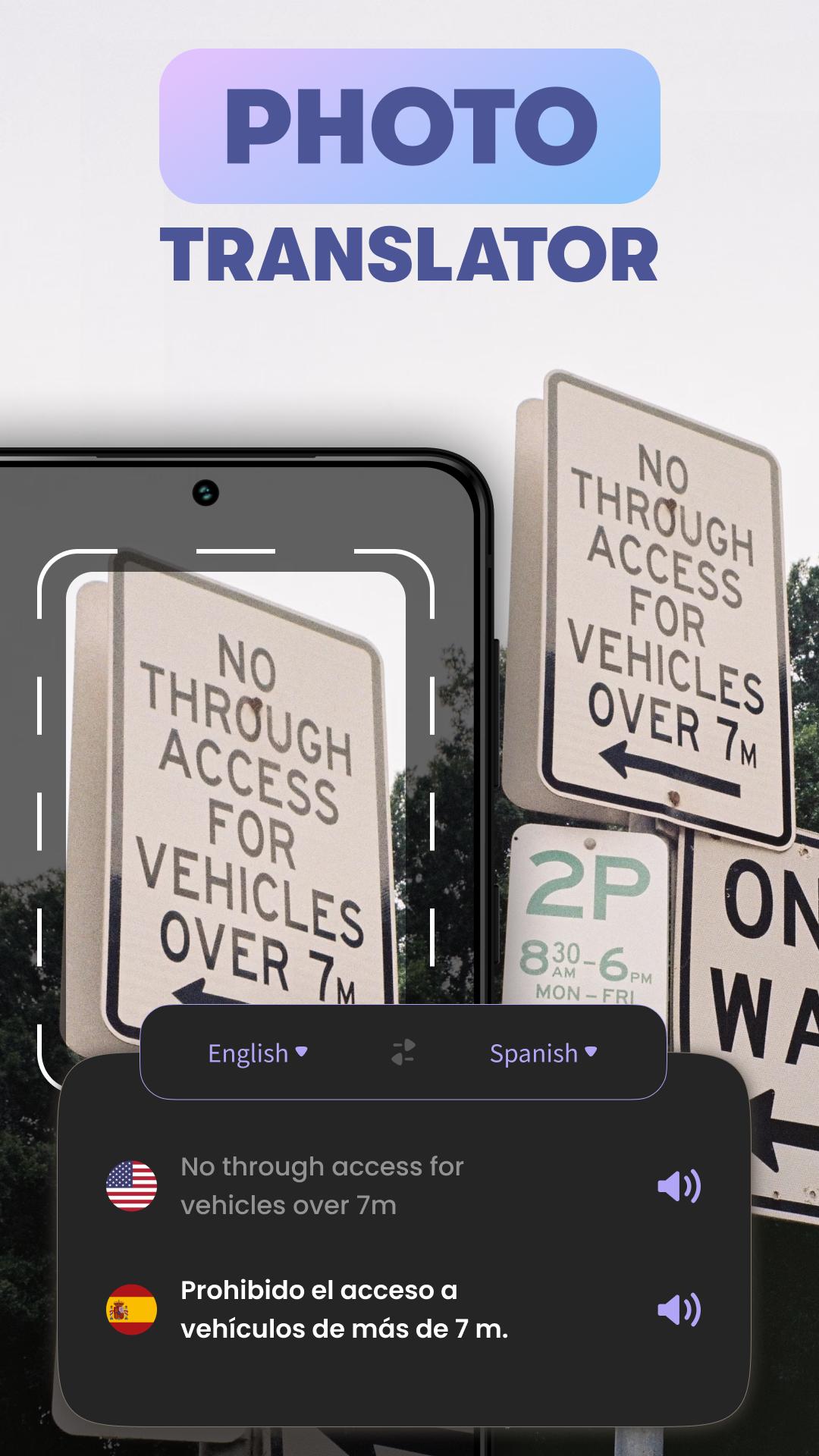
Camera translation (take pictures of documents and convert)
Phrase book (learn useful expressions)
Translation history (view all your history)
Camera Translator
You might want to translate the following types of texts from photos:
Menus
Road signs
Schedules
Books
Newspapers
Emails
Conversations in messengers
Chatbots
And so on
Upload an image to this picture translator from your gallery, Google Drive, Downloads folder, or other sources. Also, you can take a new picture with your phone's camera. The translation will be quick and precise, no matter how difficult the text might be.
When you need to quickly translate languages and the most common everyday words and phrases, the Phrase Book will come in handy. It contains such topics as Numbers, Colors, Days of the Week, Money, Shop, Transport, and so on.
Speech Translator
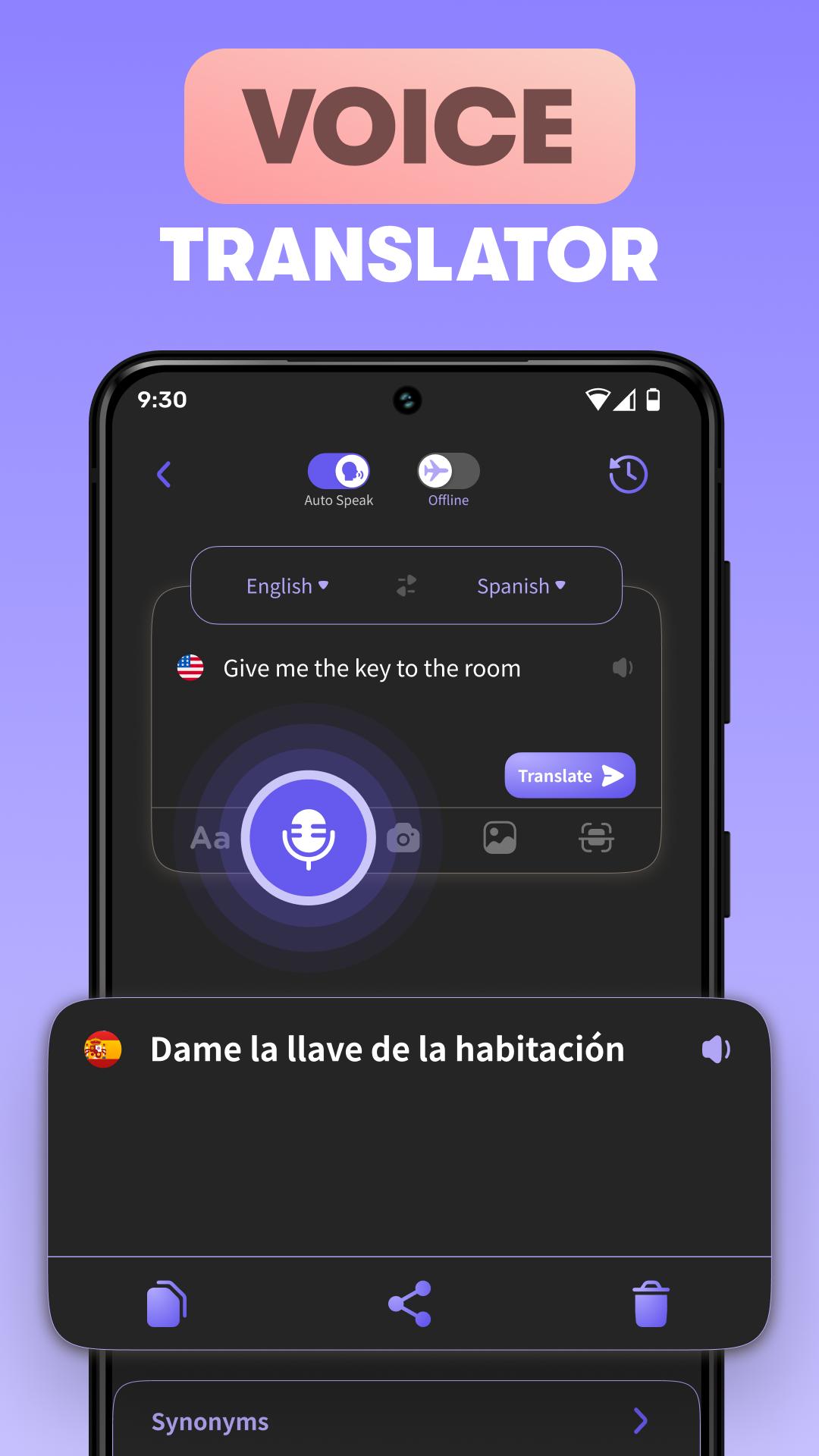
To translate a voice, you should follow these simple steps:
Open the Conversation section of the app
Use two dropdown menus at the top of the screen to select the languages that you would like to use
Push the mic button in the lower part of the screen and just speak and translate
Even if you have an accent or make grammar mistakes, the Voice Translator should work perfectly. No matter where in the world you are, you'll be able to understand speech on any topic: casual dialogs, instructions, weather forecasts, songs, and so on.
This Photo Translator will occupy very little space in your phone's memory and consume a minimum of traffic.
پیش نظارہ
ٹیگز
اوزارمعلومات
ڈویلپر
Innovative Premium Apps
تازہ ترین ورژن
1.3.0
آخری تازہ کاری
2025-04-14
قسم
اوزار
پر دستیاب ہے۔
Google Play
مزید دکھائیں
پی سی پر گیم لوپ کے ساتھ Photo Translator - Image Scan کیسے کھیلا جائے۔
1. آفیشل ویب سائٹ سے گیم لوپ ڈاؤن لوڈ کریں، پھر گیم لوپ انسٹال کرنے کے لیے exe فائل چلائیں۔
2. گیم لوپ کھولیں اور "Photo Translator - Image Scan" تلاش کریں، تلاش کے نتائج میں Photo Translator - Image Scan تلاش کریں اور "انسٹال کریں" پر کلک کریں۔
3. گیم لوپ پر Photo Translator - Image Scan کھیلنے کا لطف اٹھائیں۔
Minimum requirements
OS
Windows 8.1 64-bit or Windows 10 64-bit
GPU
GTX 1050
CPU
i3-8300
Memory
8GB RAM
Storage
1GB available space
Recommended requirements
OS
Windows 8.1 64-bit or Windows 10 64-bit
GPU
GTX 1050
CPU
i3-9320
Memory
16GB RAM
Storage
1GB available space