
Text Reader: Text to Speech PC
Perfect tools
گیم لوپ ایمولیٹر کے ساتھ PC پر Text Reader: Text to Speech ڈاؤن لوڈ کریں۔
پی سی پر Text Reader: Text to Speech
Text Reader: Text to Speech، جو ڈویلپر Perfect tools سے آرہا ہے، ماضی میں اینڈرائیڈ سسٹم پر چل رہا ہے۔
اب، آپ پی سی پر Text Reader: Text to Speech آسانی سے GameLoop کے ساتھ چلا سکتے ہیں۔
اسے GameLoop لائبریری یا تلاش کے نتائج میں ڈاؤن لوڈ کریں۔ مزید غلط وقت پر بیٹری یا مایوس کن کالوں پر نظر نہیں ڈالی جائے گی۔
بس بڑی سکرین پر Text Reader: Text to Speech PC کا مفت میں لطف اٹھائیں!
Text Reader: Text to Speech تعارف
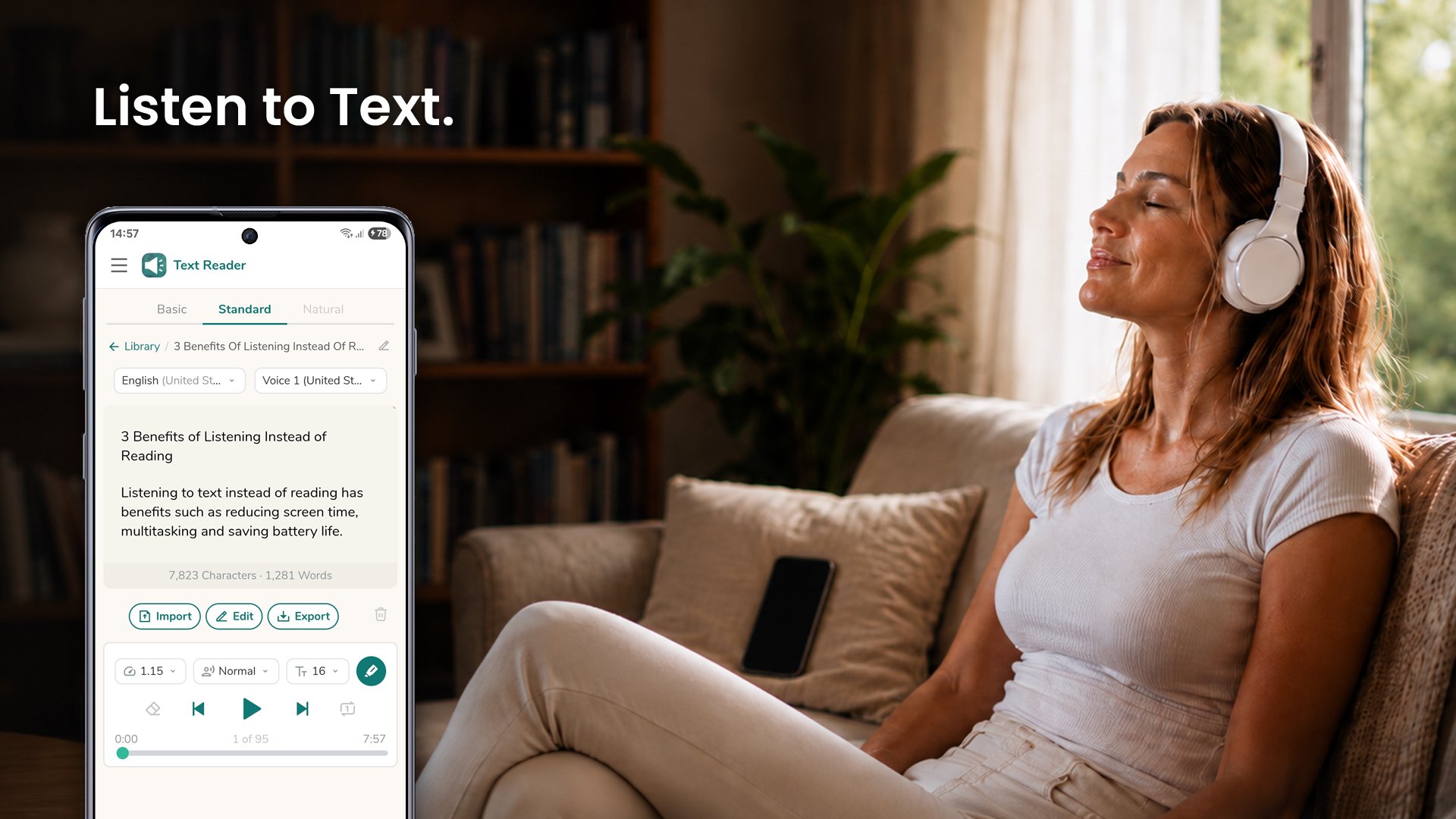
Text Reader is a text to speech app that reads your articles, documents, ebooks, and messages out loud, word for word, in 70+ languages - so you can listen instead of read.
Why listen instead of read
- Rest your eyes and reduce screen time.
- Save battery by listening with the screen off.
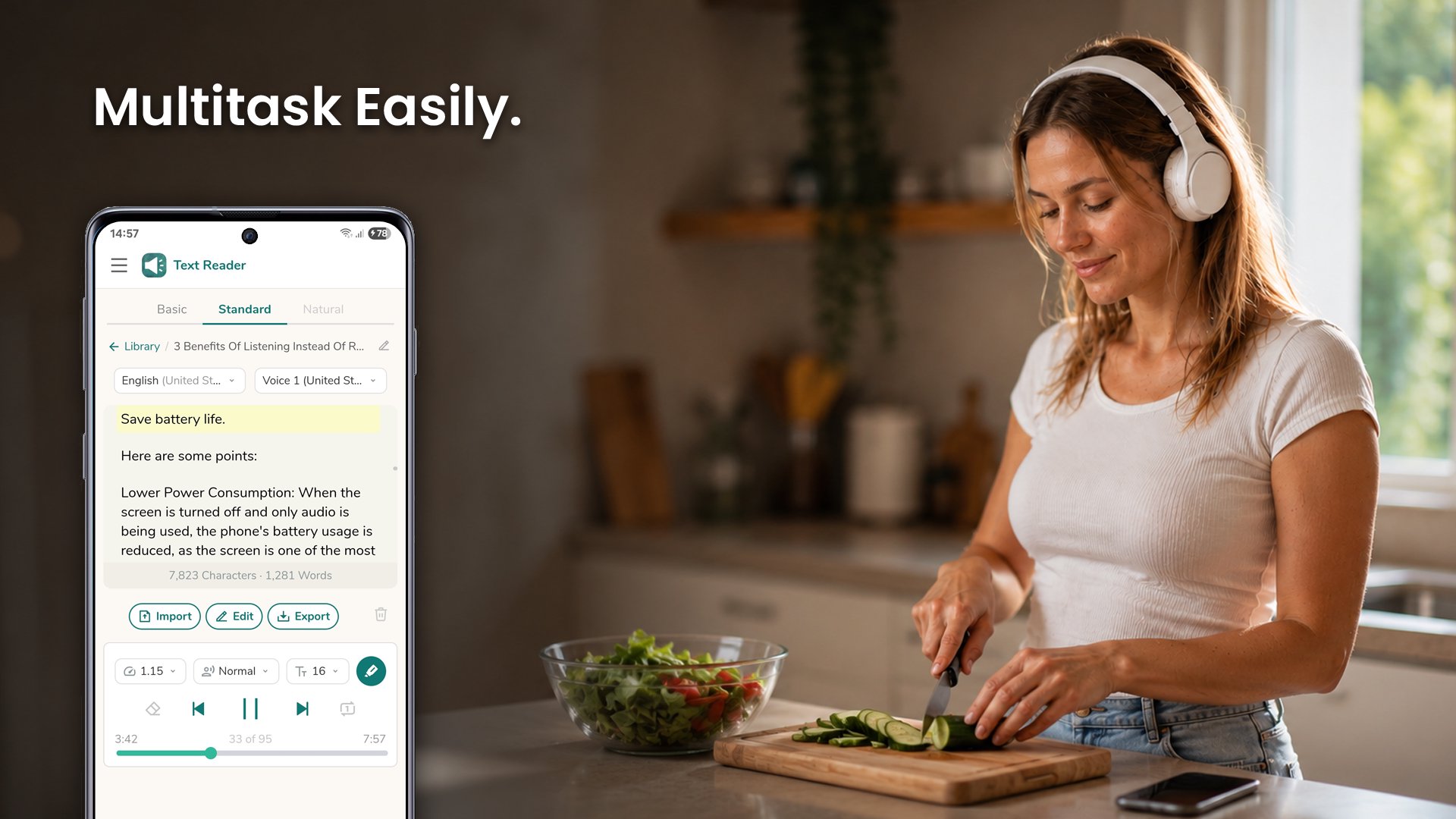
- Learn and stay productive while commuting, exercising, cooking, or working with your hands.
Listening
- Listen with the screen locked - control playback from the lock screen, notification, and Bluetooth.
- Adjustable speed - from slow up to 3x for skimming or careful listening.
- Male and female voices, with pitch control to raise or lower the voice.
- Follow-along highlighting - see each word as it is spoken.
- Repeat mode - loop the current text to listen again.
- Resume where you left off - the app remembers your place.
Your texts
- Import PDF, Word, EPUB, and text files, or share text from any app to start listening instantly.
- Open with Text Reader - tap a document in any app and have it read to you right away.
- Save a library of texts and search it anytime, even offline.
- Clean Symbols - skip stray characters like asterisks so they are not spoken.
- Handles long texts - uninterrupted playback for articles, chapters, and reports.
- Generate audio from text - save it as an audio file and listen in any music app.
- Export to PDF or a text file - keep a copy of your text on your device.
More
- Dark mode that follows your device theme.
- Right-to-left support for Hebrew, Arabic, and more.
- Works on phones and tablets - smooth performance across devices.
Whether you want to read books and novels on the road, catch up on articles, or get through work documents hands-free, Text Reader reads every word so you never miss a thing.
پیش نظارہ
ٹیگز
اوزارمعلومات
ڈویلپر
Perfect tools
تازہ ترین ورژن
1.0.48
آخری تازہ کاری
2026-07-13
قسم
اوزار
پر دستیاب ہے۔
Google Play
مزید دکھائیں
پی سی پر گیم لوپ کے ساتھ Text Reader: Text to Speech کیسے کھیلا جائے۔
1. آفیشل ویب سائٹ سے گیم لوپ ڈاؤن لوڈ کریں، پھر گیم لوپ انسٹال کرنے کے لیے exe فائل چلائیں۔
2. گیم لوپ کھولیں اور "Text Reader: Text to Speech" تلاش کریں، تلاش کے نتائج میں Text Reader: Text to Speech تلاش کریں اور "انسٹال کریں" پر کلک کریں۔
3. گیم لوپ پر Text Reader: Text to Speech کھیلنے کا لطف اٹھائیں۔
Minimum requirements
OS
Windows 8.1 64-bit or Windows 10 64-bit
GPU
GTX 1050
CPU
i3-8300
Memory
8GB RAM
Storage
1GB available space
Recommended requirements
OS
Windows 8.1 64-bit or Windows 10 64-bit
GPU
GTX 1050
CPU
i3-9320
Memory
16GB RAM
Storage
1GB available space