
Tenon VPN PC
제주도원체인테크
گیم لوپ ایمولیٹر کے ساتھ PC پر Tenon VPN ڈاؤن لوڈ کریں۔
پی سی پر Tenon VPN
Tenon VPN، جو ڈویلپر 제주도원체인테크 سے آرہا ہے، ماضی میں اینڈرائیڈ سسٹم پر چل رہا ہے۔
اب، آپ پی سی پر Tenon VPN آسانی سے GameLoop کے ساتھ چلا سکتے ہیں۔
اسے GameLoop لائبریری یا تلاش کے نتائج میں ڈاؤن لوڈ کریں۔ مزید غلط وقت پر بیٹری یا مایوس کن کالوں پر نظر نہیں ڈالی جائے گی۔
بس بڑی سکرین پر Tenon VPN PC کا مفت میں لطف اٹھائیں!
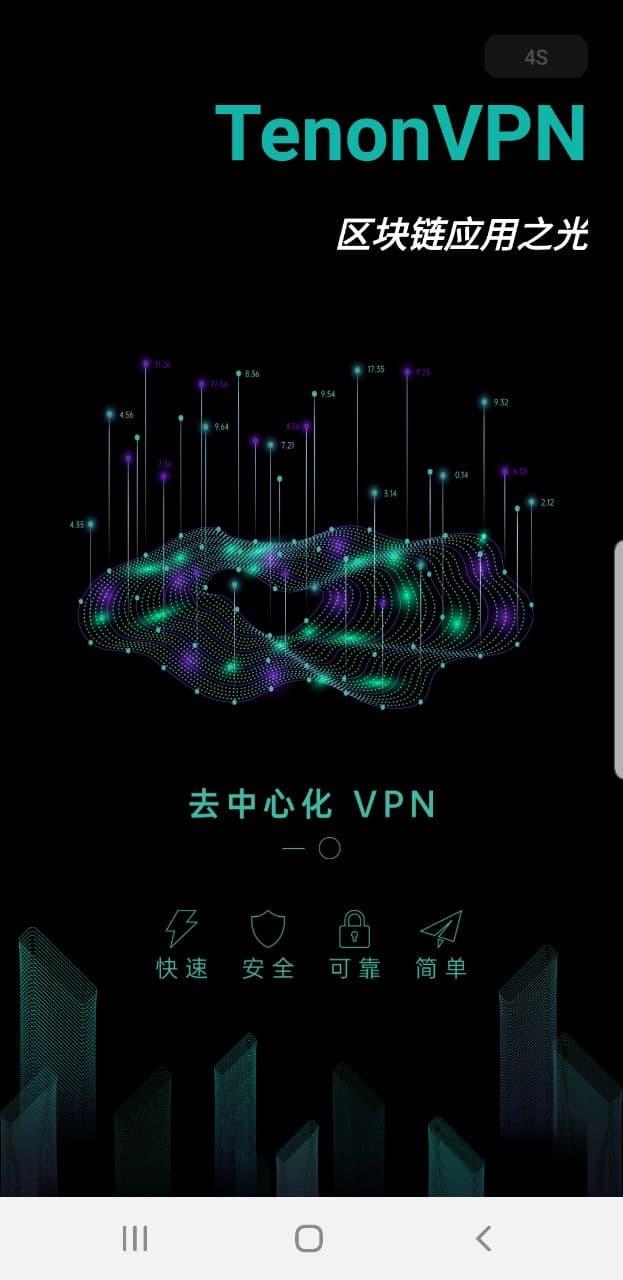
Tenon VPN تعارف
1. Tenon VPN is composed of a large number of decentralized nodes, because there is no centralized server, thus avoiding the authority of centralization, that is, you can access the network without any blocking.
2. Although Tenon VPN is decentralized, its performance is superior to a centralized VPN server because TenonVPN provides an original intelligent route that can find the best communication route through the user's current network conditions.
3. Tenon VPN is decentralized. All user data is encrypted by the user's private key. At the same time, the addition of the intelligent routing network ensures the client's anonymity in the entire decentralized world.
4. With a powerful P2P network and secure encryption technology, Tenvon VPN acts as a routing node through the user's home PC, making blocking impossible.
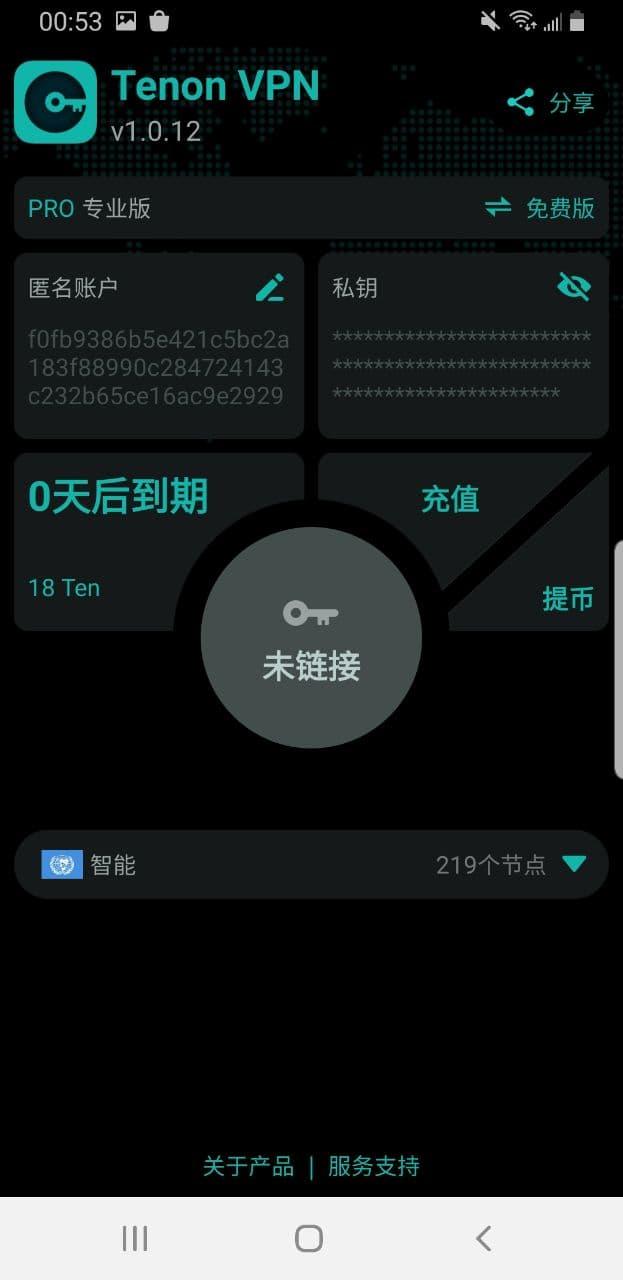
5. Tenon VPN is easy to use, requires no complicated configuration, and can be safely, quickly and reliably entered into the decentralized world with one-click connection.
پیش نظارہ
ٹیگز
اوزارمعلومات
ڈویلپر
제주도원체인테크
تازہ ترین ورژن
6.3.1P
آخری تازہ کاری
2022-11-18
قسم
اوزار
پر دستیاب ہے۔
Google Play
مزید دکھائیں
پی سی پر گیم لوپ کے ساتھ Tenon VPN کیسے کھیلا جائے۔
1. آفیشل ویب سائٹ سے گیم لوپ ڈاؤن لوڈ کریں، پھر گیم لوپ انسٹال کرنے کے لیے exe فائل چلائیں۔
2. گیم لوپ کھولیں اور "Tenon VPN" تلاش کریں، تلاش کے نتائج میں Tenon VPN تلاش کریں اور "انسٹال کریں" پر کلک کریں۔
3. گیم لوپ پر Tenon VPN کھیلنے کا لطف اٹھائیں۔
Minimum requirements
OS
Windows 8.1 64-bit or Windows 10 64-bit
GPU
GTX 1050
CPU
i3-8300
Memory
8GB RAM
Storage
1GB available space
Recommended requirements
OS
Windows 8.1 64-bit or Windows 10 64-bit
GPU
GTX 1050
CPU
i3-9320
Memory
16GB RAM
Storage
1GB available space