
Tech Coach PC
Asurion Mobile Applications, LLC.
گیم لوپ ایمولیٹر کے ساتھ PC پر Tech Coach ڈاؤن لوڈ کریں۔
پی سی پر Tech Coach
Tech Coach، جو ڈویلپر Asurion Mobile Applications, LLC. سے آرہا ہے، ماضی میں اینڈرائیڈ سسٹم پر چل رہا ہے۔
اب، آپ پی سی پر Tech Coach آسانی سے GameLoop کے ساتھ چلا سکتے ہیں۔
اسے GameLoop لائبریری یا تلاش کے نتائج میں ڈاؤن لوڈ کریں۔ مزید غلط وقت پر بیٹری یا مایوس کن کالوں پر نظر نہیں ڈالی جائے گی۔
بس بڑی سکرین پر Tech Coach PC کا مفت میں لطف اٹھائیں!
Tech Coach تعارف
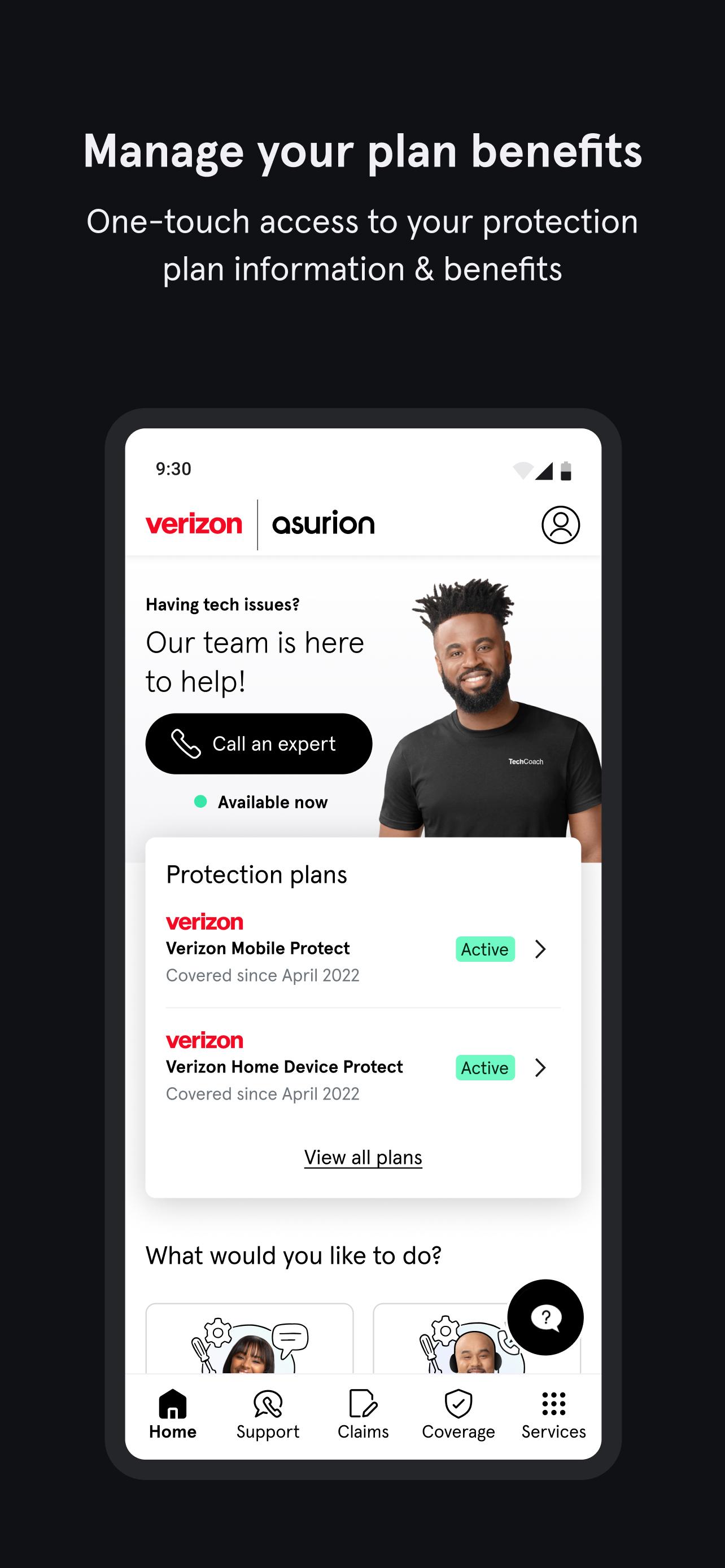
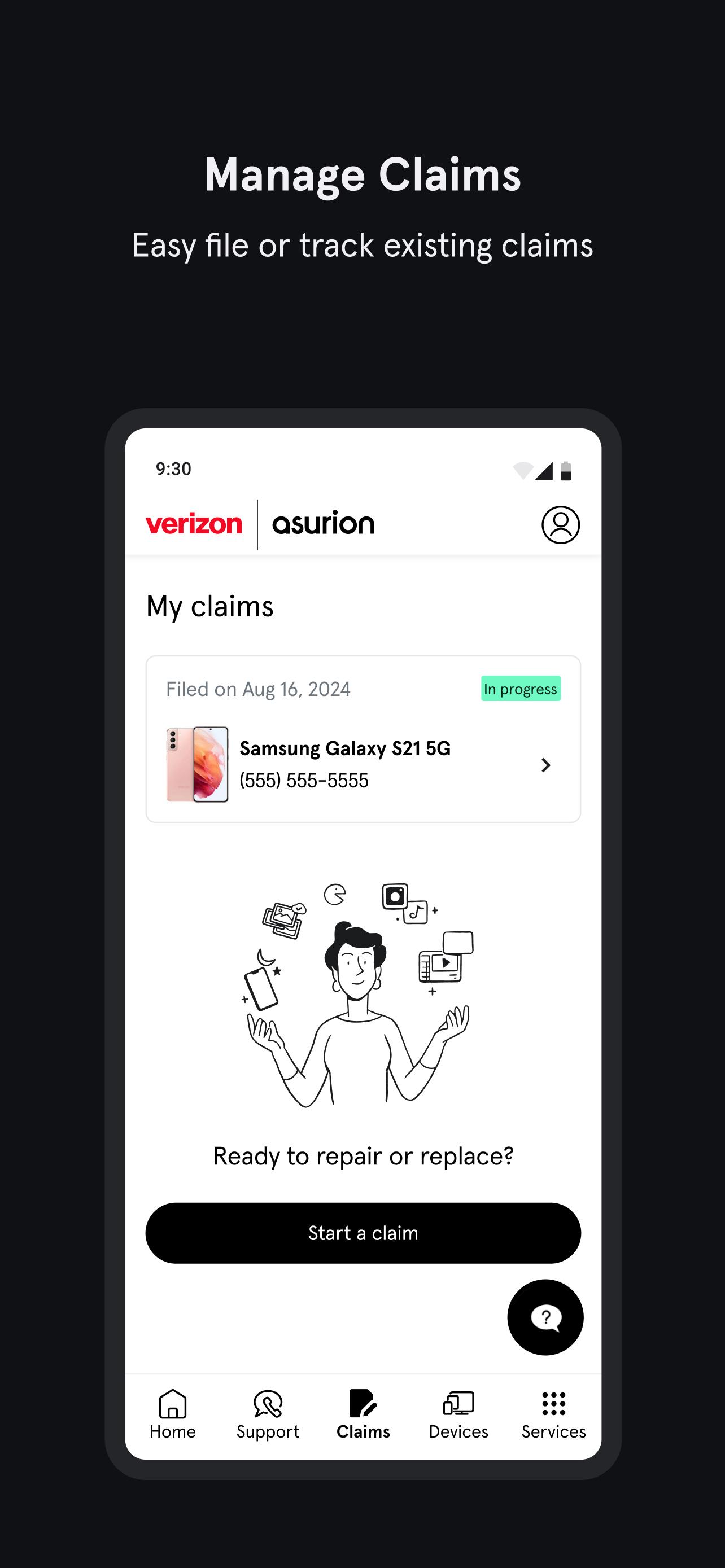
The Tech Coach app provides instant, round-the-clock access to experts ready to solve your tech issues. Plus, access claims management, device setup, benefits, and coverage details.
• Connect with Real Tech Coach Experts 24/7: Reach out to our team via call or chat within seconds. No more waiting in line for tech support!
• File Claims Hassle-Free: Quickly file claims with Asurion® right from the app.
• Monitor Device Health: Access device health diagnostics, battery checkups, setup assistance, and WiFi scans.
• Digital Security Guidance: Receive personalized, one-on-one digital security assistance, covering everything from safeguarding your credit card information to monitoring your online identity.
• Maximize Your Tech: Unlock the full potential of your devices with tips on trade-in value, location privacy, contact transfer, and more.
• Easily Access Coverage Info: Conveniently locate your plan information and learn about repair and replacement options.
Download the Tech Coach app today and enjoy expert tech assistance whenever you need it, all from the convenience of your device.
Please note: This app uses Device Administrator permission. In order to provide remote support and screen-sharing capabilities, some devices require device administration access. This access will only occur with your permission and will be disabled when the remote session ends. App usage analytics and device data are sent to our servers for analysis in order to provide the best service we can. Your device characteristics data and device ID might be also sent to third parties; in case of an app crash, personal information will not be shared. Full information is available for you in the Privacy Policy that you can review before downloading the app.
پیش نظارہ
ٹیگز
اوزارمعلومات
ڈویلپر
Asurion Mobile Applications, LLC.
تازہ ترین ورژن
10.0.0
آخری تازہ کاری
2025-03-19
قسم
اوزار
پر دستیاب ہے۔
Google Play
مزید دکھائیں
پی سی پر گیم لوپ کے ساتھ Tech Coach کیسے کھیلا جائے۔
1. آفیشل ویب سائٹ سے گیم لوپ ڈاؤن لوڈ کریں، پھر گیم لوپ انسٹال کرنے کے لیے exe فائل چلائیں۔
2. گیم لوپ کھولیں اور "Tech Coach" تلاش کریں، تلاش کے نتائج میں Tech Coach تلاش کریں اور "انسٹال کریں" پر کلک کریں۔
3. گیم لوپ پر Tech Coach کھیلنے کا لطف اٹھائیں۔
Minimum requirements
OS
Windows 8.1 64-bit or Windows 10 64-bit
GPU
GTX 1050
CPU
i3-8300
Memory
8GB RAM
Storage
1GB available space
Recommended requirements
OS
Windows 8.1 64-bit or Windows 10 64-bit
GPU
GTX 1050
CPU
i3-9320
Memory
16GB RAM
Storage
1GB available space