
Stickify: Stickers in WhatsApp PC
Stickify
گیم لوپ ایمولیٹر کے ساتھ PC پر Stickify: Stickers in WhatsApp ڈاؤن لوڈ کریں۔
پی سی پر Stickify: Stickers in WhatsApp
Stickify: Stickers in WhatsApp، جو ڈویلپر Stickify سے آرہا ہے، ماضی میں اینڈرائیڈ سسٹم پر چل رہا ہے۔
اب، آپ پی سی پر Stickify: Stickers in WhatsApp آسانی سے GameLoop کے ساتھ چلا سکتے ہیں۔
اسے GameLoop لائبریری یا تلاش کے نتائج میں ڈاؤن لوڈ کریں۔ مزید غلط وقت پر بیٹری یا مایوس کن کالوں پر نظر نہیں ڈالی جائے گی۔
بس بڑی سکرین پر Stickify: Stickers in WhatsApp PC کا مفت میں لطف اٹھائیں!
Stickify: Stickers in WhatsApp تعارف
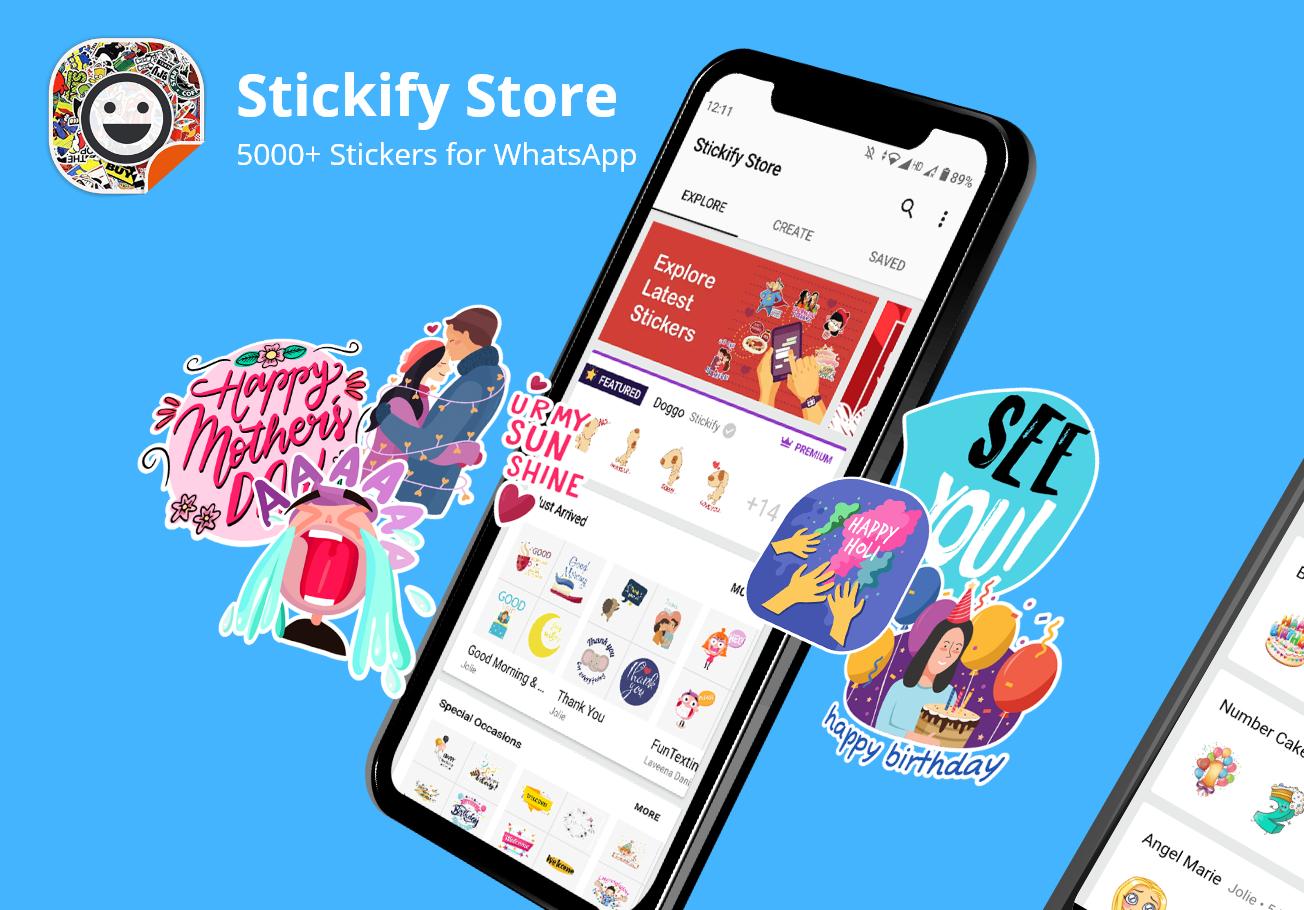
The best stickers for WhatsApp. WAStickerApps supported.
Stickify Sticker Store for WhatsApp hosts the best collection of WhatsApp stickers. Download just one app and get all stickers for WhatsApp.
Create your own stickers for WhatsApp with Stickify Sticker Maker app. You can also share sticker packs with your friends directly.
Using Stickify for free WhatsApp stickers
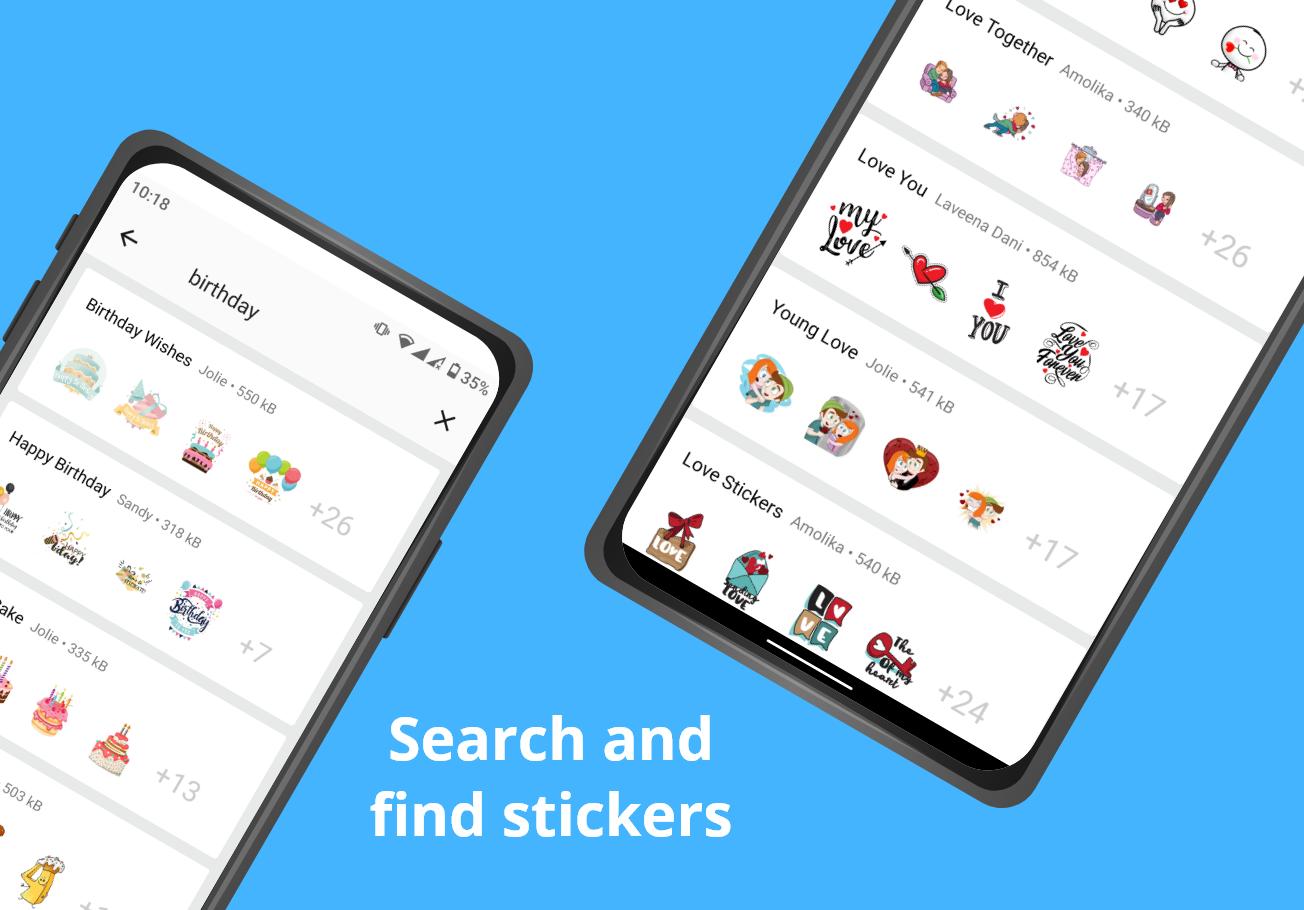
1. Open Stickify and click on any WhatsApp stickers for chat. You can also search for any WhatsApp sticker
2. After the sticker is downloaded, you'll see a full preview. Click on Add to WhatsApp button if you like the sticker pack
3. Open WhatsApp, go to stickers and click on the new icon of the WhatsApp sticker pack that you added
4. Click on any of the WhatsApp stickers to send it in the chat
Using Stickify Maker - the best Sticker Maker app for WhatsApp
1. Open Stickify and go to the Create page to create your own personal stickers for WhatsApp
2. Click New Sticker Pack and choose a name for the sticker pack
3. Touch the + plus button and select a photo from your phone to use in the sticker
4. Crop the image and add decorations, emojis, text etc. as you wish
5. Add as many stickers as you like and click Continue. Your custom sticker pack for WhatsApp is ready
6. You can add it to WhatsApp or share the pack with friends using the share button
If you'd like to share your custom WAStickerApps stickers publicly, please email us at utilities@clusterdev.com.
New stickers for WhatsApp are added frequently.Download stickers for WhatsApp easily from Stickify Sticker Store.
Not working properly? Please update your WhatsApp version from Play Store. On some phones, stickers might disappear after you add them. To fix this, please disable battery optimization for Stickify from battery settings.
Disclaimer: This application is not associated with WhatsApp Inc. in any way and is developed and maintained by a third party.
Content Policy: Users are able to upload content to Stickify and the app may contain user generated content. Please contact us at utilities@clusterdev.com if you notice copyrighted content, for DMCA notices or if there are other concerns.
A premium WAStickerApps product!
Please email us at utilities@clusterdev.com if you have any questions or complaints. Send your love and rate us well :)
Thank you for trying out Stickify! Start downloading free WhatsApp stickers every day.
پیش نظارہ
ٹیگز
اوزارمعلومات
ڈویلپر
Stickify
تازہ ترین ورژن
5.4.3
آخری تازہ کاری
2022-07-26
قسم
اوزار
پر دستیاب ہے۔
Google Play
مزید دکھائیں
پی سی پر گیم لوپ کے ساتھ Stickify: Stickers in WhatsApp کیسے کھیلا جائے۔
1. آفیشل ویب سائٹ سے گیم لوپ ڈاؤن لوڈ کریں، پھر گیم لوپ انسٹال کرنے کے لیے exe فائل چلائیں۔
2. گیم لوپ کھولیں اور "Stickify: Stickers in WhatsApp" تلاش کریں، تلاش کے نتائج میں Stickify: Stickers in WhatsApp تلاش کریں اور "انسٹال کریں" پر کلک کریں۔
3. گیم لوپ پر Stickify: Stickers in WhatsApp کھیلنے کا لطف اٹھائیں۔
Minimum requirements
OS
Windows 8.1 64-bit or Windows 10 64-bit
GPU
GTX 1050
CPU
i3-8300
Memory
8GB RAM
Storage
1GB available space
Recommended requirements
OS
Windows 8.1 64-bit or Windows 10 64-bit
GPU
GTX 1050
CPU
i3-9320
Memory
16GB RAM
Storage
1GB available space