Smart Mobile Switch Share Data PC
Lexo Apps
گیم لوپ ایمولیٹر کے ساتھ PC پر Smart Mobile Switch Share Data ڈاؤن لوڈ کریں۔
پی سی پر Smart Mobile Switch Share Data
Smart Mobile Switch Share Data، جو ڈویلپر Lexo Apps سے آرہا ہے، ماضی میں اینڈرائیڈ سسٹم پر چل رہا ہے۔
اب، آپ پی سی پر Smart Mobile Switch Share Data آسانی سے GameLoop کے ساتھ چلا سکتے ہیں۔
اسے GameLoop لائبریری یا تلاش کے نتائج میں ڈاؤن لوڈ کریں۔ مزید غلط وقت پر بیٹری یا مایوس کن کالوں پر نظر نہیں ڈالی جائے گی۔
بس بڑی سکرین پر Smart Mobile Switch Share Data PC کا مفت میں لطف اٹھائیں!
Smart Mobile Switch Share Data تعارف
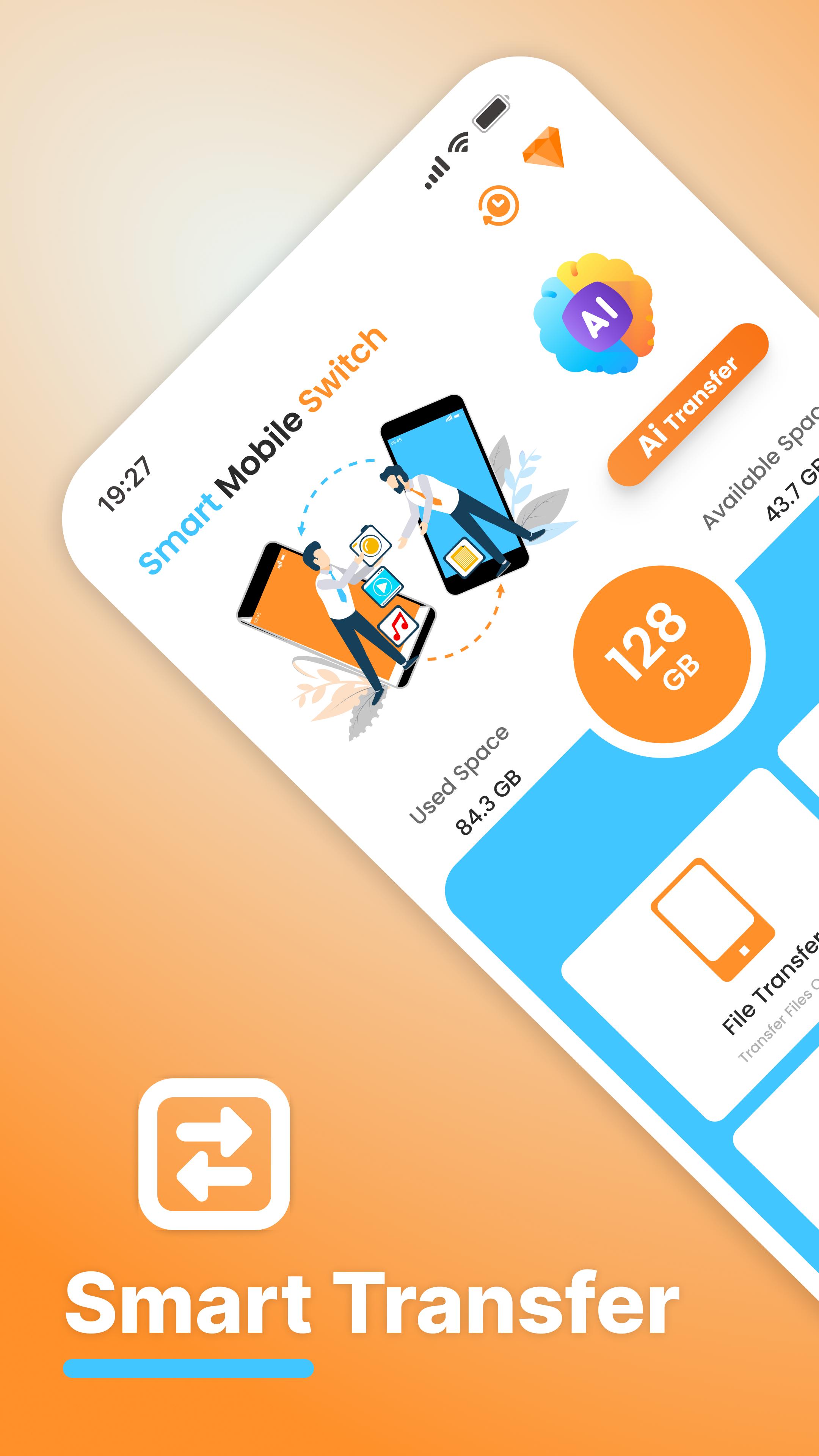
Smart Data Transfer: Clone & Share is the easiest way to copy your data, transfer files, and switch everything from one phone to another — fast, secure, and with any internet wifi and hotspot.
Whether you're switching or upgrading your phone or helping friends move their data, this all-in-one tool lets you switch or clone your phone, transfer apps, photos, music, videos, contacts, and more. Built for people who want fast file transfer and safe data sharing.
🚀 Top Features of Smart Mobile Data Transfer
✅ Phone Clone – Clone your phone's content to another device in minutes
✅ File Transfer – Move your media, apps, and contacts quickly
✅ Data Migration Tool – Upgrade phones without losing anything
✅ Multi-Device Support – Works with any Android phone or tablet
✅ No Login Needed – Just install, scan, and start transferring
📁 Transfer & Quick Share Everything You Need
1. Apps and App Data
2. Photos, Videos & Music
3. Contacts & Messages
4. Documents and PDFs
5. Settings and more
You can choose to copy all your data or just select what you need through Scan a QR with Wifi or hotspot. It’s your smart way to manage phone transfers without confusion or loss.
🔐 Private & Secure:
Smart data Switch requires the Wifi and Hotspot. Your files never leave your devices. Just a fast, encrypted connection between the phones.
You can share data between any two Android phones — even if they're from different brands.
💡 Use It When You:
1. Buy a new Android phone and need to move everything
2. Want to back up files quickly
3. Share apps or documents with a friend
4. Need a fast “copy my data” tool without complications
5. Want to switch phones without losing WhatsApp chats, music, or settings
🎯 Why Smart File Switch?
1. Built to replace bulky apps like Copy My Data, shareit, & Clone Phone.
2. Faster than Bluetooth or traditional file sharing
3. Doesn’t require technical setup or accounts
4. More private than cloud backup apps
📈 Trusted by Thousands
Smart mobile switch data Transfer is used by users around the world for safe, fast, and simple data migration. Join others who have already moved to better phone cloning.
📥 Download Quick File Transfer: Clone & Share now and move your data in seconds.
No cables, no accounts, no limits — Just Smart File Share.
پیش نظارہ

ٹیگز
اوزاربورڈمعلومات
ڈویلپر
Lexo Apps
تازہ ترین ورژن
1.79
آخری تازہ کاری
2025-10-20
قسم
اوزار
پر دستیاب ہے۔
Google Play
مزید دکھائیں
پی سی پر گیم لوپ کے ساتھ Smart Mobile Switch Share Data کیسے کھیلا جائے۔
1. آفیشل ویب سائٹ سے گیم لوپ ڈاؤن لوڈ کریں، پھر گیم لوپ انسٹال کرنے کے لیے exe فائل چلائیں۔
2. گیم لوپ کھولیں اور "Smart Mobile Switch Share Data" تلاش کریں، تلاش کے نتائج میں Smart Mobile Switch Share Data تلاش کریں اور "انسٹال کریں" پر کلک کریں۔
3. گیم لوپ پر Smart Mobile Switch Share Data کھیلنے کا لطف اٹھائیں۔
Minimum requirements
OS
Windows 8.1 64-bit or Windows 10 64-bit
GPU
GTX 1050
CPU
i3-8300
Memory
8GB RAM
Storage
1GB available space
Recommended requirements
OS
Windows 8.1 64-bit or Windows 10 64-bit
GPU
GTX 1050
CPU
i3-9320
Memory
16GB RAM
Storage
1GB available space