
Small Apps's RecentApp Launche PC
MDP Software
گیم لوپ ایمولیٹر کے ساتھ PC پر Small Apps's RecentApp Launche ڈاؤن لوڈ کریں۔
پی سی پر Small Apps's RecentApp Launche
Small Apps's RecentApp Launche، جو ڈویلپر MDP Software سے آرہا ہے، ماضی میں اینڈرائیڈ سسٹم پر چل رہا ہے۔
اب، آپ پی سی پر Small Apps's RecentApp Launche آسانی سے GameLoop کے ساتھ چلا سکتے ہیں۔
اسے GameLoop لائبریری یا تلاش کے نتائج میں ڈاؤن لوڈ کریں۔ مزید غلط وقت پر بیٹری یا مایوس کن کالوں پر نظر نہیں ڈالی جائے گی۔
بس بڑی سکرین پر Small Apps's RecentApp Launche PC کا مفت میں لطف اٹھائیں!
Small Apps's RecentApp Launche تعارف
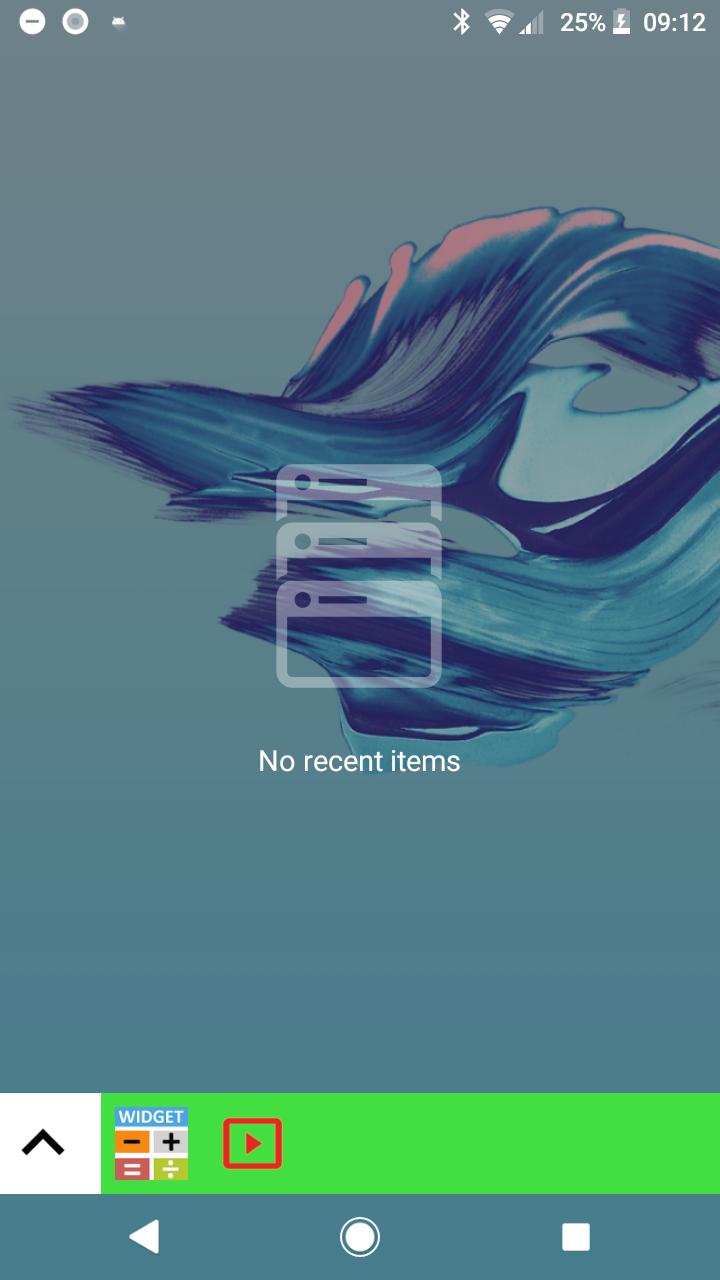
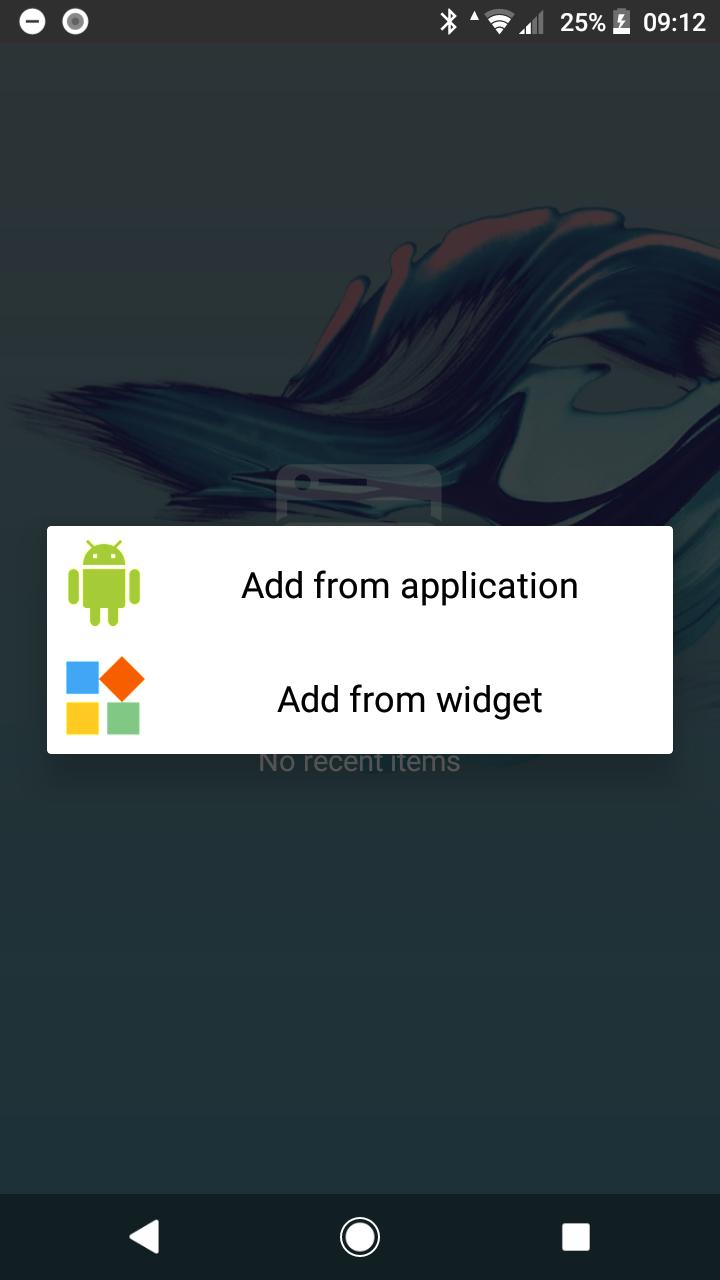
You can display the launcher on the history screen like the former small application. From there you can not only launch the application but also let the widget float on the screen to display.
In addition to being able to place it in any place like the top, bottom, left, and right so that it can correspond to various terminals, you can also set the direction in which buttons and icons line up in any direction.
==========
Here is a standalone version of an application that can display widgets floating
Click here for the application [Small Application for All Device] floating on other screens
Small Application for All Device
==========
It is convenient because it becomes an alternative launcher even when the terminal's home button is broken.
Opening applications It is convenient for people who have small hands because they can increase the method of approach.
[ SmApEx4SoPr ]
پیش نظارہ
ٹیگز
اوزارمعلومات
ڈویلپر
MDP Software
تازہ ترین ورژن
1.1.1
آخری تازہ کاری
2018-12-04
قسم
اوزار
پر دستیاب ہے۔
Google Play
مزید دکھائیں
پی سی پر گیم لوپ کے ساتھ Small Apps's RecentApp Launche کیسے کھیلا جائے۔
1. آفیشل ویب سائٹ سے گیم لوپ ڈاؤن لوڈ کریں، پھر گیم لوپ انسٹال کرنے کے لیے exe فائل چلائیں۔
2. گیم لوپ کھولیں اور "Small Apps's RecentApp Launche" تلاش کریں، تلاش کے نتائج میں Small Apps's RecentApp Launche تلاش کریں اور "انسٹال کریں" پر کلک کریں۔
3. گیم لوپ پر Small Apps's RecentApp Launche کھیلنے کا لطف اٹھائیں۔
Minimum requirements
OS
Windows 8.1 64-bit or Windows 10 64-bit
GPU
GTX 1050
CPU
i3-8300
Memory
8GB RAM
Storage
1GB available space
Recommended requirements
OS
Windows 8.1 64-bit or Windows 10 64-bit
GPU
GTX 1050
CPU
i3-9320
Memory
16GB RAM
Storage
1GB available space