
Links-Shortcut Manager PC
Any Studio
گیم لوپ ایمولیٹر کے ساتھ PC پر Links-Shortcut Manager ڈاؤن لوڈ کریں۔
پی سی پر Links-Shortcut Manager
Links-Shortcut Manager، جو ڈویلپر Any Studio سے آرہا ہے، ماضی میں اینڈرائیڈ سسٹم پر چل رہا ہے۔
اب، آپ پی سی پر Links-Shortcut Manager آسانی سے GameLoop کے ساتھ چلا سکتے ہیں۔
اسے GameLoop لائبریری یا تلاش کے نتائج میں ڈاؤن لوڈ کریں۔ مزید غلط وقت پر بیٹری یا مایوس کن کالوں پر نظر نہیں ڈالی جائے گی۔
بس بڑی سکرین پر Links-Shortcut Manager PC کا مفت میں لطف اٹھائیں!
Links-Shortcut Manager تعارف
Unleash the Power of Shortcut on Your Android!
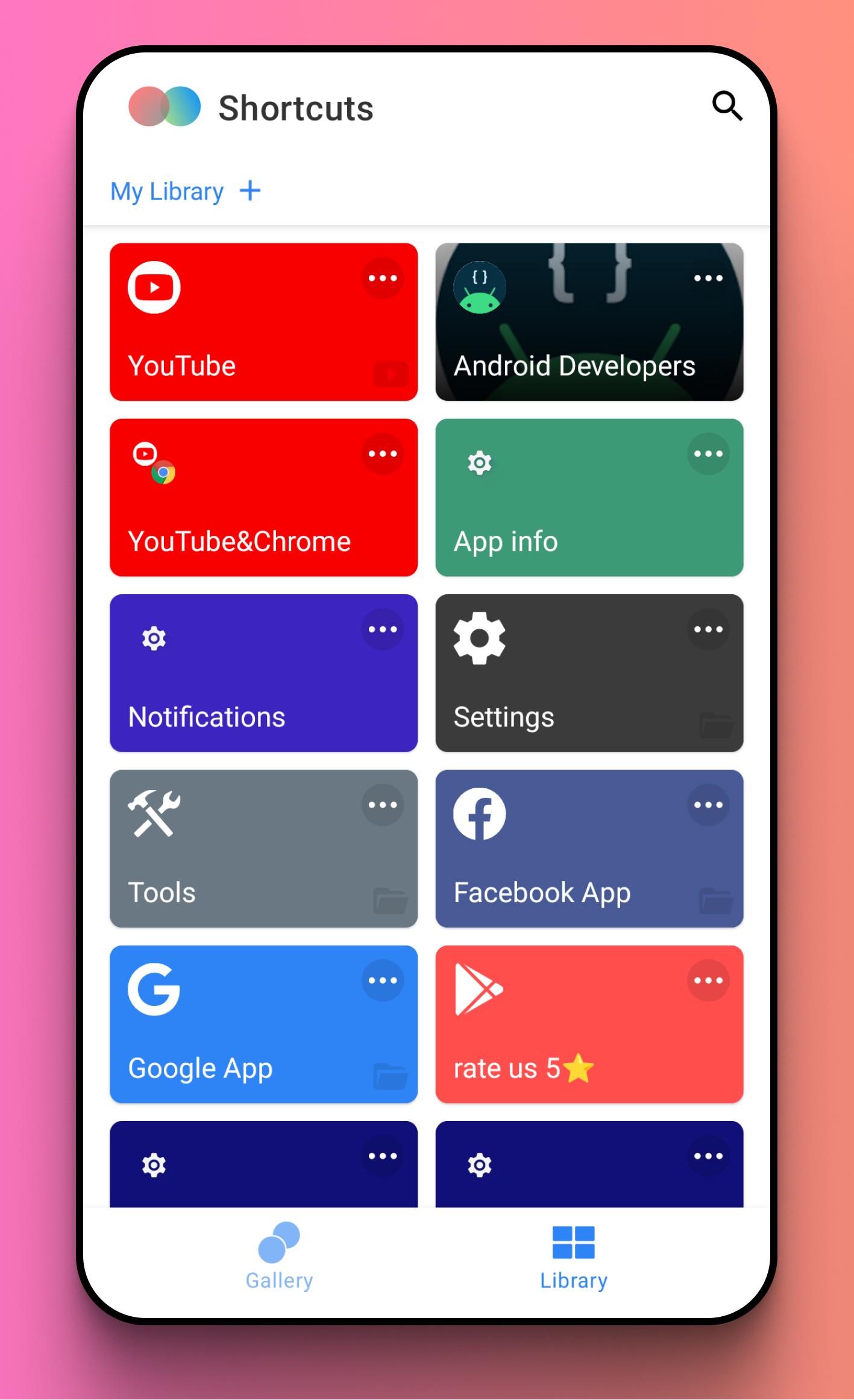
Tired of endless tapping and navigating through menus? Shortcut puts everything you need right at your fingertips. Create custom shortcuts for apps, files, Links within apps, and even specific system settings, directly on your homescreen. Streamline your mobile experience and boost your productivity with powerful, personalized shortcuts.
Take Control of Your Apps & Files:
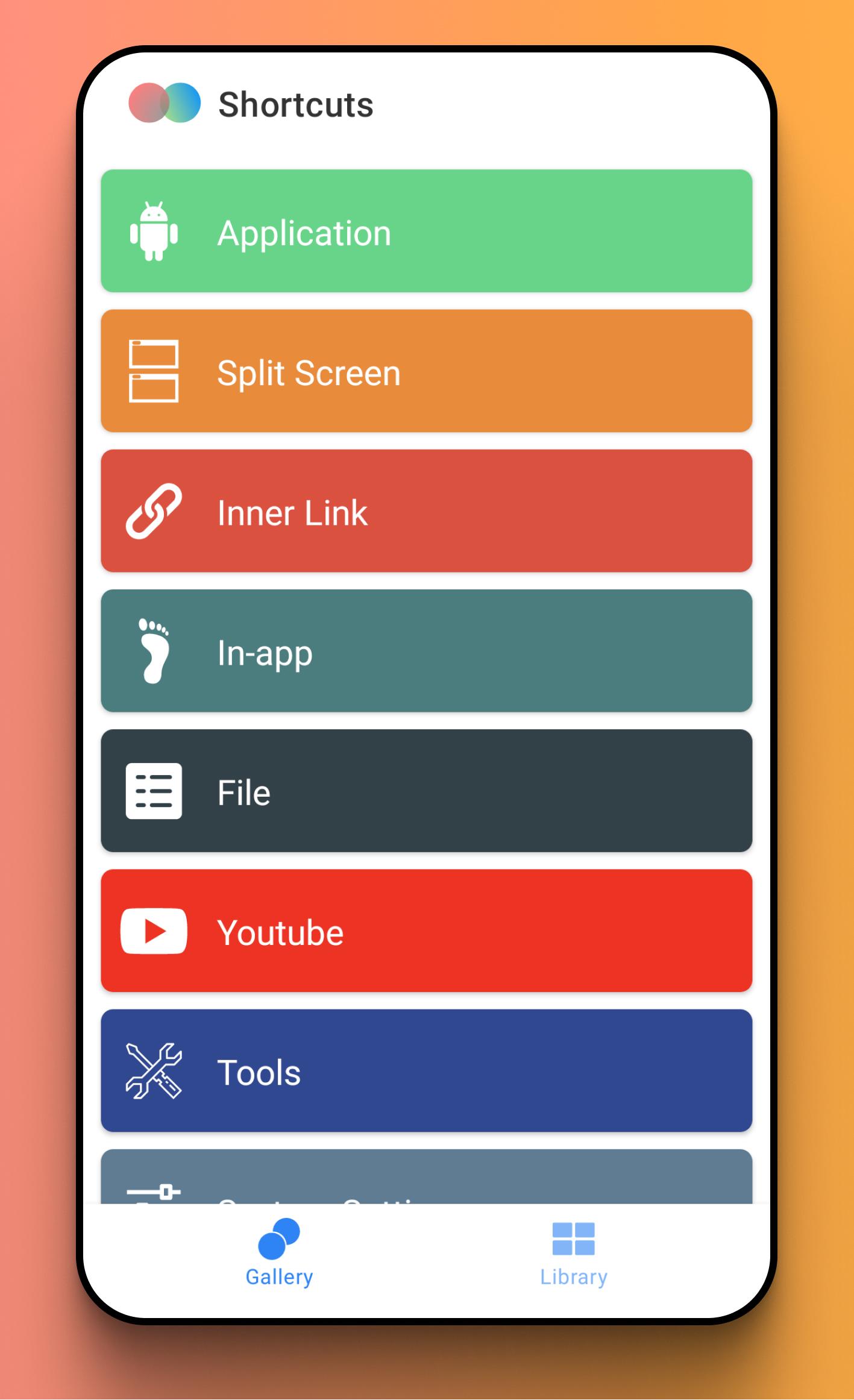
* App Shortcuts: Launch your favorite apps instantly.
* Split Screen Master: Launch two apps simultaneously in split-screen mode with a single tap. Perfect for multitasking!
* File Access: Quickly access your photos, videos, documents, and audio files.
* Links: Dive directly into specific pages within your apps, saving you time and clicks.
* In-app shortcuts: Access key features faster.
Supercharge Your Workflow with Powerful Tools:
Access essential tools directly from your homescreen: Search, Downloads, Stopwatch, Alarm, Call, Storage Cleaner, Voice Recorder, Battery Usage, and Ringtone settings.
Customize Your System Settings Access:
Configure shortcuts for frequently accessed system settings like Wi-Fi, Bluetooth, Display, Sound, Location, and dozens more. No more digging through the settings menu!
Unlock Quick Access to Your Favorite Social Media:
Jump directly to key features within Instagram, Twitter, Facebook, and YouTube. Create shortcuts for posting, messaging, exploring, and more.
Personalize Your Shortcuts with Custom Icons:
Choose from tens of thousands of built-in icons and styles, or use the universal icon editor to create your perfect look.
پیش نظارہ
ٹیگز
اوزارمعلومات
ڈویلپر
Any Studio
تازہ ترین ورژن
1.8.5
آخری تازہ کاری
2024-10-13
قسم
اوزار
پر دستیاب ہے۔
Google Play
مزید دکھائیں
پی سی پر گیم لوپ کے ساتھ Links-Shortcut Manager کیسے کھیلا جائے۔
1. آفیشل ویب سائٹ سے گیم لوپ ڈاؤن لوڈ کریں، پھر گیم لوپ انسٹال کرنے کے لیے exe فائل چلائیں۔
2. گیم لوپ کھولیں اور "Links-Shortcut Manager" تلاش کریں، تلاش کے نتائج میں Links-Shortcut Manager تلاش کریں اور "انسٹال کریں" پر کلک کریں۔
3. گیم لوپ پر Links-Shortcut Manager کھیلنے کا لطف اٹھائیں۔
Minimum requirements
OS
Windows 8.1 64-bit or Windows 10 64-bit
GPU
GTX 1050
CPU
i3-8300
Memory
8GB RAM
Storage
1GB available space
Recommended requirements
OS
Windows 8.1 64-bit or Windows 10 64-bit
GPU
GTX 1050
CPU
i3-9320
Memory
16GB RAM
Storage
1GB available space