
Shortcut Maker PC
HighTech Solution
گیم لوپ ایمولیٹر کے ساتھ PC پر Shortcut Maker ڈاؤن لوڈ کریں۔
پی سی پر Shortcut Maker
Shortcut Maker، جو ڈویلپر HighTech Solution سے آرہا ہے، ماضی میں اینڈرائیڈ سسٹم پر چل رہا ہے۔
اب، آپ پی سی پر Shortcut Maker آسانی سے GameLoop کے ساتھ چلا سکتے ہیں۔
اسے GameLoop لائبریری یا تلاش کے نتائج میں ڈاؤن لوڈ کریں۔ مزید غلط وقت پر بیٹری یا مایوس کن کالوں پر نظر نہیں ڈالی جائے گی۔
بس بڑی سکرین پر Shortcut Maker PC کا مفت میں لطف اٹھائیں!
Shortcut Maker تعارف
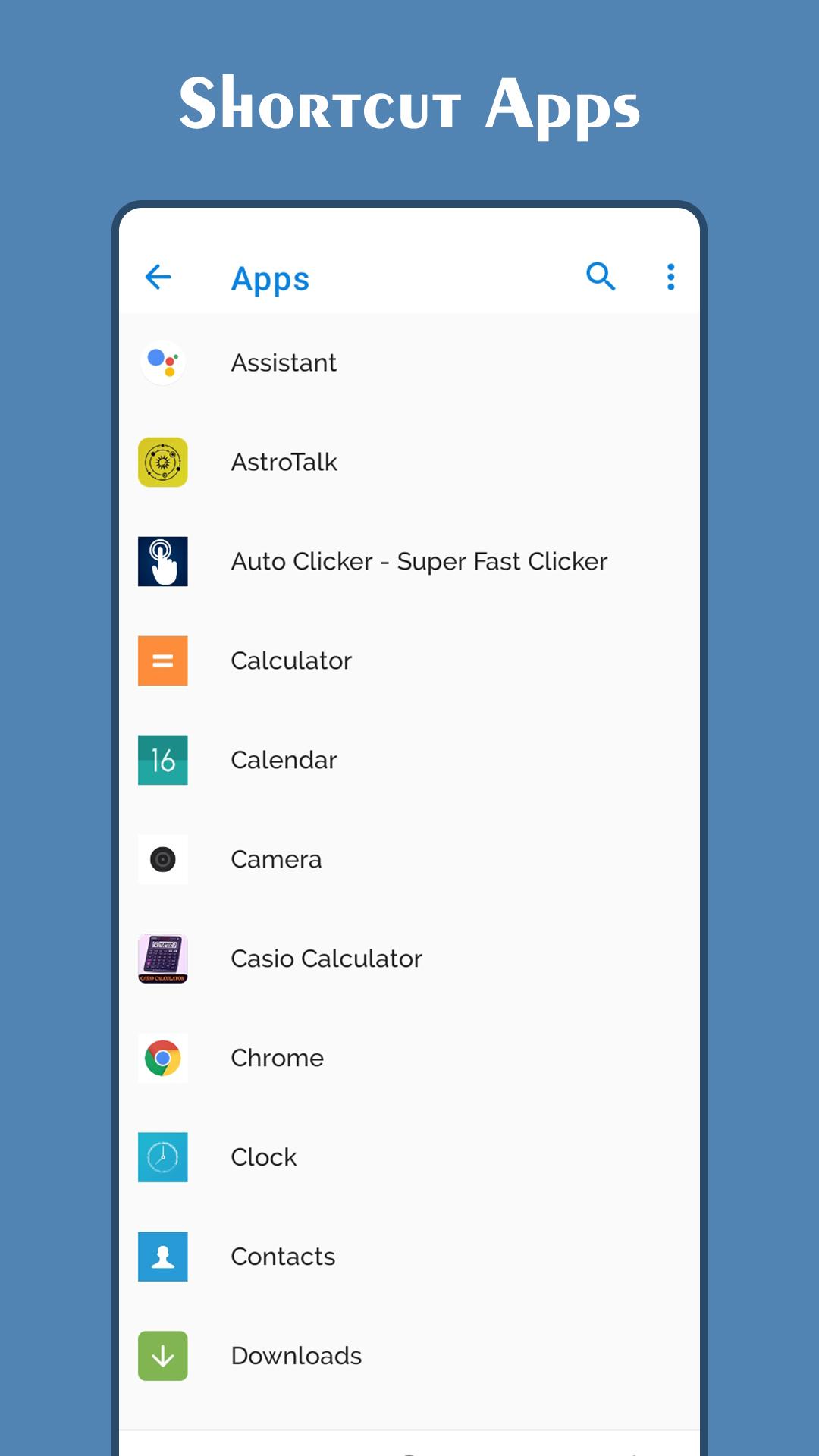
Shortcut Maker app can create a shortcut to an application which are installed on your device or phone.
Even if so many applications are installed, you can choose an activity smoothly.
You can also use this app to launch an actvity from installed app.
Create shortcut of installed apps and activities.
Create shortcut of folder and files from internal storage.You also create short cut for your website that you liked most.
You can also use the Shortcut Maker for searching the app which you want to launch.
If you want to use the app which you don't use frequently, maybe you have no shortcuts for it. So, you may have to search the app from a list of many apps. Even if you know the name of the app, it's hard to find it.
In this situation, the Shortcut Maker will help you finding the app. So i recommended this app ,Please try!
This may be very useful for you. But please use it carefully at your own risk!
Because You can make shortcuts to hidden setting screens which are usually not accessible.
Please note that:
If you encountered any problems using this app or shortcuts created by this app, I don't have any responsibility about that. Please be sure to use this app at your own risk.
The app uses network only to show ads in app.
If you can't able to create shortcut, please try the given steps below:
1. Open Shortcut Maker App.
2. Tap on app from list for create shortcut.
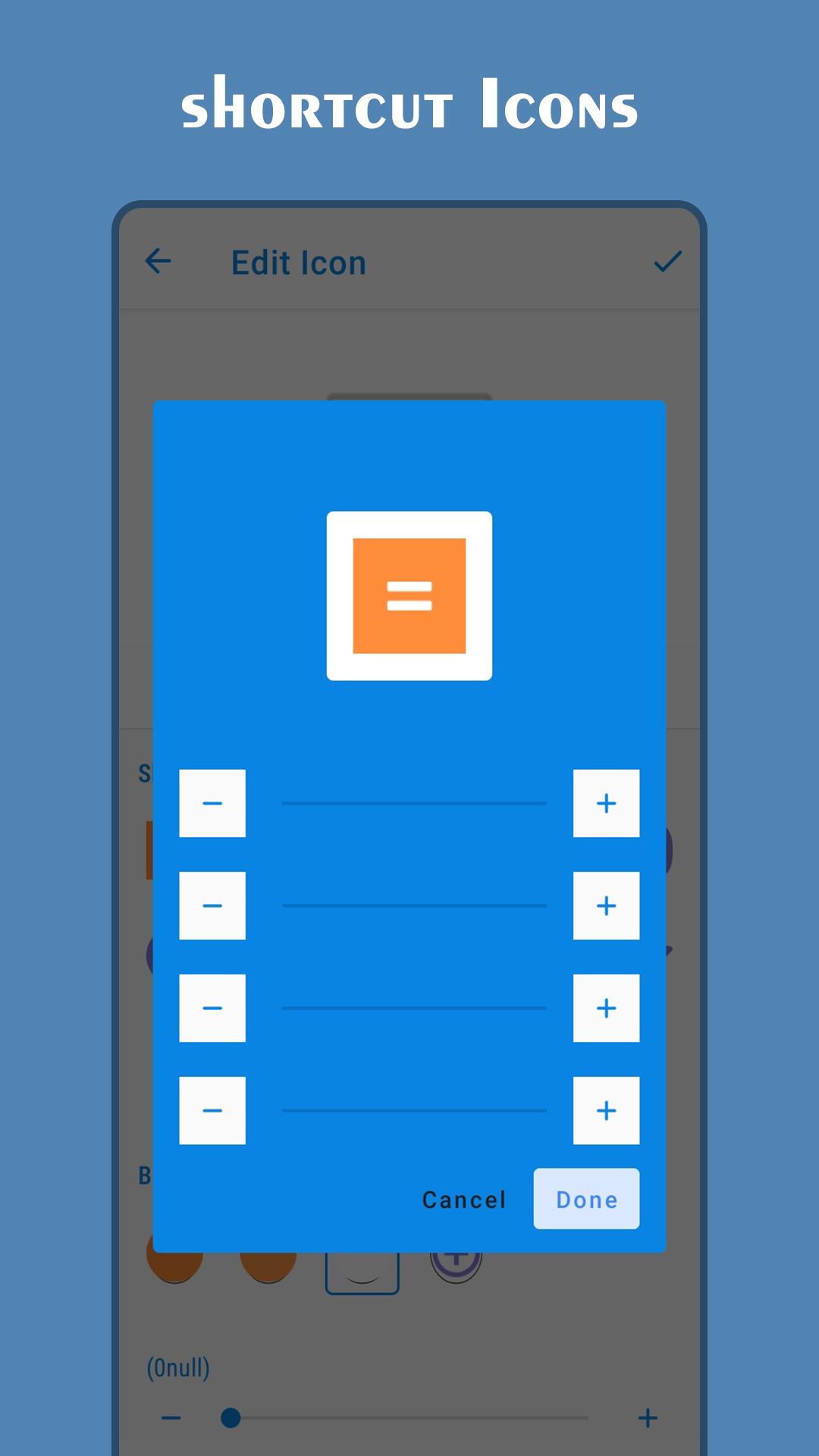
3. Set icon as per your requirements.
4. Tap on Create Shortcut button.
5. A shortcut will be created on the home screen.
پیش نظارہ
ٹیگز
اوزارمعلومات
ڈویلپر
HighTech Solution
تازہ ترین ورژن
1.0
آخری تازہ کاری
2021-02-25
قسم
اوزار
پر دستیاب ہے۔
Google Play
مزید دکھائیں
پی سی پر گیم لوپ کے ساتھ Shortcut Maker کیسے کھیلا جائے۔
1. آفیشل ویب سائٹ سے گیم لوپ ڈاؤن لوڈ کریں، پھر گیم لوپ انسٹال کرنے کے لیے exe فائل چلائیں۔
2. گیم لوپ کھولیں اور "Shortcut Maker" تلاش کریں، تلاش کے نتائج میں Shortcut Maker تلاش کریں اور "انسٹال کریں" پر کلک کریں۔
3. گیم لوپ پر Shortcut Maker کھیلنے کا لطف اٹھائیں۔
Minimum requirements
OS
Windows 8.1 64-bit or Windows 10 64-bit
GPU
GTX 1050
CPU
i3-8300
Memory
8GB RAM
Storage
1GB available space
Recommended requirements
OS
Windows 8.1 64-bit or Windows 10 64-bit
GPU
GTX 1050
CPU
i3-9320
Memory
16GB RAM
Storage
1GB available space