
Sound Meter - Decibel Meter PC
Tools Dev
گیم لوپ ایمولیٹر کے ساتھ PC پر Sound Meter - Decibel Meter ڈاؤن لوڈ کریں۔
پی سی پر Sound Meter - Decibel Meter
Sound Meter - Decibel Meter، جو ڈویلپر Tools Dev سے آرہا ہے، ماضی میں اینڈرائیڈ سسٹم پر چل رہا ہے۔
اب، آپ پی سی پر Sound Meter - Decibel Meter آسانی سے GameLoop کے ساتھ چلا سکتے ہیں۔
اسے GameLoop لائبریری یا تلاش کے نتائج میں ڈاؤن لوڈ کریں۔ مزید غلط وقت پر بیٹری یا مایوس کن کالوں پر نظر نہیں ڈالی جائے گی۔
بس بڑی سکرین پر Sound Meter - Decibel Meter PC کا مفت میں لطف اٹھائیں!
Sound Meter - Decibel Meter تعارف
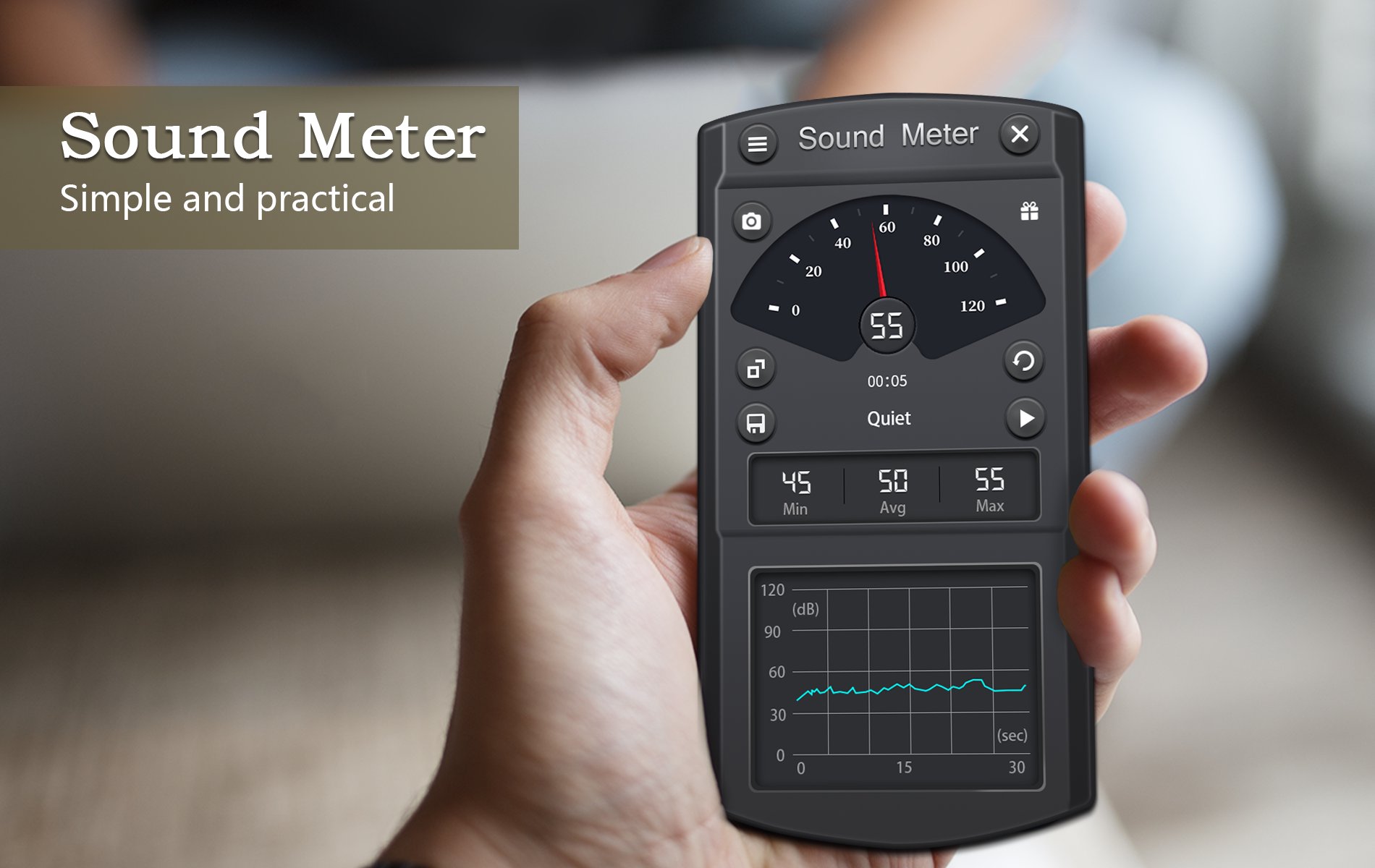
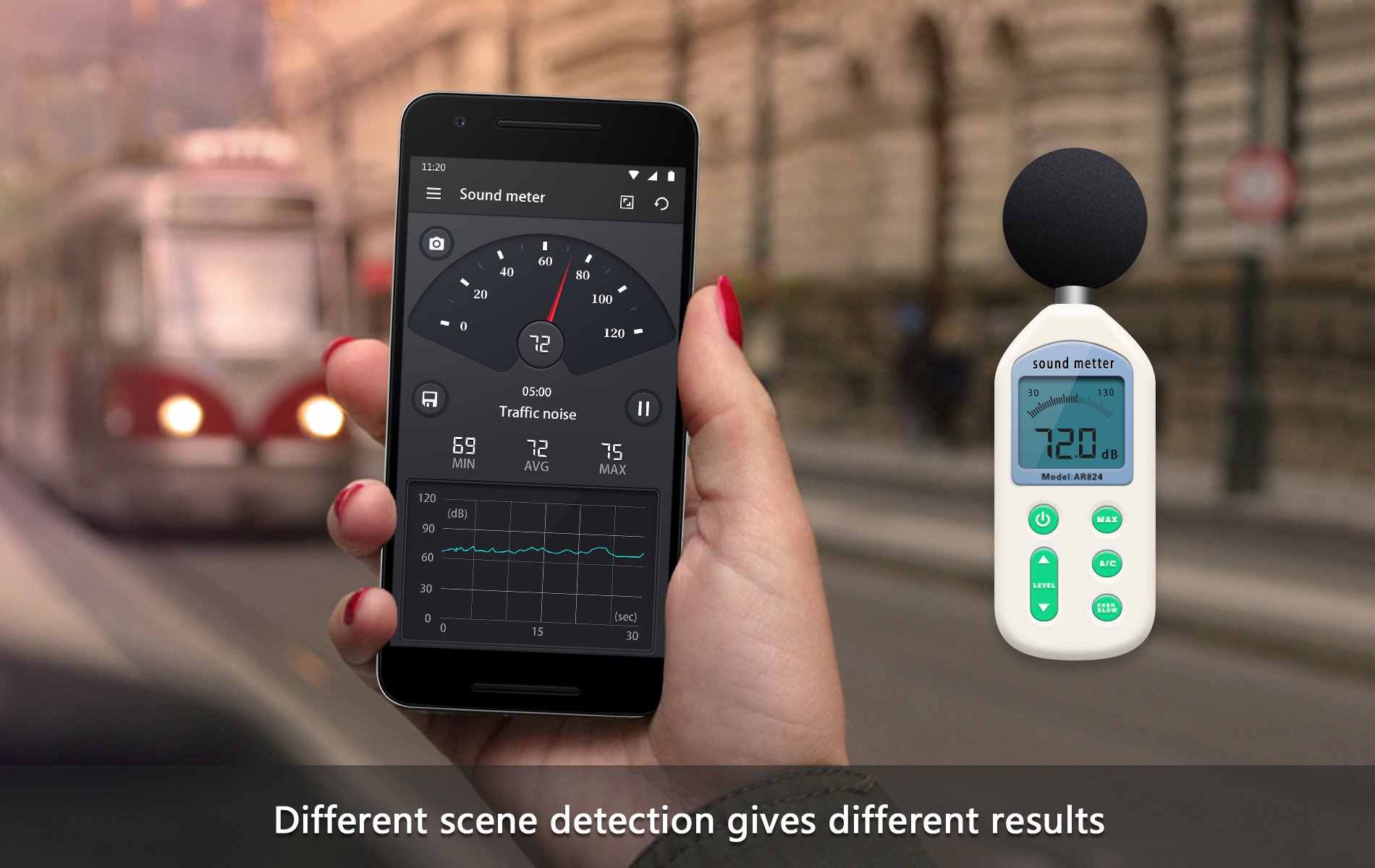
The sound meter app uses your microphone to measure noise volume in decibels (dB). With this decibel meter, you can easily measure the current level of environmental noise—your best helper to detect noise anywhere.
Sound meter features:
-Indicate decibel levels by an accurate gauge
-Display the current environmental noise reference
-Display min/avg/max decibel values in real time
-Display dB readings by a clear graph, easy to understand
-Calibrate the decibel level accurately for each device
-Show complete measurement histories
-Set custom warnings for high decibel noise
-Switch between white or black themes
-Transfer into a compact, smaller interface
Levels of Noise in decibels (dB) according to the American Academy of Audiology range from 20 dB to 120 dB—for example, 60 dB represents "Normal conversation".
If the interface is small when you open it, you should know it is a convenient mini mode. Tap the button under the dial gauge to switch the interface into a full-size view.
High decibel values are harmful to your physical and mental health as well as your hearing function. It is best to avoid prolonged exposure to noisy environments. To protect your health and your family's hearing, detect the decibel value right now! Do not hesitate—download this Sound Pressure Level (SPL) meter and noise detector app today.
پیش نظارہ
ٹیگز
اوزارمعلومات
ڈویلپر
Tools Dev
تازہ ترین ورژن
3.0.12
آخری تازہ کاری
2026-11-19
قسم
اوزار
پر دستیاب ہے۔
Google Play
مزید دکھائیں
پی سی پر گیم لوپ کے ساتھ Sound Meter - Decibel Meter کیسے کھیلا جائے۔
1. آفیشل ویب سائٹ سے گیم لوپ ڈاؤن لوڈ کریں، پھر گیم لوپ انسٹال کرنے کے لیے exe فائل چلائیں۔
2. گیم لوپ کھولیں اور "Sound Meter - Decibel Meter" تلاش کریں، تلاش کے نتائج میں Sound Meter - Decibel Meter تلاش کریں اور "انسٹال کریں" پر کلک کریں۔
3. گیم لوپ پر Sound Meter - Decibel Meter کھیلنے کا لطف اٹھائیں۔
Minimum requirements
OS
Windows 8.1 64-bit or Windows 10 64-bit
GPU
GTX 1050
CPU
i3-8300
Memory
8GB RAM
Storage
1GB available space
Recommended requirements
OS
Windows 8.1 64-bit or Windows 10 64-bit
GPU
GTX 1050
CPU
i3-9320
Memory
16GB RAM
Storage
1GB available space