
Screenshot - Capture screen PC
FAVAS Group
گیم لوپ ایمولیٹر کے ساتھ PC پر Screenshot - Capture screen ڈاؤن لوڈ کریں۔
پی سی پر Screenshot - Capture screen
Screenshot - Capture screen، جو ڈویلپر FAVAS Group سے آرہا ہے، ماضی میں اینڈرائیڈ سسٹم پر چل رہا ہے۔
اب، آپ پی سی پر Screenshot - Capture screen آسانی سے GameLoop کے ساتھ چلا سکتے ہیں۔
اسے GameLoop لائبریری یا تلاش کے نتائج میں ڈاؤن لوڈ کریں۔ مزید غلط وقت پر بیٹری یا مایوس کن کالوں پر نظر نہیں ڈالی جائے گی۔
بس بڑی سکرین پر Screenshot - Capture screen PC کا مفت میں لطف اٹھائیں!
Screenshot - Capture screen تعارف
Screenshot & Screen Recorder for Android – capture a screenshot with one tap, take a long scrolling screenshot, or record your screen with sound and facecam. No root needed, no watermark, no recording time limit.
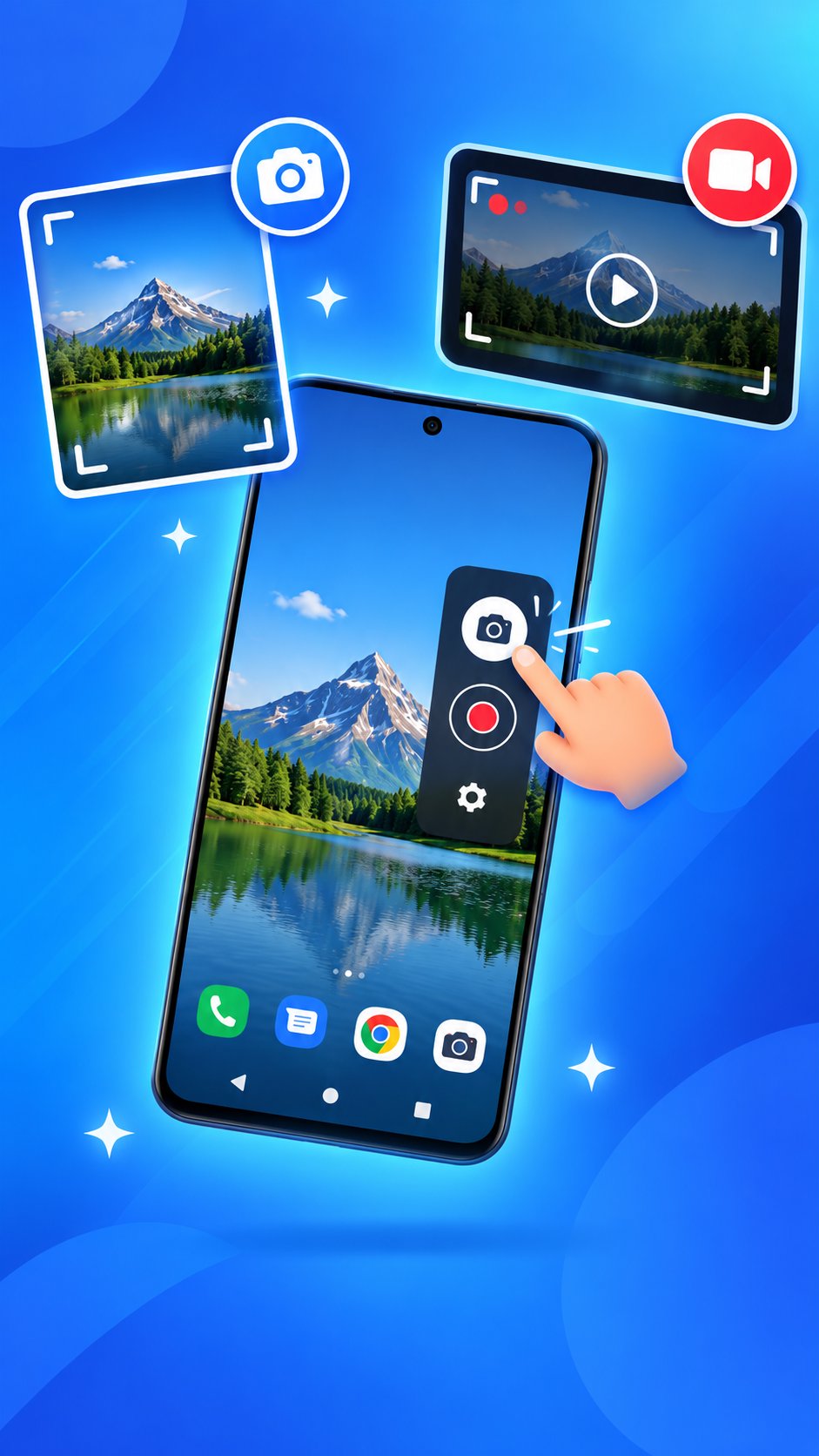
A floating button stays on top of any app, so you can take a screenshot or start screen recording in a moment, then edit, trim and share without leaving what you are doing.
★ SCREENSHOT TOOLS
• One-tap screenshot from the floating button, the notification, a Quick Settings tile, a home screen widget or an app shortcut
• Scrolling screenshot: capture a long page, chat or article as one tall image
• Region screenshot: drag to capture only part of the screen
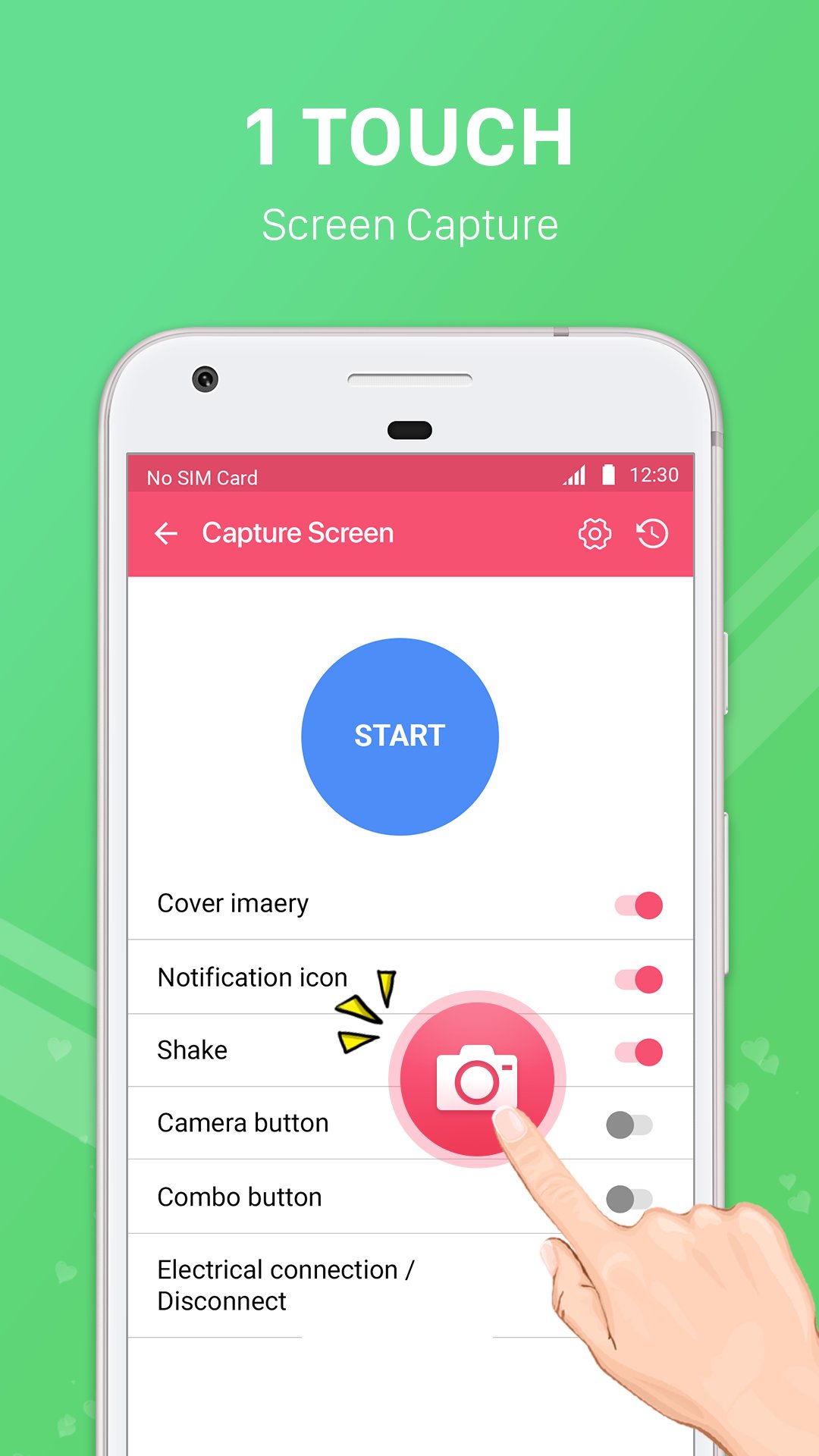
• Shake to take a screenshot, or use the capture timer
• Instant preview after every capture with Edit, Share and Delete
• Save as JPG, PNG or WebP and choose the image quality
★ SCREEN RECORDER WITH AUDIO
• Record screen video with microphone, internal audio, or both together
• Facecam: show the front camera in a small window for reactions, gameplay and tutorials
• Floating control bar with timer, pause, resume and stop
• Draw on screen while recording to highlight what matters
• Choose resolution (up to your screen's native resolution), 24/30/60 fps and bitrate
• Countdown before recording, stop from the notification or shake to stop
• Start recording from a Quick Settings tile, widget or shortcut
★ PHOTO EDITOR & VIDEO TOOLS
• Blur or pixelate private information before sharing
• Add arrows, numbered steps, text, drawings and stickers; crop and rotate
• Extract text from a screenshot (OCR) and copy it
• Trim video to keep only the best part
• Compress video to save storage and share faster
• Convert a video clip to GIF
★ SIMPLE AND PRIVATE
• One gallery for all your screenshots and screen recordings
• Dark mode and a clean, modern design
• Available in 58 languages, with an in-app language switch
• No root, no account, no sign-up
• Does not ask for access to your photos and files: the app only manages the captures it creates
• Captures are saved to your device
★ GREAT FOR
• Game recording and sharing high scores
• Tutorials, app demos and how-to videos
• Saving chats, receipts, tickets and online payments
• Study notes, online classes and work documents
• Reporting a bug with a clear screenshot or screen video
HOW TO USE
1. Open the app and tap START to show the floating button.
2. Tap the button to take a screenshot, or hold it to open the menu: Screenshot, Region, Scroll, Record.
3. Edit, trim or share your capture from the preview or the gallery.
Works on phones and tablets from Samsung, Xiaomi, Oppo, Vivo, Realme, OnePlus, Motorola, Sony and other brands.
PLEASE NOTE
• Some apps (for example banking or video streaming apps) block screenshots and screen recording to protect their content. These screens cannot be captured.
• Internal audio recording only works with apps that allow their audio to be captured.
• Microphone and camera are used only while you record with those options turned on.
Download Screenshot & Screen Recorder now and capture your screen – anytime, anywhere.
پیش نظارہ
ٹیگز
اوزارمعلومات
ڈویلپر
FAVAS Group
تازہ ترین ورژن
2.1
آخری تازہ کاری
2026-11-17
قسم
اوزار
پر دستیاب ہے۔
Google Play
مزید دکھائیں
پی سی پر گیم لوپ کے ساتھ Screenshot - Capture screen کیسے کھیلا جائے۔
1. آفیشل ویب سائٹ سے گیم لوپ ڈاؤن لوڈ کریں، پھر گیم لوپ انسٹال کرنے کے لیے exe فائل چلائیں۔
2. گیم لوپ کھولیں اور "Screenshot - Capture screen" تلاش کریں، تلاش کے نتائج میں Screenshot - Capture screen تلاش کریں اور "انسٹال کریں" پر کلک کریں۔
3. گیم لوپ پر Screenshot - Capture screen کھیلنے کا لطف اٹھائیں۔
Minimum requirements
OS
Windows 8.1 64-bit or Windows 10 64-bit
GPU
GTX 1050
CPU
i3-8300
Memory
8GB RAM
Storage
1GB available space
Recommended requirements
OS
Windows 8.1 64-bit or Windows 10 64-bit
GPU
GTX 1050
CPU
i3-9320
Memory
16GB RAM
Storage
1GB available space