Screen Mirroring Pro PC
ImsaTools
گیم لوپ ایمولیٹر کے ساتھ PC پر Screen Mirroring Pro ڈاؤن لوڈ کریں۔
پی سی پر Screen Mirroring Pro
Screen Mirroring Pro، جو ڈویلپر ImsaTools سے آرہا ہے، ماضی میں اینڈرائیڈ سسٹم پر چل رہا ہے۔
اب، آپ پی سی پر Screen Mirroring Pro آسانی سے GameLoop کے ساتھ چلا سکتے ہیں۔
اسے GameLoop لائبریری یا تلاش کے نتائج میں ڈاؤن لوڈ کریں۔ مزید غلط وقت پر بیٹری یا مایوس کن کالوں پر نظر نہیں ڈالی جائے گی۔
بس بڑی سکرین پر Screen Mirroring Pro PC کا مفت میں لطف اٹھائیں!
Screen Mirroring Pro تعارف
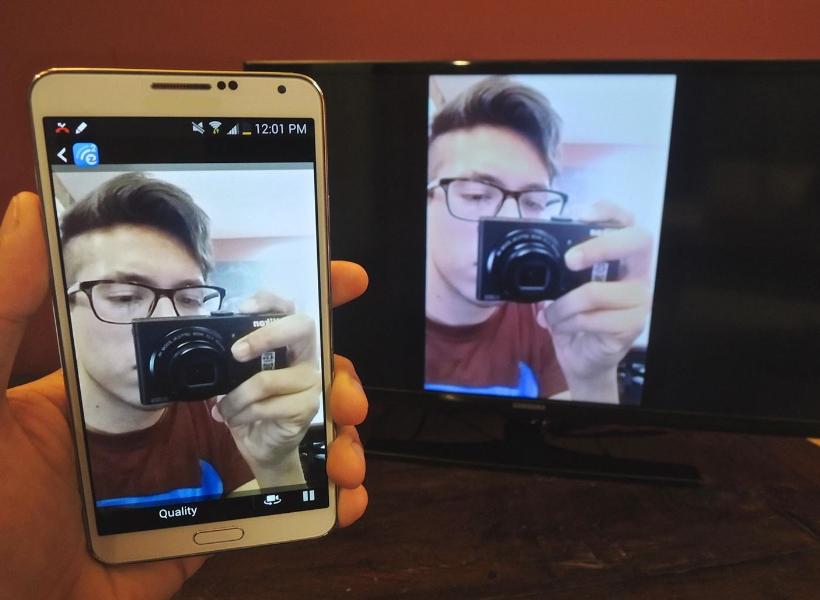
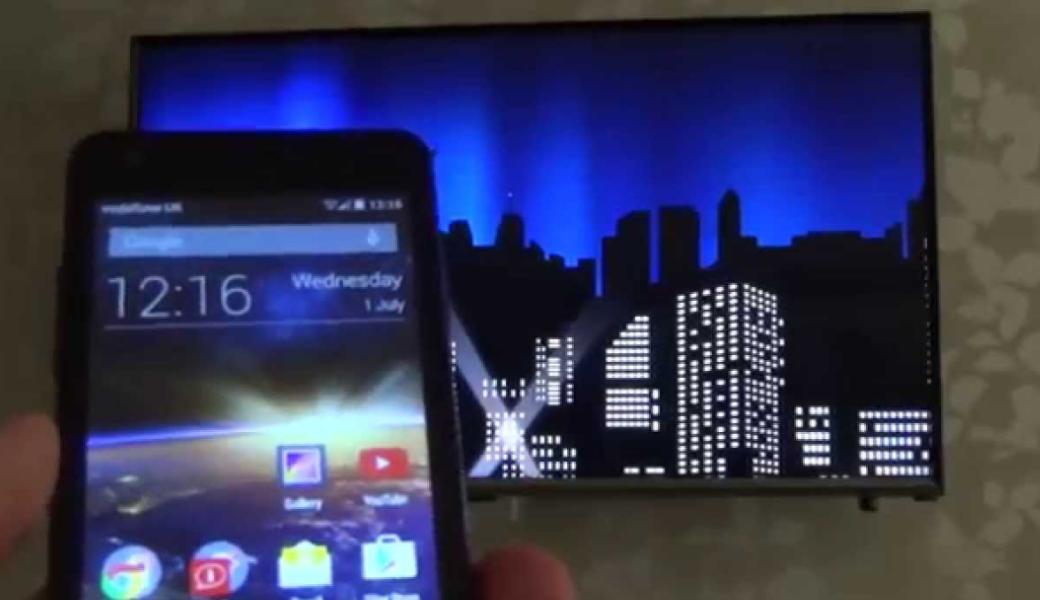
Screen Mirroring App will assist you to scan and mirror your android phone or tab's screen on smart TV/Display (mira cast enabled ) or Wireless dongles or adapters.
Screen Mirroring Able to play videos, music, photos, etc in my smartphone with any devices (smartphone, smartTV, laptop, tablet, etc) at anywhere.
Mirror screen does not need extra dongle or cable. Click the “Start”, the Mobile hotspot will be operating automatically. and After hotspot will be operating, connect to AP from other devices.
Screen Mirroring can only play contents but send screen as is such as HDMI, MHL, Miracast and Chromecast. It has been tested and found works on most of android mobiles.
Features:
★ screen mirroring app
★ mirror screen
★ screen mirroring samsung tv
★ mirror tv
★ screen mirroring samsung smart tv
★ samsung screen mirroring
★ mirror cast
★ screen mirroring Samsung
★ cast screen android
★ samsung mirroring app
★ screen mirr
★ mirror screen android
★ screen mirroring for samsung tv
★ mirroring to tv
★ screen mirroring laptop
Please follow below steps to mirror your mobile screen to smart TV.
1) Your TV should support Wireless Display or any sort of Display Dongles.
2) The TV must be connected to wifi network same as your phone.
3) The Phone version must be android 4.2 and above.
4) Download and run Screen Mirroring App.
پیش نظارہ
معلومات
ڈویلپر
ImsaTools
تازہ ترین ورژن
2.0
آخری تازہ کاری
2017-02-18
قسم
اوزار
پر دستیاب ہے۔
Google Play
مزید دکھائیں
پی سی پر گیم لوپ کے ساتھ Screen Mirroring Pro کیسے کھیلا جائے۔
1. آفیشل ویب سائٹ سے گیم لوپ ڈاؤن لوڈ کریں، پھر گیم لوپ انسٹال کرنے کے لیے exe فائل چلائیں۔
2. گیم لوپ کھولیں اور "Screen Mirroring Pro" تلاش کریں، تلاش کے نتائج میں Screen Mirroring Pro تلاش کریں اور "انسٹال کریں" پر کلک کریں۔
3. گیم لوپ پر Screen Mirroring Pro کھیلنے کا لطف اٹھائیں۔
Minimum requirements
OS
Windows 8.1 64-bit or Windows 10 64-bit
GPU
GTX 1050
CPU
i3-8300
Memory
8GB RAM
Storage
1GB available space
Recommended requirements
OS
Windows 8.1 64-bit or Windows 10 64-bit
GPU
GTX 1050
CPU
i3-9320
Memory
16GB RAM
Storage
1GB available space