Screen Locker: Time Passcode PC
D-apps Studio
گیم لوپ ایمولیٹر کے ساتھ PC پر Screen Locker: Time Passcode ڈاؤن لوڈ کریں۔
پی سی پر Screen Locker: Time Passcode
Screen Locker: Time Passcode، جو ڈویلپر D-apps Studio سے آرہا ہے، ماضی میں اینڈرائیڈ سسٹم پر چل رہا ہے۔
اب، آپ پی سی پر Screen Locker: Time Passcode آسانی سے GameLoop کے ساتھ چلا سکتے ہیں۔
اسے GameLoop لائبریری یا تلاش کے نتائج میں ڈاؤن لوڈ کریں۔ مزید غلط وقت پر بیٹری یا مایوس کن کالوں پر نظر نہیں ڈالی جائے گی۔
بس بڑی سکرین پر Screen Locker: Time Passcode PC کا مفت میں لطف اٹھائیں!
Screen Locker: Time Passcode تعارف
Do you feel unsafe about keeping a constant PIN code all the time?
Our Screen lock: Time Lock offers a dynamic time Password that changes every minute. This means you can lock your phone at the current time whenever try to unlock it.
Are you bothered by people peeking at your PIN code while unlocking your phone?
This Time Lock: Screen lockis a reliable lock screen app for the security of your smartphone. Because time changes every minute, means the password changes too, which is hard to guess or see by side. It also offers screen lock wallpaper which is HD.
How about a PIN code that changes with every passing minute? Yes!! You read it right. Thanks to the TIME LOCKER, which enables you to set the current phone time as your password screen lock. You get a new one-time password every time the clock clicks, keeping your private data secure from shoulder surfers.
It is 100% time passed. Now download the password screen lock app, enhance the safety of your mobile, and protect it from unauthorized users.
Don’t wait to protect your smartphone by activating the password for the lock screen by using the time passcode.
🔥 features 🔥
✔️ Compatible with a wide range of android phones
✔️ Apple-themed sliding lock screen option
✔️ Stunning parallax effect lock
✔️ Impregnable lock security
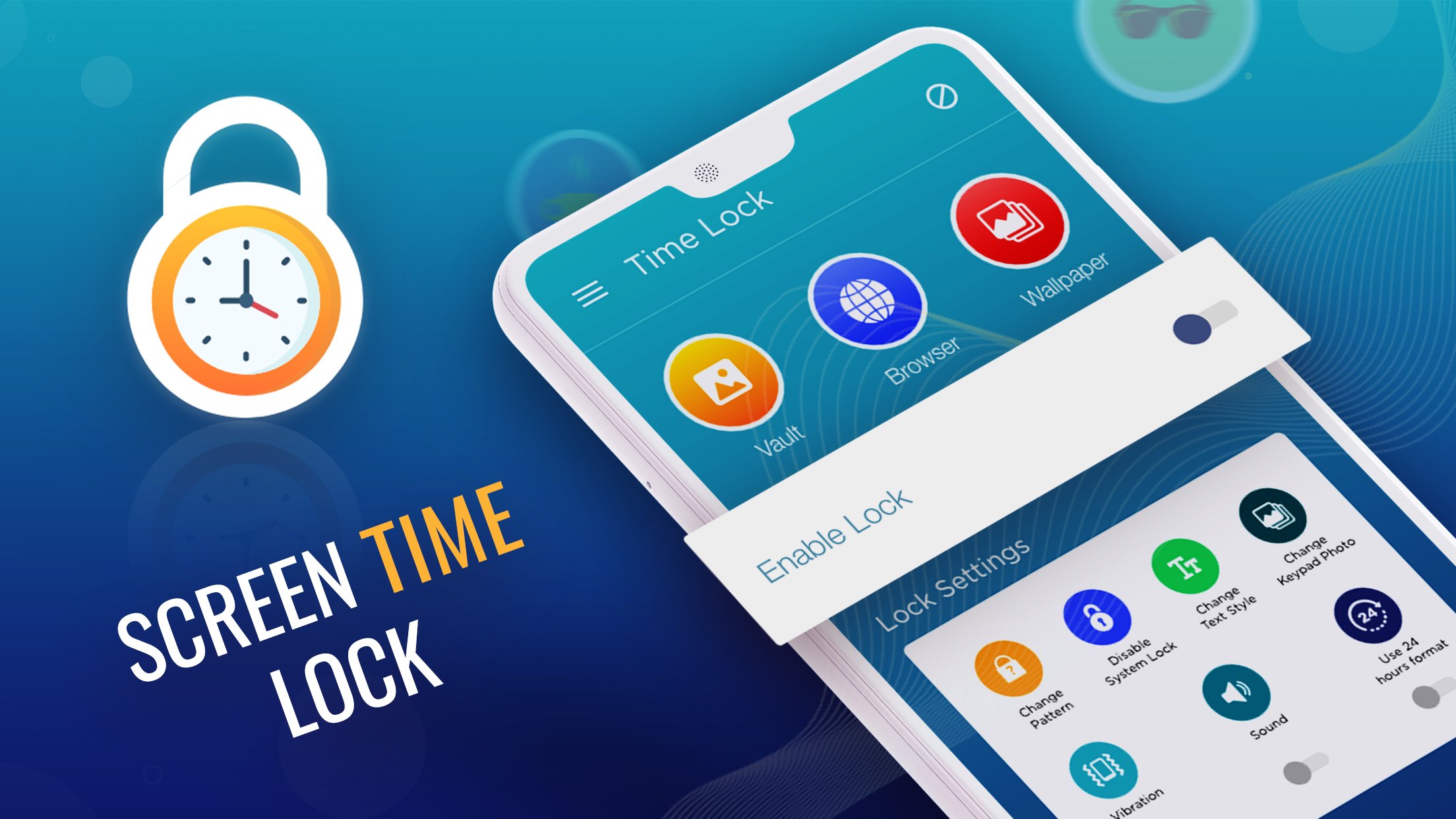
✔️ Completely customizable lock screen
✔️ Editable sliding text. (You can display any desired text on your lock screen).
✔️ Lock personal photos and videos (a one-time password is required to access photos and videos on your cell phone)
More Features of Time Locker
⏰ Personalized wallpaper on lock screen. ( Download and apply ULTRA HD wallpapers from the web or choose from the phone gallery).
💡 Enable/Disable unlock sound mode.
💡 Enable/Disable unlock vibration mode.
💡 Compatible with 24hr and 12hr modes of the current time.
💡 Smart and user-friendly password screen lock application.
💡 Impregnable security lock system.
💡 Battery efficient and consumes less memory space.
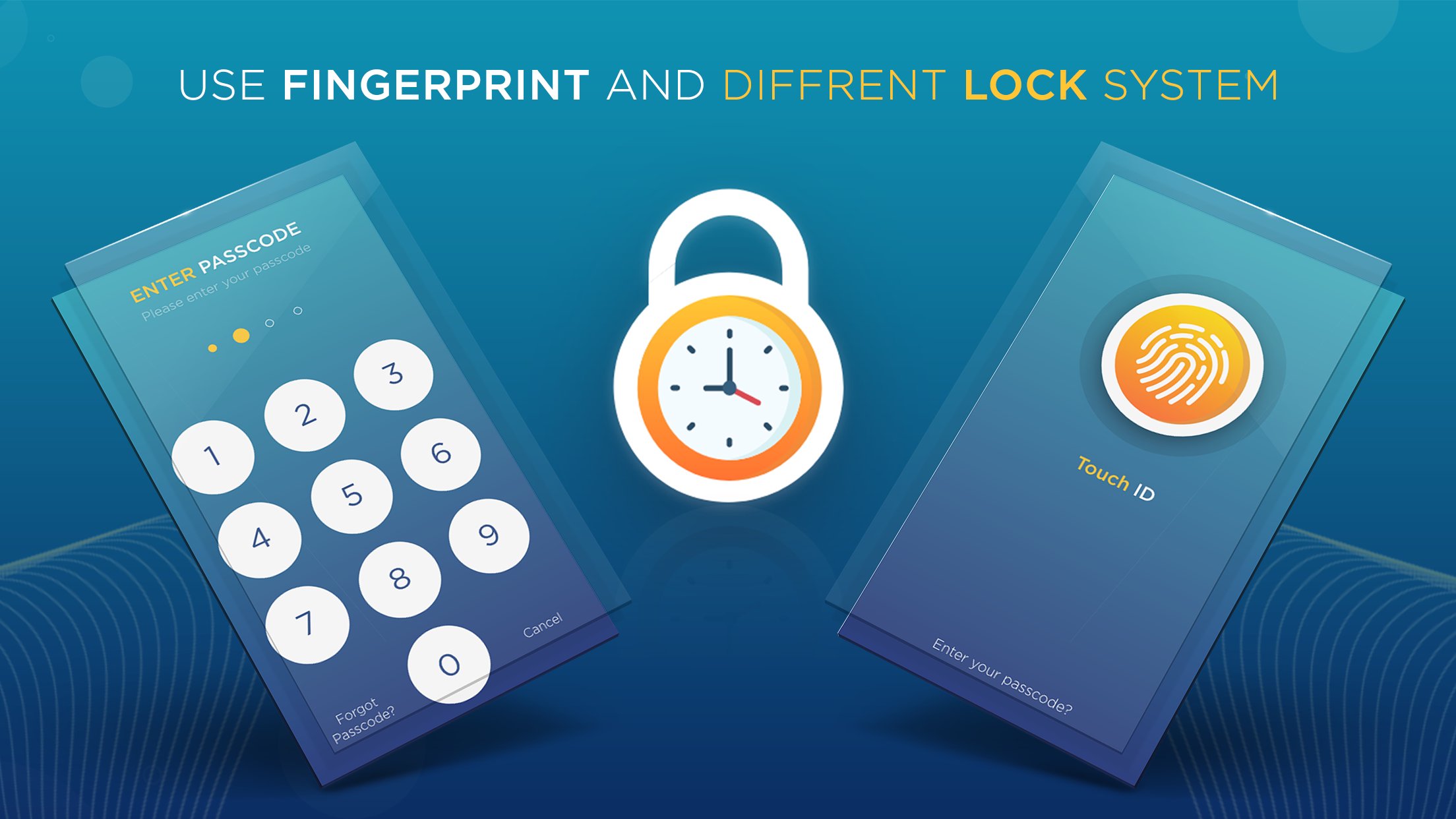
💡 Dynamic PIN code option. (Set the password in one of the following modes according to your convenience)
💡 Current time is your password for the lock screen.
💡 PIN Password (Any user-defined password)
💡 Current Time Password (If the time on lock screen = 09:35 then, your PIN = 0935).
💡 Time Passed and unlock your phone.
This Time Lock: Screen lockTime code app will generate one-time passcode with every minute. This dynamic time is your mobile password for the lock screen and the latest features help you to improve security. With HD screen lock wallpaper enjoy the difference.
پیش نظارہ
ٹیگز
اوزارپرسنلائزیشنمعلومات
ڈویلپر
D-apps Studio
تازہ ترین ورژن
3.0
آخری تازہ کاری
2025-08-21
قسم
اوزار
پر دستیاب ہے۔
Google Play
مزید دکھائیں
پی سی پر گیم لوپ کے ساتھ Screen Locker: Time Passcode کیسے کھیلا جائے۔
1. آفیشل ویب سائٹ سے گیم لوپ ڈاؤن لوڈ کریں، پھر گیم لوپ انسٹال کرنے کے لیے exe فائل چلائیں۔
2. گیم لوپ کھولیں اور "Screen Locker: Time Passcode" تلاش کریں، تلاش کے نتائج میں Screen Locker: Time Passcode تلاش کریں اور "انسٹال کریں" پر کلک کریں۔
3. گیم لوپ پر Screen Locker: Time Passcode کھیلنے کا لطف اٹھائیں۔
Minimum requirements
OS
Windows 8.1 64-bit or Windows 10 64-bit
GPU
GTX 1050
CPU
i3-8300
Memory
8GB RAM
Storage
1GB available space
Recommended requirements
OS
Windows 8.1 64-bit or Windows 10 64-bit
GPU
GTX 1050
CPU
i3-9320
Memory
16GB RAM
Storage
1GB available space