Satellite Finder Lite(AR View) PC
Blessup APPS
گیم لوپ ایمولیٹر کے ساتھ PC پر Satellite Finder Lite(AR View) ڈاؤن لوڈ کریں۔
پی سی پر Satellite Finder Lite(AR View)
Satellite Finder Lite(AR View)، جو ڈویلپر Blessup APPS سے آرہا ہے، ماضی میں اینڈرائیڈ سسٹم پر چل رہا ہے۔
اب، آپ پی سی پر Satellite Finder Lite(AR View) آسانی سے GameLoop کے ساتھ چلا سکتے ہیں۔
اسے GameLoop لائبریری یا تلاش کے نتائج میں ڈاؤن لوڈ کریں۔ مزید غلط وقت پر بیٹری یا مایوس کن کالوں پر نظر نہیں ڈالی جائے گی۔
بس بڑی سکرین پر Satellite Finder Lite(AR View) PC کا مفت میں لطف اٹھائیں!
Satellite Finder Lite(AR View) تعارف
SATELLITE FINDER LITE – DISH ALIGNMENT WITH AR VIEW
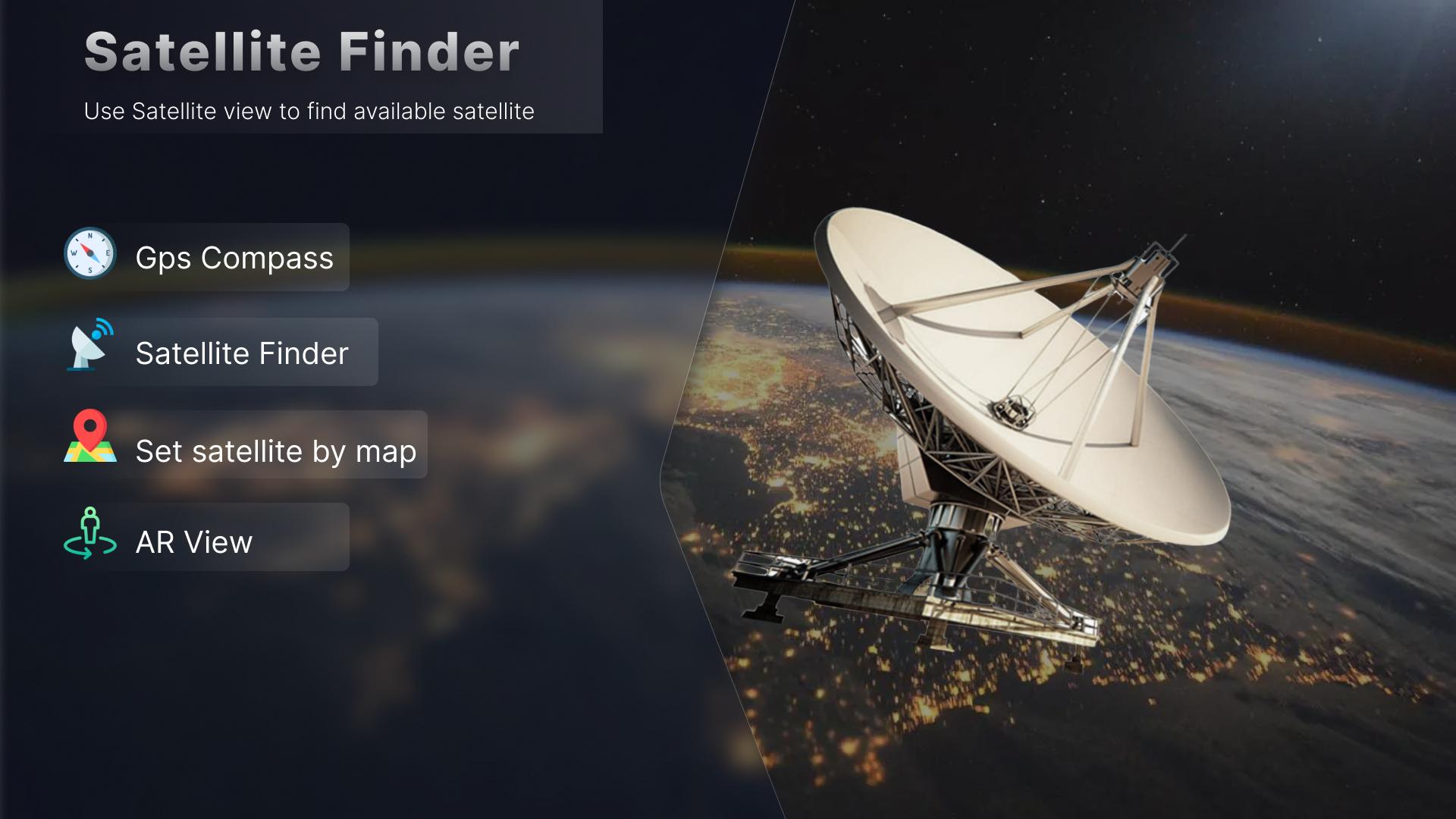
With the help of our Satellite finder lite and Satellite pointer you’ll be able to locate your desired satellite. The satellite finder lite App enables you to locate your satellite with an AR view. The augmented reality view shows a satellite meter to you with the background of the environment around you, The satellite meter shows you all the satellites available and this makes it very easy for you to select the satellite accordingly. Once you have selected the desired satellite on the satellite meter, You’ll get the values of elevation angle, Azimuth, Latitude and longitude. You can use these factors to findsat(Find satellites).
• The AR(Augmented reality) view can also be referred as the satellite signal finder that makes it easy for you to locate satellites.
• The values that appear on the screen when we switch to the AR Technology can be used as satellite locator or a satellite finder for all dish tv.
• These values are the same that are used as the satellite finder for all dish TV. You can use these values to set your dish antenna, When you position your dish antenna on the same values, your dish will start receiving signals when it will be exactly on the same values you got from the AR Technology.
• The AR Technology of the Satellite locator or satellite finder dish pointer makes it easy for you to findsat(Find satellites). Now you don’t need to hustle up for finding the exact location of the satellite signal finder, AR technology takes care of it all and provides you the exact value that can be used to align your dish antenna with the satellite.
• This is a satellite for all dish TV and you can use the Elevation angle, Azimuth, Longitude and Latitudes to findsat.
• The satfinder lite makes it easy for you to understand the concept of finding dish satellite.
• You can use the ar technology as dish satellite finder, All the satellites are displayed on the satfinder lite screen with their values and you can easily select your desired satellite.
• The ar technology in the satfinder lite has made it easy for you to track your satellite and select it according to your choice.
SATELLITE FINDER DISH POINTER LITE – DISH ALIGNMENT WITH COMPASS METHOD
The satfinder lite also gives you an option by using which you can find your desired satellite.
By using the compass view method you can findsat. You can select your desired satellite pointer and then the compass will show you in which direction you’ll have to move your dish to set it with the exact same frequency for the satellite finder dish pointer. When you will reach to the point where the dish matches your satellite frequency your phone will vibrate on that point and your dish will be aligned with the satellite frequency.
• The compass view method in satellite finder dish pointer lets you findsat easily and you get to know how the App is working as a satfinder.
• You can also use the direction option to know in which direction you can findsat and the dish pointer will be moved in that referred direction of the compass.
• The compass view method is a manual method for satellite locator whereas the ar technology displays the exact location for the satellite and all the values are displayed there.
• Once you have selected the compass view method, Select your satellite pointer and then you can set the direction and map according to you location, the compass will show you the direction in which you have to move your dish satellite finder.
• The Satellite finder lite enables you to findsat with the help of your mobile phone sensors. You can set your dish with satellite finder dish pointer or satellite locator.
• Satellite finder for all dish TV provides you all the data related to the satellites and makes it easy for you to align you dish with the satellite frequency.
پیش نظارہ
ٹیگز
اوزارLibraries-&معلومات
ڈویلپر
Blessup APPS
تازہ ترین ورژن
2.0.0
آخری تازہ کاری
2024-09-11
قسم
اوزار
پر دستیاب ہے۔
Google Play
مزید دکھائیں
پی سی پر گیم لوپ کے ساتھ Satellite Finder Lite(AR View) کیسے کھیلا جائے۔
1. آفیشل ویب سائٹ سے گیم لوپ ڈاؤن لوڈ کریں، پھر گیم لوپ انسٹال کرنے کے لیے exe فائل چلائیں۔
2. گیم لوپ کھولیں اور "Satellite Finder Lite(AR View)" تلاش کریں، تلاش کے نتائج میں Satellite Finder Lite(AR View) تلاش کریں اور "انسٹال کریں" پر کلک کریں۔
3. گیم لوپ پر Satellite Finder Lite(AR View) کھیلنے کا لطف اٹھائیں۔
Minimum requirements
OS
Windows 8.1 64-bit or Windows 10 64-bit
GPU
GTX 1050
CPU
i3-8300
Memory
8GB RAM
Storage
1GB available space
Recommended requirements
OS
Windows 8.1 64-bit or Windows 10 64-bit
GPU
GTX 1050
CPU
i3-9320
Memory
16GB RAM
Storage
1GB available space