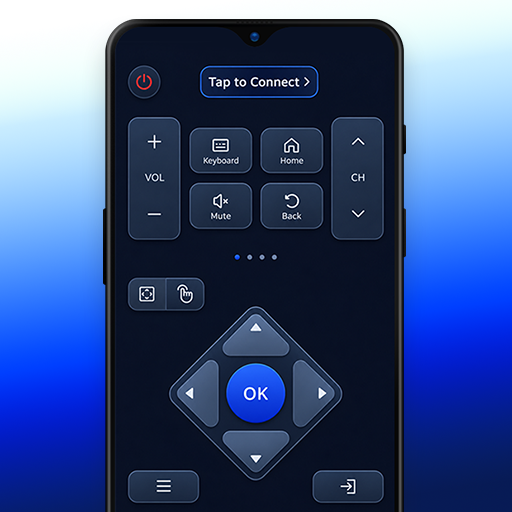
Smart TV Remote & TV Cast PC
SoulApps Studio
گیم لوپ ایمولیٹر کے ساتھ PC پر Smart TV Remote & TV Cast ڈاؤن لوڈ کریں۔
پی سی پر Smart TV Remote & TV Cast
Smart TV Remote & TV Cast، جو ڈویلپر SoulApps Studio سے آرہا ہے، ماضی میں اینڈرائیڈ سسٹم پر چل رہا ہے۔
اب، آپ پی سی پر Smart TV Remote & TV Cast آسانی سے GameLoop کے ساتھ چلا سکتے ہیں۔
اسے GameLoop لائبریری یا تلاش کے نتائج میں ڈاؤن لوڈ کریں۔ مزید غلط وقت پر بیٹری یا مایوس کن کالوں پر نظر نہیں ڈالی جائے گی۔
بس بڑی سکرین پر Smart TV Remote & TV Cast PC کا مفت میں لطف اٹھائیں!
Smart TV Remote & TV Cast تعارف
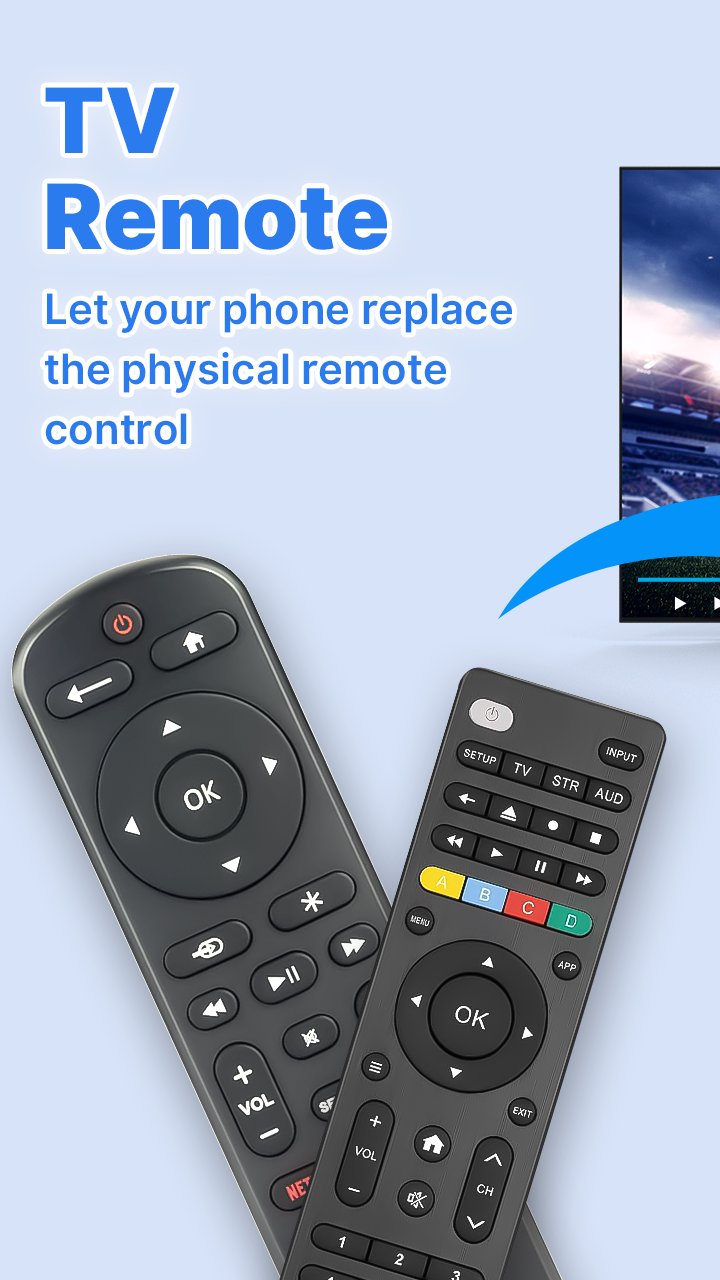
Say goodbye to lost remotes and dead batteries! With just a local Wi-Fi connection, you can easily control your Smart TV directly from your Android phone or tablet.
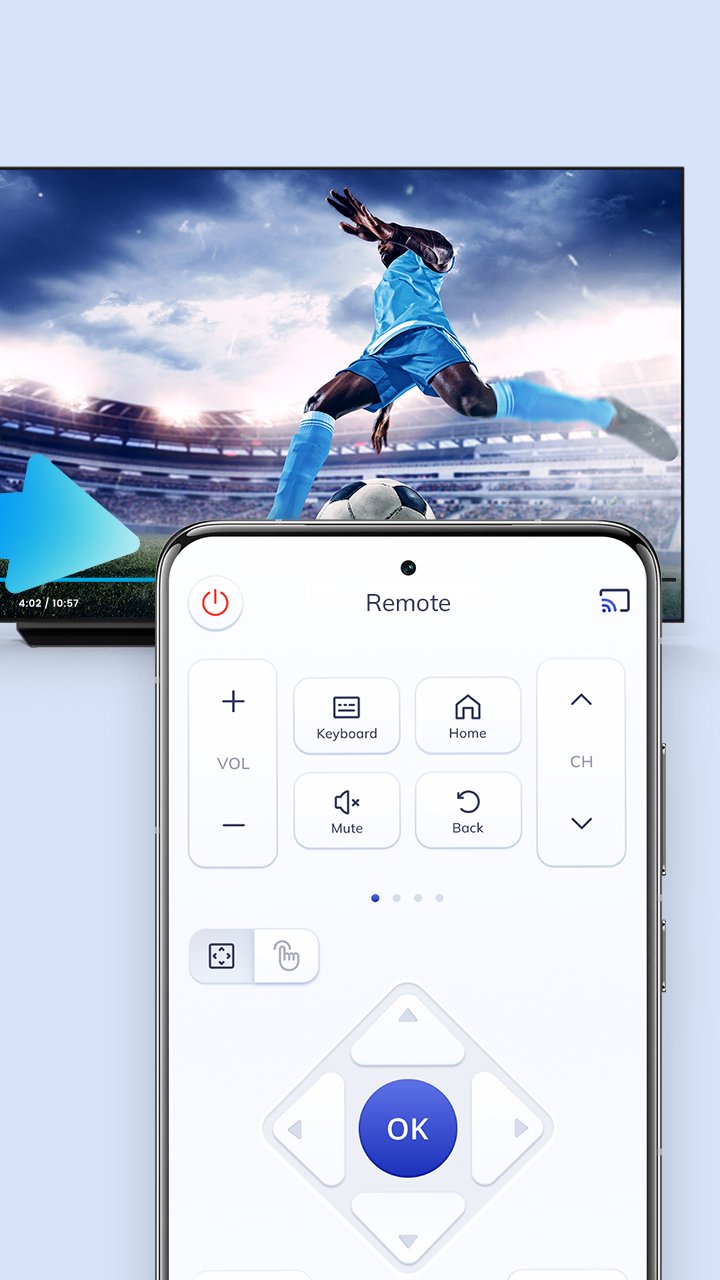
This Universal Smart TV Remote Control app turns your smartphone into an all-in-one wireless controller. Manage channels, volume, navigation, screen mirroring, and text input effortlessly.
Key Features:
- No Infrared (IR) Hardware Needed: Connects smoothly through your home Wi-Fi network.
- Responsive Touchpad: Navigate menus, browsers, and smart hubs with smooth touch gestures.
- Quick Controls: Fast channel switching, volume adjustment, and mute options.
- Built-in Keyboard: Easily type search queries, account passwords, and URLs without tedious remote typing.
- Modern & Clean UI: Intuitive interface with easy setup guides.
- Broad Compatibility: Works with popular Smart TV models and streaming displays connected to the same Wi-Fi network.
- Screen Mirroring & Cast: Share photos, videos, and media from your phone to the big screen.
Designed for convenience and accessibility, this lightweight smart remote app provides smooth daily navigation for all family members.
How to Use:
1. Connect both your smartphone and Smart TV to the same Wi-Fi network.
2. Launch the app and scan for your TV device.
3. Select your TV from the list and grant connection access on your TV screen if prompted.
4. Enjoy wireless smart TV control!
Disclaimer:
This application is an independently developed universal TV remote control utility. It is not an official product and is not affiliated with, sponsored by, or endorsed by any television manufacturer or trademark owner. All brand names and logos referenced are used strictly for compatibility identification and remain the property of their respective holders.
پیش نظارہ
ٹیگز
اوزارمعلومات
ڈویلپر
SoulApps Studio
تازہ ترین ورژن
2.15
آخری تازہ کاری
2026-11-11
قسم
اوزار
پر دستیاب ہے۔
Google Play
مزید دکھائیں
پی سی پر گیم لوپ کے ساتھ Smart TV Remote & TV Cast کیسے کھیلا جائے۔
1. آفیشل ویب سائٹ سے گیم لوپ ڈاؤن لوڈ کریں، پھر گیم لوپ انسٹال کرنے کے لیے exe فائل چلائیں۔
2. گیم لوپ کھولیں اور "Smart TV Remote & TV Cast" تلاش کریں، تلاش کے نتائج میں Smart TV Remote & TV Cast تلاش کریں اور "انسٹال کریں" پر کلک کریں۔
3. گیم لوپ پر Smart TV Remote & TV Cast کھیلنے کا لطف اٹھائیں۔
Minimum requirements
OS
Windows 8.1 64-bit or Windows 10 64-bit
GPU
GTX 1050
CPU
i3-8300
Memory
8GB RAM
Storage
1GB available space
Recommended requirements
OS
Windows 8.1 64-bit or Windows 10 64-bit
GPU
GTX 1050
CPU
i3-9320
Memory
16GB RAM
Storage
1GB available space