
Rider VPN-betternet proxy PC
YIZE DEV
گیم لوپ ایمولیٹر کے ساتھ PC پر Rider VPN-betternet proxy ڈاؤن لوڈ کریں۔
پی سی پر Rider VPN-betternet proxy
Rider VPN-betternet proxy، جو ڈویلپر YIZE DEV سے آرہا ہے، ماضی میں اینڈرائیڈ سسٹم پر چل رہا ہے۔
اب، آپ پی سی پر Rider VPN-betternet proxy آسانی سے GameLoop کے ساتھ چلا سکتے ہیں۔
اسے GameLoop لائبریری یا تلاش کے نتائج میں ڈاؤن لوڈ کریں۔ مزید غلط وقت پر بیٹری یا مایوس کن کالوں پر نظر نہیں ڈالی جائے گی۔
بس بڑی سکرین پر Rider VPN-betternet proxy PC کا مفت میں لطف اٹھائیں!
Rider VPN-betternet proxy تعارف
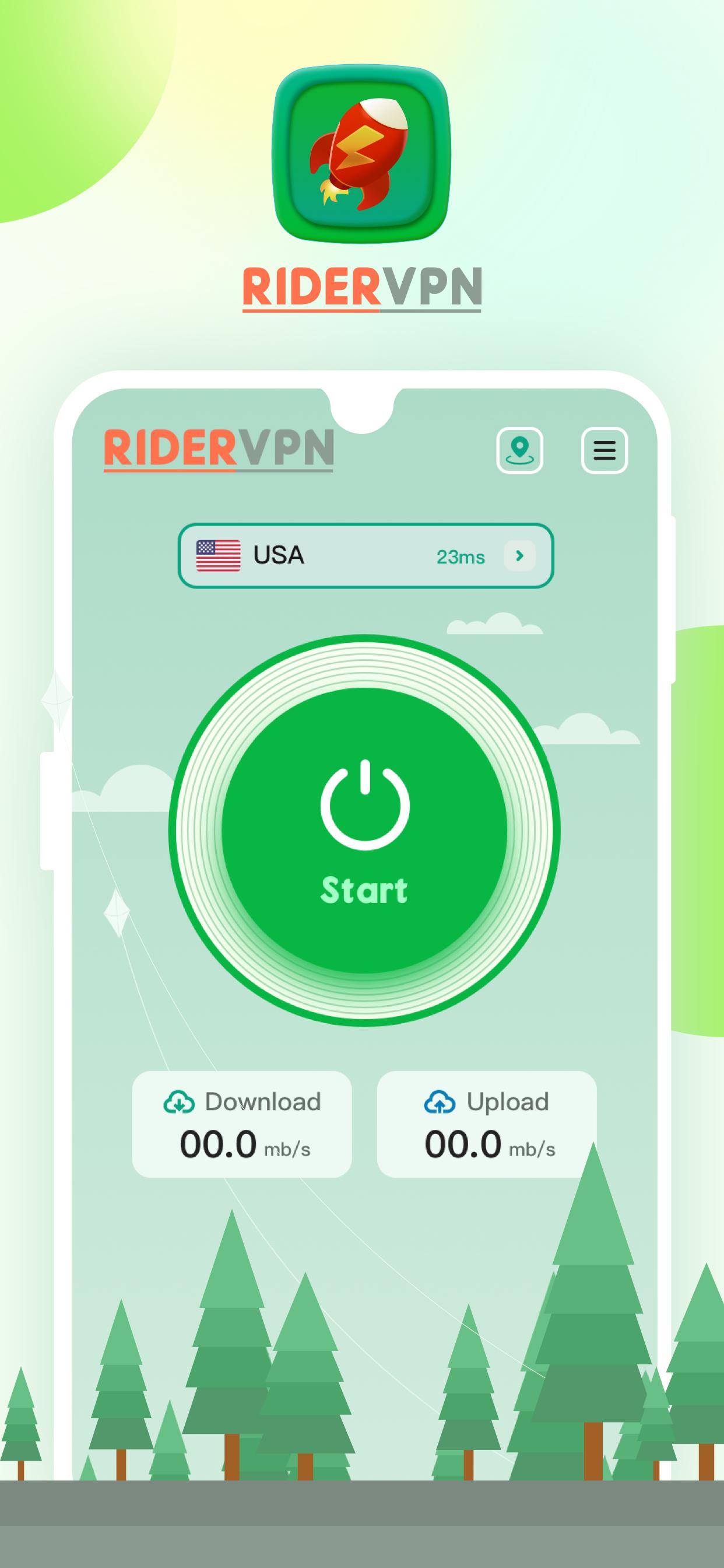
Still looking for the right VPN proxy? look here!
This is your good companion when surfing the Internet.
With the advantages of fast and stable, convenient connection, and humanized design, it relieves you of many worries and allows you to use it in any environment with peace of mind.
- Extensive server coverage ensures fast connections:
Our servers cover multiple regions, are reliable and stable, and have high-quality traffic, bringing you faster Internet speed through faster response time.
- Secure Online Identity:
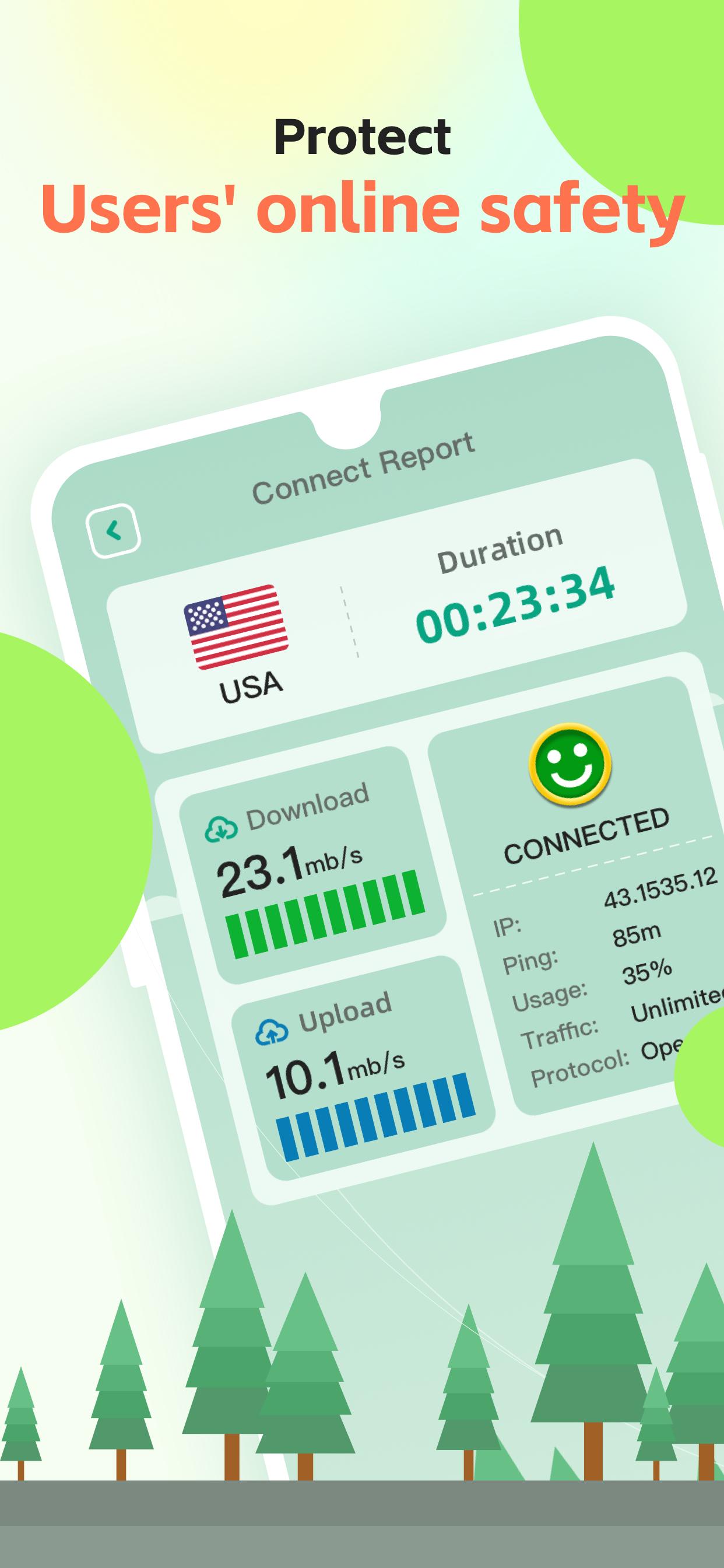
No matter where you roam, we protect your privacy and encrypt your online activity.
Malicious tracking by third parties will be avoided during the connection process.
پیش نظارہ
ٹیگز
اوزارمعلومات
ڈویلپر
YIZE DEV
تازہ ترین ورژن
1.1.3
آخری تازہ کاری
2023-07-05
قسم
اوزار
پر دستیاب ہے۔
Google Play
مزید دکھائیں
پی سی پر گیم لوپ کے ساتھ Rider VPN-betternet proxy کیسے کھیلا جائے۔
1. آفیشل ویب سائٹ سے گیم لوپ ڈاؤن لوڈ کریں، پھر گیم لوپ انسٹال کرنے کے لیے exe فائل چلائیں۔
2. گیم لوپ کھولیں اور "Rider VPN-betternet proxy" تلاش کریں، تلاش کے نتائج میں Rider VPN-betternet proxy تلاش کریں اور "انسٹال کریں" پر کلک کریں۔
3. گیم لوپ پر Rider VPN-betternet proxy کھیلنے کا لطف اٹھائیں۔
Minimum requirements
OS
Windows 8.1 64-bit or Windows 10 64-bit
GPU
GTX 1050
CPU
i3-8300
Memory
8GB RAM
Storage
1GB available space
Recommended requirements
OS
Windows 8.1 64-bit or Windows 10 64-bit
GPU
GTX 1050
CPU
i3-9320
Memory
16GB RAM
Storage
1GB available space