
RemoteNOW PC
Hisense International Co., Ltd
گیم لوپ ایمولیٹر کے ساتھ PC پر RemoteNOW ڈاؤن لوڈ کریں۔
پی سی پر RemoteNOW
RemoteNOW، جو ڈویلپر Hisense International Co., Ltd سے آرہا ہے، ماضی میں اینڈرائیڈ سسٹم پر چل رہا ہے۔
اب، آپ پی سی پر RemoteNOW آسانی سے GameLoop کے ساتھ چلا سکتے ہیں۔
اسے GameLoop لائبریری یا تلاش کے نتائج میں ڈاؤن لوڈ کریں۔ مزید غلط وقت پر بیٹری یا مایوس کن کالوں پر نظر نہیں ڈالی جائے گی۔
بس بڑی سکرین پر RemoteNOW PC کا مفت میں لطف اٹھائیں!
RemoteNOW تعارف
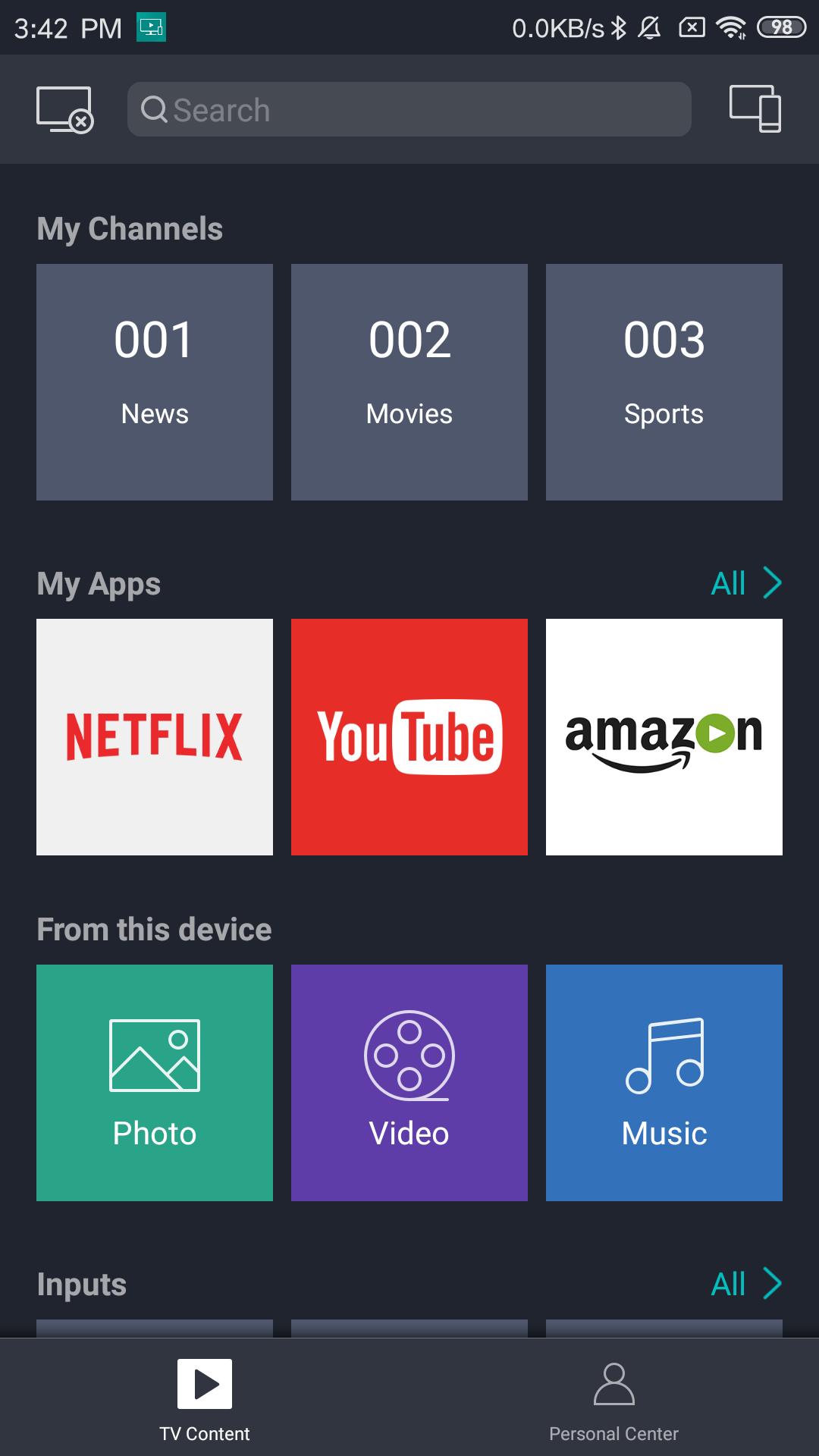
RemoteNOW is the must-to-have assistant for your Hisense 4K Vidaa Smart TV and the latest Hisense 4K Android TV! Here are the major benefits:
- A smart TV remote substitutes your traditional remote control and supports voice command (only available for some models).
- Browse installed TV apps and easily manage them on your phone
- View broadcast TV channels and program information on your phone
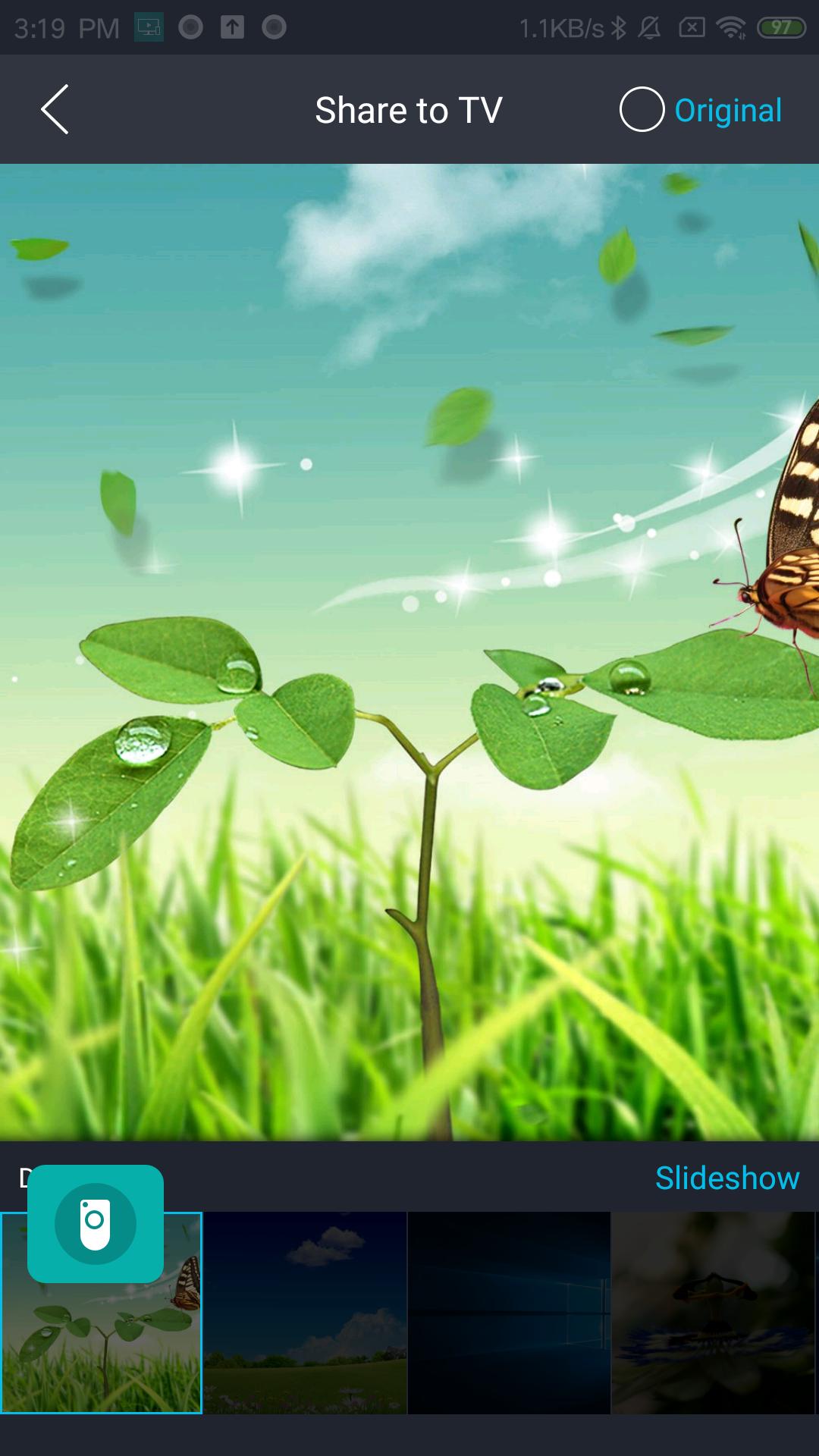
- Show photos and videos from your phone on Hisense TV with simple taps
Supported models:
- 43", 49”, 50”, 55”, 65” H6E Series
- 43”, 55”, 65” H60x0E Series
- 43”, 50”, 55”, 65”, 75” H8E Series (supports voice service)
- 43”, 50”, 55”, 65”, 75” H80x0E Series (supports voice service)
- 55”, 65” H9E Series (supports voice service)
- 55”, 65” H90x0E Series (supports voice service)
-32", 40", 43" V5G Series(supports voice service)
-50", 55" V6G Series (supports voice service)
-50", 55", 65", 75" H8G Series
-65", 75" H9G Series
پیش نظارہ
ٹیگز
اوزارمعلومات
ڈویلپر
Hisense International Co., Ltd
تازہ ترین ورژن
5.01.011
آخری تازہ کاری
2021-04-22
قسم
اوزار
پر دستیاب ہے۔
Google Play
مزید دکھائیں
پی سی پر گیم لوپ کے ساتھ RemoteNOW کیسے کھیلا جائے۔
1. آفیشل ویب سائٹ سے گیم لوپ ڈاؤن لوڈ کریں، پھر گیم لوپ انسٹال کرنے کے لیے exe فائل چلائیں۔
2. گیم لوپ کھولیں اور "RemoteNOW" تلاش کریں، تلاش کے نتائج میں RemoteNOW تلاش کریں اور "انسٹال کریں" پر کلک کریں۔
3. گیم لوپ پر RemoteNOW کھیلنے کا لطف اٹھائیں۔
Minimum requirements
OS
Windows 8.1 64-bit or Windows 10 64-bit
GPU
GTX 1050
CPU
i3-8300
Memory
8GB RAM
Storage
1GB available space
Recommended requirements
OS
Windows 8.1 64-bit or Windows 10 64-bit
GPU
GTX 1050
CPU
i3-9320
Memory
16GB RAM
Storage
1GB available space