
RATCHET VPN (Fast and Secure) PC
Sixty Nine Devs
گیم لوپ ایمولیٹر کے ساتھ PC پر RATCHET VPN (Fast and Secure) ڈاؤن لوڈ کریں۔
پی سی پر RATCHET VPN (Fast and Secure)
RATCHET VPN (Fast and Secure)، جو ڈویلپر Sixty Nine Devs سے آرہا ہے، ماضی میں اینڈرائیڈ سسٹم پر چل رہا ہے۔
اب، آپ پی سی پر RATCHET VPN (Fast and Secure) آسانی سے GameLoop کے ساتھ چلا سکتے ہیں۔
اسے GameLoop لائبریری یا تلاش کے نتائج میں ڈاؤن لوڈ کریں۔ مزید غلط وقت پر بیٹری یا مایوس کن کالوں پر نظر نہیں ڈالی جائے گی۔
بس بڑی سکرین پر RATCHET VPN (Fast and Secure) PC کا مفت میں لطف اٹھائیں!
RATCHET VPN (Fast and Secure) تعارف
RATCHET VPN Is a simple VPN client that working through SSH protocol.
RATCHET VPN Is a simple VPN client that working through SSH protocol.
Premium vpn in the Philippines that you can use for free.
RATCHET VPN is one of the top free vpn in the Philippines that offers stable connection, highspeed servers, bypass filters, and with different tunneling protocols.
No Account Needed
Download RATCHET VPN and experience its features for free without creating login account.
Unbeatable Speed and Reliability
You can connect with different servers located in different countries and safely access contents with highspeed.
24/7 Customer Support
We are here for you to to help you with your questions, queries and issues through our email and social media sites.
Easy to Use
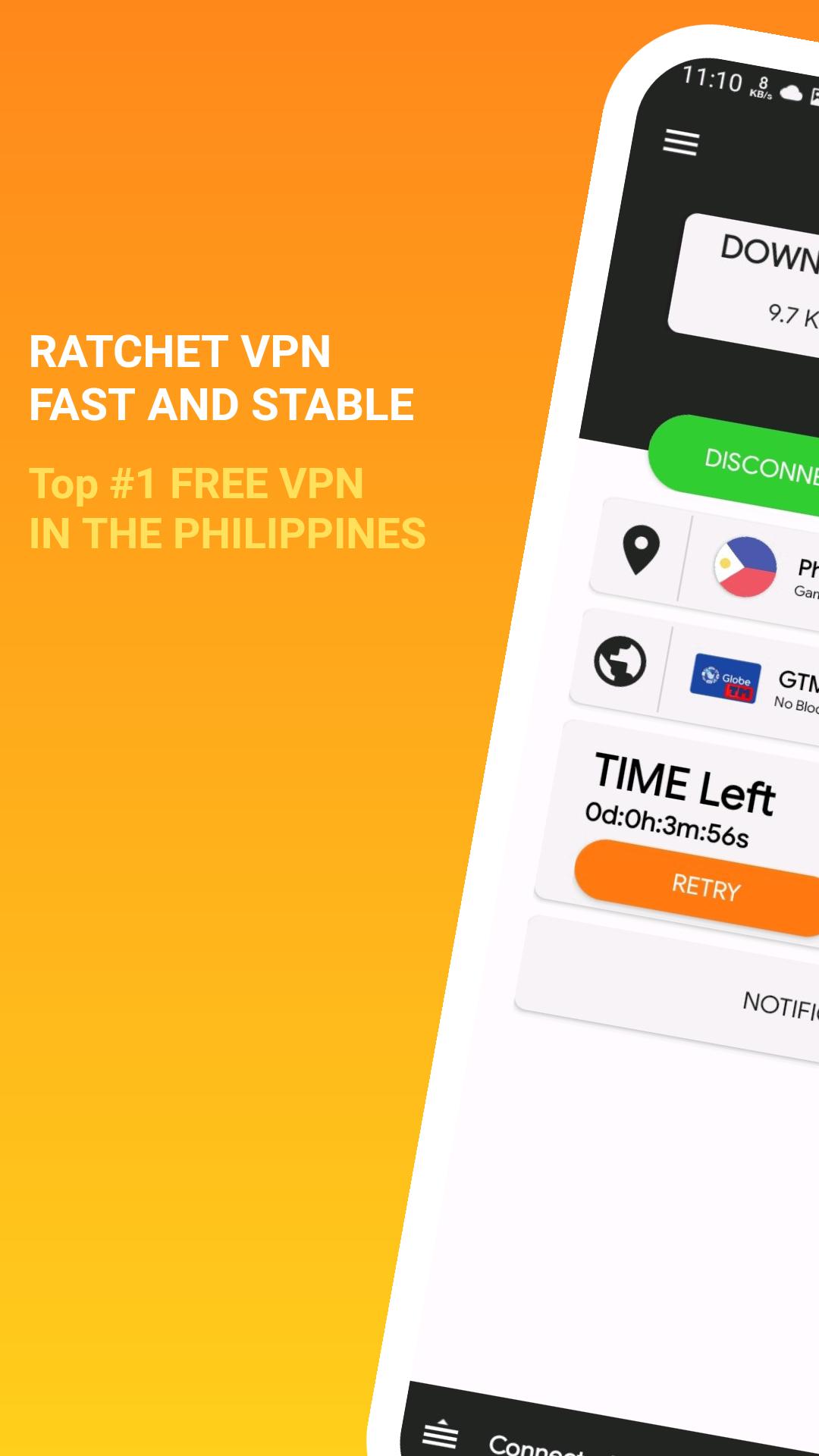
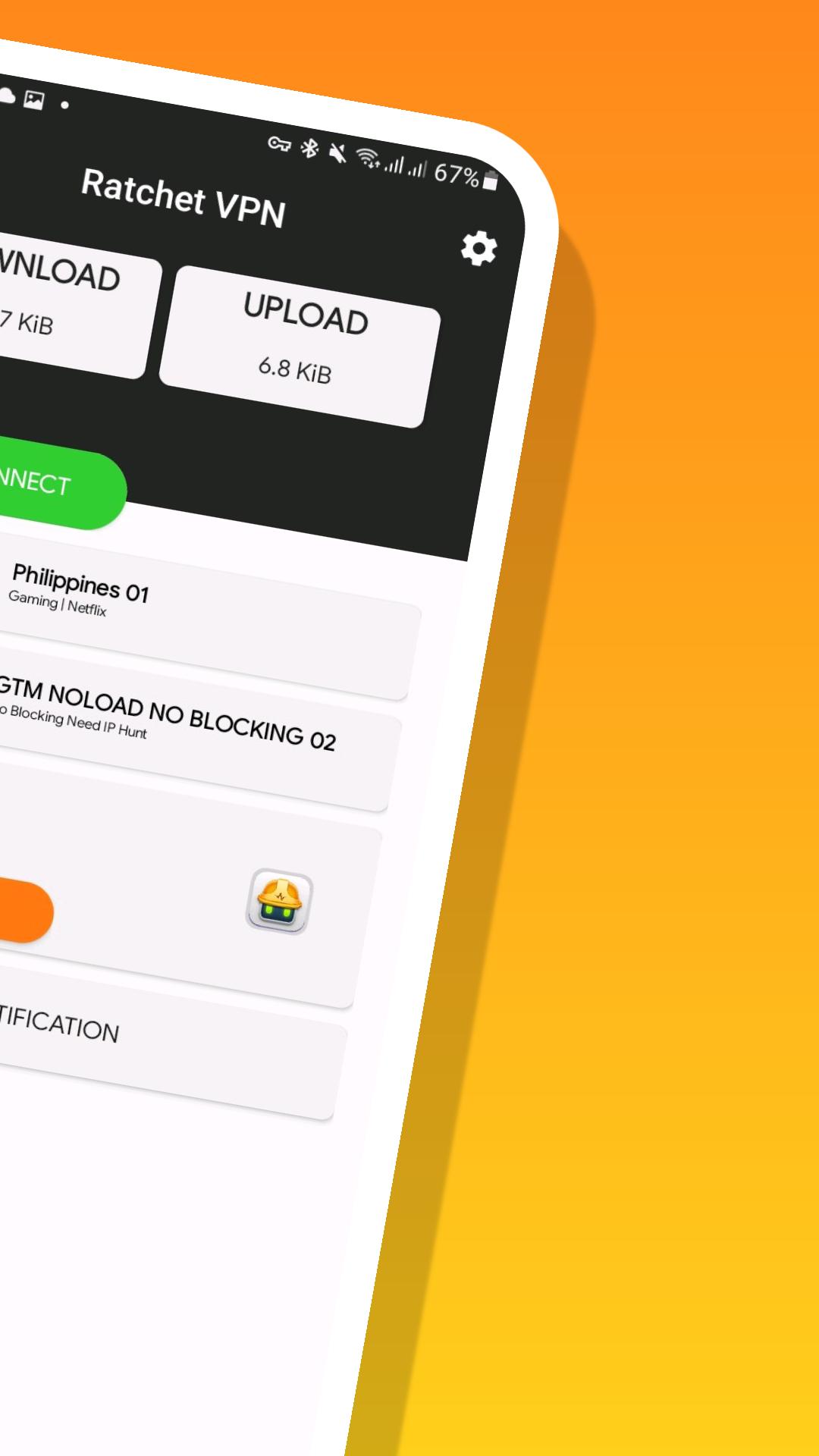
RATCHET VPN is a user friendly vpn that you can use easily. Just click any server and connection you want then click on Connect button.
Features:
Advance Protocol selection
Autoreconnects once disconnected
Fast servers
Supports different vpn protocols (ssh, ssl, websocket Slowdns)
Free Internet Access
Bypass any network restrictions
Free to Use
No Account Needed
No Speed and Bandwith Limit
No Expiration
پیش نظارہ
ٹیگز
اوزارمعلومات
ڈویلپر
Sixty Nine Devs
تازہ ترین ورژن
2.3.3
آخری تازہ کاری
2022-11-13
قسم
اوزار
پر دستیاب ہے۔
Google Play
مزید دکھائیں
پی سی پر گیم لوپ کے ساتھ RATCHET VPN (Fast and Secure) کیسے کھیلا جائے۔
1. آفیشل ویب سائٹ سے گیم لوپ ڈاؤن لوڈ کریں، پھر گیم لوپ انسٹال کرنے کے لیے exe فائل چلائیں۔
2. گیم لوپ کھولیں اور "RATCHET VPN (Fast and Secure)" تلاش کریں، تلاش کے نتائج میں RATCHET VPN (Fast and Secure) تلاش کریں اور "انسٹال کریں" پر کلک کریں۔
3. گیم لوپ پر RATCHET VPN (Fast and Secure) کھیلنے کا لطف اٹھائیں۔
Minimum requirements
OS
Windows 8.1 64-bit or Windows 10 64-bit
GPU
GTX 1050
CPU
i3-8300
Memory
8GB RAM
Storage
1GB available space
Recommended requirements
OS
Windows 8.1 64-bit or Windows 10 64-bit
GPU
GTX 1050
CPU
i3-9320
Memory
16GB RAM
Storage
1GB available space