
QR Power PC
Saeed Eldeeb
گیم لوپ ایمولیٹر کے ساتھ PC پر QR Power ڈاؤن لوڈ کریں۔
پی سی پر QR Power
QR Power، جو ڈویلپر Saeed Eldeeb سے آرہا ہے، ماضی میں اینڈرائیڈ سسٹم پر چل رہا ہے۔
اب، آپ پی سی پر QR Power آسانی سے GameLoop کے ساتھ چلا سکتے ہیں۔
اسے GameLoop لائبریری یا تلاش کے نتائج میں ڈاؤن لوڈ کریں۔ مزید غلط وقت پر بیٹری یا مایوس کن کالوں پر نظر نہیں ڈالی جائے گی۔
بس بڑی سکرین پر QR Power PC کا مفت میں لطف اٹھائیں!
QR Power تعارف
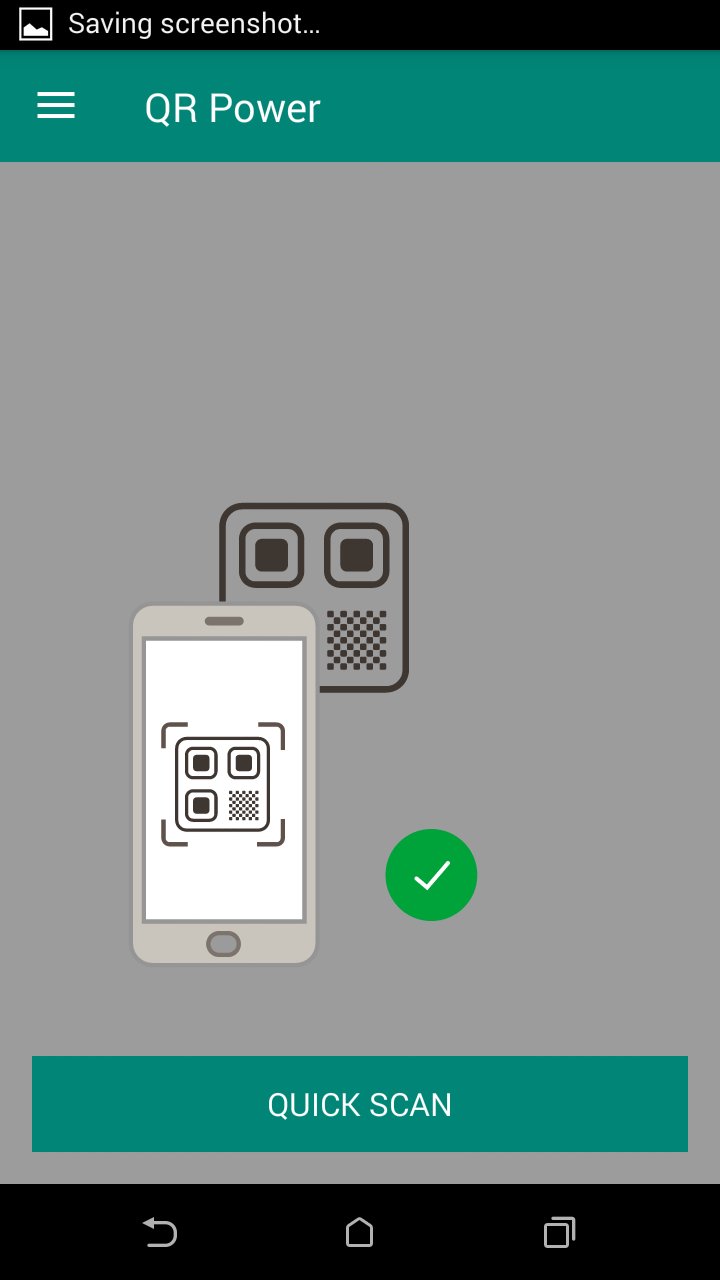
QR & Barcode Scanner / QR code reader is extremely easy to use; simply point to QR or barcode you want to scan and app will automatically detect and scan it. No need to press any buttons, take photos or adjust zoom.
QR Power Scanner can scan and read all QR / barcode types including text, url, ISBN, product, contact, calendar, email, location, Wi-Fi and many other formats. After scan and automatic decoding user is provided with only the relevant options for individual QR or Barcode type and can take appropriate action. You can even use QR & Barcode Scanner to scan coupons / coupon codes to receive discounts and save some money.
Scan product barcodes with QR & Barcode Scanner in shops and compare prices with online prices to save money. QR & Barcode Scanner app is the only QR code reader / barcode scanner you will ever need.
► Like us on Facebook: https://www.facebook.com/SoftizoneTeam/
پیش نظارہ
ٹیگز
اوزارمعلومات
ڈویلپر
Saeed Eldeeb
تازہ ترین ورژن
1.0
آخری تازہ کاری
2019-04-14
قسم
اوزار
پر دستیاب ہے۔
Google Play
مزید دکھائیں
پی سی پر گیم لوپ کے ساتھ QR Power کیسے کھیلا جائے۔
1. آفیشل ویب سائٹ سے گیم لوپ ڈاؤن لوڈ کریں، پھر گیم لوپ انسٹال کرنے کے لیے exe فائل چلائیں۔
2. گیم لوپ کھولیں اور "QR Power" تلاش کریں، تلاش کے نتائج میں QR Power تلاش کریں اور "انسٹال کریں" پر کلک کریں۔
3. گیم لوپ پر QR Power کھیلنے کا لطف اٹھائیں۔
Minimum requirements
OS
Windows 8.1 64-bit or Windows 10 64-bit
GPU
GTX 1050
CPU
i3-8300
Memory
8GB RAM
Storage
1GB available space
Recommended requirements
OS
Windows 8.1 64-bit or Windows 10 64-bit
GPU
GTX 1050
CPU
i3-9320
Memory
16GB RAM
Storage
1GB available space