
PTMate PC
OMICRON electronics GmbH
گیم لوپ ایمولیٹر کے ساتھ PC پر PTMate ڈاؤن لوڈ کریں۔
پی سی پر PTMate
PTMate، جو ڈویلپر OMICRON electronics GmbH سے آرہا ہے، ماضی میں اینڈرائیڈ سسٹم پر چل رہا ہے۔
اب، آپ پی سی پر PTMate آسانی سے GameLoop کے ساتھ چلا سکتے ہیں۔
اسے GameLoop لائبریری یا تلاش کے نتائج میں ڈاؤن لوڈ کریں۔ مزید غلط وقت پر بیٹری یا مایوس کن کالوں پر نظر نہیں ڈالی جائے گی۔
بس بڑی سکرین پر PTMate PC کا مفت میں لطف اٹھائیں!
PTMate تعارف
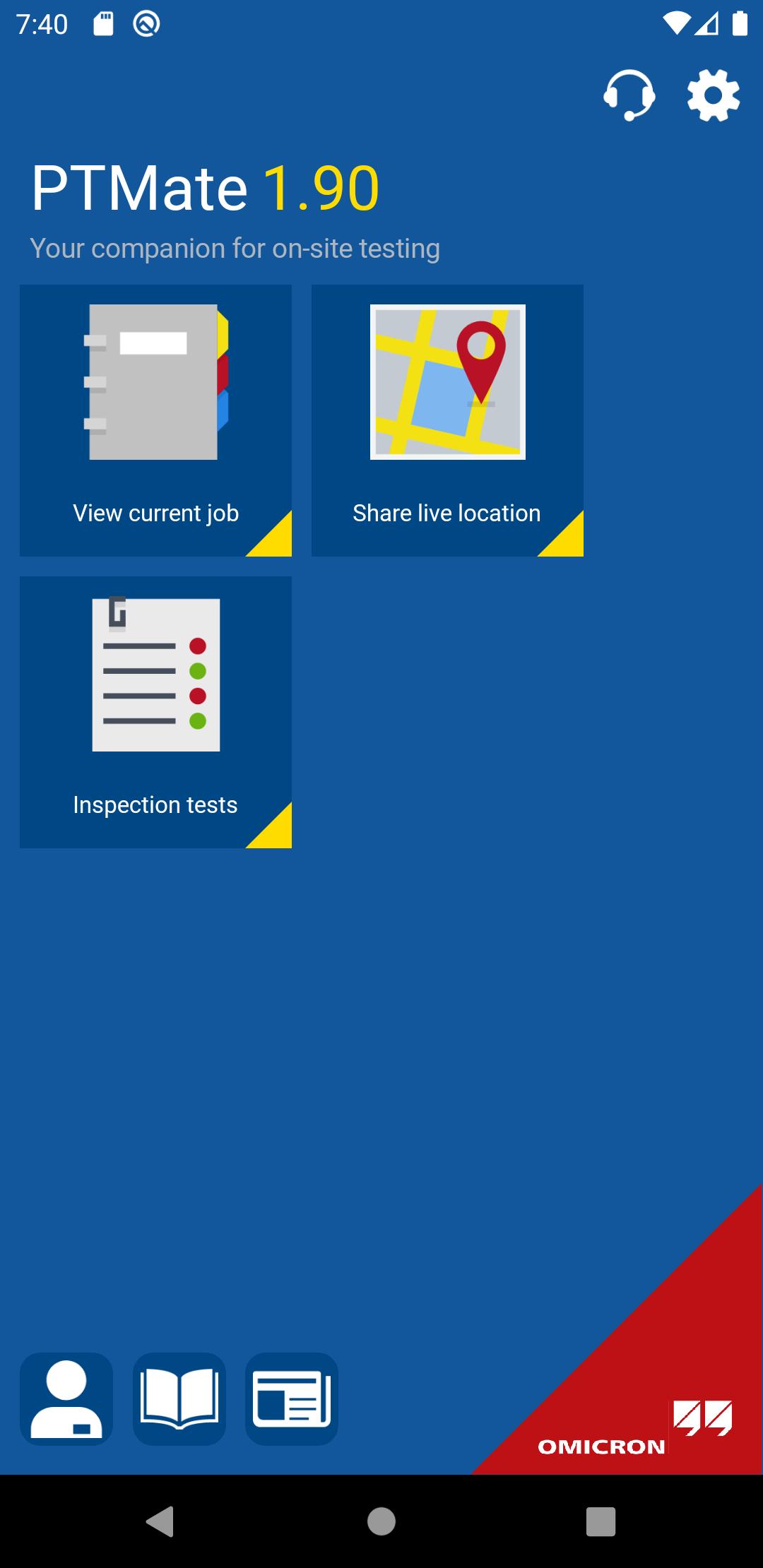
The PTMate app is our mobile and free-of-charge companion for the Primary Test Manager™ (PTM) software. It supports you on site by providing additional features on your smartphone, for example, easy data entering, or fast and safe test wiring.
Using PTMate on your smartphone, you can benefit from:
• Sending images directly to PTM
• Easy location data entering via GPS coordinates
• Displaying wiring diagrams for fast and safe test setup
• Starting and stopping of SFRA measurements together with FRANEO 800
• Stopping of ongoing measurements for all PTM tests
• Consulting the test instructions for all tests
• Conducting offline Inspection Tests directly within the app
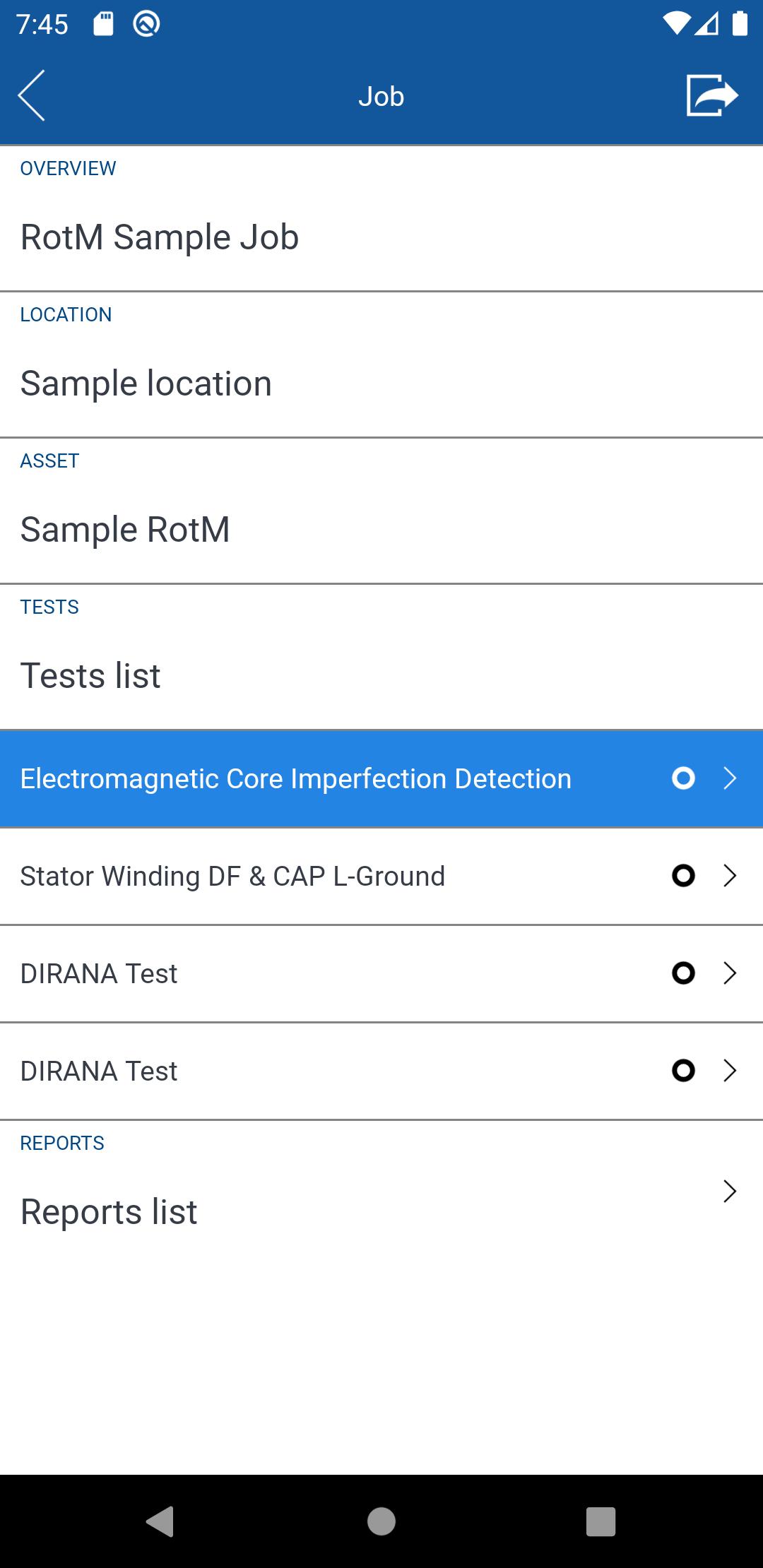
• Conducting Electromagnetic Core Imperfection Detection tests directly within the app
Get further information about PTM and the new PTMate app at https://www.omicronenergy.com/en/products/ptmate/
پیش نظارہ
ٹیگز
اوزارمعلومات
ڈویلپر
OMICRON electronics GmbH
تازہ ترین ورژن
1.95.83
آخری تازہ کاری
2023-03-31
قسم
اوزار
پر دستیاب ہے۔
Google Play
مزید دکھائیں
پی سی پر گیم لوپ کے ساتھ PTMate کیسے کھیلا جائے۔
1. آفیشل ویب سائٹ سے گیم لوپ ڈاؤن لوڈ کریں، پھر گیم لوپ انسٹال کرنے کے لیے exe فائل چلائیں۔
2. گیم لوپ کھولیں اور "PTMate" تلاش کریں، تلاش کے نتائج میں PTMate تلاش کریں اور "انسٹال کریں" پر کلک کریں۔
3. گیم لوپ پر PTMate کھیلنے کا لطف اٹھائیں۔
Minimum requirements
OS
Windows 8.1 64-bit or Windows 10 64-bit
GPU
GTX 1050
CPU
i3-8300
Memory
8GB RAM
Storage
1GB available space
Recommended requirements
OS
Windows 8.1 64-bit or Windows 10 64-bit
GPU
GTX 1050
CPU
i3-9320
Memory
16GB RAM
Storage
1GB available space