
PROSARIS PC
Prosaris Solutions Ltd.
گیم لوپ ایمولیٹر کے ساتھ PC پر PROSARIS ڈاؤن لوڈ کریں۔
پی سی پر PROSARIS
PROSARIS، جو ڈویلپر Prosaris Solutions Ltd. سے آرہا ہے، ماضی میں اینڈرائیڈ سسٹم پر چل رہا ہے۔
اب، آپ پی سی پر PROSARIS آسانی سے GameLoop کے ساتھ چلا سکتے ہیں۔
اسے GameLoop لائبریری یا تلاش کے نتائج میں ڈاؤن لوڈ کریں۔ مزید غلط وقت پر بیٹری یا مایوس کن کالوں پر نظر نہیں ڈالی جائے گی۔
بس بڑی سکرین پر PROSARIS PC کا مفت میں لطف اٹھائیں!
PROSARIS تعارف
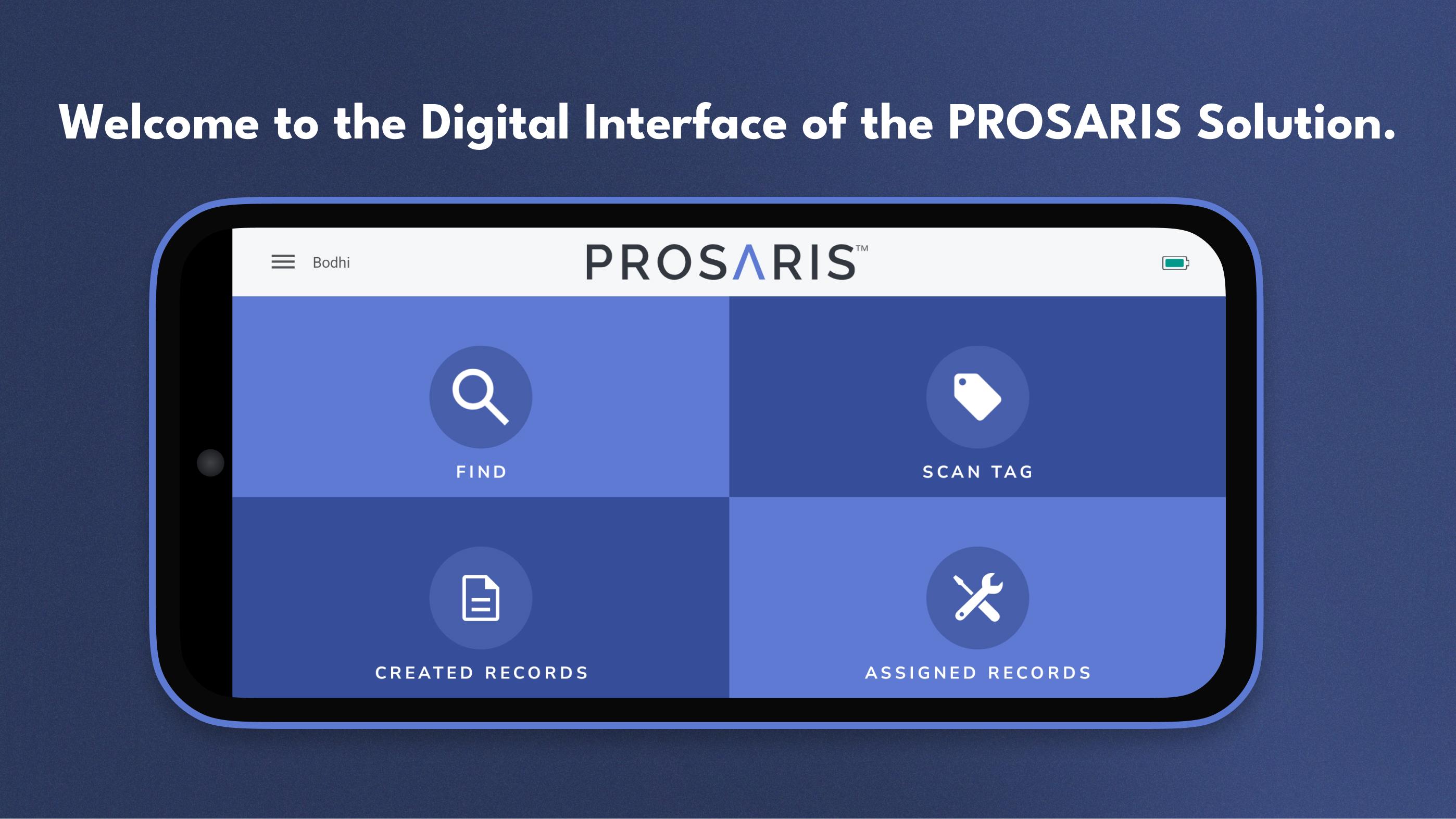
The PROSARIS App provides the digital interface of our PROSARIS Smart Detection & Energy Management Solution. Please note that a PROSARIS OL1 or OL2 ultrasonic sensor is required to fully access the app’s features and functionality. Just connect the sensor to a mobile device with the downloaded PROSARIS app, and you’ve created a handheld ultrasonic source locator and event management tool.
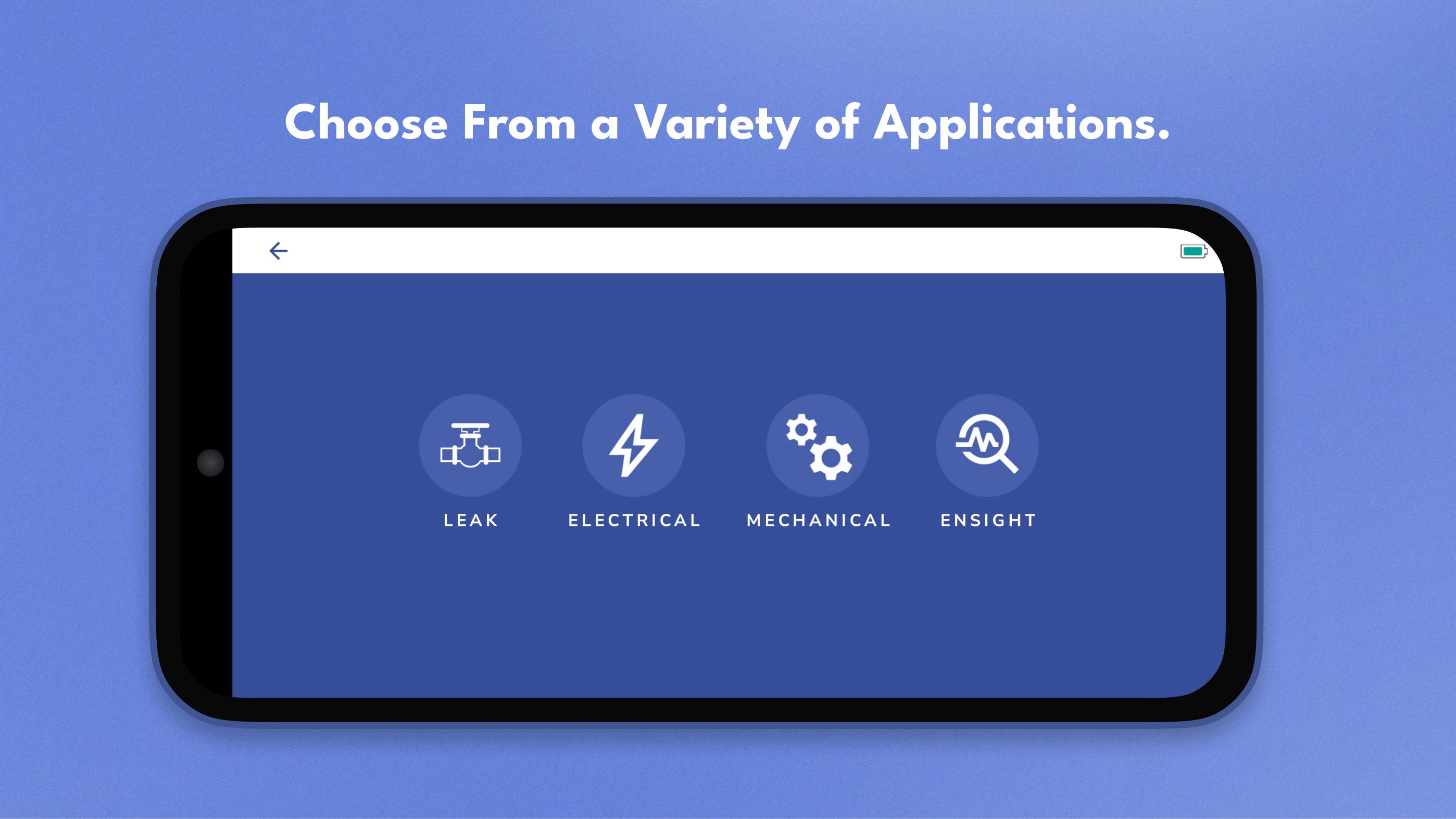
Locate fluid leaks and electrical faults with precision. The app receives data from the OL device’s 24 MEMS microphones and provides volume flow and calculated loss in real time. Additionally, you can upload your facility’s floorplans and create Routes, allowing you to more efficiently locate and document leaks and electrical integrity concerns.
Create records for future resolution. By incorporating event resolution into the regular workflow, PROSARIS enables you to minimize unplanned downtime and operate your systems at optimal efficiency. After you’ve located a leak or fault, easily create a record that includes all relevant data, sound recordings, and images. You can upload your records from the app to the PROSARIS Platform for further analysis, communication, and management. Assign records to team members for increased levels of organization and optimization. You can even add an NFC-enabled Smart Tag to your record, allowing other team members to effortlessly pick up where you left off.
Customize parameters and facility information. The app includes a wide range of settings that ensure your parameter, facility, and company data & information is as dynamic and accurate as possible.
پیش نظارہ
ٹیگز
اوزارمعلومات
ڈویلپر
Prosaris Solutions Ltd.
تازہ ترین ورژن
3.4.2
آخری تازہ کاری
2025-08-21
قسم
اوزار
پر دستیاب ہے۔
Google Play
مزید دکھائیں
پی سی پر گیم لوپ کے ساتھ PROSARIS کیسے کھیلا جائے۔
1. آفیشل ویب سائٹ سے گیم لوپ ڈاؤن لوڈ کریں، پھر گیم لوپ انسٹال کرنے کے لیے exe فائل چلائیں۔
2. گیم لوپ کھولیں اور "PROSARIS" تلاش کریں، تلاش کے نتائج میں PROSARIS تلاش کریں اور "انسٹال کریں" پر کلک کریں۔
3. گیم لوپ پر PROSARIS کھیلنے کا لطف اٹھائیں۔
Minimum requirements
OS
Windows 8.1 64-bit or Windows 10 64-bit
GPU
GTX 1050
CPU
i3-8300
Memory
8GB RAM
Storage
1GB available space
Recommended requirements
OS
Windows 8.1 64-bit or Windows 10 64-bit
GPU
GTX 1050
CPU
i3-9320
Memory
16GB RAM
Storage
1GB available space