
Private Video Downloader PC
KODE Limited
گیم لوپ ایمولیٹر کے ساتھ PC پر Private Video Downloader ڈاؤن لوڈ کریں۔
پی سی پر Private Video Downloader
Private Video Downloader، جو ڈویلپر KODE Limited سے آرہا ہے، ماضی میں اینڈرائیڈ سسٹم پر چل رہا ہے۔
اب، آپ پی سی پر Private Video Downloader آسانی سے GameLoop کے ساتھ چلا سکتے ہیں۔
اسے GameLoop لائبریری یا تلاش کے نتائج میں ڈاؤن لوڈ کریں۔ مزید غلط وقت پر بیٹری یا مایوس کن کالوں پر نظر نہیں ڈالی جائے گی۔
بس بڑی سکرین پر Private Video Downloader PC کا مفت میں لطف اٹھائیں!
Private Video Downloader تعارف
Private Video Downloader is a free browsing app with a video downloader that lets you easily and privily save videos from your favorite entertainment and social media sites to your device.
Save all of your videos in a secure folder, and play back your favorite videos offline for free.
The hot browser is similar to your standard browser, while giving unlimited possibilities.
Find the video you need, the application will recognize it on its own and just click download.
Hope you enjoy our video downloader app and have a wonderful experience of downloading everything you like
How to use:
1 - Copy and paste the link of the video you want to download
2 - Log in to your account of that platform if necessary
3 - Tap the download button and choose the resolution
Features:
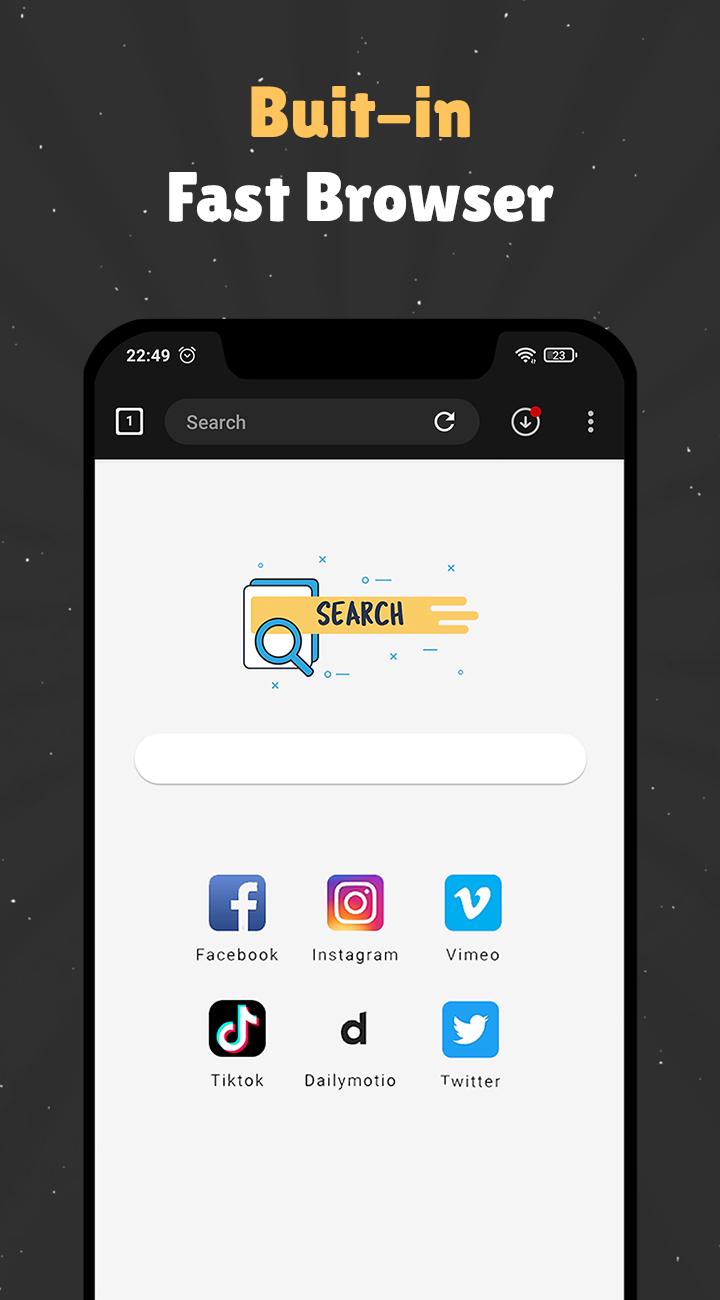
✔️ Full-featured multi-tab private browser
✔️ Download multiple files simultaneously
✔️ Support different video resolutions
✔️ Detect files automatically
✔️ Support Instagram, Facebook, Twitter, ...
✔️ Share with families and friends
✔️ Bookmark your favorite posts
✔️ Quick access to history
✔️ Clean user-interface
✔️ 100% safe and free
Disclaimer:
* Downloading videos from YouTube is not supported due to YouTube policy
* This app is not officially associated with Instagram, Facebook, Twitter, TikTok, etc.
* Please get permission from the content owner before you repost videos.
* Downloading files protected by copyright is prohibited and regulated by the law of the country.
* We are not responsible for any intellectual property violation that results from unauthorized reposts of videos.
* Terms of service: https://sites.google.com/view/terms-of-service/home
پیش نظارہ
ٹیگز
اوزارمعلومات
ڈویلپر
KODE Limited
تازہ ترین ورژن
4.4.2
آخری تازہ کاری
2022-09-18
قسم
اوزار
پر دستیاب ہے۔
Google Play
مزید دکھائیں
پی سی پر گیم لوپ کے ساتھ Private Video Downloader کیسے کھیلا جائے۔
1. آفیشل ویب سائٹ سے گیم لوپ ڈاؤن لوڈ کریں، پھر گیم لوپ انسٹال کرنے کے لیے exe فائل چلائیں۔
2. گیم لوپ کھولیں اور "Private Video Downloader" تلاش کریں، تلاش کے نتائج میں Private Video Downloader تلاش کریں اور "انسٹال کریں" پر کلک کریں۔
3. گیم لوپ پر Private Video Downloader کھیلنے کا لطف اٹھائیں۔
Minimum requirements
OS
Windows 8.1 64-bit or Windows 10 64-bit
GPU
GTX 1050
CPU
i3-8300
Memory
8GB RAM
Storage
1GB available space
Recommended requirements
OS
Windows 8.1 64-bit or Windows 10 64-bit
GPU
GTX 1050
CPU
i3-9320
Memory
16GB RAM
Storage
1GB available space