
Ping Toolkit:Network Test Tool PC
API Software
گیم لوپ ایمولیٹر کے ساتھ PC پر Ping Toolkit:Network Test Tool ڈاؤن لوڈ کریں۔
پی سی پر Ping Toolkit:Network Test Tool
Ping Toolkit:Network Test Tool، جو ڈویلپر API Software سے آرہا ہے، ماضی میں اینڈرائیڈ سسٹم پر چل رہا ہے۔
اب، آپ پی سی پر Ping Toolkit:Network Test Tool آسانی سے GameLoop کے ساتھ چلا سکتے ہیں۔
اسے GameLoop لائبریری یا تلاش کے نتائج میں ڈاؤن لوڈ کریں۔ مزید غلط وقت پر بیٹری یا مایوس کن کالوں پر نظر نہیں ڈالی جائے گی۔
بس بڑی سکرین پر Ping Toolkit:Network Test Tool PC کا مفت میں لطف اٹھائیں!
Ping Toolkit:Network Test Tool تعارف
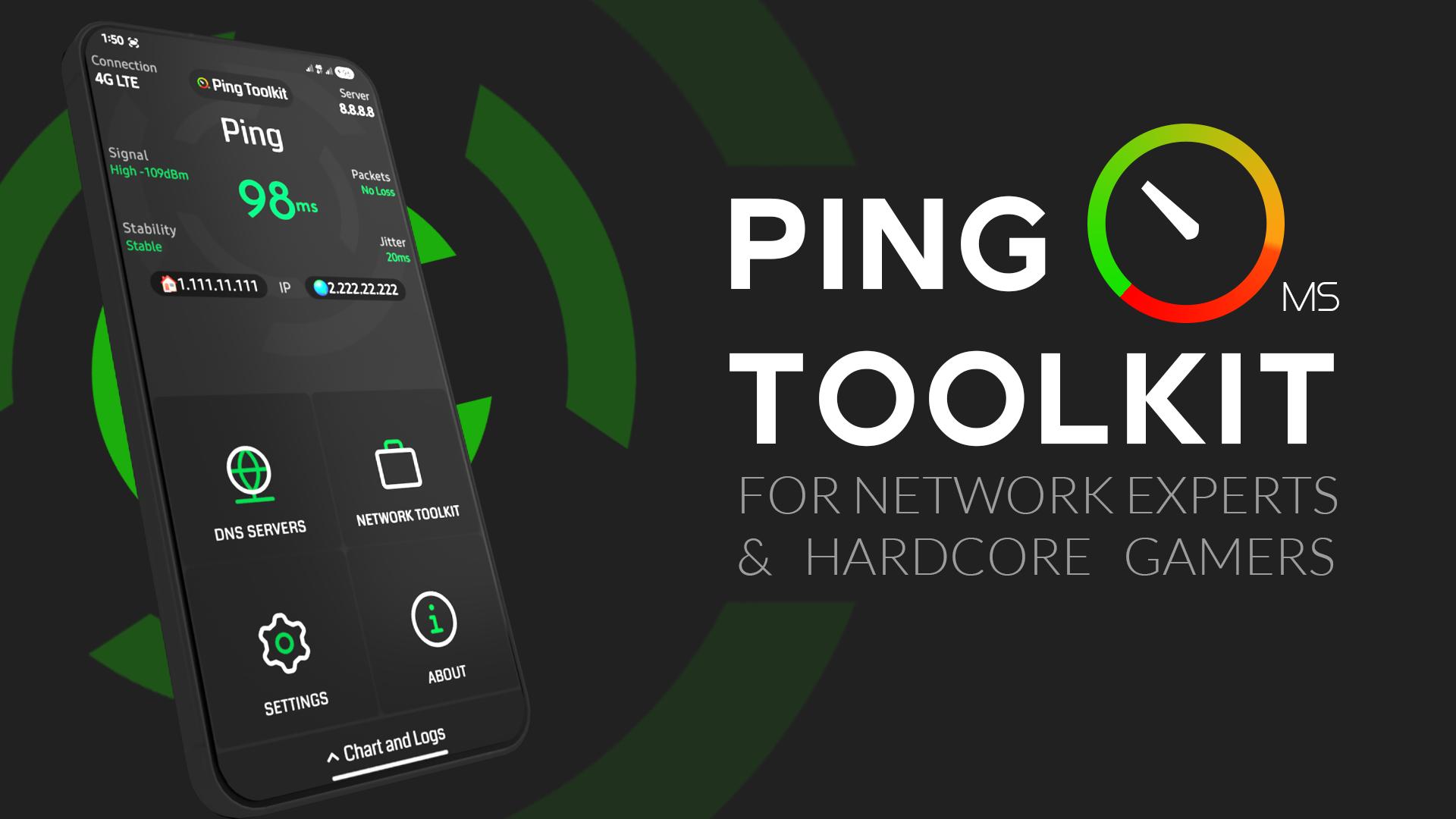
Test Ping and Latency, Calculate Packet Loss and jitter, Ping Servers, Test Network Speed, Test Public DNS Servers, Show Online Games Ping in Real-time, DNS lookup, IP Geolocation, Geolocation ping, Traceroute, MTR, Wifi Scan, Port Scan, Wifi Info Cellular Info, Wifi Call Check, IMEI Check.
✅ Offering all You Need For Internet Quality Testing.
App Features:
• Check Your Internet Ping and signal
• Detect Packet Loss, jitter and network stability
• Check Your Internet Speed download/upload in bits or bytes
• Test Public DNS Servers to know The best For You
• Check online games real Pings with full screen monitor
• Supports Console Terminal (CMD) For Advanced Ping Commands
• Linux Commands Generator included to Set Packets Characteristics Easily
• DNS Lookup
• IP GeoLocation
• Traceroute & MTR
• Wifi Devices Scan & Router Info
• Port Scan
• Cellular Z Info
• Wifi Call Check
• Ping service that shows ping in status bar
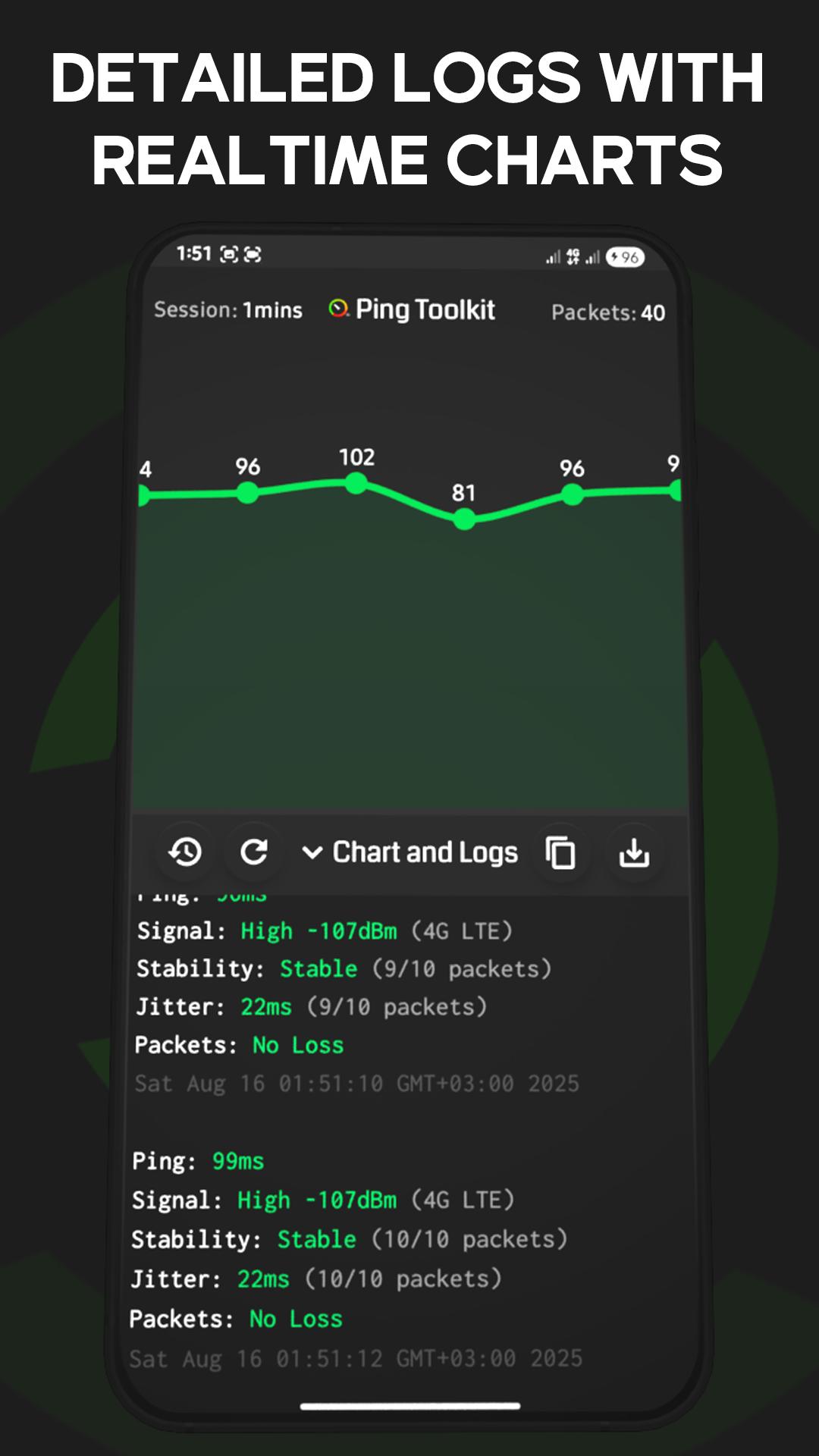
• Detailed logs and charts with auto saved history
🎮 Supported online Games:
- Pubg
- Rocket League
- League of Legends
- Valorant
- Dota 2
- Rainbow SIX Siege
- CS:GO
- Halo Infinite
- OverWatch
- Apex Legends
- Battlefield
- Rogue Company
- FIFA Ultimate Team
- World Of WarCraft
- Fortnite
- World Of Tanks
📌 Note: Phone calls Permission only required for mobile data detection. App will still work without it.
پیش نظارہ
ٹیگز
اوزارمعلومات
ڈویلپر
API Software
تازہ ترین ورژن
6.0.0
آخری تازہ کاری
2025-08-17
قسم
اوزار
پر دستیاب ہے۔
Google Play
مزید دکھائیں
پی سی پر گیم لوپ کے ساتھ Ping Toolkit:Network Test Tool کیسے کھیلا جائے۔
1. آفیشل ویب سائٹ سے گیم لوپ ڈاؤن لوڈ کریں، پھر گیم لوپ انسٹال کرنے کے لیے exe فائل چلائیں۔
2. گیم لوپ کھولیں اور "Ping Toolkit:Network Test Tool" تلاش کریں، تلاش کے نتائج میں Ping Toolkit:Network Test Tool تلاش کریں اور "انسٹال کریں" پر کلک کریں۔
3. گیم لوپ پر Ping Toolkit:Network Test Tool کھیلنے کا لطف اٹھائیں۔
Minimum requirements
OS
Windows 8.1 64-bit or Windows 10 64-bit
GPU
GTX 1050
CPU
i3-8300
Memory
8GB RAM
Storage
1GB available space
Recommended requirements
OS
Windows 8.1 64-bit or Windows 10 64-bit
GPU
GTX 1050
CPU
i3-9320
Memory
16GB RAM
Storage
1GB available space